1. Вступ
The MARATHON 100 Hour Direct Entry Digital Tabletop Timer is designed to assist with precise time management for various tasks. Featuring a large, easy-to-read LCD display and a direct entry keypad, this timer offers both countdown and count-up functionalities, a clock mode, and memory presets for repetitive events. Its robust design includes a magnetic back and an integrated kickstand for versatile placement.
2. Продукт закінчивсяview
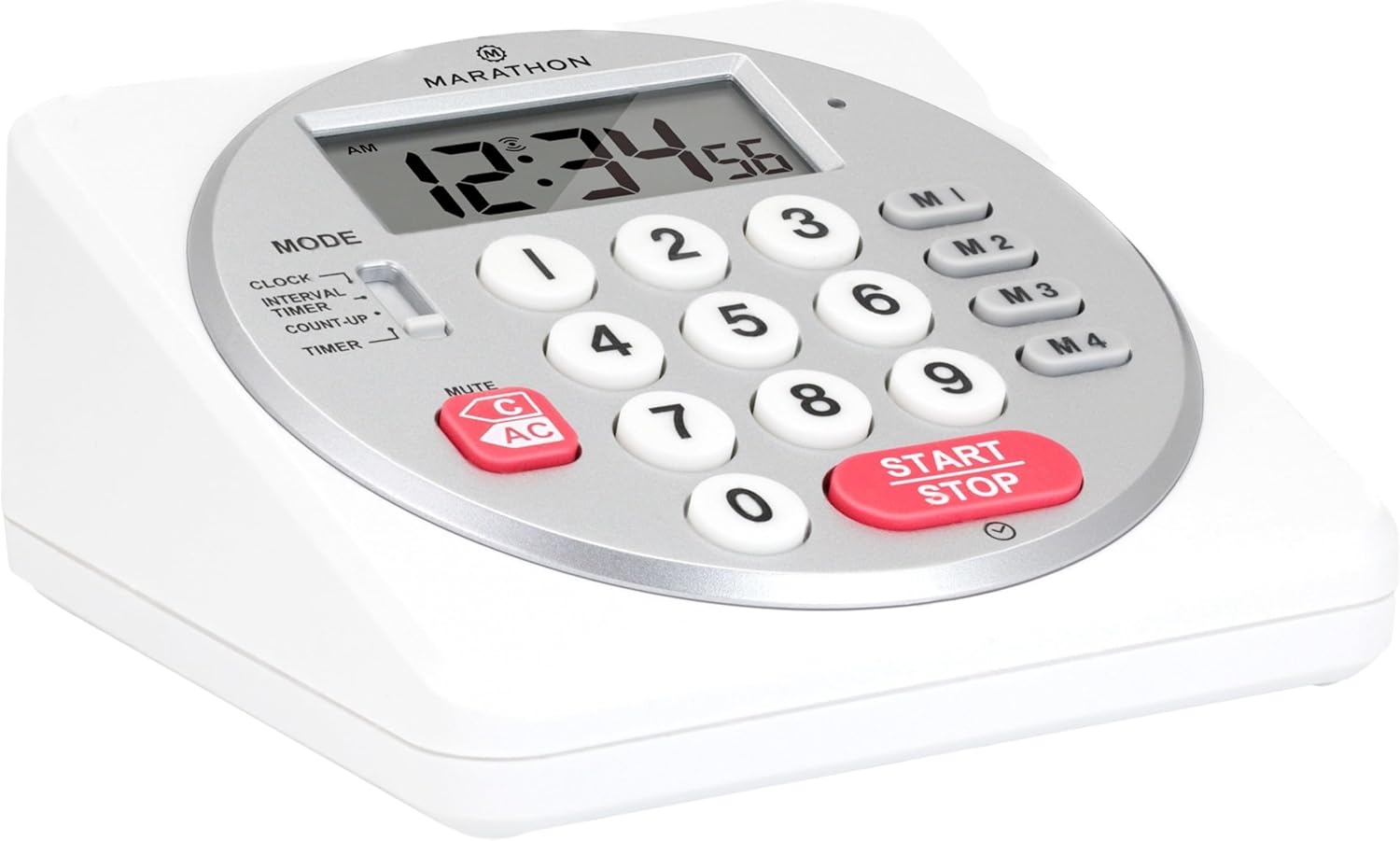
Малюнок 1: Спереду view of the Marathon Digital Timer.
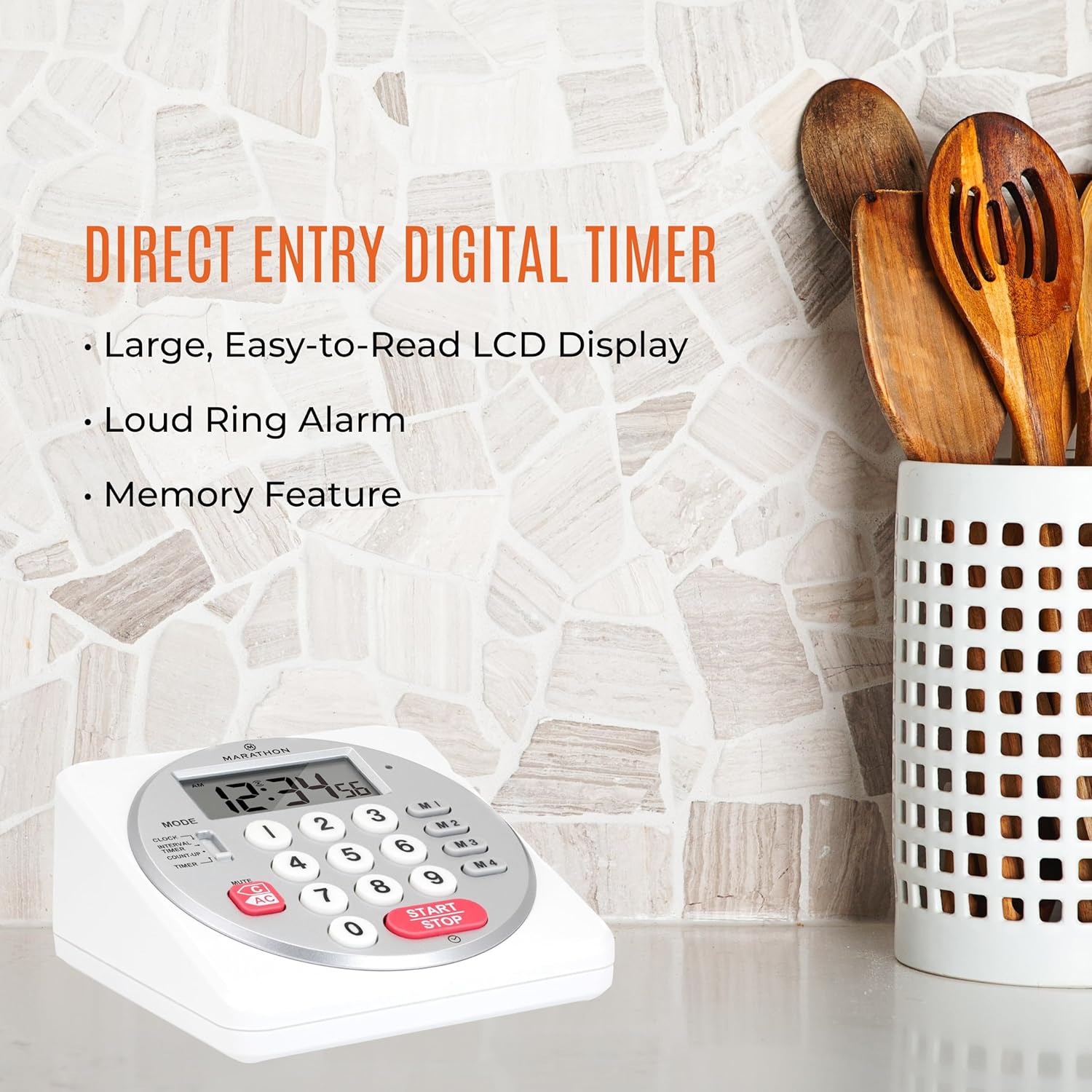
Figure 2: Timer on a kitchen counter, highlighting large display and loud alarm.

Figure 3: Timer showcasing dual function, included batteries, and versatile memory.
Ключові характеристики:
- Direct Entry Keypad: For quick and precise time setting.
- Великий РК-дисплей: Easy-to-read numbers for clear visibility.
- Dual Function Alarm: Supports both countdown and count-up timing up to 99 hours, 59 minutes, and 59 seconds.
- Loud Ring Alarm: Audible across a room.
- Світлодіодний індикатор: Flashing light for silent alarm or hearing impairment assistance.
- Clock Feature: Displays time in 12-hour or 24-hour format when not in timer mode.
- Built-in Memory Function: Stores up to four consecutive times for interval timing and four memory presets for repetitive events.
- Універсальне розміщення: Integrated kickstand for tabletop use and magnetic back for attachment to metal surfaces.
- Батареї в комплекті: Поставляється з 2 батарейками типу АА.
3. Налаштування
3.1. Встановлення батареї
- Знайдіть кришку відсіку для батарейок на задній панелі таймера.
- Відкрийте кришку.
- Insert two (2) AA batteries, ensuring correct polarity (+/-) as indicated inside the compartment. The timer comes with batteries included.
- Надійно закрийте кришку батарейного відсіку.

Малюнок 4: Задня частина view with battery compartment and kickstand.
4. Інструкція з експлуатації
4.1. Вибір режиму
Використовуйте РЕЖИМ switch located on the side of the timer to select between different functions:
- ГОДИННИК: Відображає поточний час.
- INTERVAL TIMER: For setting multiple consecutive timers.
- COUNT-UP: Функціонує як секундомір.
- ТАЙМЕР: For setting a single countdown timer.

Figure 5: MODE switch for function selection.
4.2. Встановлення годинника
- Посуньте РЕЖИМ перейти на ГОДИННИК.
- Натисніть і утримуйте НАБІР кнопку, доки цифри часу не почнуть блимати.
- Use the number keypad (0-9) to enter the desired time (HH:MM).
- Прес НАБІР ще раз, щоб підтвердити та вийти з режиму налаштування годинника.
- Щоб переключитися між 12-годинним та 24-годинним форматом, натисніть кнопку 12/24 год button (if available, or refer to specific model instructions).
4.3. Setting a Countdown Timer (TIMER Mode)
- Посуньте РЕЖИМ перейти на ТАЙМЕР.
- Use the number keypad (0-9) to directly enter the desired countdown time (HH:MM:SS). The timer supports up to 99 hours, 59 minutes, 59 seconds.
- Натисніть ПУСК/СТОП кнопку, щоб розпочати зворотний відлік.
- Щоб призупинити таймер, натисніть ПУСК/СТОП знову. Натисніть ще раз, щоб відновити.
- When the countdown reaches zero, the alarm will sound, and the LED indicator will flash. The timer will then automatically begin counting up to show elapsed time since the alarm.
- To stop the alarm and clear the display, press the ЯСНО кнопку.
4.4. Using the Count-Up Timer (COUNT-UP Mode)
- Посуньте РЕЖИМ перейти на ПІДРАХОВКА.
- Ensure the display shows 00:00:00. If not, press ЯСНО.
- Натисніть ПУСК/СТОП button to begin counting up.
- Щоб призупинити відлік, натисніть ПУСК/СТОП знову. Натисніть ще раз, щоб відновити.
- To reset the count-up timer to zero, press ЯСНО.
4.5. Using Memory Functions (M1-M4 Presets)
The timer features four memory buttons (M1, M2, M3, M4) for storing and recalling frequently used times or for interval timing.
- In ТАЙМЕР mode, enter the desired time using the number keypad.
- Press and hold one of the memory buttons (M1-M4) until the display confirms the time has been saved.
- To recall a saved time, simply press the corresponding memory button (M1-M4). The saved time will appear on the display, ready to start.
- For interval timing, set the first interval, save it to M1. Then set the second interval, save it to M2, and so on. You can then cycle through these presets as needed.
4.6. Регулювання гучності будильника
The timer features a volume switch, typically located on the side or back, allowing you to select between different alarm levels (e.g., High, Low, Mute) or a flashing LED indicator for silent operation.
5. Технічне обслуговування
- Очистіть таймер м’якою, damp тканиною. Не використовуйте абразивні засоби для чищення та не занурюйте пристрій у воду.
- Уникайте тривалого впливу екстремальних температур або прямих сонячних променів на таймер.
- If the display becomes dim or the alarm weakens, replace the batteries promptly.
6. Вирішення проблем
| проблема | Можлива причина | Рішення |
|---|---|---|
| Timer not turning on. | Батареї розряджені або встановлені неправильно. | Перевірте полярність батарейок або замініть їх новими батарейками типу АА. |
| Дисплей тьмяний. | Низький заряд батареї. | Замініть батареї. |
| Сигналізація не звучить. | Alarm volume is set to mute or low. | Check the alarm volume switch and adjust as needed. |
| Таймер не реагує на натискання кнопок. | Unit may be in a locked state (if applicable) or requires a reset. | Remove and reinsert batteries to perform a hard reset. Check for any lock switches. |
7. Технічні характеристики
- модель: TI030018WH
- Бренд: МАРАФОН
- матеріал: пластик
- Розміри: 4.45 x 2.64 x 4.45 дюймів
- Вага товару: 7.1 унції
- Джерело живлення: 2 батарейки типу АА (в комплекті)
- Max Timer Duration: 99 годин, 59 хвилин, 59 секунд
- особливості: Direct Entry, Dual Function (Count-up/Count-down), Clock, Memory Presets, LED Indicator, Magnetic Back, Kickstand
- UPC: 063442000342

Рисунок 6: Розміри виробу.
8. Гарантія та підтримка
Щоб отримати інформацію про гарантію або технічну підтримку, зверніться до офіційного представника виробника webсайт або зверніться до їхнього відділу обслуговування клієнтів. Зберігайте чек про покупку як підтвердження покупки.


