1. Вступ
This manual provides essential information for setting up, operating, maintaining, and troubleshooting your Sharp Aquos QLED 55 Inch 4K Ultra HD Xumo Smart TV. Please read this manual thoroughly before using your television and retain it for future reference.
Зображення: спереду view of the Sharp Aquos QLED 55 Inch 4K Ultra HD Xumo Smart TV.
2. Інформація про безпеку
Always follow basic safety precautions when using this television to reduce the risk of fire, electric shock, and injury. Keep the television away from moisture, direct sunlight, and heat sources. Ensure proper ventilation and do not block any ventilation openings. Use only the power cord and accessories specified by the manufacturer. Refer to the full safety guidelines in the included printed manual.
3. Що в коробці
Your Sharp Aquos QLED 55 Inch 4K Ultra HD Xumo Smart TV package includes:
- Sharp Aquos QLED 55 Inch 4K Ultra HD Xumo Smart TV
- Голосовий пульт дистанційного керування
- Тумба під телевізор (2 шт.)
- Гвинти для підставки під телевізор
- Шнур живлення
- Посібник користувача (цей документ)
- Короткий посібник
4. Налаштування
4.1 Кріплення підставки для телевізора
- Обережно покладіть телевізор екраном вниз на м’яку рівну поверхню, щоб запобігти пошкодженню.
- Вирівняйте кожну частину підставки з відповідними отворами для гвинтів на нижній частині телевізора.
- Закріпіть кожну частину підставки за допомогою наданих гвинтів. Переконайтеся, що вони міцно затягнуті.
4.2 Настінне кріплення (додатково)
If you choose to wall mount your TV, ensure you use a VESA-compatible wall mount kit (sold separately) that supports the 55-inch screen size and weight. Follow the instructions provided with your wall mount kit. Remove the TV stand before mounting.
4.3 Підключення пристроїв
Connect your external devices (cable box, gaming console, soundbar, etc.) to the appropriate ports on the back of the TV. The Sharp Aquos QLED TV features multiple HDMI inputs for versatile connectivity.

Зображення: Задня частина view of the Sharp Aquos QLED TV showing cable management through the stand.
4.4 Підключення живлення
Plug the power cord into the TV's power input, then into a wall outlet. The TV is now ready for initial setup.
5. Інструкція з експлуатації
5.1 Початкове налаштування та підключення до мережі
Upon first power-on, the TV will guide you through the initial setup process. This includes selecting your language, connecting to your Wi-Fi network (dual-band Wi-Fi supported for reliable streaming), and agreeing to terms and conditions. Follow the on-screen prompts.
5.2 Функції дистанційного керування
The included voice remote allows for intuitive navigation. Use the directional pad to move through menus, the OK button to select, and dedicated buttons for popular streaming services. The built-in voice search feature provides hands-free control for launching apps, adjusting volume, and switching inputs.
5.3 Xumo Smart TV Platform
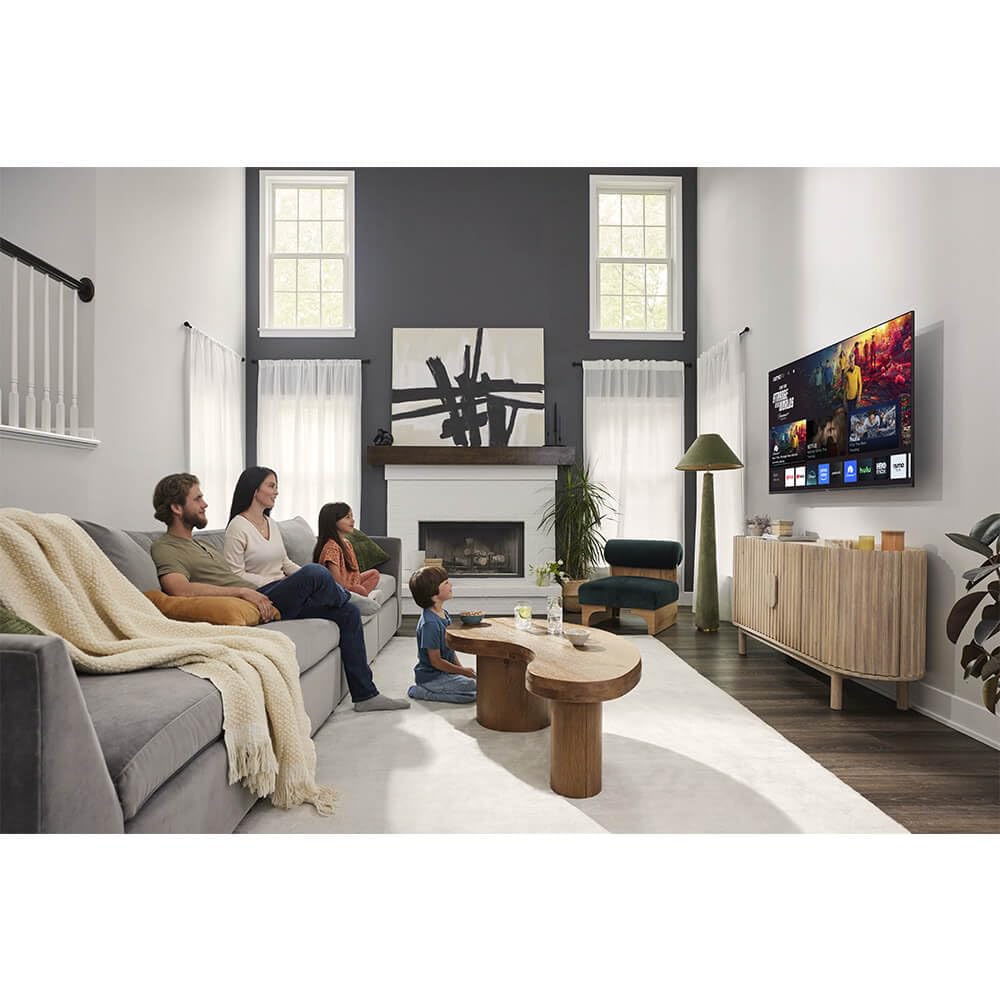
The Xumo Smart TV system offers fast and intuitive access to your favorite streaming applications. The clean home screen allows for easy navigation and personalized content recommendations.
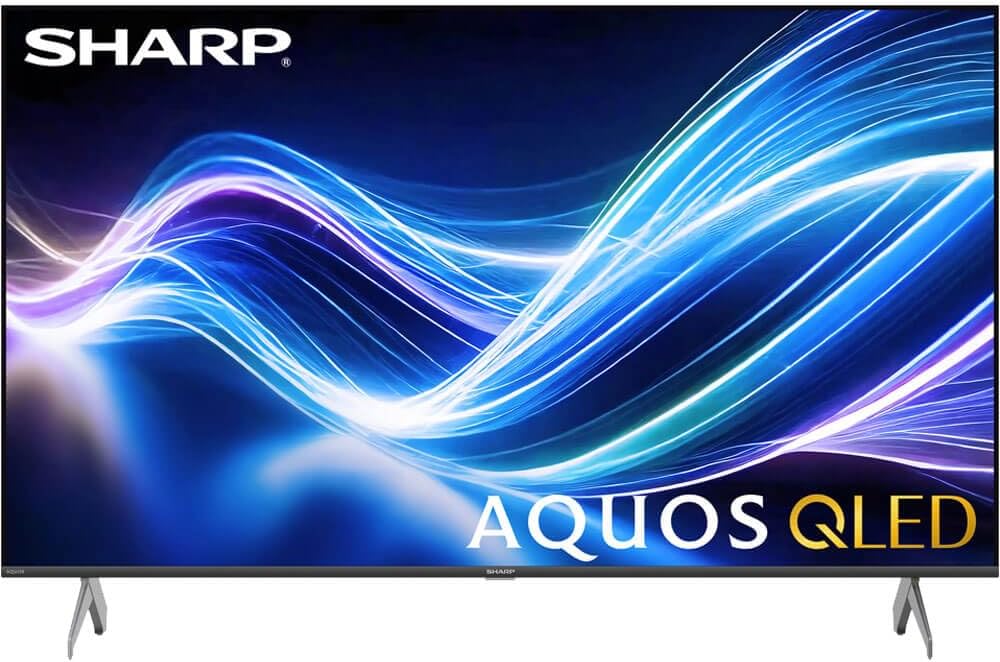
Image: The Xumo Smart TV home screen displaying various streaming apps and voice search functionality.
5.4 Налаштування зображення та звуку
Your Sharp Aquos QLED TV supports advanced picture and sound technologies:
- 4K QLED дисплей: Enjoy vibrant, lifelike images with Quantum Dot color and enhanced brightness.
- Dolby Vision та HDR10: These premium HDR formats optimize contrast, depth, and clarity for cinematic picture quality. Access picture settings via the TV menu to fine-tune brightness, contrast, color, and sharpness.
- Імерсивне аудіо: The TV features optimized sound processing for clear dialogue and enhanced bass. Connect Bluetooth headphones or speakers for wireless listening. Adjust audio modes (Standard, Music, Movie, Speech, Custom) in the sound settings.
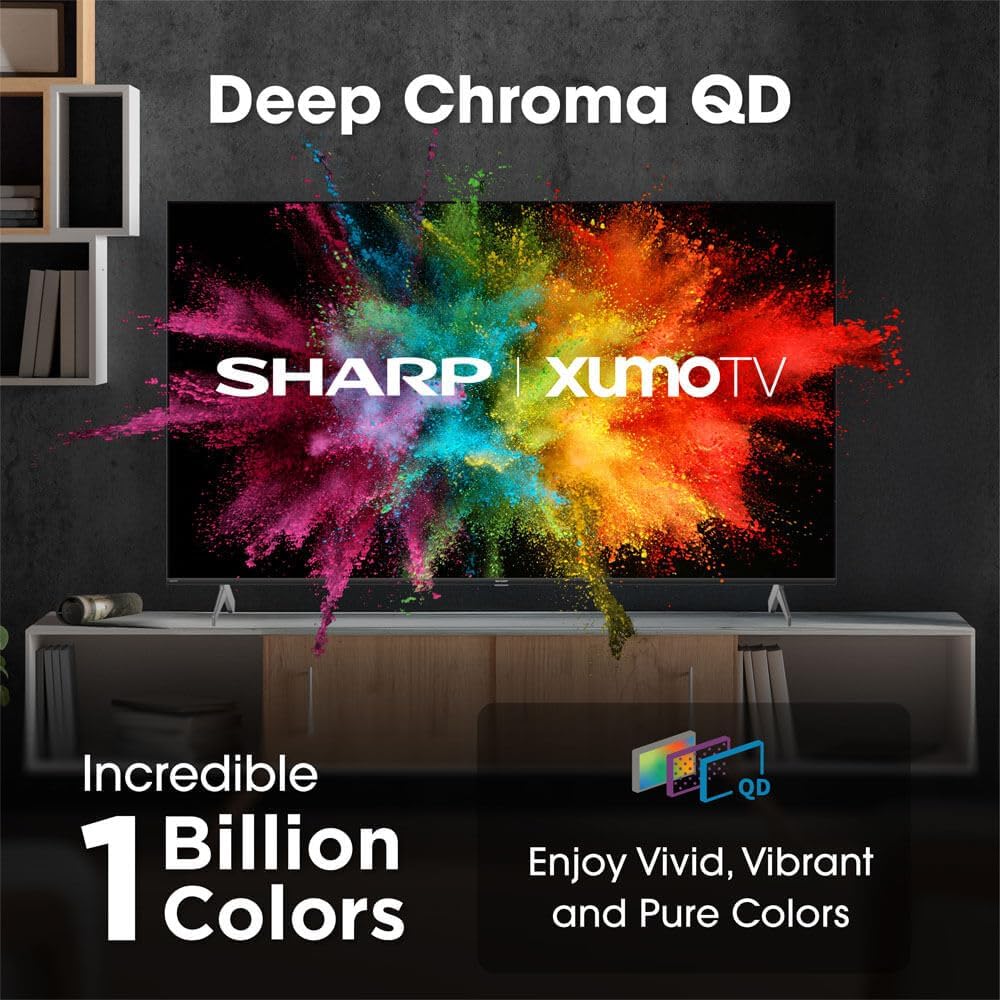
Image: Comparison of Dolby Vision enhanced picture quality against a standard display.

Image: Visual representation of Dolby Atmos creating immersive sound in a living room setting.
6. Технічне обслуговування
6.1 Очищення телевізора
Щоб очистити екран, обережно протріть його м’якою тканиною без ворсу. Для стійких плям злегка протрітьampen the cloth with water or a screen-cleaning solution. Never spray liquid directly onto the screen. Clean the TV's exterior with a soft, dry cloth.
6.2 Оновлення програмного забезпечення
Your TV may receive automatic software updates to improve performance and add new features. Ensure your TV is connected to the internet to receive these updates. You can also manually check for updates in the TV's settings menu.
7. Вирішення проблем
| проблема | Можлива причина | Рішення |
|---|---|---|
| Немає живлення | Power cord not connected, power outlet not working. | Перевірте підключення шнура живлення, спробуйте іншу розетку. |
| Немає зображення/звуку | Incorrect input selected, external device off/disconnected. | Verify input source, check device power and connections. |
| Пульт не працює | Batteries low/dead, obstruction between remote and TV. | Замініть батарейки, усуньте перешкоди, за потреби відремонтуйте пульт дистанційного керування. |
| Проблеми з підключенням Wi-Fi | Router issues, incorrect password, weak signal. | Restart router, re-enter Wi-Fi password, move TV closer to router or use Ethernet. |
8. Технічні характеристики
- Бренд: Гострий
- Номер моделі: 4TC55HP7050U
- Розмір екрана: 55 дюймів
- Технологія дисплея: QLED Smart
- роздільна здатність: 4K Ultra HD
- Частота оновлення: 60 Гц
- Особливості: Flat, Dolby Vision, HDR10, Xumo Smart TV, Voice Remote, Bluetooth, Dual-band Wi-Fi
- Технологія підключення: RCA, HDMI (multiple ports)
- Підтримувані служби Інтернету: Netflix, Hulu, Amazon Prime Video (and more via Xumo platform)
- Вага товару: 32 фунта
- колір: чорний
9. Гарантія та підтримка
Щоб отримати інформацію про гарантію та технічну підтримку, зверніться до гарантійного талона, що додається до вашого продукту, або відвідайте офіційний веб-сайт Sharp. webсайт. Зберігайте чек про покупку як підтвердження покупки для гарантійних претензій.


