1. Вступ
The Brother DCP-L2640DW is a compact, high-performance monochrome laser all-in-one printer designed for home offices and small workgroups. This manual provides essential information for setting up, operating, maintaining, and troubleshooting your printer to ensure optimal performance.
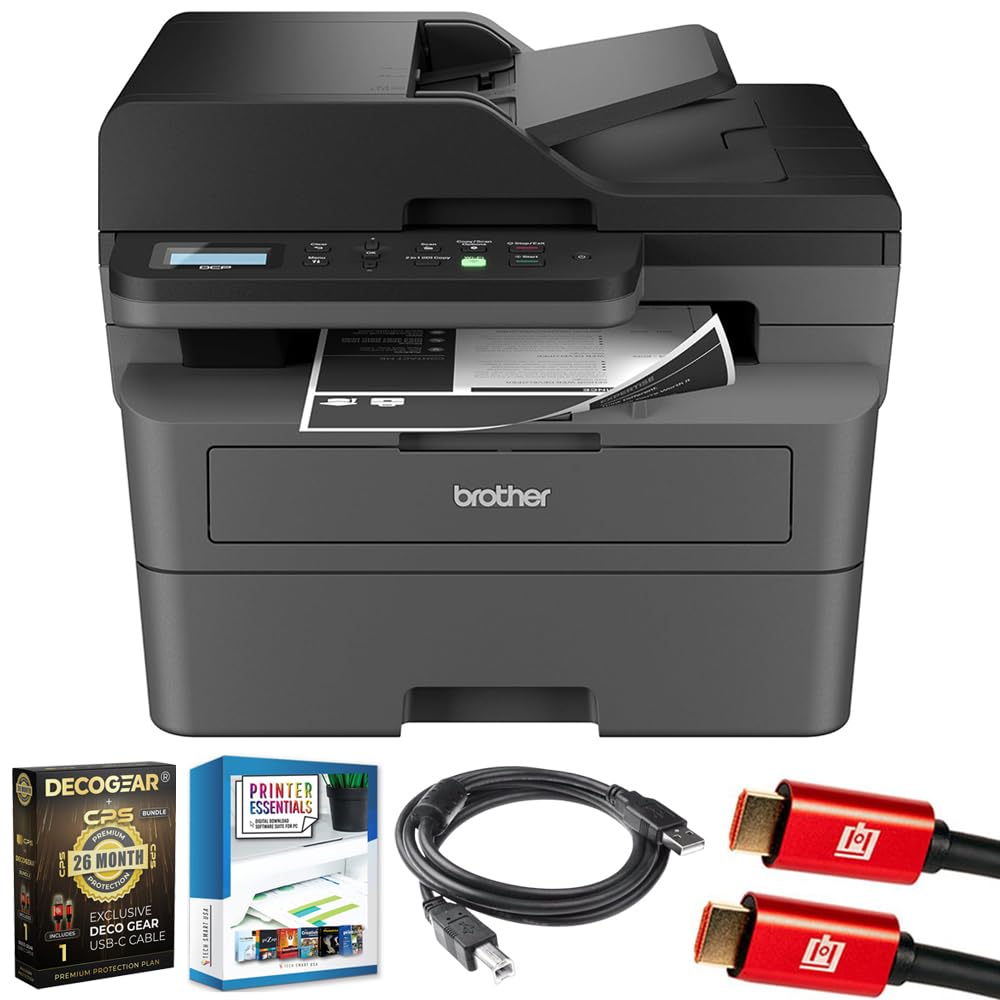
Image 1.1: Brother DCP-L2640DW Compact Monochrome Laser Printer
2. Ключові характеристики
- Функціональність 3-в-1: Print, copy, and scan capabilities in a compact design.
- Висока швидкість друку: Delivers up to 36 pages per minute for efficient task completion.
- Автоматичний двосторонній друк: Built-in two-sided printing to save time and paper.
- Автоматичний подавач документів (ADF) на 50 аркушів: Для ефективного сканування та копіювання багатьох сторінок.
- High-Capacity Paper Handling: 250-sheet paper tray plus a manual feed slot for diverse media types.
- Гнучкі можливості підключення: Dual-band Wi-Fi, Ethernet, USB, and mobile printing via Brother Mobile Connect, AirPrint, Mopria, and Wi-Fi Direct.
- Advanced Network Security: Features like TLS/SSL, SNMP v3, and IP filtering for secure operation.

Зображення 2.1: закінченоview of the Brother DCP-L2640DW's key features including print speed, connectivity, and compact design.
3. Що в коробці
- Brother DCP-L2640DW Monochrome Laser Printer
- Starter Black Toner Cartridge (approx. 700 pages)
- Brother DR830 Drum Unit (approx. 15,000 pages)
- Шнур живлення змінного струму
- Documentation (Quick Setup Guide, Product Safety and Protection Information)
4. Налаштування
4.1. Розпакування
- Обережно вийміть принтер з упаковки.
- Зніміть усі захисні стрічки та пакувальні матеріали із зовнішньої та внутрішньої частин принтера.
4.2. Встановлення тонер-картриджа та блоку фотобарабана
- Відкрийте передню кришку принтера.
- Remove the toner cartridge and drum unit assembly from the printer.
- Unpack the new toner cartridge and drum unit.
- Щільно вставте тонер-картридж у блок фотобарабана, доки він не зафіксується на місці.
- Slide the green tab on the drum unit from left to right several times to clean the corona wire. Return the tab to the home position.
- Reinstall the toner cartridge and drum unit assembly into the printer.
- Закрийте передню кришку.
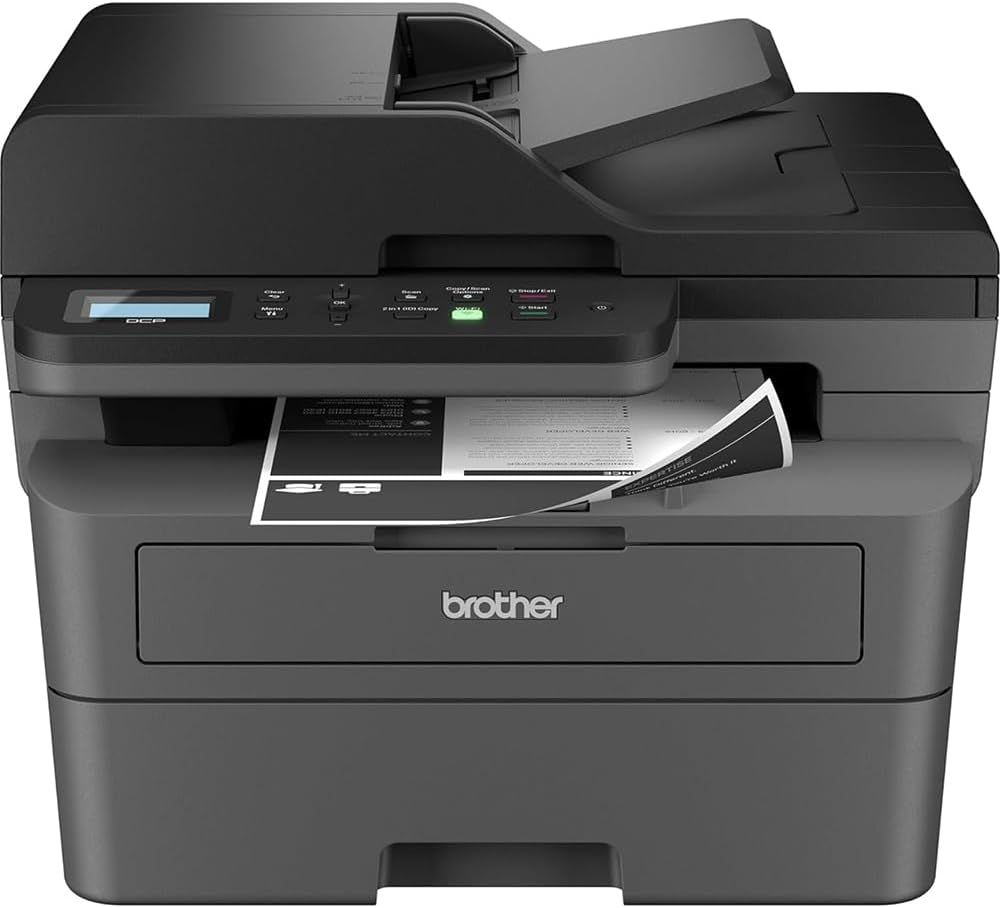
Image 4.1: The Brother DCP-L2640DW printer with the front cover open, showing the toner cartridge and drum unit assembly.
4.3. Підключення живлення
- Connect the AC power cord to the printer's power input.
- Підключіть інший кінець шнура живлення до заземленої електричної розетки.
- Натисніть кнопку живлення, щоб увімкнути принтер.
4.4. Initial Setup & Connectivity
Follow the on-screen instructions on the printer's LCD display to complete the initial setup, including language selection and date/time settings.
- Бездротове налаштування: Navigate to the network settings on the printer's control panel, select your Wi-Fi network, and enter the password.
- Підключення Ethernet: Підключіть кабель Ethernet від маршрутизатора або мережевого концентратора до порту Ethernet принтера.
- Підключення USB: Підключіть USB-кабель від комп’ютера до USB-порту принтера.
- Встановлення драйвера: Install the printer drivers from the included CD-ROM or download them from the official Brother support webсайт.
Відео 4.1: Продукт понадview video demonstrating the Brother DCP-L2640DW printer's features and ease of use.
5. Інструкція з експлуатації
5.1. Друк документів
- Load paper into the 250-sheet paper tray or the manual feed slot.
- From your computer or mobile device, open the document you wish to print.
- Виберіть «Друк» у меню програми.
- Choose your Brother DCP-L2640DW printer.
- За потреби налаштуйте параметри друку (наприклад, кількість копій, двосторонній друк).
- Натисніть кнопку «Друк».
5.2. Копіювання документів
- Покладіть документ лицьовою стороною вниз на скло сканера або лицьовою стороною вгору в автоматичний подавач документів (АПД).
- On the printer's control panel, press the 'Copy' button.
- Use the arrow keys to select the number of copies or adjust other settings.
- Натисніть кнопку «Пуск», щоб розпочати копіювання.

Image 5.1: The Brother DCP-L2640DW highlighting its Automatic Document Feeder for multi-page tasks.
5.3. Сканування документів
- Покладіть документ лицьовою стороною вниз на скло сканера або лицьовою стороною вгору в АПД.
- On the printer's control panel, press the 'Scan' button.
- Select your desired scan destination (e.g., PC, email, cloud).
- Adjust scan settings (e.g., resolution, color mode) as needed.
- Press 'Start' to begin scanning.
5.4. Мобільний друк
The Brother DCP-L2640DW supports various mobile printing solutions:
- Мобільний додаток Brother Connect: Download the app to manage your printer, print, and scan from your smartphone or tablet.
- Apple AirPrint: Print directly from your Apple iOS device without installing drivers.
- Служба друку Mopria: Print from Mopria-certified Android devices.
- Прямий Wi-Fi: Print directly from your mobile device to the printer without needing a router.

Image 5.2: The Brother Mobile Connect App interface, showing options for document print, photo print, scan, copy, and toner monitoring.
6. Технічне обслуговування
6.1. Заміна тонера
When the toner is low or empty, the printer's display will indicate that the toner cartridge needs to be replaced. Always use genuine Brother toner cartridges for optimal performance and print quality.
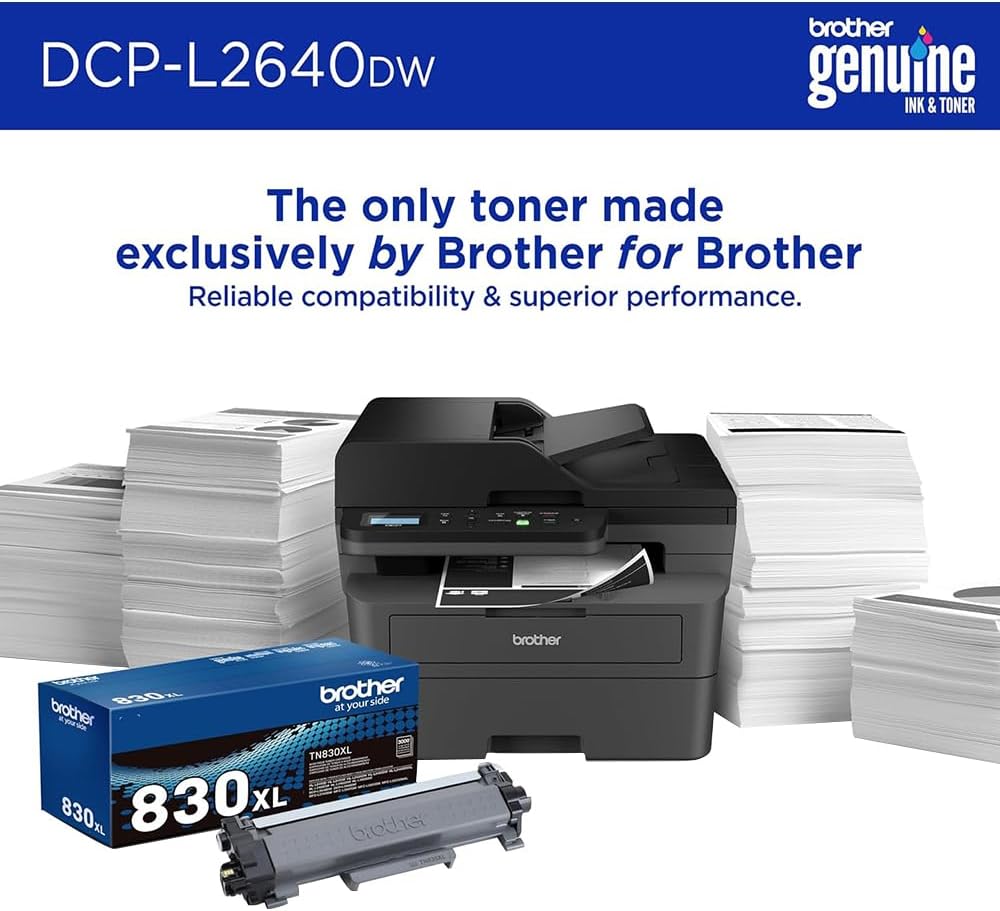
Image 6.1: Brother Genuine Ink & Toner packaging, emphasizing reliable compatibility and superior performance.
6.2. Drum Unit Replacement
The drum unit is a separate consumable that needs to be replaced periodically, typically after approximately 15,000 pages. The printer will notify you when it's time to replace the drum unit.
6.3. прибирання
- Зовні: Протріть зовнішню частину принтера м’якою тканиною без ворсу.
- Скло сканера: Clean the scanner glass with a soft, lint-free cloth moistened with glass cleaner.
- Коронний дріт: Regularly clean the corona wire inside the drum unit by sliding the green tab.
7. Вирішення проблем
- Зминання паперу: Follow the on-screen instructions or refer to the printer's documentation to clear paper jams from various access points.
- Проблеми з підключенням: Ensure the printer is connected to the correct network (Wi-Fi or Ethernet) or directly to the computer via USB. Restarting the printer and router can often resolve temporary connection problems.
- Погана якість друку: Check toner levels, clean the corona wire, and ensure you are using appropriate paper for your print job.
- Повідомлення про помилки: Refer to the printer's LCD display for specific error codes and consult the online manual or Brother support for solutions.
8. Технічні характеристики
| Особливість | Деталь |
|---|---|
| Номер моделі | DCP-L2640DW |
| Технологія друку | Лазерна |
| Вихід на принтер | Монохромний |
| Максимальна швидкість монохромного друку | 36 ppm |
| Максимальна роздільна здатність чорно-білого друку | 1200 x 1200 точок на дюйм |
| Автоматичний двосторонній друк | так |
| Тип сканера | Планшетний |
| Максимальна ємність вхідного аркуша | 250 аркушів |
| Місткість автоматичного подавача документів (ADF) | 50 аркушів |
| Технологія підключення | USB, Ethernet, Dual-band Wi-Fi |
| Сумісний картридж | TN830, TN830XL |
| Розміри продукту | 15.7" Г x 16.1" Ш x 12.5" В |
| вага | Not specified in provided data, typically around 20-30 lbs for similar models. |
9. Гарантія та підтримка
The Brother DCP-L2640DW Monochrome Laser Printer comes with a Limited Warranty. For specific warranty terms and conditions, please refer to the documentation included with your product or visit the official Brother support webсайт.
Щоб отримати технічну підтримку, завантаження драйверів та додаткові ресурси, відвідайте Підтримка брата Webсайт.


