Introduction to the OPPO Find X9 Series
This manual provides a detailed guide to understanding and utilizing the full capabilities of your OPPO Find X9 Series smartphone, including the Find X9 and Find X9 Pro models. It covers essential functions, advanced features, and practical tips to enhance your user experience. The goal is to help you navigate your device efficiently and securely.
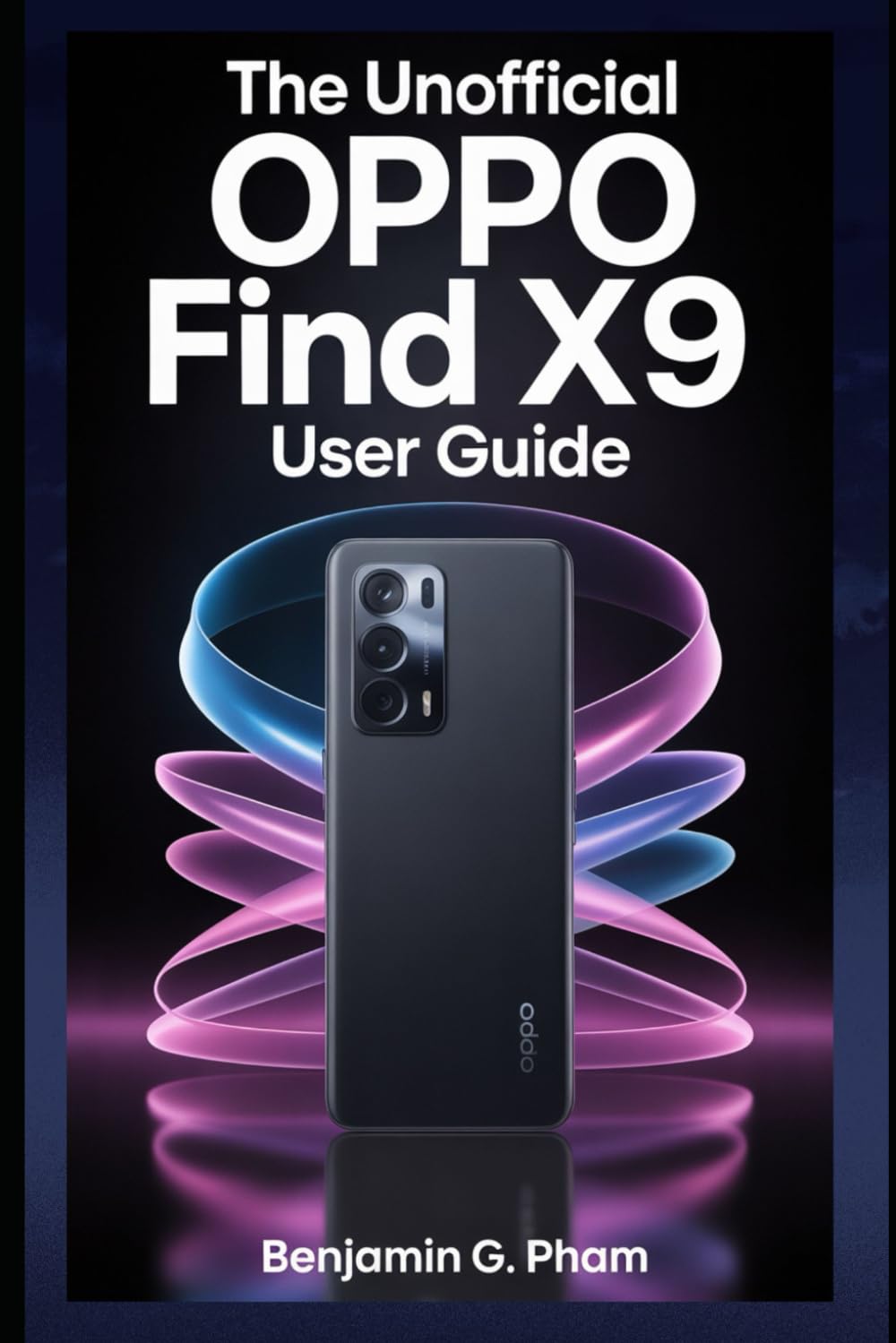
Image: Front cover of the user manual for the OPPO Find X9 Series, displaying the title and design.
1. Початкове налаштування та конфігурація
Upon first powering on your OPPO Find X9 Series device, you will be guided through a series of steps to set up your phone. This section outlines the process for initial configuration.
- Увімкнення: Press and hold the power button until the OPPO logo appears.
- Вибір мови: Виберіть потрібну мову зі списку.
- Вибір регіону: Select your geographical region.
- Wi-Fi підключення: Connect to a stable Wi-Fi network to download necessary updates and complete setup.
- Налаштування облікового запису Google: Увійдіть, використовуючи свій обліковий запис Google, або створіть новий. Це необхідно для доступу до Google Play Store та інших сервісів Google.
- Передача даних (необов'язково): Follow prompts to transfer data from an old device if desired.
- Налаштування безпеки: Configure screen lock methods such as PIN, pattern, password, fingerprint, or facial recognition.
- Review and Finish: Accept terms and conditions, and complete the setup process.
2. Основні операції та навігація
Familiarize yourself with the fundamental operations and navigation gestures of your OPPO Find X9 Series device.
- Головний екран: Access apps, widgets, and notifications. Swipe left or right to navigate between home screens.
- Ящик програм: Проведіть пальцем вгору від нижньої частини екрана, щоб отримати доступ до всіх встановлених програм.
- Панель сповіщень: Проведіть пальцем вниз від верхньої частини екрана до view сповіщення та швидкі налаштування.
- Останні програми: Swipe up and hold from the bottom of the screen (or tap the recent apps button) to view і керувати нещодавно використаними програмами.
- Жести: Customize navigation gestures in Settings > System Settings > System Navigation.
3. Camera Features and Photography
The OPPO Find X9 Series offers advanced camera capabilities. This section guides you through various camera modes and settings to capture high-quality photos and videos.
- Режими камери: Explore modes such as Photo, Video, Portrait, Night, Pro, Panorama, and Slow-motion.
- Налаштування: Adjust resolution, aspect ratio, timer, grid lines, and advanced camera parameters.
- Покращення ШІ: Utilize AI Scene Enhancement for optimized photo quality based on detected subjects.
- Поради експерта: Learn about composition, lighting, and focus techniques for improved photography.
4. AI Tools and Smart Settings
Discover the integrated AI features and smart settings designed to personalize and optimize your device's performance and user experience.
- Розумна бічна панель: Access frequently used apps and tools quickly.
- Flexible Windows: Utilize split-screen and floating windows for enhanced multitasking.
- AI System Booster: Optimize system performance and app launch speeds.
- Персоналізація: Customize themes, wallpapers, always-on display, and icon styles.
5. Productivity Tools and Connectivity
Enhance your productivity with various built-in tools and seamless connectivity options.
- File Обмін: Use Nearby Share or OPPO Share for quick file передачі між пристроями.
- Multi-Screen Connect: Mirror your phone screen to a PC or tablet for a larger workspace.
- Цифровий добробут: Monitor and manage your screen time and app usage.
- Хмарні послуги: Sync data and back up your device using Google Drive or OPPO Cloud.
6. Безпека та конфіденційність
Protect your personal data and maintain your privacy with the security features available on your OPPO Find X9 Series device.
- Біометричний захист: Configure and manage fingerprint and facial recognition for secure unlocking and app access.
- Блокування програми: Protect individual applications with a password or biometric authentication.
- Приватний сейф: Securely store private photos, videos, and documents.
- Permission Manager: Control which apps have access to your device's features and data.
- Панель керування конфіденційністю: Monitor app access to sensitive permissions.
7. Технічне обслуговування пристрою
Regular maintenance helps ensure optimal performance and longevity of your OPPO Find X9 Series smartphone.
- Оновлення програмного забезпечення: Регулярно перевіряйте наявність та встановлюйте оновлення системи через Налаштування > Про пристрій > Оновлено.
- Оптимізація роботи батареї: Manage battery usage in Налаштування > Акумулятор щоб продовжити термін служби акумулятора.
- Управління сховищем: Очистити непотріб files and cache to free up storage space.
- Прибирання: Використовуйте м’яку тканину без ворсу для очищення екрана та корпусу пристрою. Уникайте агресивних хімічних речовин.
8. Усунення поширених проблем
У цьому розділі розглядаються поширені проблеми, з якими ви можете зіткнутися, та пропонуються рішення.
| Випуск | Рішення |
|---|---|
| Пристрій не вмикається | Переконайтеся, що акумулятор заряджений. Натисніть і утримуйте кнопку живлення щонайменше 10 секунд. |
| Збої або зависання програм | Очистіть кеш програми (Settings > Apps > App management > [App Name] > Storage usage > Clear cache). Перезавантажте пристрій. |
| Низький час автономної роботи | Check battery usage in settings to identify power-hungry apps. Reduce screen brightness. Disable unnecessary features like GPS or Bluetooth when not in use. |
| Проблеми з підключенням до мережі | Вимкніть та увімкніть Wi-Fi/мобільні дані. Перезавантажте пристрій. Скиньте налаштування мережі (Налаштування > Системні налаштування > Резервне копіювання та скидання > Скинути налаштування телефону > Скинути налаштування мережі). |
9. Product Specifications (OPPO Find X9 Series)
This manual details the specifications of the OPPO Find X9 and Find X9 Pro models. For precise technical specifications, please refer to the official OPPO website or the packaging of your specific device model.
Note: As this document is a general guide, specific hardware details such as processor type, RAM, storage, and camera sensor models are covered within the guide's content rather than listed here.
ISBN for this user guide: 979-8270541873

Image: Back cover of the user manual, showing the ISBN barcode and additional details.
10. Гарантія та підтримка
For information regarding your device's warranty, please refer to the warranty card included with your OPPO Find X9 Series smartphone or visit the official OPPO support website. For technical assistance, contact OPPO customer service through their official channels.
- Офіційний OPPO Webсайт: For product information, FAQs, and support resources.
- Обслуговування клієнтів: Contact details for phone, chat, or email support can be found on the official webсайт.


