Продукт закінченийview
The LEICKE DAB+ Radio Tube (Model EP19035) is a versatile portable audio device combining a DAB+/FM radio with a powerful Bluetooth speaker. It features a robust 4500 mAh battery for extended playtime, dynamic RGB LED lighting, and multiple connectivity options including Micro SD and AUX-In. This manual provides essential information for setup, operation, and maintenance.
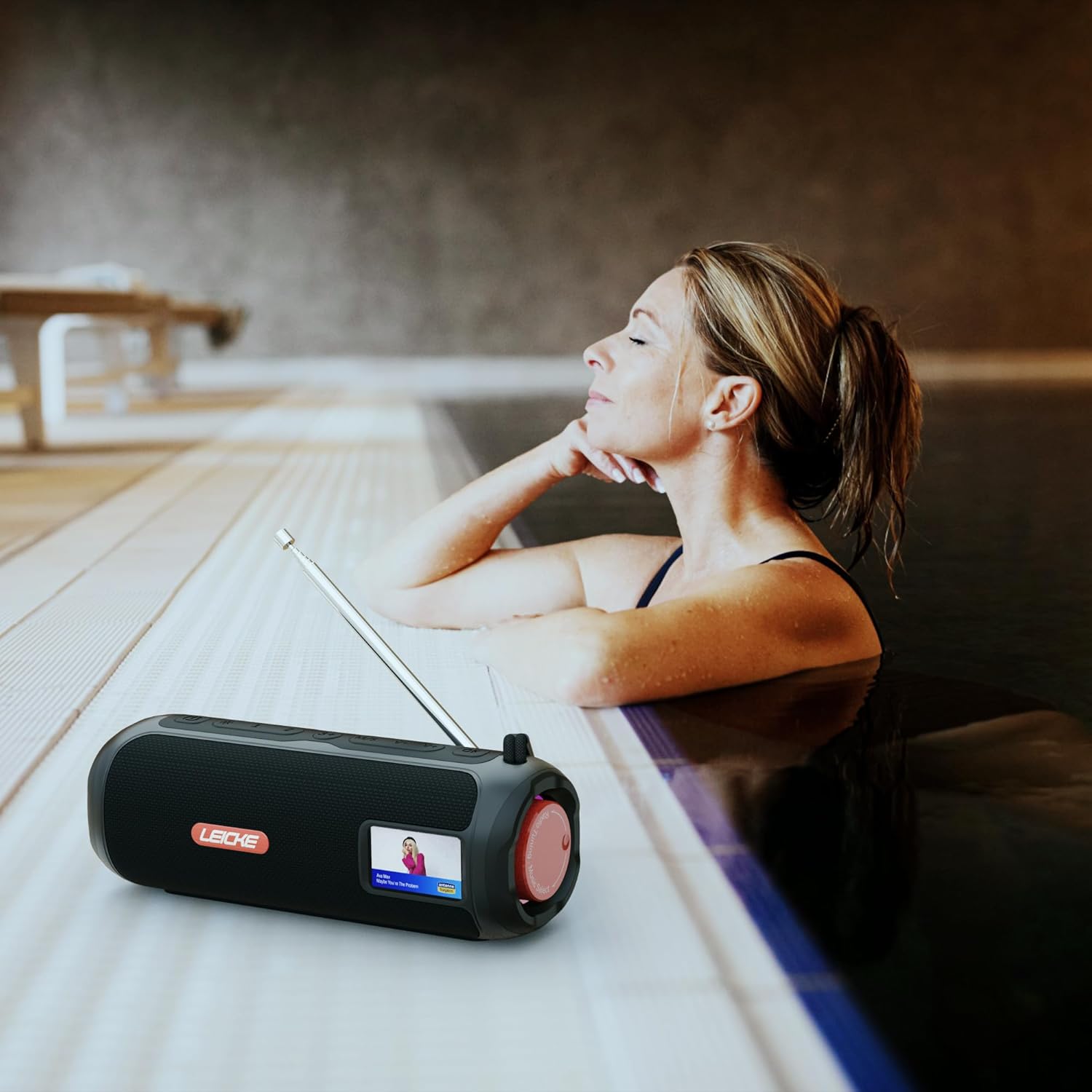
Image: The LEICKE DAB+ Radio Tube, showcasing its portable design, suitable for various environments like a poolside.
Ключові характеристики:
- Потужний стереозвук: Two 5W speakers deliver rich, clear audio with dynamic effects and powerful bass.
- Подовжений термін служби батареї: Integrated 4500 mAh rechargeable battery provides up to 12 hours of playtime.
- DAB+ & FM Radio: Enjoy noise-free digital DAB+ and traditional FM radio with 30 station presets.
- Atmospheric RGB Lighting: Features cool color-changing LED lights for enhanced ambiance.
- Універсальний підключення: Bluetooth 5.3 for wireless streaming, Micro SD card slot, and 3.5 mm AUX-In.
- Зручна зарядка: USB-C port for quick and easy charging.
- Додаткові функції: Includes an integrated alarm clock, sleep timer, and equalizer settings.
Вміст упаковки
Будь ласка, перевірте упаковку на наявність наступних предметів:
- LEICKE DAB+ Radio Tube (Model EP19035)
- Зарядний кабель USB-C
- Інструкція з експлуатації
- (Note: Specific accessories like AUX cable may vary by region or package. Please refer to your product packaging.)
Елементи керування та підключення
Familiarize yourself with the various buttons, ports, and indicators on your LEICKE DAB+ Radio Tube.

Зображення: спереду view of the LEICKE DAB+ Radio Tube, highlighting the display, SD card slot, AUX input, and USB-C port.

Зображення: Задня частина view of the LEICKE DAB+ Radio Tube, showing the extendable antenna, AUX port, USB-C port, and Micro SD slot.
Описи портів:
- Слот Micro SD: Insert a Micro SD card for playing stored audio files.
- AUX-In (3.5mm): Підключіть зовнішні аудіопристрої за допомогою аудіокабелю 3.5 мм.
- Порт USB-C: Використовується для зарядки пристрою.
- Антена: Extend for optimal DAB+ and FM radio reception.
(Note: Specific button functions will be detailed in the 'Operating' section.)
Налаштування
1. Початкове заряджання
- Перед першим використанням повністю зарядіть пристрій.
- Connect the provided USB-C cable to the USB-C port on the speaker and the other end to a compatible USB power adapter (not included) or a computer's USB port.
- The charging indicator on the display will show the charging status. Once fully charged, the indicator will change.
2. Увімкнення/вимкнення живлення
- Щоб увімкнути: Натисніть і утримуйте кнопку живлення (зазвичай позначену ⏻ or ПОТУЖНІСТЬ) for a few seconds until the display lights up.
- Щоб вимкнути: Знову натисніть і утримуйте кнопку живлення протягом кількох секунд, доки дисплей не вимкнеться.
Інструкція з експлуатації
Вибір режиму
Натисніть РЕЖИМ button to cycle through available modes: DAB+ Radio, FM Radio, Bluetooth, Micro SD, and AUX-In.
1. Робота радіо DAB+
- Повністю витягніть антену для найкращого прийому.
- Виберіть режим DAB+ за допомогою РЕЖИМ кнопку.
- The radio will automatically scan for available DAB+ stations on first use or if no stations are found.
- Використовуйте НАПЕРЕД/ДАЛІ кнопки для навігації по списку доступних станцій.
- Натисніть ENTER/PLAY кнопку, щоб вибрати станцію.
- Збереження пресетів: While listening to a station, press and hold the PRESET кнопку. Використовуйте НАПЕРЕД/ДАЛІ щоб вибрати номер попереднього налаштування (1-30), потім натисніть ENTER/PLAY зберегти.
- Згадуючи пресети: Коротко натисніть PRESET кнопку, а потім використовуйте НАПЕРЕД/ДАЛІ to select a saved station and press ENTER/PLAY.
2. Робота FM-радіо
- Повністю витягніть антену для найкращого прийому.
- Виберіть режим FM за допомогою РЕЖИМ кнопку.
- Авто сканування: Натисніть і утримуйте ВІДТВОРЕННЯ/ПАУЗА кнопку для автоматичного сканування та збереження доступних FM-станцій.
- Ручна настройка: Коротко натисніть НАПЕРЕД/ДАЛІ для точного налаштування частоти.
- Збереження пресетів: Similar to DAB+ mode, press and hold PRESET to save, and briefly press to recall.
3. Підключення Bluetooth
- Виберіть режим Bluetooth за допомогою РЕЖИМ button. The display will show "Bluetooth" and an icon will flash, indicating it's in pairing mode.
- On your smartphone, tablet, or laptop, enable Bluetooth and search for new devices.
- Select "LEICKE DAB+ Tube" from the list of available devices.
- Після сполучення динамік видасть звуковий сигнал підтвердження, а значок Bluetooth на дисплеї перестане блимати.
- Тепер ви можете відтворювати аудіо з підключеного пристрою через динамік.
4. Micro SD Playback
- Вставте карту Micro SD (з підтримуваним аудіо files) у гніздо Micro SD.
- Select Micro SD mode using the РЕЖИМ button. The device will automatically start playing music from the card.
- використання ВІДТВОРЕННЯ/ПАУЗА to control playback, and НАПЕРЕД/ДАЛІ щоб пропускати треки.
5. AUX-In Connection
- Connect one end of a 3.5mm audio cable (not included) to the AUX-In port on the speaker.
- Підключіть інший кінець до роз'єму для навушників або аудіовиходу зовнішнього пристрою.
- Виберіть режим AUX-In за допомогою РЕЖИМ кнопку.
- Керуйте відтворенням та гучністю зі свого зовнішнього пристрою.
6. Регулювання гучності
Use the dedicated Volume Up (+) та зменшення гучності (-) buttons to adjust the audio level.
7. Налаштування еквалайзера
Натисніть EQ button (if available) to cycle through preset equalizer modes such as Pop, Rock, Classic, Jazz, etc. There is no manual equalizer adjustment.
8. Світлодіодні RGB-лампи
The RGB LED lights will automatically activate when the device is powered on. There may be a dedicated button to change light modes or turn them off (refer to device specific button layout if available).
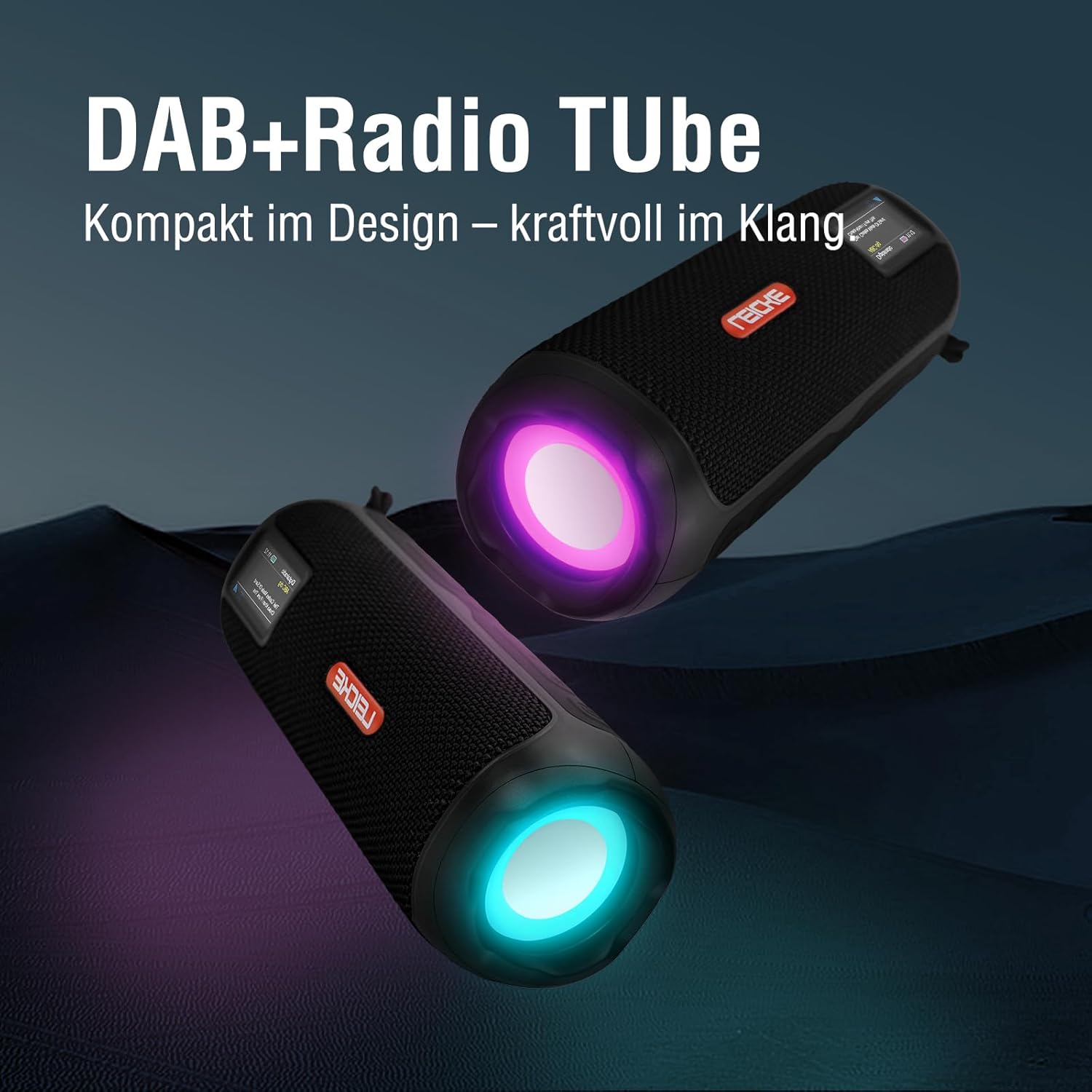
Image: Two LEICKE DAB+ Radio Tubes displaying their vibrant RGB LED lighting feature.
9. Будильник і таймер сну
Access the menu settings (usually by pressing a МЕНЮ or НАБІР button) to configure the alarm clock and sleep timer functions. Follow the on-screen prompts to set times and preferences.
Технічне обслуговування
прибирання
- Перед чищенням переконайтеся, що пристрій вимкнено та від’єднано від будь-якого джерела живлення.
- Використовуйте м’яку, суху тканину без ворсу для протирання зовнішніх поверхонь.
- Не використовуйте абразивні засоби для чищення, віск або розчинники, оскільки вони можуть пошкодити покриття.
- Уникайте потрапляння вологи в будь-які отвори.
Догляд за акумулятором
- Щоб продовжити термін служби акумулятора, уникайте частого повного розряджання акумулятора.
- Регулярно заряджайте пристрій, навіть якщо він не використовується, щоб підтримувати справність акумулятора.
- Зберігайте пристрій у прохолодному, сухому місці, якщо він не використовується протягом тривалого часу.
Зберігання
- When storing the device for a long time, ensure it is charged to about 50-70% to prevent deep discharge.
- Тримайте пристрій подалі від екстремальних температур, прямих сонячних променів та високої вологості.
Усунення несправностей
| проблема | Можлива причина | Рішення |
|---|---|---|
| Пристрій не включається. | Низький заряд батареї; кнопка живлення натиснута неправильно. | Повністю зарядіть пристрій. Натисніть і утримуйте кнопку живлення кілька секунд. |
| Ні звуку. | Занадто низька гучність; вибрано неправильний режим; пристрій не сполучено (Bluetooth). | Increase volume. Ensure correct mode (DAB+, FM, BT, SD, AUX) is selected. Re-pair Bluetooth device. |
| Поганий прийом радіо. | Антена не висунута; зона слабкого сигналу. | Fully extend the antenna. Try moving the device to a different location. |
| Пристрій Bluetooth не підключається. | Speaker not in pairing mode; Device too far; Already connected to another device. | Ensure speaker is in Bluetooth pairing mode. Move devices closer. Disconnect from other devices. |
| Картку Micro SD не розпізнано. | Картку вставлено неправильно; не підтримується file format; Corrupted card. | Reinsert the card correctly. Ensure files are in a supported format. Try a different Micro SD card. |
Технічні характеристики
| Особливість | Деталь |
|---|---|
| Бренд | ЛЕЙКЕ |
| Номер моделі | EP19035 |
| Технологія тюнера | DAB Plus, FM |
| Підключення | Bluetooth 5.3, Micro SD, 3.5mm AUX-In, USB-C (charging) |
| Аудіовихід | 10W Stereo Sound (2 x 5W speakers) |
| Ємність акумулятора | 4500 мАг літій-іонний |
| Час відтворення | До 12 годин (залежить від використання) |
| Особливості | RGB LED Lights, Equalizer, Alarm Clock, Sleep Timer, 30 DAB+/FM Presets |
| Джерело живлення | Battery Operated, Wired (USB-C) |
| Розміри продукту | 3.2 x 3.2 x 12 см; 660 g |
Інформація про гарантію
LEICKE products are designed and manufactured to the highest quality standards. This product is covered by a standard manufacturer's warranty. Please refer to the warranty card included in your package or visit the official LEICKE webсайт для отримання детальних гарантійних умов, що стосуються вашого регіону.
Зберігайте чек про покупку як підтвердження покупки для будь-яких гарантійних претензій.
Підтримка клієнтів
If you encounter any issues or have questions regarding your LEICKE DAB+ Radio Tube that are not covered in this manual, please contact LEICKE customer support.
- Інтернет-підтримка: Visit the official LEICKE webсайт із поширеними запитаннями, ресурсами підтримки та контактними формами.
- Підтримка електронною поштою: Refer to your product packaging or the LEICKE webсайт для отримання відповідної адреси електронної пошти служби підтримки.
Please have your product model number (EP19035) and purchase details ready when contacting support.


