вступ
This instruction manual provides essential information for the safe and efficient operation of your Skyworth 60Q6600H 60-Inch QLED+ 4K Google TV. Please read this manual thoroughly before using the television and retain it for future reference. It covers setup, operation, maintenance, and troubleshooting to ensure you get the best experience from your new TV.
Важлива інформація з безпеки
To reduce the risk of electric shock, fire, or damage, always follow these basic safety precautions:
- Джерело живлення: Connect the TV only to an AC 100-240V, 50/60Hz power supply.
- Вентиляція: Ensure adequate ventilation. Do not block ventilation openings. Maintain a minimum distance of 10 cm (4 inches) around the TV for proper airflow.
- Вода і вологість: Не піддавайте телевізор впливу дощу або вологи. Не ставте на телевізор предмети, наповнені рідинами, такі як вази.
- Джерела тепла: Тримайте телевізор подалі від джерел тепла, таких як радіатори, обігрівачі, плити чи інші прилади (включаючи ampліфікатори), які виробляють тепло.
- Прибирання: Перед чищенням від’єднайте телевізор від розетки. Використовуйте м’яку суху тканину. Не використовуйте рідкі чи аерозольні засоби для чищення.
- Обслуговування: Не намагайтеся самостійно обслуговувати цей виріб. Зверніть усі послуги до кваліфікованого обслуговуючого персоналу.
- діти: Наглядайте за дітьми, щоб вони не гралися з телевізором.
Вміст упаковки
Перевірте, чи всі перелічені нижче предмети входять до вашої упаковки:
- Skyworth 60Q6600H 60-Inch QLED+ 4K Google TV
- Пульт дистанційного керування
- Підставка під телевізор (основа)
- Посібник користувача (цей документ)
- Гарантійний талон
- Шнур живлення
- Гвинти для складання підставки
Посібник із налаштування
1. Розпакування телевізора
Обережно вийміть телевізор з упаковки. Через розмір і вагу телевізора рекомендується виконувати цю процедуру удвох. Покладіть телевізор екраном донизу на м’яку, рівну поверхню (наприклад, ковдру або поролон), щоб запобігти пошкодженню екрана під час встановлення підставки.
2. Кріплення підставки
Якщо ви не кріпите телевізор до стіни, прикріпіть підставку, що додається:
- Вирівняйте основи підставки з відповідними пазами на нижній панелі телевізора.
- Secure each stand base with the provided screws using a screwdriver. Ensure the stands are firmly attached.
- Обережно підніміть телевізор у вертикальне положення та поставте його на стійку, рівну поверхню.
Настінне кріплення: The Skyworth 60Q6600H is wall-mountable. If you choose to wall-mount, please refer to the instructions provided with your wall-mount bracket (sold separately) and ensure professional installation for safety.
3. Підключення периферійних пристроїв
Connect your external devices to the TV's ports. The TV features multiple connectivity options:
- HDMI (HDMI 2.1): For high-definition devices like Blu-ray players, gaming consoles, and set-top boxes.
- USB: Для підключення USB-накопичувачів для відтворення медіафайлів files.
- Локальна мережа (Ethernet): Для дротового підключення до Інтернету.
- Вхід антени/кабельного телебачення: For connecting an aerial or cable TV signal.
- Аудіовихід: Для підключення зовнішніх звукових систем.
4. Початкове увімкнення та перше налаштування
- Підключіть шнур живлення до телевізора, а потім до розетки.
- Натисніть кнопку живлення на пульті дистанційного керування або на самому телевізорі.
- Дотримуйтесь інструкцій на екрані, щоб завершити початкове налаштування, яке включає:
- Вибір мови.
- Connecting to a Wi-Fi network (or using a wired LAN connection).
- Увійдіть за допомогою свого облікового запису Google, щоб отримати доступ до функцій Google TV, програм і Google Асистента.
- Scanning for available TV channels (if using an antenna).
Керування телевізором
1. Функції дистанційного керування
The included remote control allows you to navigate the TV's interface and control various functions. Familiarize yourself with the buttons for power, volume, channel, input selection, Google Assistant, and app shortcuts.
2. Навігація інтерфейсом Google TV
Google TV organizes your content from various streaming services and live TV into a personalized home screen. Use the directional pad and OK button on your remote to browse recommendations, access your apps, and manage settings.
3. Використання інтелектуальних функцій
- Google Assistant: Натисніть кнопку Google Асистента на пульті дистанційного керування та говоріть у мікрофон, щоб шукати контент, керувати пристроями розумного дому, отримувати відповіді тощо.
- Вбудований Chromecast: Cast content (videos, photos, music) directly from your compatible smartphone, tablet, or computer to the TV. Look for the Cast icon in supported apps.
- програми: Access pre-installed apps like Netflix, YouTube, and Prime Video. Download thousands more from the Google Play Store.
4. Налаштування зображення
Your Skyworth 60Q6600H features advanced display technologies. Adjust picture settings via the TV's menu to optimize your viewнабутий досвід.
- QLED+ дисплей: Enjoy vibrant colors and enhanced brightness.
- HDR10+: Забезпечує чудову контрастність і точність кольору для сумісного контенту.
- Eye Care 5.0: Зменшує випромінювання синього світла, щоб мінімізувати навантаження на очі під час тривалого viewінж.
- 120Hz Turbo Motion & MEMC: Enhances motion clarity, reducing blur and judder in fast-paced scenes.
- Film Maker Mode: Preserves the original aspect ratio, colors, and frame rates of films as intended by the director.
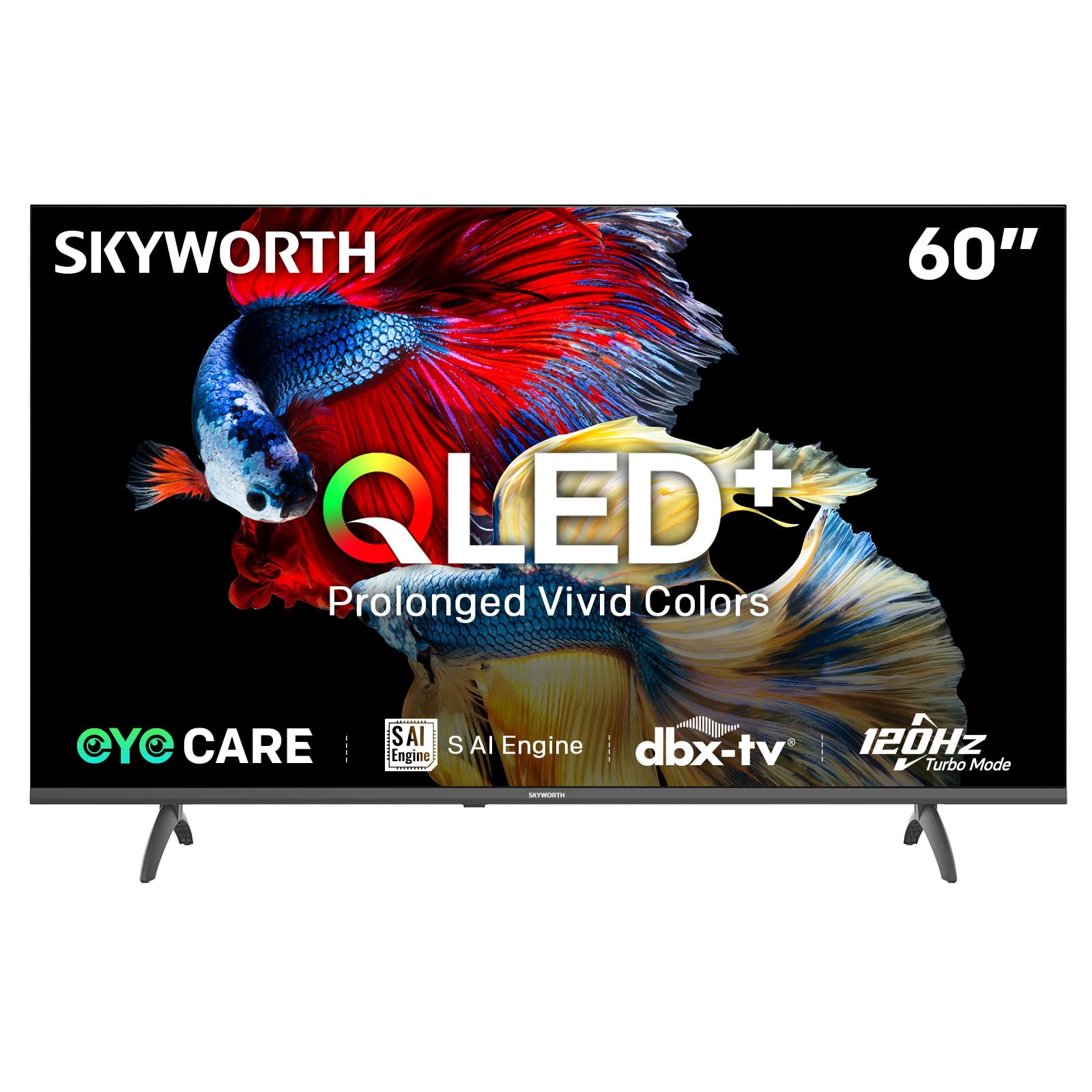
Image: A diagram illustrating the "No-Fading Extended Watching" feature, comparing Skyworth's stable and eco-friendly quantum dot performance over 10 years against conventional quantum dots.

Image: A graphic explaining the QLED+ technology, emphasizing its vivid, eco-friendly, brilliant, and prolonged color performance.

Image: An illustration of the 120Hz Turbo Motion feature, depicting a motocross rider with multiple frames to show enhanced motion clarity compared to 60Hz.
5. Налаштування звуку
The TV is equipped with 2x15W speakers and supports Dolby Digital/DBX audio processing for clear and powerful sound. Adjust sound modes (e.g., Standard, Music, Movie) and equalizer settings in the audio menu.

Image: A visual highlighting Skyworth's collaboration with Total Sonics for enhanced audio quality, featuring a sound wave graphic and a person associated with audio engineering.
6. Ігровий режим
Activate Game Mode for reduced input lag and optimized picture settings when connecting gaming consoles, providing a more responsive gaming experience.
7. DVB-T2 Tuner
The integrated DVB-T2 tuner allows you to receive digital terrestrial television broadcasts. Perform a channel scan in the TV settings to find available channels.
Технічне обслуговування
1. Очищення телевізора
- екран: Обережно протріть екран м’якою тканиною без ворсу. Для стійких плям злегка протрітьampen the cloth with water or a specialized screen cleaner (ensure it's safe for TV screens) and wipe gently. Never spray liquid directly onto the screen.
- Корпус телевізора: Use a soft, dry cloth to wipe dust from the TV's frame and stand.
- Важливо: Завжди відключайте телевізор від розетки перед чищенням.
2. Оновлення програмного забезпечення
Your Google TV may receive automatic software updates to improve performance and add new features. Ensure your TV is connected to the internet for these updates. You can also manually check for updates in the TV's settings menu.
3. Зберігання та транспортування
If storing the TV for an extended period, keep it in a cool, dry place, preferably in its original packaging. When moving the TV, always lift it with at least two people and avoid putting pressure on the screen.
Усунення несправностей
Перш ніж звертатися до служби підтримки клієнтів, спробуйте такі рішення для поширених проблем:
| проблема | Можливе рішення |
|---|---|
| Немає живлення |
|
| Немає зображення, але звук є |
|
| Немає звуку, але зображення є |
|
| Пульт дистанційного керування не працює |
|
| Проблеми з підключенням до мережі |
|
Скидання до заводських налаштувань
If problems persist, a factory reset may resolve them. This will erase all personal settings and installed apps, returning the TV to its original factory state. Navigate to Налаштування > Система > Про > Скидання > Скидання до заводських налаштувань та підтвердіть свій вибір.
Технічні характеристики
Detailed technical specifications for the Skyworth 60Q6600H TV:
| Особливість | Деталь |
|---|---|
| Модель | 60Q6600H |
| Розмір дисплея | 60 дюймів |
| Технологія дисплея | QLED+ |
| роздільна здатність | 3840 x 2160 (4K UHD) |
| Частота оновлення | 120Hz Turbo Motion |
| Підтримка HDR | HDR10+ |
| Яскравість | 300 ніт |
| Колірна гамма | 90% DCI-P3 |
| Технологія догляду за очима | Eye Care 5.0 |
| Операційна система | Google TV |
| Аудіовихід | 2 динаміки 15 Вт |
| Аудіотехнології | Dolby Digital, DBX |
| Підключення | HDMI 2.1, USB, LAN, Bluetooth 5.1, Dual-band WiFi |
| тюнер | DVB-T2 |
| Розміри виробу (з підставкою) | 134.5Ш x 29.9Г x 85.8В см |
| Розміри виробу (без підставки) | 134.5Ш x 8.8Г x 78.5В см |
| Вага (з підставкою) | 15.9 кг |
| Вага (без підставки) | 12.1 кг |
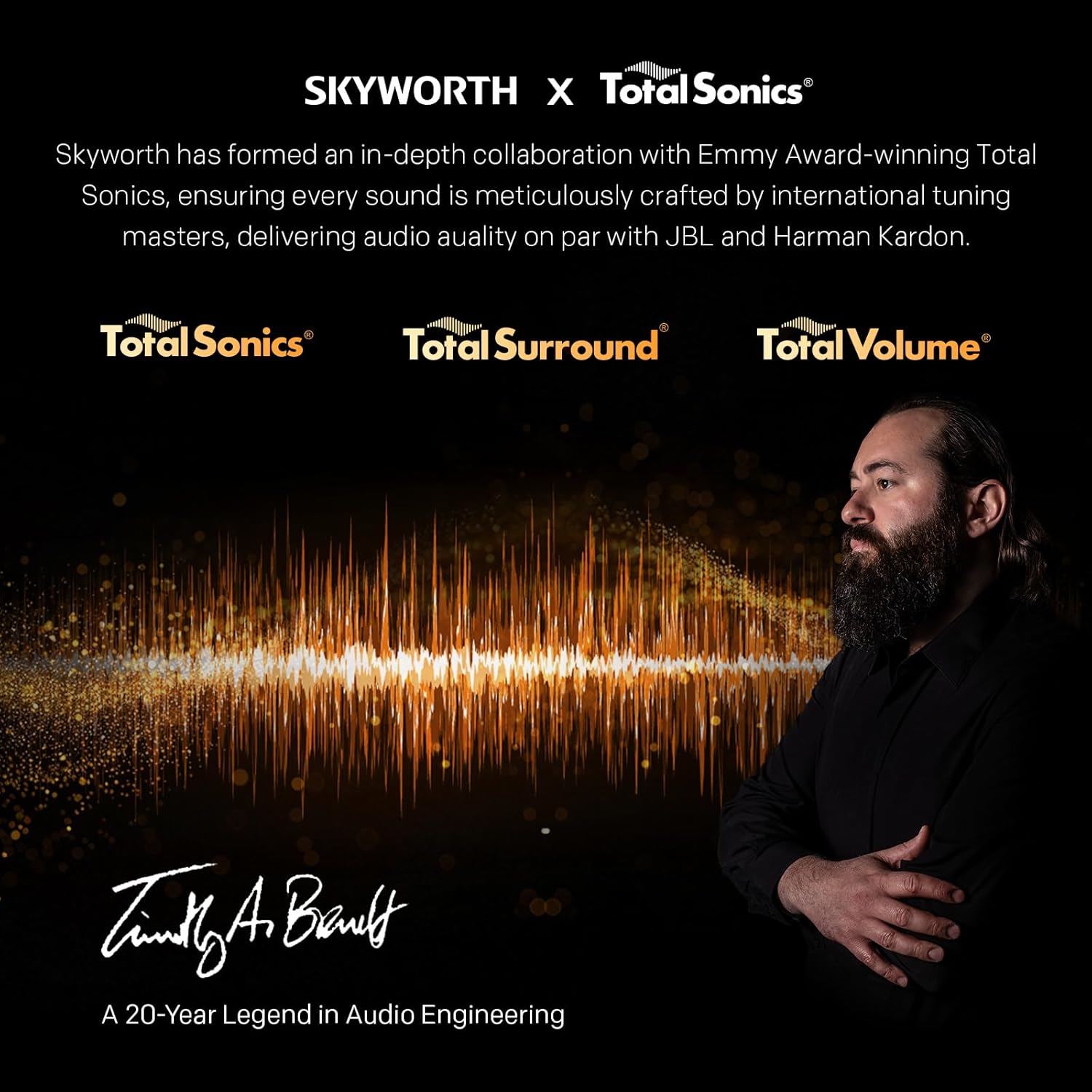
Image: A detailed diagram illustrating the width, depth, and height dimensions of the Skyworth Q6600H 60-inch TV, both with and without its stand.
Гарантія та підтримка
Інформація про гарантію
Your Skyworth 60Q6600H TV comes with a 3-річна гарантія виробника. This warranty covers defects in materials and workmanship under normal use. Please retain your proof of purchase for warranty claims. For full terms and conditions, refer to the included Warranty Card.
Spare part availability information is not available or provided.
Підтримка клієнтів
If you encounter issues that cannot be resolved using the troubleshooting guide, or for any other inquiries, please contact Skyworth customer support. Refer to your Warranty Card or the official Skyworth webсайт для отримання найактуальнішої контактної інформації.
Інтернет-ресурси: Visit the official Skyworth webсайт із поширеними запитаннями, завантаженням програмного забезпечення та додатковими ресурсами підтримки.


