вступ
Welcome to the Ray-Ban Meta (Gen 2) Skyler Smart Glasses. This manual provides essential information for setting up, operating, maintaining, and troubleshooting your new smart eyewear. These glasses integrate advanced AI technology with iconic Ray-Ban style, allowing you to capture photos and videos, listen to audio, make hands-free calls, and interact with Meta AI.
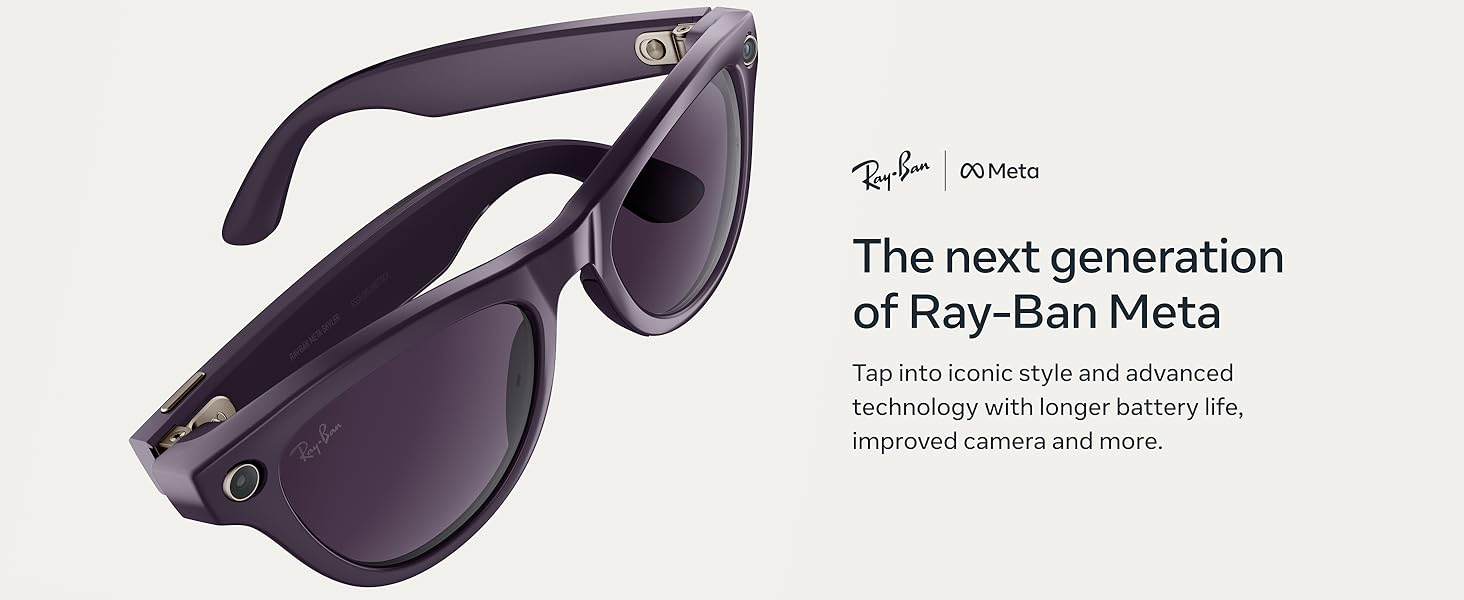
Image: The next generation of Ray-Ban Meta (Gen 2) Skyler Smart Glasses, showcasing their sleek design and advanced technology.
Налаштування
- Розпакування та початкова оплата: Remove your Ray-Ban Meta glasses from their charging case. The case provides up to 48 hours of additional charge. Ensure the case is charged using the provided USB-C cable.
- Встановлення програми: Завантажте метафайл View app on your smartphone. This app is essential for pairing your glasses, managing settings, and accessing captured media.
- Сполучення: Follow the on-screen instructions in the Meta View app to pair your glasses via Bluetooth. Ensure your glasses are sufficiently charged during this process.
Video: A demonstration of the Ray-Ban Meta Glasses in use, highlighting various features and user experience.
Інструкція з експлуатації
Увімкнення/вимкнення живлення
To power on your glasses, simply remove them from the charging case. To power off, place them back in the case or use the power switch on the frame.
Зйомка фотографій і відео
The glasses feature a 12 MP ultra-wide camera for 3K Ultra HD video resolution. A detailed text description accompanying each image for users who cannot view це.
- Голосова команда: Say "Hey Meta, take a photo" or "Hey Meta, take a video."
- Кнопка захоплення: Press the physical button on the frame to take a photo. Hold it down to start recording a video.
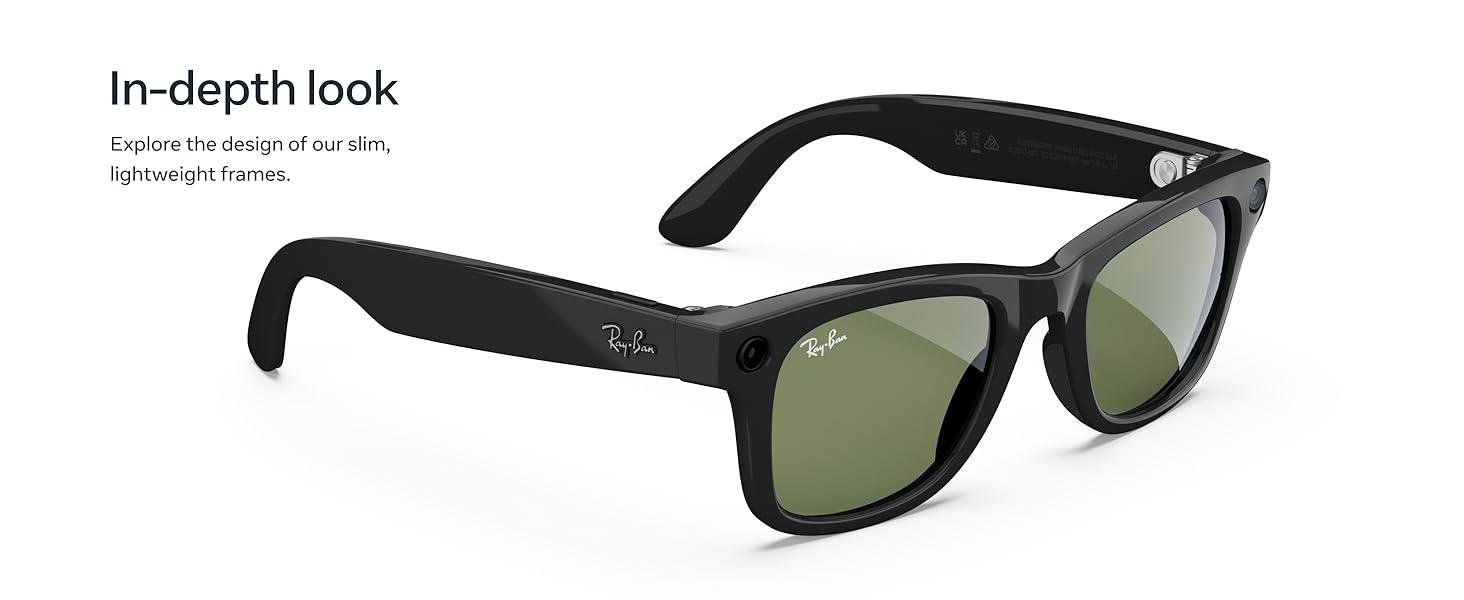
Image: A man wearing Ray-Ban Meta glasses, demonstrating the voice command feature to capture video with improved 3K Ultra HD resolution.
Відтворення аудіо та дзвінки
Listen to music and take calls using the discreet open-ear speakers. The integrated microphones ensure clear communication, blocking 90% of wind and street noise.
- Керування музикою: Use the touchpad on the side of the glasses to play, pause, or adjust volume.
- Відповідь на дзвінки: Tap the touchpad or use voice command to answer incoming calls.
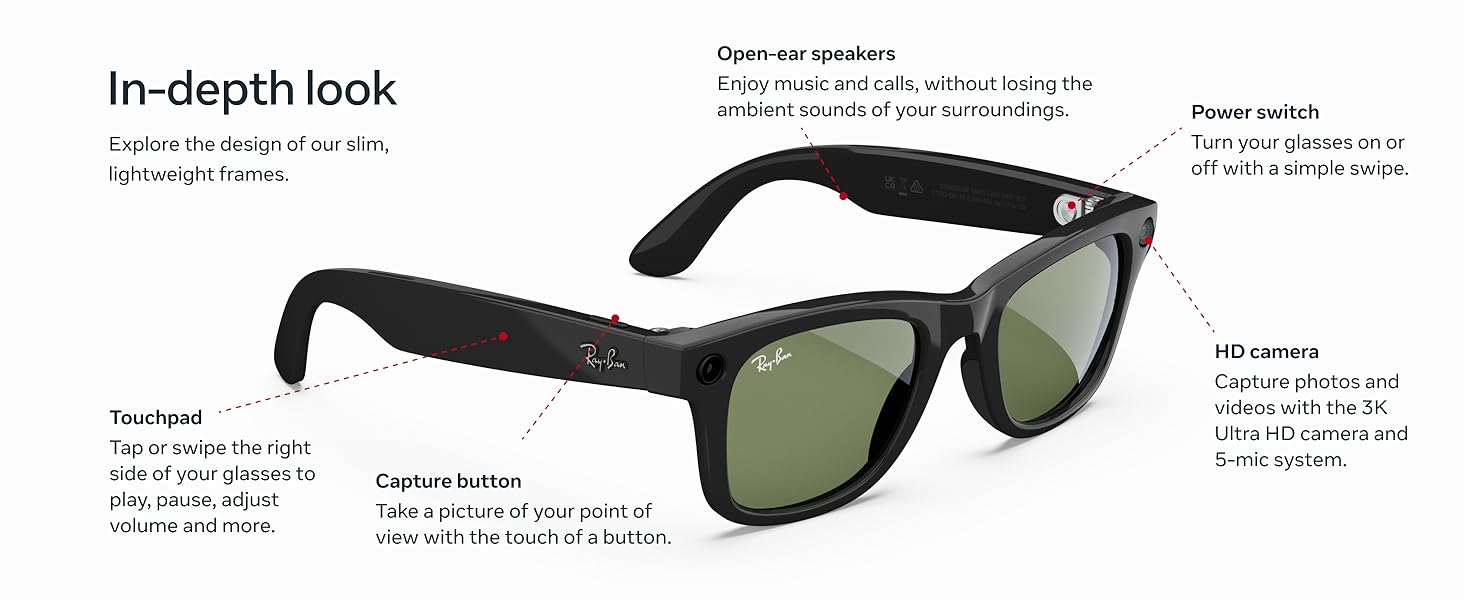
Image: A woman wearing Ray-Ban Meta glasses, enjoying music through the open-ear audio system without blocking ambient sounds.
Meta AI and Translation
Engage with Meta AI for suggestions, answers, and reminders. The live translation feature allows for real-time conversation translation.
- Activate Meta AI: Say "Hey Meta" followed by your question or command.
- Live Translation: Utilize the live translation feature for real-time communication in supported languages (French, Italian, Spanish, English, German, Portuguese).
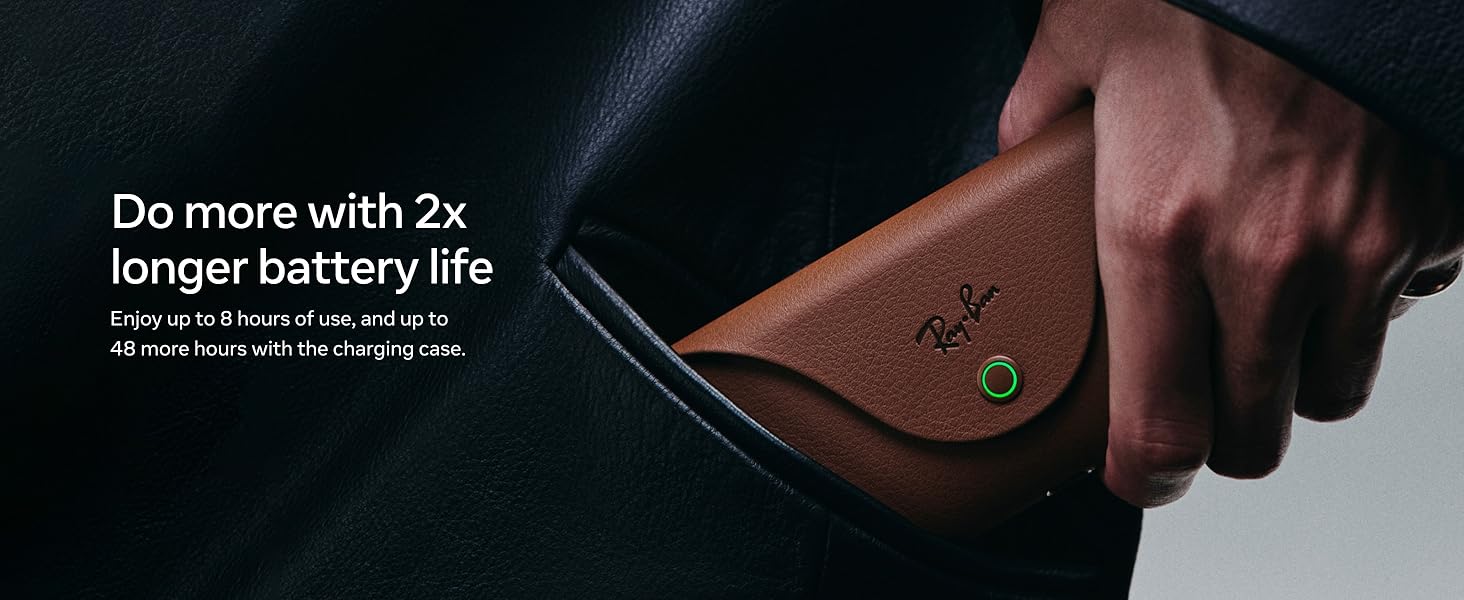
Image: A woman wearing Ray-Ban Meta glasses, demonstrating interaction with Meta AI for real-time suggestions, answers, and reminders.
Технічне обслуговування
прибирання
Regularly clean your glasses and lenses to maintain optimal performance and clarity. Use a soft, lint-free cloth, preferably the one provided with your glasses. For stubborn smudges, a specialized lens cleaning solution can be used.
Догляд за акумулятором
The glasses offer up to 8 hours of battery life with moderate use, and the charging case provides up to 48 additional hours. To prolong battery life:
- Store glasses in the charging case when not in use.
- Уникайте екстремальних температур.
- Регулярно заряджайте кейс.
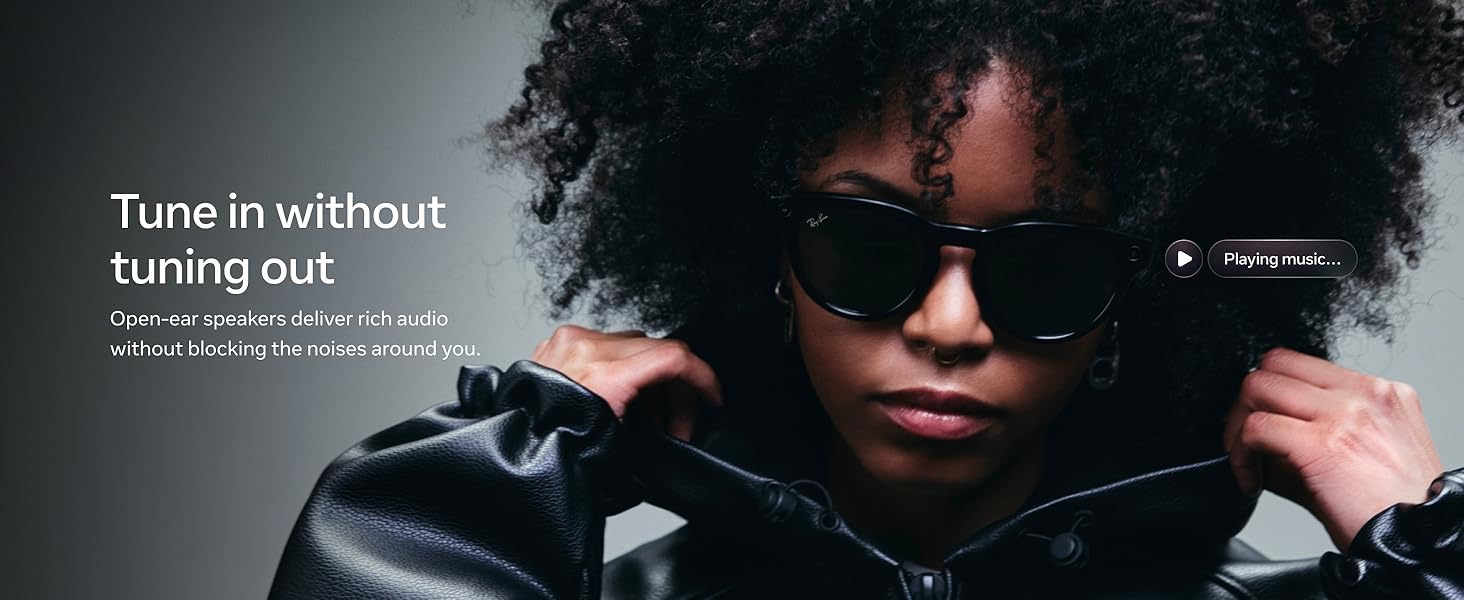
Image: Ray-Ban Meta glasses resting in their stylish brown charging case, highlighting the extended battery life of up to 8 hours of use and 48 additional hours from the case.
Усунення несправностей
- Glasses not turning on: Ensure the glasses are properly seated in the charging case and the case itself is charged.
- Проблеми зі створенням пари: Restart your phone and glasses, then attempt pairing again through the Meta View app. Ensure Bluetooth is enabled on your phone.
- Проблеми зі звуком: Check the volume levels on both your glasses and your connected device. Ensure no other Bluetooth audio devices are connected.
- Камера не відповідає: Verify that the glasses are powered on and have sufficient battery. Try restarting the glasses.
Відео: Користувач повторноview discussing the functionality and features of the Ray-Ban Meta (Gen 2) Skyler glasses, including tips for optimal use.
Технічні характеристики
| Особливість | Деталь |
|---|---|
| Номер моделі | 0RW4014 |
| Розміри продукту | 5.91 x 3.15 x 3.94 дюймів |
| Вага товару | 1.87 унції |
| Камера | 12 MP Ultra-Wide, 3K Ultra HD Video |
| Термін служби батареї (окуляри) | До 8 годин (при помірному використанні) |
| Термін служби батареї (зарядний футляр) | Up to 48 additional hours |
| Виробник | EssilorLuxottica |
Типи лінз
The Ray-Ban Meta Skyler glasses are available with various lens options to suit different needs and preferences:
- Сонячні лінзи: Provide advanced eye protection in bright conditions with 100% UVA and UVB protection.
- Прозорі лінзи: Designed to improve visual comfort by filtering blue light from digital screens, indoor fluorescent lights, and even sun rays.
- Лінзи Transitions®: Seamlessly adapt to changing light conditions, going from fully clear or slightly tinted indoors to fully dark outdoors.
- Поляризаційні лінзи: Intercept reflections and reduce glare for better contrast and improved clarity, with 100% UVA and UVB protection.
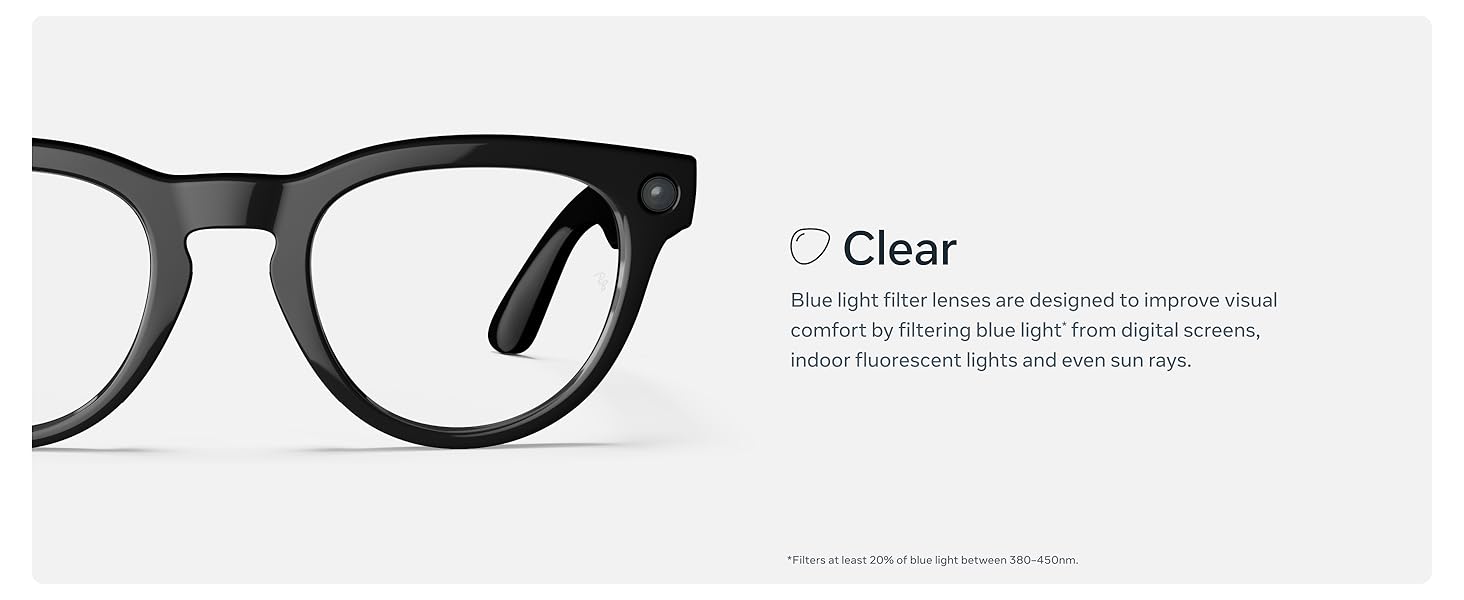
Зображення: Оверview of the different lens types available for Ray-Ban Meta glasses, including sun, clear, Transitions®, and polarized options.
Гарантія та підтримка
Щоб отримати інформацію про гарантію та підтримку клієнтів, зверніться до офіційного Meta webсайт або зверніться безпосередньо до служби підтримки клієнтів. Зберігайте чек про покупку для будь-яких гарантійних претензій.