вступ
This manual provides essential information for the proper setup, operation, and maintenance of your Blaupunkt Smart TV 24HCG4000S. Please read these instructions carefully before using your television and retain them for future reference. This 24-inch HD Ready LED TV features Google TV, Wi-Fi, Bluetooth 5.0, multiple HDMI and USB ports, and integrated Chromecast, offering a comprehensive entertainment experience.
Що в коробці
Обережно розпакуйте коробку та переконайтеся, що всі наступні предмети присутні:
- Blaupunkt Smart TV 24HCG4000S
- Пульт дистанційного керування
- Кабель живлення
- Підставка (2 шт.)
- Посібник користувача (цей документ)
Note: A 12V adapter for vehicle compatibility is not included and must be purchased separately.
Продукт закінченийview
The Blaupunkt 24HCG4000S Smart TV is designed for versatile use, offering clear visuals and smart functionalities in a compact form factor.
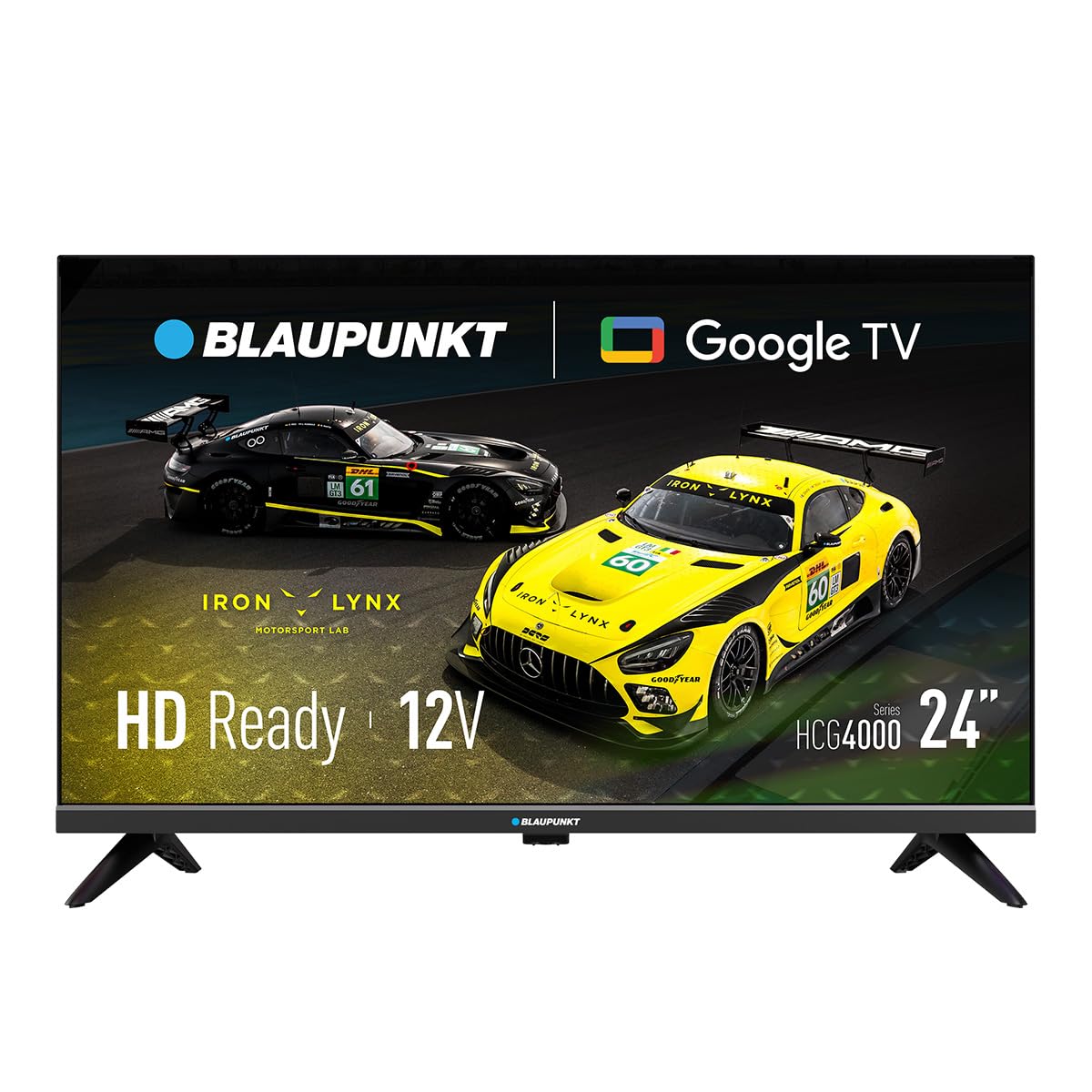
Малюнок 1: Спереду view of the Blaupunkt 24HCG4000S Smart TV.
Ключові особливості:
- Дисплей: 24-inch HD Ready LED screen (1366 x 768 pixels) with vivid colors and a 178° viewкут.
- Розумні функції: Integrated Google TV platform providing access to popular streaming services like Netflix, YouTube, Disney+, Prime Video, and thousands of other applications.
- Аудіо: Dolby Audio with 12W output for enhanced sound quality.
- Голосове керування: Google Assistant for convenient voice commands.
- кастинг: Built-in Chromecast for easy content sharing from mobile devices.
- Підключення: Advanced options including WiFi 2T2R, Bluetooth 5.0, 3 HDMI ports, 2 USB ports, RJ45 Ethernet, CI+ slot, and a headphone output.
- Дизайн: Compact and lightweight (2.25 kg) with VESA 200x200 mm support for wall mounting.
- Енергоефективність: Low power consumption of 17W.

Малюнок 2: Задня частина view of the TV, highlighting the port layout.

Малюнок 3: Сторона view of the TV, showing accessible ports.
Налаштування
1. Кріплення підставки
- Покладіть телевізор екраном вниз на м’яку рівну поверхню, щоб запобігти пошкодженням.
- Вирівняйте деталі підставки з відповідними пазами на нижній панелі телевізора.
- Secure the stand pieces using the provided screws. Do not overtighten.
2. Підключення живлення
Connect the power cable to the TV's power input and then to a wall outlet. The TV is compatible with 12V power sources, but a specific 12V adapter is required and sold separately.
3. Початкове налаштування
Upon first power-on, the TV will guide you through the initial setup process, including language selection, network connection (Wi-Fi or Ethernet), and Google TV account setup. Follow the on-screen instructions.
Керування телевізором
Увімкнення/вимкнення живлення
Натисніть потужність кнопку на пульті дистанційного керування або на телевізорі, щоб увімкнути або вимкнути пристрій.
Вибір входу
Використовуйте Введення button on the remote to cycle through available input sources (HDMI 1, HDMI 2, HDMI 3, USB, AV, etc.).
Інтерфейс Google TV
Navigate the Google TV interface using the remote control's directional pad and OK button. Access apps, settings, and content recommendations from the home screen.
Голосовий помічник
Натисніть Google Assistant button on your remote control and speak into the microphone to search for content, control smart home devices, or get information.
Підключення
Your Blaupunkt Smart TV offers a range of connectivity options:
- Wi-Fi (2T2R): Connect to your home wireless network for internet access and smart features.
- Bluetooth 5.0: Pair with compatible Bluetooth devices such as headphones, soundbars, or game controllers.
- HDMI (x3): Connect external devices like gaming consoles, Blu-ray players, or set-top boxes. One HDMI port supports ARC (Audio Return Channel).
- USB (x2): Відтворювати медіа files from USB storage devices or power compatible accessories.
- RJ45 (Ethernet): Для стабільного дротового інтернет-з’єднання.
- Слот CI+: For conditional access modules (CAM) to decrypt encrypted digital TV channels.
- Вихід для навушників: Підключіть навушники для приватного прослуховування.
- S/PDIF (Optical Audio Output): Для підключення до зовнішніх аудіосистем.
Відео 1: Кінецьview of a 24-inch television, demonstrating its features and connectivity options. This video provides a visual guide to the product's design and functionality.
Технічне обслуговування
Очищення екрану
Обережно протріть екран м’якою тканиною без ворсу. Для стійких плям злегка протрітьampпротріть тканину водою або спеціалізованим засобом для чищення екранів. Ніколи не розпилюйте рідину безпосередньо на екран.
Прибирання кабінету
Протирайте корпус телевізора м’якою сухою тканиною. Уникайте використання абразивних засобів для чищення або розчинників.
Вентиляція
Ensure proper ventilation around the TV. Do not block the ventilation openings on the back or sides of the TV. Allow sufficient space for air circulation.
Усунення несправностей
Якщо у вас виникли проблеми з телевізором, зверніться до наступних поширених рішень:
- Немає живлення: Перевірте, чи кабель живлення надійно підключено до телевізора та розетки. Переконайтеся, що розетка справна.
- Немає зображення/звуку: Перевірте, чи вибрано правильне джерело вхідного сигналу. Перевірте всі кабельні з’єднання (HDMI, AV тощо) на наявність нещільних кріплень.
- Пульт дистанційного керування не працює: Замініть батарейки в пульті дистанційного керування. Переконайтеся, що між пультом дистанційного керування та ІЧ-датчиком телевізора немає перешкод.
- Проблеми з підключенням Wi-Fi: Restart your router and the TV. Check your Wi-Fi password. Ensure the TV is within range of your Wi-Fi network.
- Smart App Problems: Try restarting the app or clearing its cache in the TV settings. Ensure your TV's software is up to date.
If the problem persists, consult the Blaupunkt support webсайту або зв’яжіться зі службою підтримки клієнтів.
Технічні характеристики
| Особливість | Специфікація |
|---|---|
| Бренд | Blaupunkt |
| Назва моделі | 24HCG4000S |
| Розмір дисплея | 24 дюймів |
| Технологія дисплея | LED |
| роздільна здатність | HD Ready (1366 x 768 пікселів) |
| Частота оновлення | 60 Гц |
| Операційна система | Google TV |
| Аудіовихід | 12W (Dolby Audio) |
| Підключення | WiFi 2T2R, Bluetooth 5.0, 3x HDMI, 2x USB, RJ45, CI+ |
| Особливості | Built-in Speaker, Chromecast, Parental Control, Game Mode |
| Сумісність монтажу | VESA 200x200 mm |
| Розміри продукту | 15.6 х 53.6 х 36 см |
| Вага продукту | 2.25 кг |
| Споживана потужність | 17 Вт |
| 12V Compatibility | Так (адаптер не входить до комплекту) |
Гарантія та підтримка
Your Blaupunkt Smart TV 24HCG4000S comes with a standard manufacturer's warranty. Please refer to the warranty card included in your product packaging for specific terms and conditions, including the warranty period and coverage details.
For technical support, troubleshooting assistance, or warranty claims, please visit the official Blaupunkt support webсайт або зверніться до їхнього відділу обслуговування клієнтів. Контактну інформацію зазвичай можна знайти на сайті виробника webсайту або в документації продукту.
Always ensure you have your product model number (24HCG4000S) and serial number ready when contacting support.


