вступ
This instruction manual provides detailed guidance for setting up and operating your LOUTOC Universal TV Remote Control, Model SRP9232D. This remote is designed to control a wide range of electronic devices, including televisions, DVD/Blu-ray players, soundbars, and streaming media players. Please read this manual thoroughly to ensure proper use and to maximize your remote control's functionality.
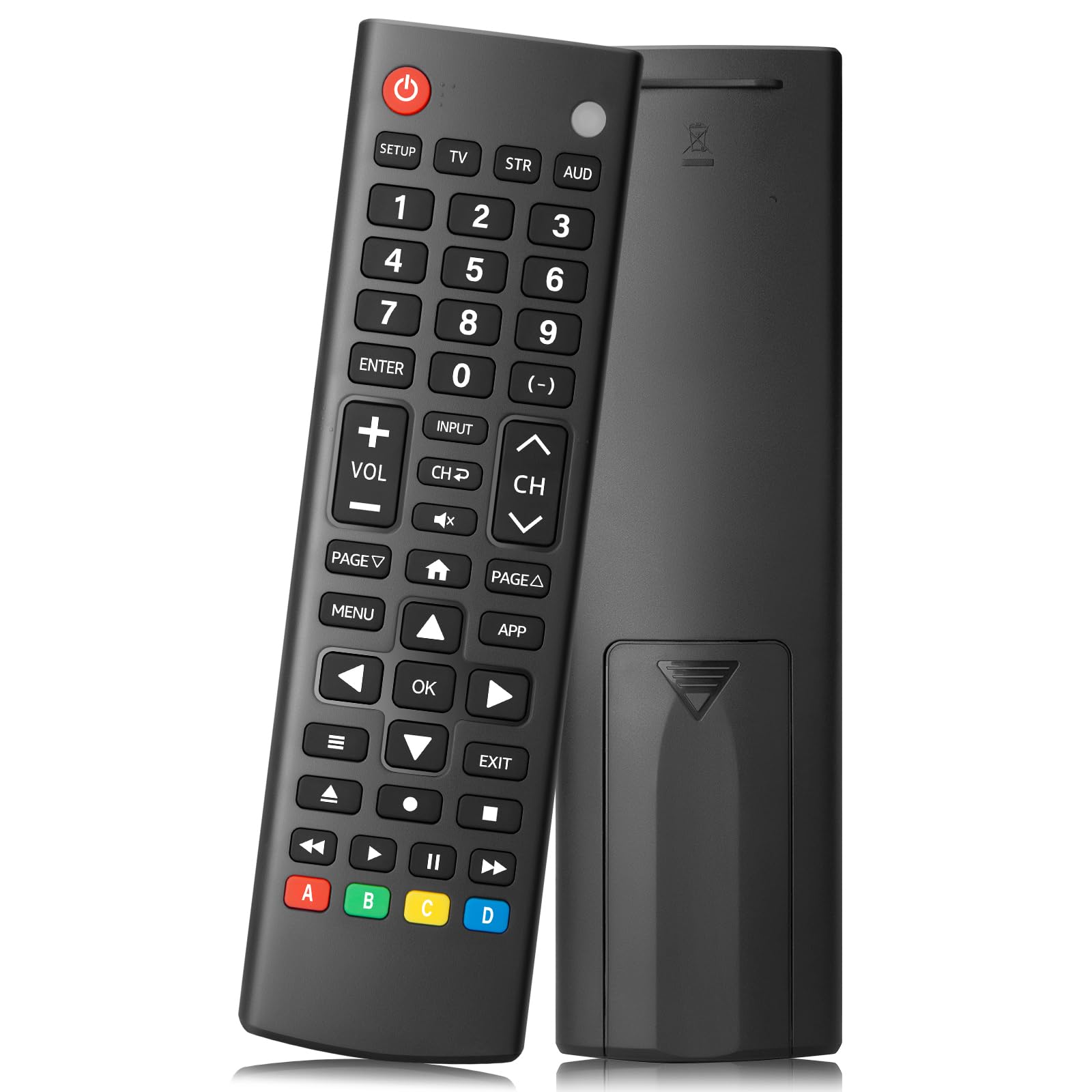
Image: The LOUTOC Universal TV Remote Control, Model SRP9232D.
Особливості продукту
- Універсальна сумісність: Controls over 5 types of devices, including TVs, DVD/Blu-ray players, soundbars, streaming media players, and set-top boxes.
- Wide Brand Support: Compatible with major TV brands such as Samsung, LG, Hisense, TCL, Vizio, Sony, Onn, Toshiba, Philips, Element, Westinghouse, Sharp, Emerson, Sanyo, RCA, and more. Also supports audio/video brands like Sony, LG, Panasonic, Samsung, Bose, Vizio.
- Розширений діапазон: Ефективно працює на відстані до 26 футів (приблизно 8 метрів).
- Швидка відповідь: Features a 0.2-second fast response time for immediate command execution.
- Міцний дизайн: Tested for over 50,000 presses, ensuring long-lasting durability.
- Джерело живлення: Потрібні 2 батарейки типу ААА (в комплект не входять).
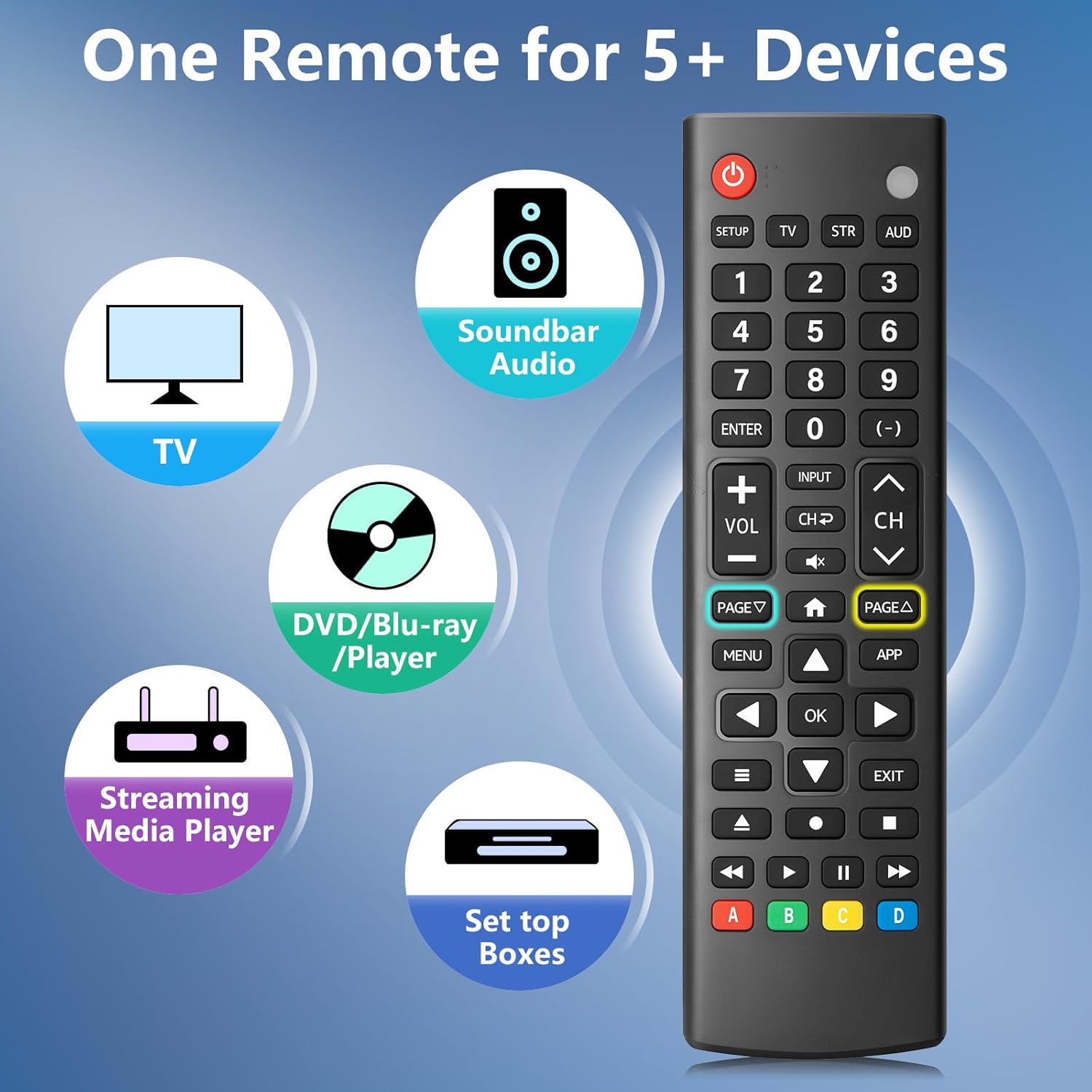
Image: The remote control is capable of operating multiple device types, including TV, Soundbar Audio, DVD/Blu-ray Player, Streaming Media Player, and Set Top Boxes.
Інструкції з налаштування
1. Встановлення батареї
Before using the remote control, install two new 1.5V AAA batteries. Ensure correct polarity (+/-) when inserting the batteries. Do not mix old and new batteries or different battery brands.
2. Методи парування
The remote control offers two methods for pairing with your devices:
Method 1: Manual Code Entry
- Locate your device's specific 4-digit code in the provided CODE LIST.
- Натисніть і утримуйте НАЛАШТУВАННЯ button on the remote until the remote's red indicator light turns on.
- Натисніть і відпустіть відповідну кнопку пристрою (наприклад, TV, ВУЛ, AUD) for the device you wish to control.
- Enter the 4-digit code for your device using the number buttons. The red light will turn off after the code is entered.
- Point the remote at the device and test the buttons. If the buttons do not function as expected, repeat steps 2-5 using the next code listed for your device until proper functionality is achieved.
Method 2: Automatic Pairing
For automatic pairing, please refer to pages 8-9 of the physical user manual included with your product for detailed instructions. This method automatically scans for compatible codes.

Image: Visual guide for Method 1 (Manual Code Entry) and a reference to Method 2 (Automatic Pairing) in the manual.
Інструкція з експлуатації
Once paired, your LOUTOC Universal TV Remote Control can operate your devices using its various buttons. Below is a general overview поширені функції кнопок:

Image: Labeled diagram of the remote control, highlighting each button and its corresponding function.
- Кнопка живлення: Turns devices ON/OFF.
- Цифрові кнопки (0-9): Enter numbers for direct channel selection or code entry.
- Кнопка ОК: Підтверджує вибір або входить до меню.
- Спрямована панель (Вгору/Вниз/Вліво/Вправо): Navigates on-screen menus and selections.
- Збільшення/зменшення гучності: Регулює рівень гучності.
- Канал вгору/вниз: Змінює телеканали.
- Кнопка вимкнення звуку: Вмикає або вимкнення звуку.
- Кнопка введення: Selects video input sources.
- Кнопка меню: Displays the on-screen menu.
- APP Button: Quick access to popular streaming applications (e.g., Netflix, YouTube).
- Елементи керування відтворенням (відтворення, пауза, зупинка, перемотування назад, перемотування вперед): Controls media playback on compatible devices.
- Кольорові кнопки (A, B, C, D): Provide additional features for DVRs, cable, and satellite receivers, depending on the device.
Сумісність
The LOUTOC Universal TV Remote Control is designed for broad compatibility:
Сумісні бренди телевізорів:
- Samsung, LG, Hisense, TCL, Vizio, Sony, Onn, Toshiba, Philips, Element, Westinghouse, Sharp, Emerson, Sanyo, RCA, and others.
Compatible Other Devices:
- DVD Players, Blu-ray Players, Soundbars, Streaming Media Players, Set Top Boxes, DVRs, VCRs, Audio Devices.
- Supported brands include Sony, LG, Panasonic, Samsung, Bose, Vizio, and others.

Image: The remote control is compatible with numerous TV brands, including Samsung, LG, Hisense, TCL, Sony, Vizio, Onn, Toshiba, and Philips.
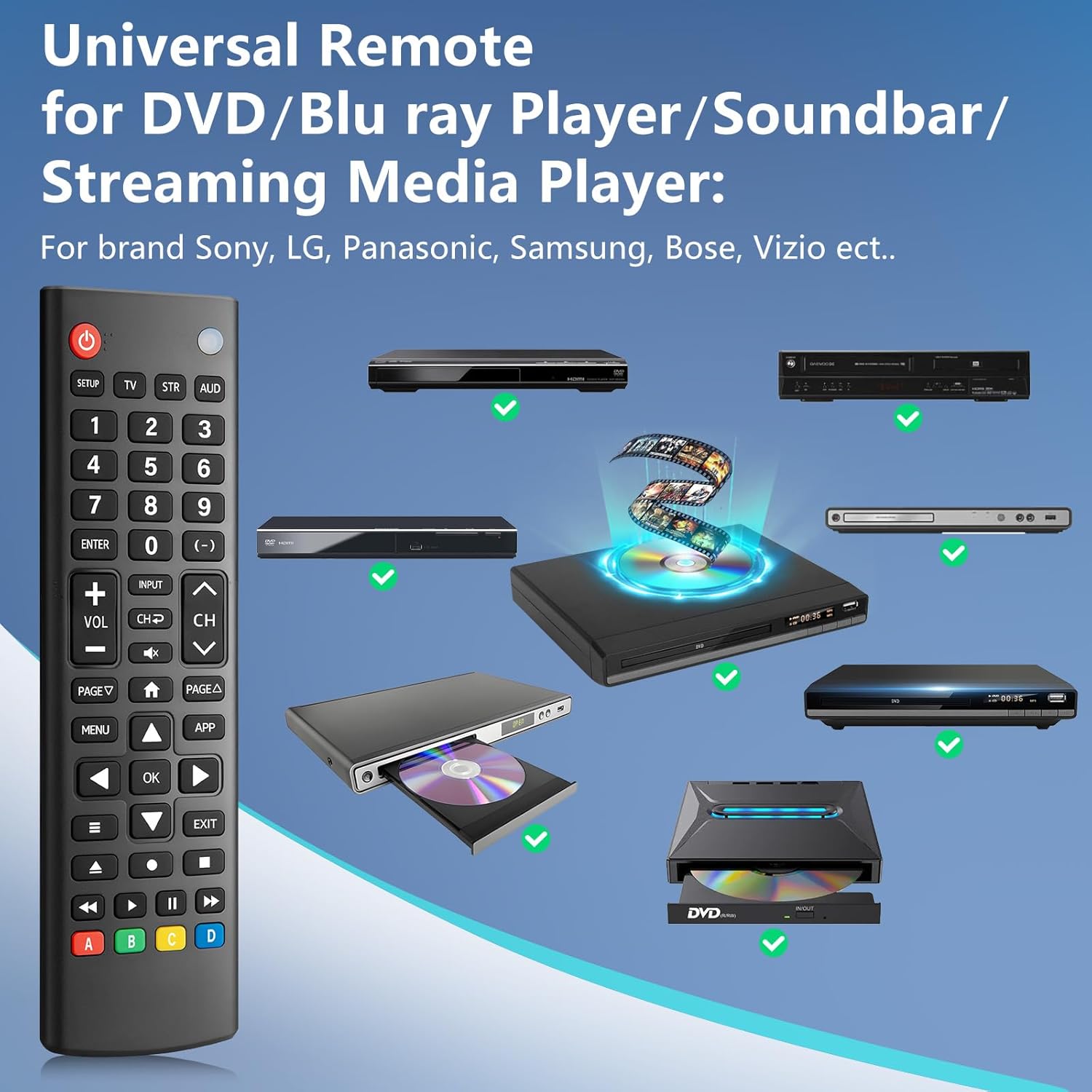
Image: The remote control is compatible with various DVD/Blu-ray players, soundbars, and streaming media players from brands like Sony, LG, Panasonic, Samsung, Bose, and Vizio.
Усунення несправностей
If you encounter issues with your LOUTOC Universal TV Remote Control, try the following steps:
- Пульт не відповідає: Ensure fresh AAA batteries are correctly installed. Check if the remote's red indicator light flashes when a button is pressed.
- Пристрій не відповідає: Verify that the remote is pointed directly at the device's IR receiver. Ensure there are no obstructions between the remote and the device.
- Неправильна функціональність: If buttons perform incorrect actions, re-attempt the pairing process (Method 1 or Method 2) using a different code from the CODE LIST for your specific device.
- Обмежена функціональність: Some advanced or brand-specific functions may not be supported by a universal remote.
- Перешкоди: Ensure no other devices are causing IR interference.
Технічні характеристики
| Розміри продукту | 6.7 x 1.8 x 0.7 дюймів |
| Вага товару | 2.08 унції |
| Номер моделі | SRP9232D |
| Бренд | LOUTOC |
| Особливість | Ergonomic, Lightweight, Universal |
| Максимальна кількість підтримуваних пристроїв | 1 (at a time, configured for specific device type) |
| Сумісні пристрої | DVD/Blu-ray Player, Set Top Box, Television |
Офіційне відео продукту
Відео: Оверview of the LOUTOC Universal TV Remote Control, highlighting its compatibility with various brands like Samsung, LG, Hisense, and TCL.
Гарантія та підтримка
For warranty information or technical support, please refer to the contact details provided with your product packaging or visit the official LOUTOC webсайт. Зберігайте чек про покупку для гарантійних претензій.


