1. Вступ
The ATTACK SHARK R11 Ultra is a high-performance wireless gaming mouse designed for precision and speed. Featuring an ultra-lightweight carbon fiber construction, tri-mode connectivity, and an advanced PAW3950 MAX sensor, this mouse offers versatile functionality for various computing environments and gaming styles.

Зображення 1.1: закінченоview of ATTACK SHARK R11 Ultra key features including carbon fiber construction, dual driver access, 8000Hz polling, ice-coating, 49g weight, and PAW3950 MAX sensor.
2. Вміст упаковки
Будь ласка, перевірте наявність усіх предметів у вашій упаковці:
- ATTACK SHARK R11 Ultra Wireless Gaming Mouse
- 8K Wireless Receiver (USB-C)
- USB-C – USB-A кабель для заряджання/передачі даних
- Посібник користувача
- Additional PTFE Mouse Feet (optional, may vary by region)
3. Продукт закінчивсяview
The R11 Ultra mouse features a lightweight design with strategically placed buttons for optimal control.

Image 3.1: The ATTACK SHARK R11 Ultra mouse shown alongside its 8K wireless receiver.
3.1. Mouse Components
- Ліва кнопка миші: Primary input.
- Клацніть правою кнопкою миші: Secondary input.
- Колесо прокрутки: For vertical scrolling and middle-click function. Features an F-Switch Scroll Wheel Encoder for tactile feedback.
- Бічні кнопки (Вперед/Назад): Customizable for various functions.
- Кнопка циклу DPI: Located on the underside, cycles through preset DPI levels.
- Перемикач підключення: Located on the underside, switches between 2.4GHz wireless, Bluetooth, and wired modes.
- Порт USB-C: Для зарядки та дротового підключення.
- PTFE ніжки: Low-friction feet for smooth gliding.

Зображення 3.2: Детальний опис view of the mouse's internal optical micro switches and the F-Switch scroll wheel encoder, designed for durability and tactile response.
3.2. Особливості конструкції
- Конструкція з вуглецевого волокна: The mouse shell is constructed with injection-molded carbon fiber material, contributing to its ultra-lightweight design (approximately 49g) while maintaining structural integrity.
- Nano-Ice Coating: An innovative coating provides a smooth, cool touch and enhances durability.
- Double-Layer Mouse Feet: Designed for smoother and more stable gliding compared to standard mouse feet.
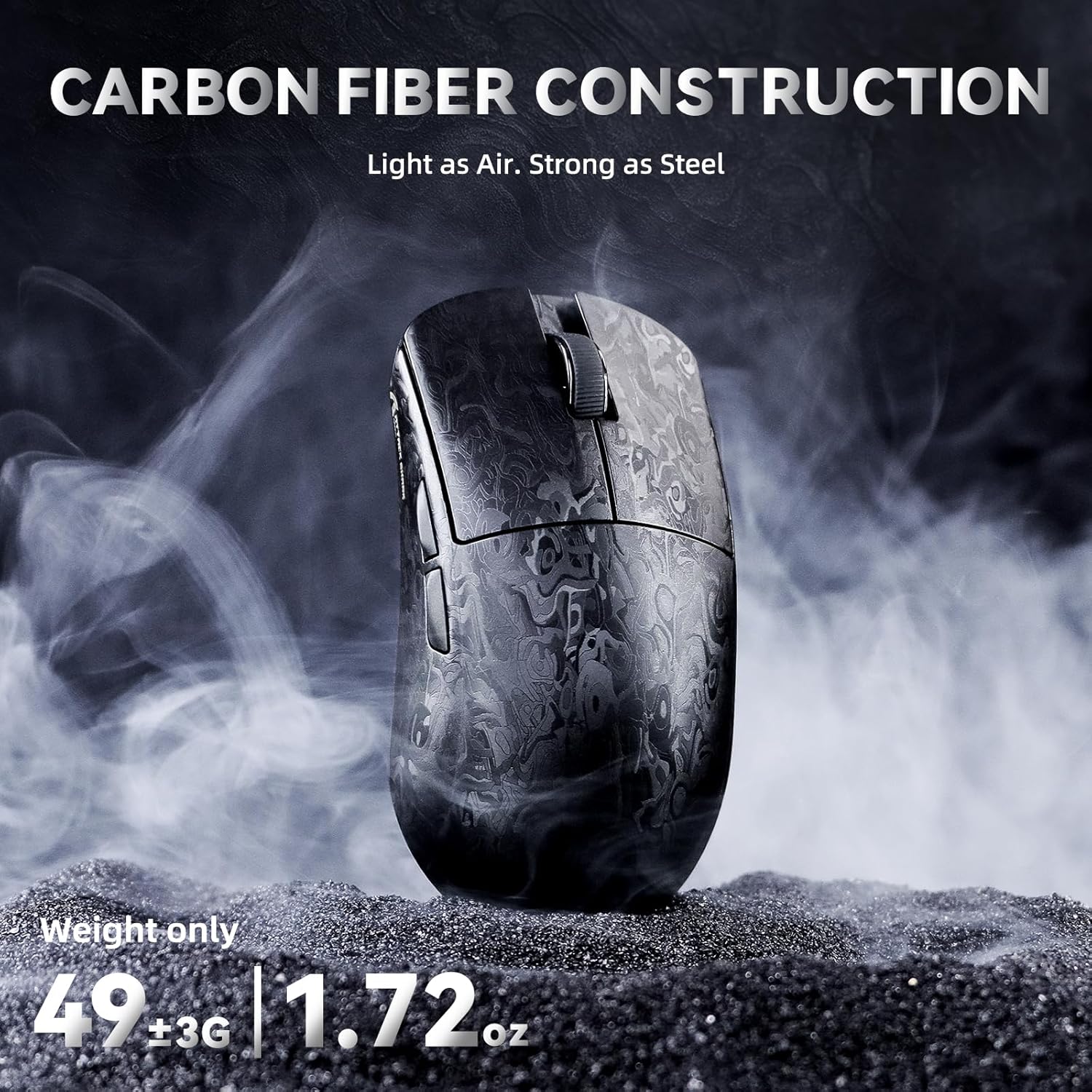
Image 3.3: The ATTACK SHARK R11 Ultra mouse, emphasizing its carbon fiber construction and ultra-lightweight design of 49 grams.

Image 3.4: The mouse featuring its Nano Metallic Ice-Coating and illustrating various grip options: palm grip, finger grip, and claw grip.

Image 3.5: The underside of the mouse, highlighting the double-layer PTFE mouse feet designed for enhanced glide and stability.
4. Налаштування
4.1. Заряджання миші
Connect the provided USB-C cable to the mouse's front port and the other end to a USB-A port on your computer or a USB power adapter. The mouse will charge automatically. An indicator light will show charging status.
4.2. Параметри підключення
The R11 Ultra supports three connection modes: Wired, 2.4GHz Wireless, and Bluetooth. Use the switch on the underside of the mouse to select your desired mode.
4.2.1. Провідне підключення
- Set the connectivity switch on the mouse to the 'Wired' position.
- Connect the USB-C cable from the mouse to a USB-A port on your computer.
- The mouse will be recognized automatically by your system.
4.2.2. Бездротове з'єднання 2.4 ГГц
- Set the connectivity switch on the mouse to the '2.4G' position.
- Plug the 8K Wireless Receiver into an available USB-A port on your computer.
- The mouse and receiver should pair automatically. The receiver supports an 8000Hz polling rate for reduced latency.

Image 4.1: The 8K wireless receiver, which enables an 8000Hz polling rate for the ATTACK SHARK R11 Ultra mouse.
4.2.3. Підключення Bluetooth
- Set the connectivity switch on the mouse to the 'BT' position.
- На комп’ютері або пристрої відкрийте налаштування Bluetooth і знайдіть нові пристрої.
- Select 'ATTACK SHARK R11 Ultra' from the list of available devices to pair.
5. Інструкція з експлуатації
5.1. Налаштування роздільної здатності
The DPI (Dots Per Inch) can be adjusted using the dedicated DPI button located on the underside of the mouse. Press the button to cycle through preset DPI levels. Default levels typically include 1200, 2400, 3200, 5600, 8000, and 42000 DPI.
5.2. Опитування
The R11 Ultra supports an 8000Hz wireless polling rate and a 1000Hz wired polling rate. The polling rate can be configured via the customization software.
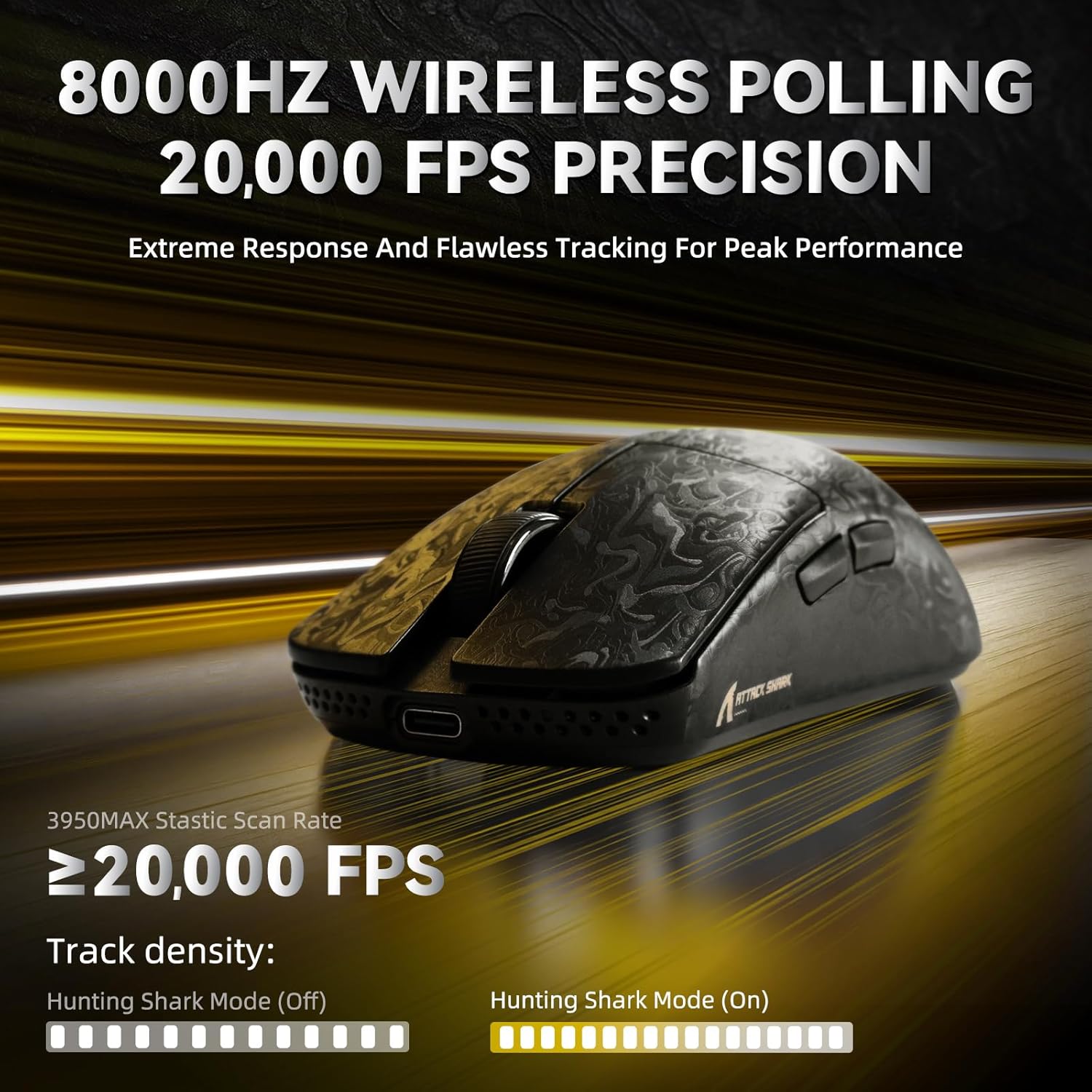
Image 5.1: The mouse demonstrating its 8000Hz wireless polling rate and 20000 FPS precision for accurate tracking.
5.3. Customization Software (AI Designed Driver)
The R11 Ultra features an innovative cloud-driven webpage for customization, eliminating the need for traditional driver software downloads. Access the webсторінку до:
- Налаштуйте параметри DPI та створіть власний професійнийfiles.
- Налаштуйте частоту опитування.
- Налаштуйте призначення кнопок.
- Record and assign macros.
- Adjust Lift-Off Distance (LOD) and other advanced functions.
Refer to the official ATTACK SHARK website for the link to the cloud-driven customization page.

Image 5.2: A screenshot of the cloud-driven customization interface, showing options for DPI adjustment, polling rate, and other settings.
6. Технічне обслуговування
6.1. прибирання
Для підтримки оптимальної продуктивності регулярно очищуйте мишу. Використовуйте м’яку суху тканину для протирання поверхні. Для стійкого бруду злегкаamp cloth can be used, ensuring no moisture enters the mouse's internal components. Avoid harsh chemicals or abrasive materials.
6.2. Зберігання
When not in use, store the mouse in a clean, dry environment away from direct sunlight and extreme temperatures. If storing for an extended period, ensure the mouse is fully charged.
7. Вирішення проблем
- Миша не реагує: Ensure the mouse is charged. Check the connectivity switch is in the correct position (Wired, 2.4G, or BT). For 2.4G, ensure the receiver is properly plugged in. For Bluetooth, re-pair the device.
- Затримка або переривчасте з'єднання: For 2.4G wireless, ensure the receiver is not obstructed and is close to the mouse. Avoid interference from other wireless devices. For Bluetooth, ensure your device's Bluetooth is enabled and updated.
- Проблеми з відстеженням: Clean the mouse sensor on the underside. Ensure you are using the mouse on a suitable surface (e.g., a mouse pad). Adjust DPI settings if tracking is too fast or slow.
- Не працюють кнопки: Check customization settings in the cloud-driven software to ensure buttons are correctly assigned.
If issues persist, refer to the official ATTACK SHARK support resources or contact customer service.
8. Технічні характеристики
Detailed technical specifications for the ATTACK SHARK R11 Ultra mouse:
| Особливість | Специфікація |
|---|---|
| Модель | R11 Ultra |
| Підключення | Дротовий (USB-C), Bluetooth, бездротовий 2.4 ГГц |
| датчик | PixArt PAW3950 MAX |
| MCU | Північна 52840 |
| Діапазон DPI | Up to 42,000 DPI (Programmable) |
| Швидкість опитування | 8000Hz (Wireless), 1000Hz (Wired) |
| Швидкість відстеження | IPS 750 |
| Прискорення | 50G |
| Перемикачі | Optical Micro Switches (70 Million Clicks) |
| вага | Approximately 49g ± 3g |
| Ємність акумулятора | 300 мАг |
| Розміри | 124 x 65.5 x 38 мм |

Image 8.1: A comprehensive table detailing the specifications of the R11 Ultra mouse.

Image 8.2: Detailed information about the PixArt PAW3950 MAX sensor, including DPI adjustment range, movement speed, and acceleration.

Image 8.3: A visual representation of the Nordic 52840 MCU chip, which provides stable and seamless connectivity.
9. Гарантія та підтримка
The ATTACK SHARK R11 Ultra mouse comes with a standard manufacturer's warranty. For specific warranty terms, duration, and support inquiries, please refer to the warranty card included in your package or visit the official ATTACK SHARK website. For technical assistance or troubleshooting beyond this manual, please contact ATTACK SHARK customer support.


