вступ
Thank you for choosing the OnePlus Nord Buds 3r TWS Earbuds. This manual provides essential information to help you get started, operate, and maintain your earbuds for optimal performance. Please read this manual thoroughly before using the product.

Image: OnePlus Nord Buds 3r TWS Earbuds in Aura Blue, shown in their open charging case with both earbuds inserted. A small green LED indicator is visible on the front of the case.
Вміст упаковки
Переконайтеся, що всі предмети присутні у вашій упаковці:
- OnePlus Nord Buds 3r TWS Earbuds (with charging case)
- 3N Eartips (various sizes)
- Посібник користувача
- Safety & Warranty Card
- Примітка: Зарядний кабель не входить до комплекту.

Image: The complete package contents for the OnePlus Nord Buds 3r, laid out on a white surface. This includes the Aura Blue charging case with earbuds, a box for the earbuds, a user guide, a safety and warranty card, and three pairs of blue eartips.
Налаштування
1. Початкове заряджання
Before first use, fully charge your OnePlus Nord Buds 3r. The charging case and earbuds are charged via a USB-C port (cable not included).
- Вставте обидва навушники в зарядний чохол.
- Connect a USB-C charging cable to the port on the charging case and to a power source.
- The LED indicator on the case will show charging status. A full charge provides up to 54 hours of music playback with the case. A 10-minute charge can provide up to 8 hours of music playback.
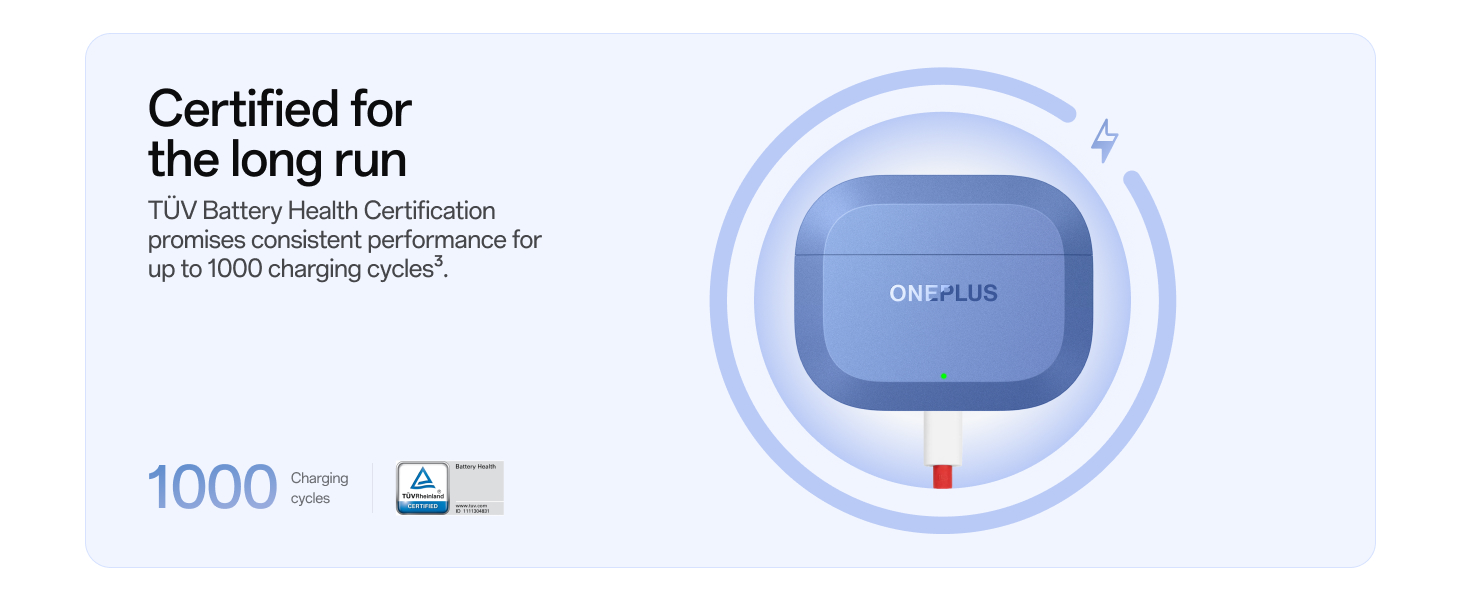
Image: The Aura Blue OnePlus Nord Buds 3r charging case is shown connected to a red USB-C charging cable, highlighting its fast charging capability. Text indicates "10 min charge" and "8 hrs playback".
2. Сполучення з пристроєм
The Nord Buds 3r support Google Fast Pair for quick connection with Android devices and dual-device connectivity.
- Переконайтеся, що навушники знаходяться в зарядному футлярі, а кришка відкрита.
- For first-time pairing, the earbuds will automatically enter pairing mode. The indicator light on the case will flash white.
- On your smartphone or device, enable Bluetooth and search for "OnePlus Nord Buds 3r".
- Select the earbuds from the list of available devices to connect.
- For Google Fast Pair, simply open the case near an Android device, and a pop-up will appear for quick pairing.
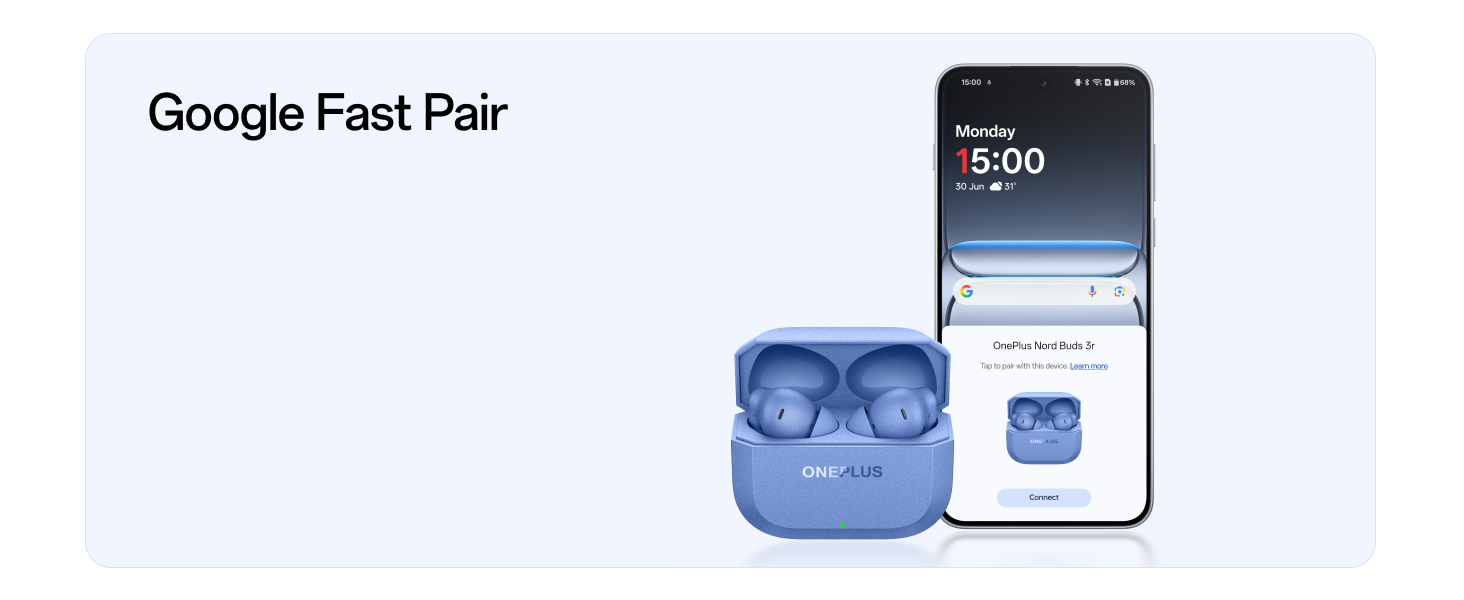
Image: The Aura Blue OnePlus Nord Buds 3r charging case is positioned next to a smartphone screen, which shows a Google Fast Pair notification for quick and easy device connection.
3. Підключення двох пристроїв
The earbuds can connect to two devices simultaneously, allowing for seamless switching between them.
- After pairing with the first device, put the earbuds back in the case and keep the lid open.
- Press and hold the function button on the charging case for 2 seconds to enter pairing mode for the second device.
- Connect to the earbuds on your second device.
- The earbuds will intelligently switch audio between the two connected devices.
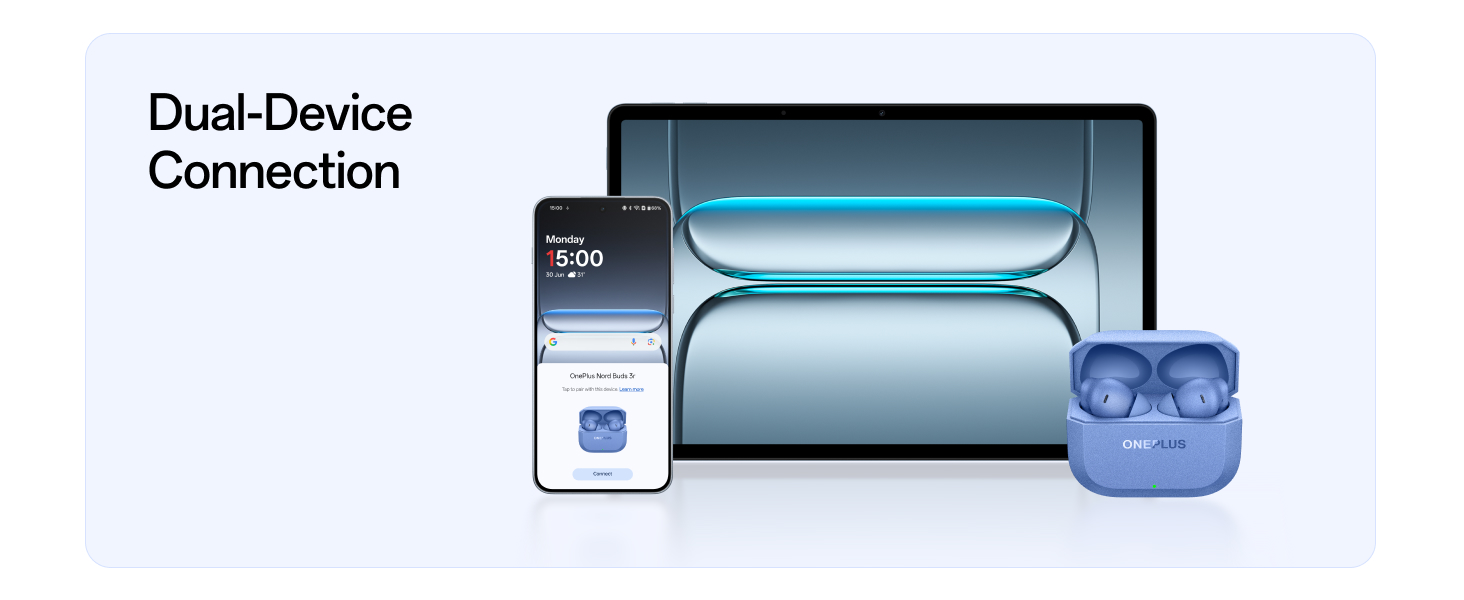
Image: The Aura Blue OnePlus Nord Buds 3r are shown connected to both a smartphone and a tablet, illustrating the dual-device connection feature for seamless audio switching.
Інструкція з експлуатації
1. Торкніться Елементи керування
The OnePlus Nord Buds 3r feature intuitive touch controls on each earbud:
- Однократне натискання: Play/Pause music, Answer/End call. (May need activation in phone settings for OnePlus devices with OxygenOS 12+ or HeyMelody App for other devices).
- Двічі натисніть: Перейти до наступної пісні.
- Потрійний дотик: Перейти до попередньої пісні.
- Long Touch and Hold: Збільшення або зменшення гучності.
- Voice Assistant Shortcut: Активуйте голосового помічника на вашому пристрої.
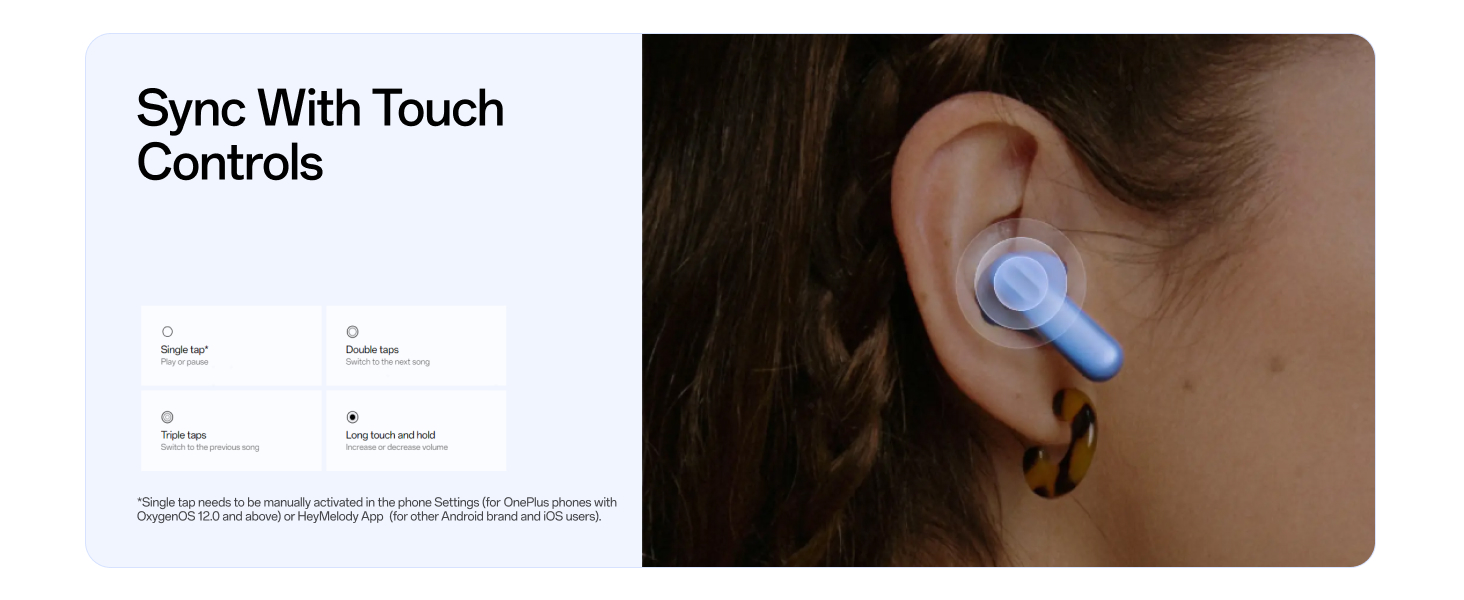
Image: A visual representation of the touch control gestures on the OnePlus Nord Buds 3r, detailing actions for single tap, double tap, triple tap, and long touch and hold.
2. Аудіофункції
- 12.4mm Titanium-coated Drivers: Experience deep bass and clear audio details.
- 3D просторовий звук: Enjoy an immersive sound experience with precise directional audio positioning. This feature is available on select OnePlus devices (OnePlus 11, 11R, 12, 12R, Nord 4, Nord 13, 13R, 13s, Nord 5, Nord CE5, Open, and tablets with OxygenOS 12 and above).
- Sound Master EQ: Personalize your listening with 3 EQ presets, fine-tuned by OnePlus' acoustic team. Accessible via the HeyMelody App.
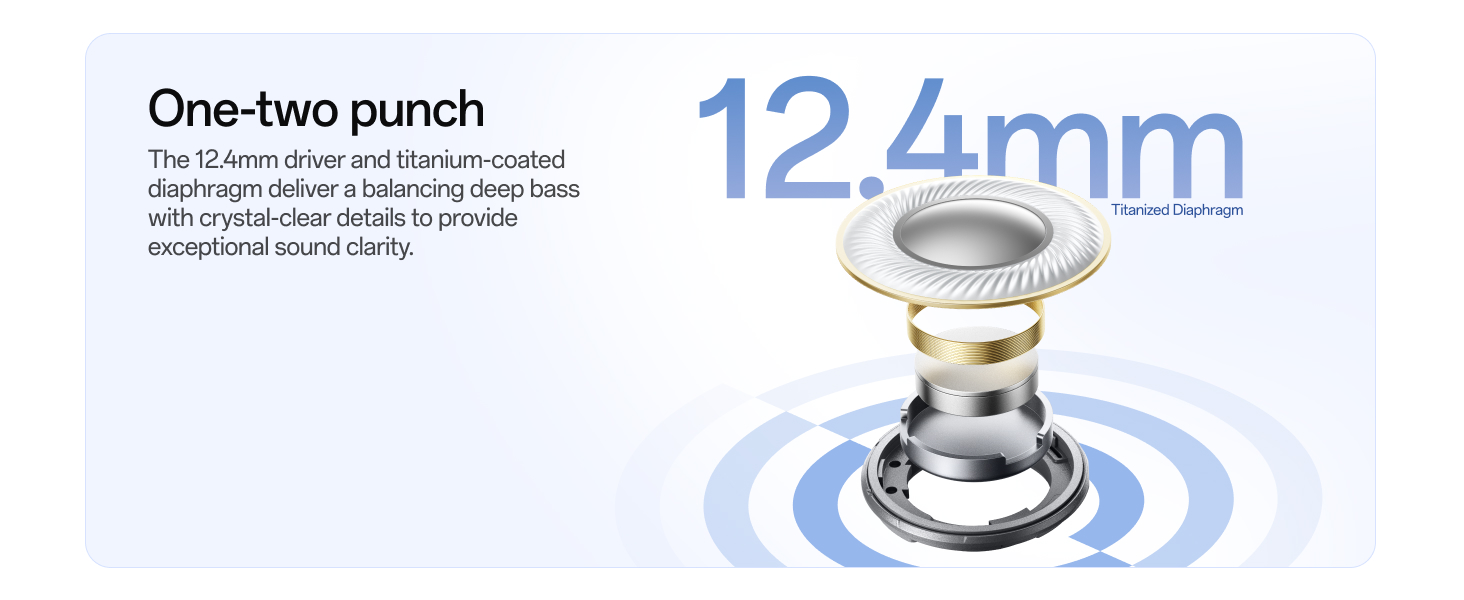
Image: An exploded diagram illustrating the internal components of a 12.4mm titanium-coated driver, emphasizing its role in delivering high-quality audio.
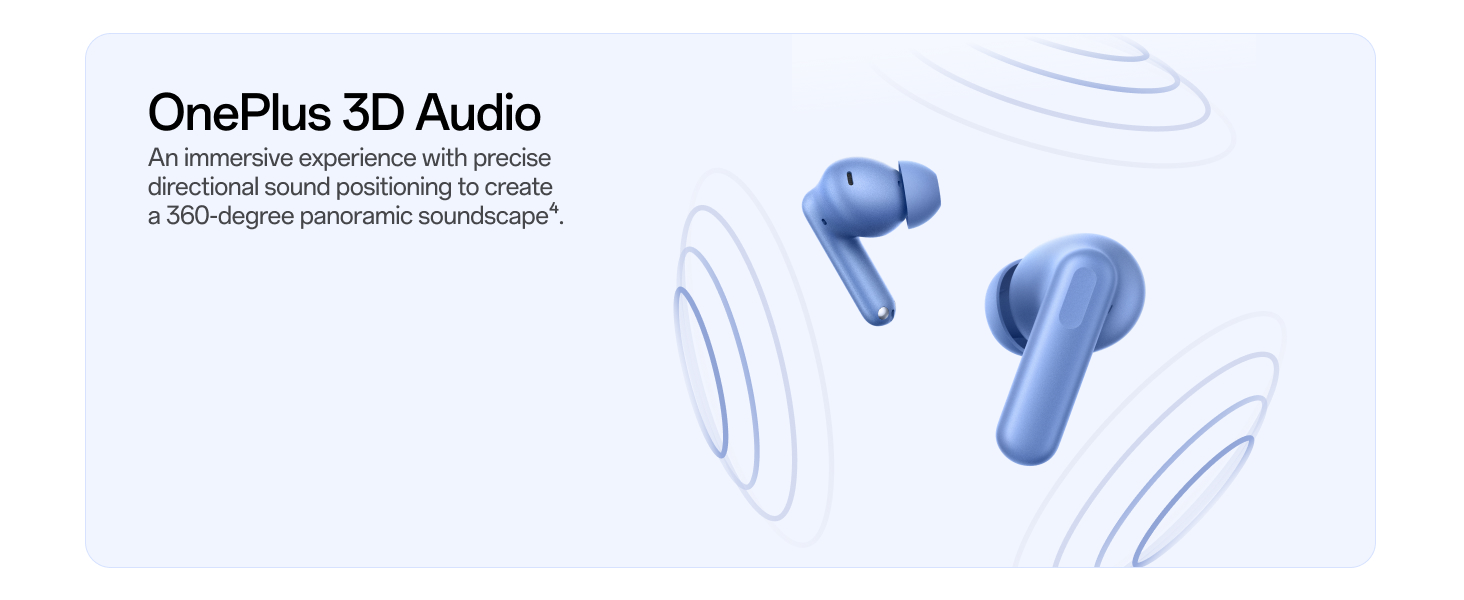
Image: The OnePlus Nord Buds 3r earbuds are depicted with concentric circles emanating from them, visually representing the immersive 3D Spatial Audio experience.
3. Функції виклику
- 2-mic AI Call Noise Cancellation: Dual microphones combined with an AI algorithm and anti-wind design ensure clear voice transmission by suppressing background noise and wind interference during calls.
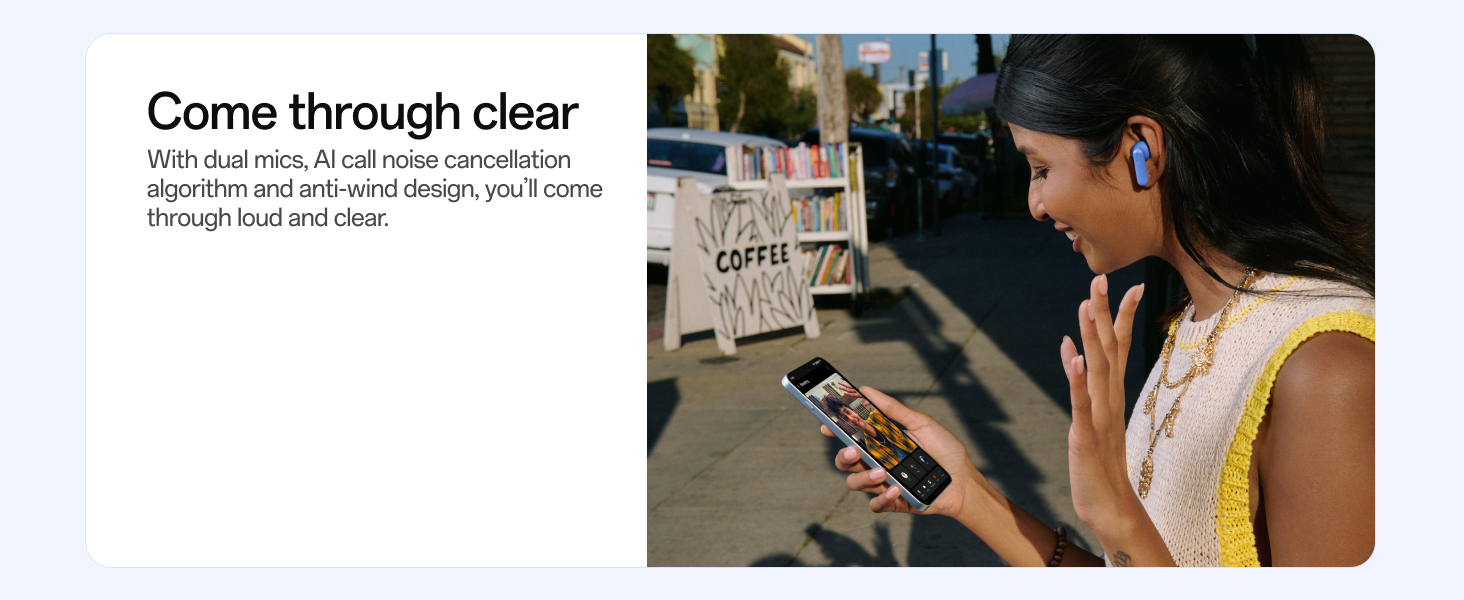
Image: A person is shown using the OnePlus Nord Buds 3r in an outdoor setting, illustrating the clear call quality provided by the dual mics and AI call noise cancellation.
4. Особливості
- Переклад за допомогою штучного інтелекту: Activate AI Translation via your OnePlus phone with a simple tap on the earbuds to facilitate communication across language barriers. (Available on select OnePlus devices with OxygenOS 15.0.1 and above. Refer to the app for supported languages).
- Низька затримка 47 мс: Enjoy real-time, lag-free performance for gaming and seamless Bluetooth 5.4 connectivity.
- Tap 2 Take: Double tap either earbud to start a 3-second countdown and remotely capture photos with your OnePlus phone. (Feature needs to be manually enabled in phone settings and is supported when the camera is active).
- Знайти мої навушники: Use the HeyMelody App to locate misplaced earbuds.
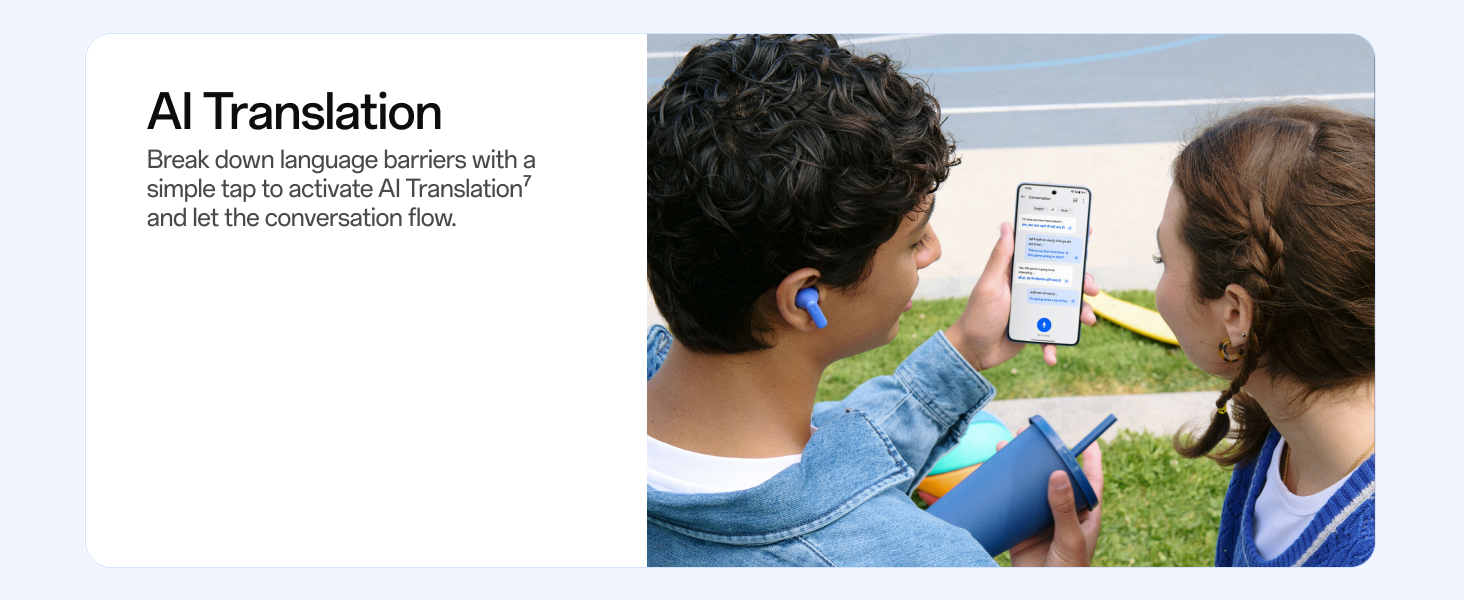
Image: A person is shown using the OnePlus Nord Buds 3r with a smartphone displaying an AI Translation interface, demonstrating the real-time language translation capability.
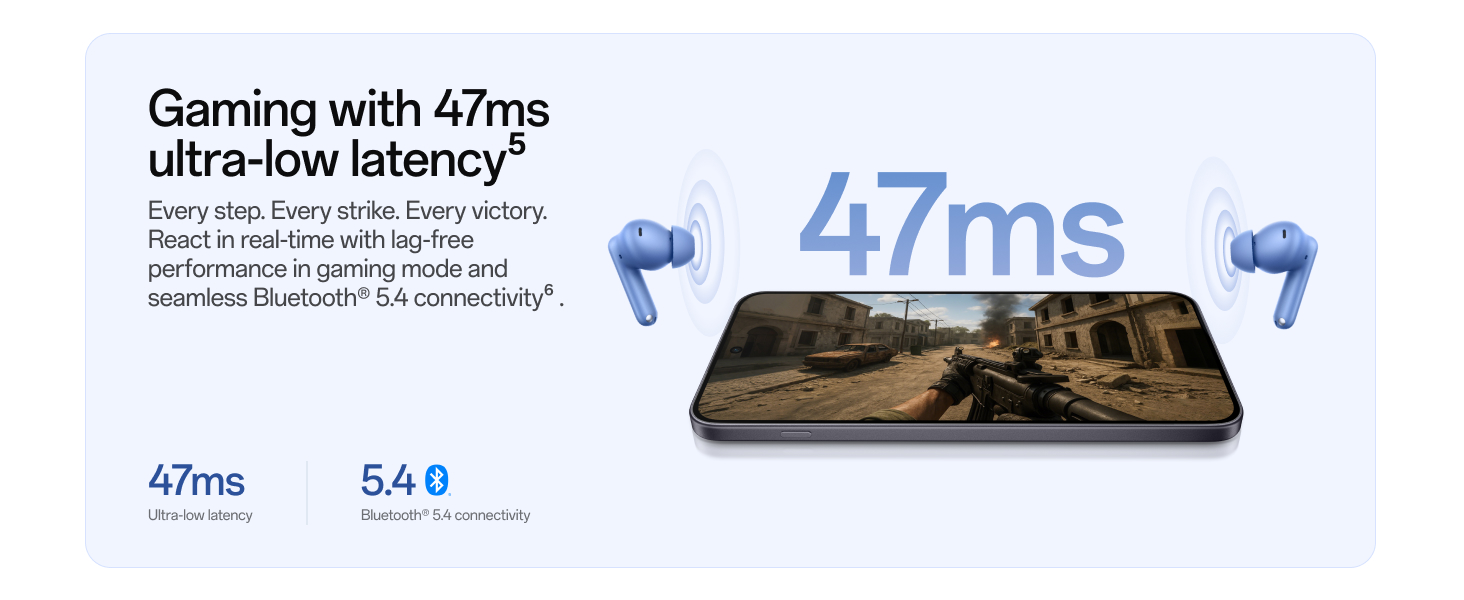
Image: The OnePlus Nord Buds 3r are paired with a smartphone displaying a video game, highlighting the 47ms ultra-low latency for an enhanced gaming experience.
Технічне обслуговування
1. прибирання
- Регулярно протирайте навушники та зарядний футляр м’якою, сухою тканиною без ворсу.
- Зніміть вушні насадки та очистіть насадки навушників від вушної сірки або сміття за допомогою невеликої щіточки або ватного тампона.
- Переконайтеся, що зарядні контакти на навушниках і в футлярі чисті та сухі, щоб запобігти проблемам із заряджанням.
2. Водо- та пилонепроникність
The earbuds feature an IP55 rating for dust and water resistance (charging case not included). This means they are protected against limited dust ingress and low-pressure water jets from any direction. However, this resistance is not permanent and may diminish with device aging. Liquid and dust damage are not covered under warranty.
- Не занурюйте навушники у воду.
- Avoid using the earbuds in saunas, steam rooms, or during water sports.
- Якщо навушники намокнуть, ретельно витріть їх насухо, перш ніж покласти назад у зарядний футляр.
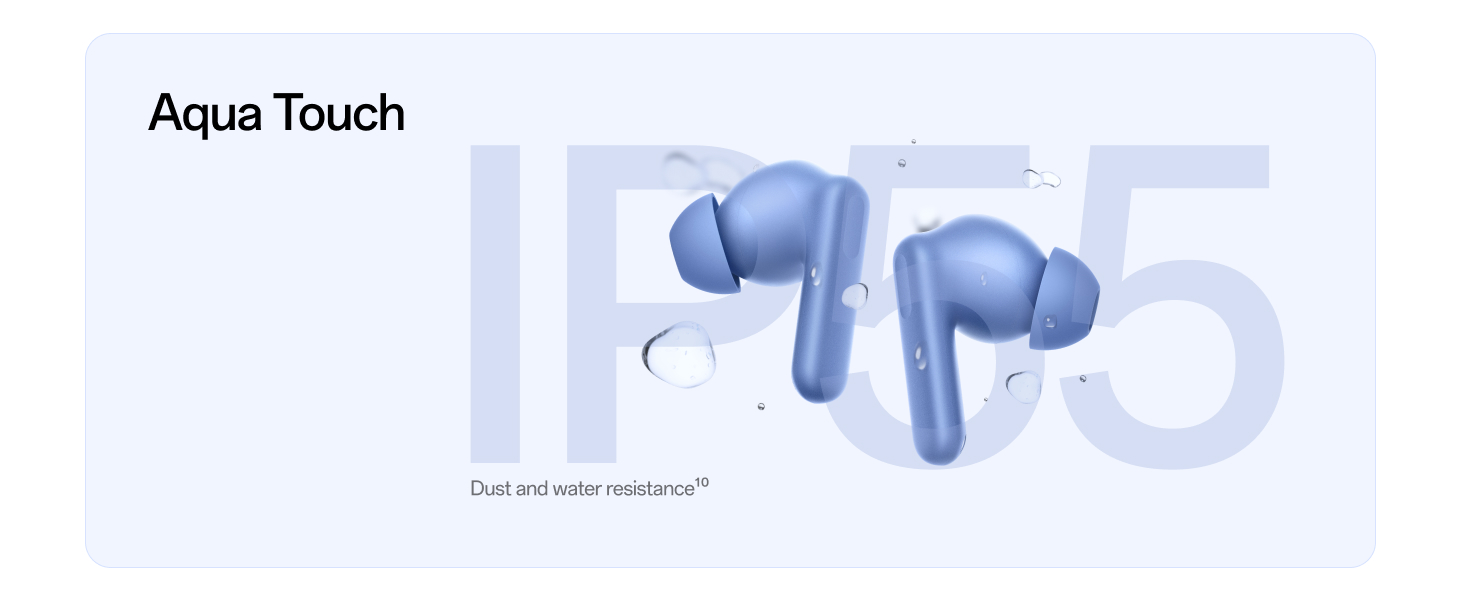
Image: The Aura Blue OnePlus Nord Buds 3r earbuds are shown with water droplets on them, signifying their IP55 dust and water resistance rating.
Усунення несправностей
1. Проблеми з підключенням
- Навушники не підключаються: Ensure Bluetooth is enabled on your device. Place earbuds back in the case, close the lid, then open it again to re-initiate pairing mode.
- Періодичне з'єднання: Move closer to your device. Ensure there are no major obstructions between the earbuds and your device. Avoid environments with strong electromagnetic interference.
- Unable to pair with a new device: Ensure the earbuds are not already connected to another device. Disconnect from previous devices or perform a factory reset if necessary.
2. Проблеми із заряджанням
- Навушники не заряджаються у випадку: Ensure the earbuds are correctly seated in the charging slots. Clean the charging contacts on both the earbuds and the case.
- Кейс не заряджається: Verify the USB-C cable and power adapter are working correctly. Ensure the charging port on the case is free of debris.
3. Проблеми з якістю звуку
- Низька гучність або поганий звук: Adjust the volume on your connected device. Ensure eartips are properly fitted and the earbud nozzles are clean. Try different eartip sizes for a better seal.
- Проблеми з якістю дзвінків: Ensure the microphones are not obstructed. In noisy environments, AI Call Noise Cancellation should help, but extreme noise may still affect clarity.
4. Скидання до заводських налаштувань
Якщо у вас виникають постійні проблеми, скидання до заводських налаштувань може вирішити їх:
- Place both earbuds into the charging case and keep the lid open.
- Press and hold the function button on the charging case for 10-15 seconds until the indicator light flashes red three times, then white.
- The earbuds are now reset and ready for re-pairing.
Технічні характеристики
| Особливість | Деталь |
|---|---|
| Назва моделі | OnePlus Nord Buds 3r (E517A) |
| Бренд | OnePlus |
| колір | Аура Блакитна |
| Технологія підключення | Бездротовий зв'язок (Bluetooth 5.4) |
| Тип аудіо драйвера | 12.4-міліметровий динамічний драйвер з титановим покриттям |
| Термін служби батареї | До 54 годин (з зарядним футляром) |
| Швидка зарядка | 10 хвилин зарядки для 8 годин відтворення |
| Шумоподавлення під час дзвінків | 2-mic AI Call Noise Cancellation |
| Особливості | AI Translation, 3D Spatial Audio, 47ms Low Latency, Dual-Device Connectivity, Google Fast Pair, Touch Control, Find My Earbuds |
| Стійкість до води та пилу | IP55 (лише навушники) |
| Спосіб контролю | Дотик |
| Сумісні пристрої | Android, iOS, Windows smartphones, tablets, computers, OnePlus smartphones |
| Вага товару | 82 грамів |
| Розміри продукту | 6 х 4.8 х 2.4 см |
Гарантія та підтримка
Your OnePlus Nord Buds 3r come with a 1-річна гарантія виробника. Please refer to the included Safety & Warranty Card for detailed terms and conditions.
For technical support, service, or warranty claims, please contact OnePlus customer service or visit the official OnePlus support webсайт. Зберігайте підтвердження покупки для підтвердження гарантії.
Примітка: Liquid and dust damage are not covered under the warranty, as per the IP55 rating limitations.


