1. Вступ
This manual provides essential information for the safe and efficient use of your LG 34U530A-W UltraWide WFHD IPS Computer Monitor. Please read this manual thoroughly before operating the product and retain it for future reference.
The LG 34U530A-W monitor features a 34-inch 21:9 UltraWide Full HD (2560 x 1080) IPS display, offering a wide viewing experience. Key features include a 100Hz refresh rate, VESA DisplayHDR 400, up to sRGB 99% color coverage, and versatile connectivity options including HDMI, DisplayPort, and USB Type-C. It also integrates Waves MaxxAudio speakers and includes features like Reader Mode and the LG Switch App for enhanced productivity and comfort.
2. Інформація про безпеку
Observe the following safety precautions to prevent hazards or damage to the product.
- Не розміщуйте монітор поблизу джерел тепла або під прямими сонячними променями.
- Забезпечте належну вентиляцію навколо монітора.
- Використовуйте лише шнур живлення та адаптер, що постачаються з монітором.
- Do not attempt to disassemble or modify the monitor.
- Тримайте рідини подалі від монітора, щоб запобігти ураженню електричним струмом або пожежі.
- Unplug the monitor from the wall outlet during lightning storms or when unused for long periods.
3. Що в коробці
Verify that all components are included in your product package:
- Монітор
- Кабель живлення
- Кабель HDMI
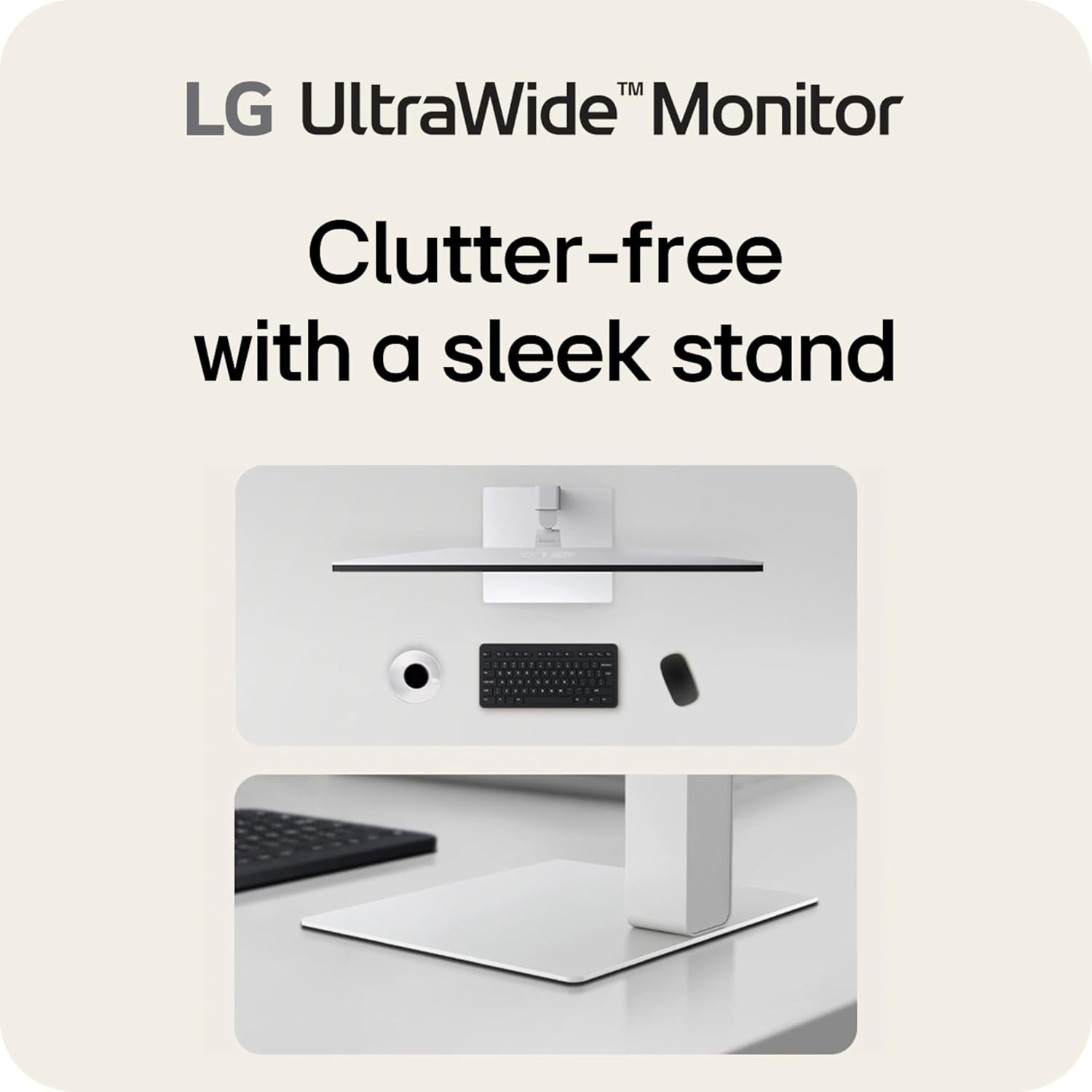
- База підставки
- Стенд Neck
- Посібник користувача (цей документ)
4. Налаштування
4.1 Збірка підставки
- Покладіть екран монітора екраном вниз на м’яку, чисту поверхню, щоб запобігти подряпинам.
- Прикріпіть шийку підставки до задньої панелі монітора, доки вона не зафіксується почутим клацання.
- Закріпіть основу підставки до шиї підставки за допомогою наданого гвинта.
- Carefully lift the monitor and place it on a stable, level surface.
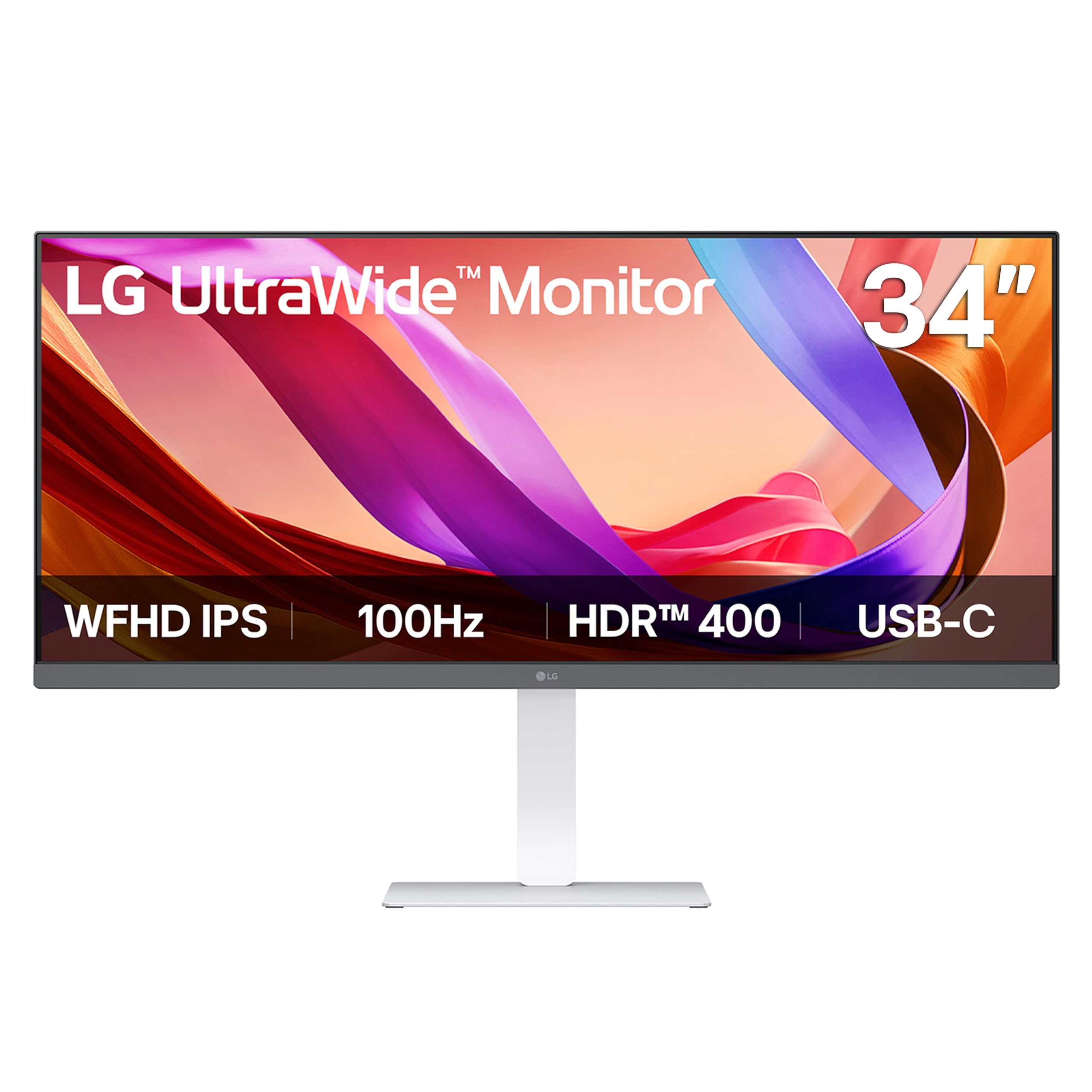
Зображення: спереду view of the LG 34U530A-W monitor with its stand assembled.
4.2 Підключення монітора
Підключіть монітор до комп’ютера одним із наведених нижче способів.
- Підключення HDMI: Use the supplied HDMI cable to connect the HDMI port on the monitor to the HDMI port on your computer.
- Підключення DisplayPort: Use a DisplayPort cable (not supplied) to connect the DisplayPort on the monitor to the DisplayPort on your computer.
- Підключення USB Type-C: Use a USB Type-C cable (not supplied) to connect the USB Type-C port on the monitor to the USB Type-C port on your computer. This connection supports both display output and data transfer.
Зображення: Задня частина view of the LG 34U530A-W monitor showing the various input ports including HDMI, DisplayPort, and USB Type-C.
4.3 Увімкнення
- Підключіть кабель живлення до монітора, а потім до розетки.
- Натисніть кнопку живлення, розташовану внизу посередині монітора, щоб увімкнути його.
5. Експлуатація монітора
5.1 Елементи керування екранним меню (OSD)
The OSD menu allows you to adjust various settings of the monitor. Access the OSD menu by pressing the joystick button located on the bottom center of the monitor.
- Move the joystick up/down/left/right to navigate through the menu options.
- Натисніть джойстик, щоб вибрати опцію або підтвердити налаштування.
5.2 Налаштування параметрів дисплея
Within the OSD menu, you can modify settings such as:
- Яскравість: Налаштуйте загальну яскравість екрана.
- Контраст: Control the difference between the brightest and darkest areas of the screen.
- колір: Fine-tune color temperature, gamma, and individual RGB values. The monitor supports up to sRGB 99% color coverage for accurate color reproduction.
Video: Demonstrates the LG UltraWide Monitor's sRGB 99% color feature, highlighting vivid and accurate color display.
5.3 Using Productivity Features
- LG Switch App: This software allows you to effortlessly split the screen into up to 6 sections, customize display layouts, and manage multiple windows for efficient multitasking. Software installation is required; visit LG.com завантажити.
- Режим читання: Adjusts the display to warmer tones and optimized brightness, reducing blue light emission for comfortable reading during extended sessions.
Video: Illustrates the 21:9 UltraWide screen of the LG monitor, showcasing its expanded workspace for multitasking.
5.4 Параметри звуку
The monitor includes built-in stereo speakers with Waves MaxxAudio. You can adjust the volume and other audio settings through the OSD menu.
6. Технічне обслуговування
6.1 Очищення монітора
- Завжди вимикайте монітор перед чищенням.
- Злегка протріть м’якою тканиною без ворсу dampened with water or a mild, non-abrasive cleaner specifically designed for screens.
- Не розпилюйте засіб для чищення безпосередньо на екран.
- Обережно протирайте екран, щоб уникнути подряпин.
7. Вирішення проблем
Якщо у вас виникли проблеми з монітором, зверніться до наступних поширених проблем та способів їх вирішення:
| проблема | Можлива причина | Рішення |
|---|---|---|
| Немає живлення | Кабель живлення не підключено або розетка несправна. | Переконайтеся, що кабель живлення надійно підключений. Перевірте розетку за допомогою іншого пристрою. |
| На екрані немає зображення | Відеокабель не підключено або вибрано неправильний вхід. | Перевірте підключення відеокабелю. Виберіть правильне джерело вхідного сигналу в екранному меню. |
| Зображення розмите або спотворене | Неправильна роздільна здатність або частота оновлення. | Set the display resolution to 2560 x 1080. Ensure the refresh rate is set to 100Hz. |
| Немає звуку з динаміків | Volume too low or muted, or audio cable not connected (if using external audio source). | Adjust volume via OSD or computer settings. Check audio cable connections. |
8. Технічні характеристики
| Особливість | Специфікація |
|---|---|
| Номер моделі | 34U530A-W.AUS |
| Розмір екрана | 34 дюймів |
| Тип панелі | IPS |
| роздільна здатність | 2560 x 1080 (WFHD) |
| Співвідношення сторін | 21:9 |
| Частота оновлення | 100 Гц |
| Підтримка HDR | VESA DisplayHDR 400 |
| Колірна гамма | sRGB 99% (Typical) |
| Підключення | HDMI, DisplayPort, USB Type-C |
| Вбудовані динаміки | Yes (with Waves MaxxAudio) |
| Регулювання стендів | Висота, нахил, поворот |
| Розміри (ДxШxВ) | 32.1 x 9.1 x 21 дюймів |
| вага | 19.4 фунта |
9. Гарантія та підтримка
Щоб отримати інформацію про гарантію, зверніться до гарантійного талона, що додається до вашого продукту, або відвідайте офіційний веб-сайт LG webсайт. Для отримання технічної підтримки, реєстрації продукту або запитів щодо обслуговування, будь ласка, відвідайте Підтримка LG або зверніться безпосередньо до служби підтримки клієнтів LG.