вступ
Дякуємо за покупкуasing the CHEREEKI Digital LED Alarm Clock. This manual provides detailed instructions for setting up and operating your new alarm clock. Please read it thoroughly before use and keep it for future reference.
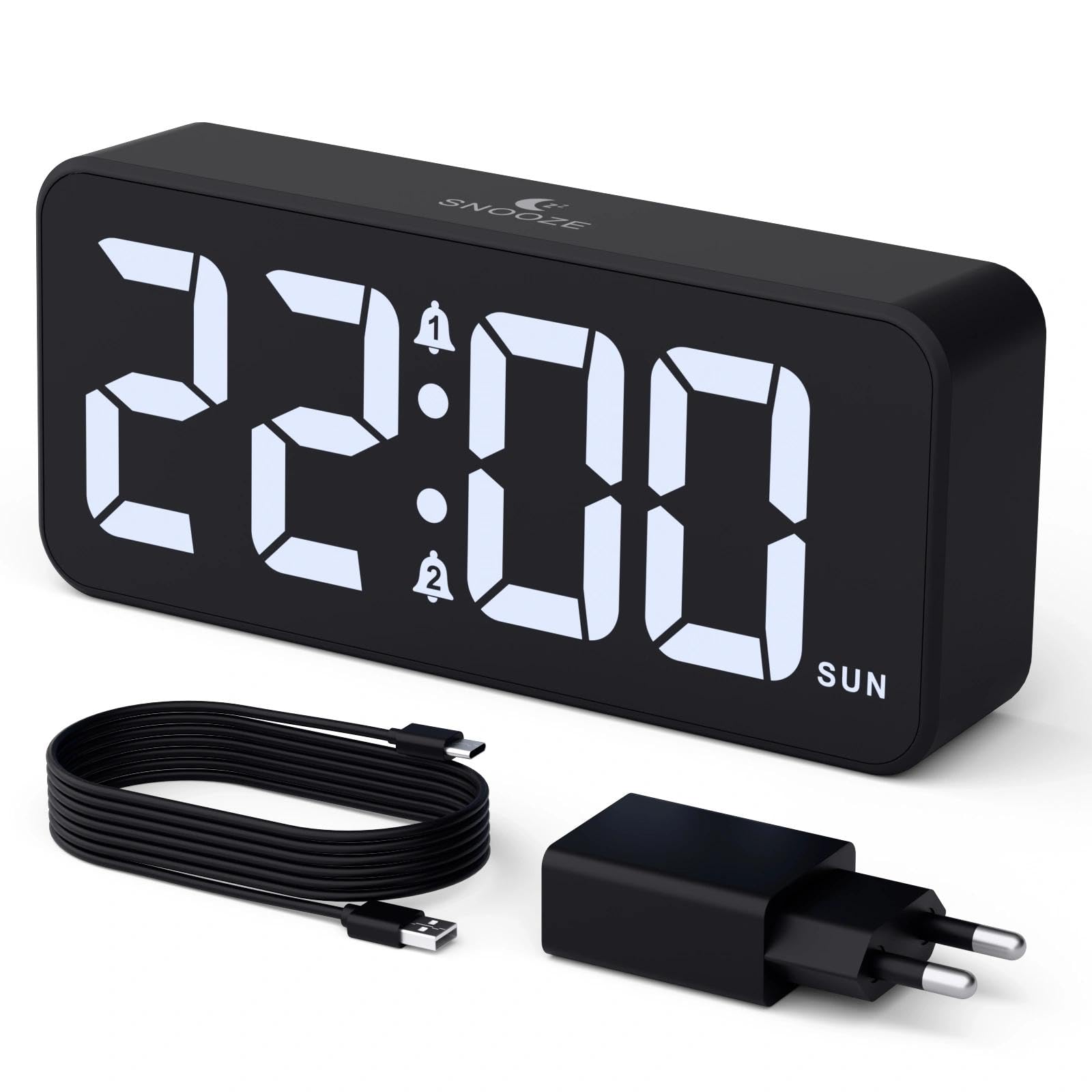
Image: The CHEREEKI Digital LED Alarm Clock, showcasing its large LED display and key features.
Інформація про безпеку
- Ensure the power adapter and cable are compatible with the device's voltage requirements (5V/1A or 5V/2A).
- Не піддавайте пристрій впливу води або надмірної вологості.
- Уникайте розміщення пристрою поблизу джерел тепла або під прямими сонячними променями.
- Не намагайтеся розбирати або ремонтувати пристрій самостійно. У разі виникнення проблем зверніться до служби підтримки клієнтів.
- Зберігати в недоступному для дітей місці.
Вміст упаковки
- CHEREEKI Digital LED Alarm Clock
- Power Adapter (5V/1A or 5V/2A)
- USB Charging Cable (1.5m)
- Посібник користувача
- CR2032 Backup Battery (pre-installed or included)

Image: Illustration of the items included in the product package.
Макет та елементи керування продуктом

Image: Rear panel of the alarm clock with labels for all buttons and ports.
- Кнопка встановлення часу: Натисніть, щоб увійти в режим налаштування часу.
- Кнопка будильника 1: Натисніть, щоб встановити будильник 1.
- Кнопка будильника 2: Натисніть, щоб встановити будильник 2.
- Кнопки вгору/вниз: Відрегулюйте значення під час налаштування.
- Dimmer Knob: Rotate to adjust display brightness (0-100%).
- Регулятор гучності: Rotate to adjust alarm volume (10 levels).
- Вихідний порт USB: Для заряджання зовнішніх пристроїв.
- Вхідний порт Type-C: For power supply to the alarm clock.
- Кнопка літнього часу: For Daylight Saving Time adjustment.
- Батарейний відсік: Houses the CR2032 backup battery.
Налаштування
1. Підключення живлення
The alarm clock operates solely on AC power. Connect the provided USB cable to the Type-C input port on the back of the clock and plug the adapter into a standard wall outlet (5V/1A or 5V/2A). The display will light up.

Image: The alarm clock connected to a power source via its adapter.
2. Резервна батарея
A CR2032 backup battery is included to retain time and alarm settings during power outages. This battery does not power the display or alarm functions; it only preserves memory. Ensure the battery is correctly installed in the compartment on the back of the clock.

Image: Close-up of the backup battery compartment, indicating its purpose to retain settings during power loss.
Інструкція з експлуатації
Встановлення часу
- Press the "TIME SET" button. The hour digits will flash.
- Use the "UP" or "DOWN" buttons to adjust the hour.
- Натисніть кнопку «TIME SET» ще раз, щоб підтвердити годину та перейти до налаштування хвилин. Цифри хвилин блиматимуть.
- Use the "UP" or "DOWN" buttons to adjust the minutes.
- Press "TIME SET" once more to confirm the minutes and exit time setting mode.
Налаштування будильників (Будильник 1 та Будильник 2)
This clock supports two independent alarms with three scheduling options.
- Press the "ALARM 1" or "ALARM 2" button. The alarm hour digits will flash.
- Use the "UP" or "DOWN" buttons to adjust the alarm hour.
- Press the respective alarm button again to confirm the hour and move to minute setting. The minute digits will flash.
- Use the "UP" or "DOWN" buttons to adjust the alarm minutes.
- Press the alarm button again to select the alarm schedule:
- будні: з понеділка по п'ятницю
- Вихідні дні: з суботи на неділю
- щоденно: з понеділка по неділю
- Press the alarm button once more to confirm the schedule and exit alarm setting mode.
- To enable/disable an alarm, press the "ALARM 1" or "ALARM 2" button briefly outside of setting mode. An alarm icon will appear/disappear on the display.

Image: The alarm clock demonstrating dual alarm settings with various scheduling options.
Функція відкладення
When the alarm sounds, touch the top of the clock to activate the 5-minute snooze function. The alarm will temporarily stop and sound again after 5 minutes. To turn off the alarm completely, press any other button on the back of the clock.
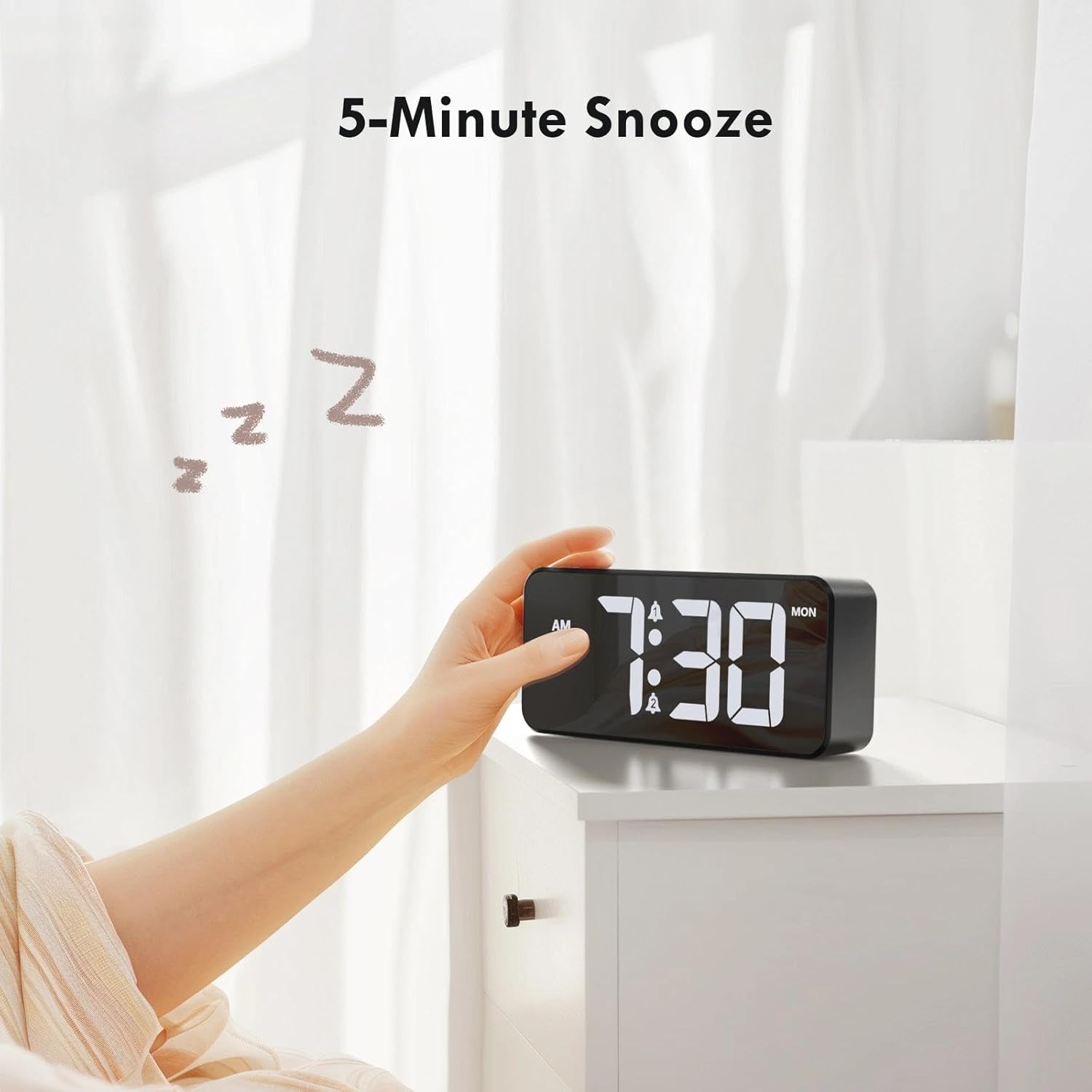
Image: A user activating the snooze function by touching the top of the alarm clock.
Регулювання яскравості дисплея
Rotate the "DIMMER" knob on the back of the clock to adjust the display brightness from 0% (off) to 100% (maximum brightness). This allows for comfortable viewза будь-яких умов освітлення.

Image: Visual representation of the adjustable brightness feature and the dimmer knob.
Регулювання гучності будильника
Rotate the "VOLUME" knob on the back of the clock to select one of the 10 available alarm volume levels. Choose a volume that suits your preference.

Image: The volume control knob and a visual scale indicating adjustable volume levels.
12/24-годинний формат
To switch between 12-hour and 24-hour time formats, press and hold the "TIME SET" button for a few seconds until the format changes. In 12-hour format, "AM" or "PM" indicators will be displayed.

Image: The alarm clock showing both 12-hour and 24-hour time display options.
USB порт зарядки
The USB-A output port on the back of the clock allows you to charge other devices, such as smartphones or tablets. Simply connect your device's charging cable to this port.

Image: The alarm clock charging a smartphone via its integrated USB port.
Перехід на літній та зимовий час
To adjust for Daylight Saving Time, press the "DST" button on the back of the clock. This will advance or set back the time by one hour. Press it again to revert.
Технічне обслуговування
- Протирайте поверхню годинника м’якою сухою тканиною. Не використовуйте абразивні засоби для чищення або розчинники.
- Оберігайте пристрій від пилу та сміття.
- If the backup battery needs replacement, use a CR2032 coin cell battery. Ensure correct polarity.
Усунення несправностей
| проблема | Можлива причина | Рішення |
|---|---|---|
| Дисплей вимкнено. | Not connected to power; Dimmer set to 0%. | Ensure the clock is plugged into a working power outlet. Rotate the Dimmer knob to increase brightness. |
| Сигналізація не звучить. | Alarm not activated; Volume set to minimum. | Press the ALARM 1/2 button to activate the alarm (icon should appear). Rotate the Volume knob to increase volume. |
| Налаштування втрачені після відключення живленняtage. | Резервний акумулятор розряджений або відсутній. | Замініть резервну батарею CR2032. |
| Зарядка через USB не працює. | Clock not powered; Device cable faulty. | Ensure the alarm clock is powered. Try a different USB cable or device. |
Технічні характеристики
- Бренд: ЧЕРЕЕКИ
- модель: B0FHHKMP1X
- колір: чорний
- Тип дисплея: Цифровий світлодіод
- матеріал: Акрилонітрилбутадієнстирол (АБС)
- Розміри продукту: 14.5 x 3.81 x 6.5 см (5.7 x 1.5 x 2.5 дюйма)
- Вага товару: 230 грами (0.5 фунта)
- Джерело живлення: Wired Electric (5V/1A or 5V/2A adapter)
- Резервна батарея: CR2032 (for memory retention only)
- Особливості: Adjustable Brightness, Dual Alarm, Snooze, USB Charging Port, 12/24H Format, Adjustable Volume, Day of Week Display
Гарантія та підтримка
This CHEREEKI Digital LED Alarm Clock comes with a Довічна гарантія. For any product inquiries, technical support, or warranty claims, please contact CHEREEKI customer service through the retailer where you purchased the product or visit the official CHEREEKI webсайт для контактної інформації.
Будь ласка, збережіть підтвердження покупки для гарантійних цілей.
