1. Вступ
This manual provides essential information for setting up, operating, maintaining, and troubleshooting your OUKITEL G5 Rugged Smartphone. Please read it carefully to ensure proper use and to maximize the device's performance and longevity.
2. Що в коробці
- 1x OUKITEL G5 Rugged Smartphone
- 1 зарядний пристрій 10 Вт
- 1x кабель для передачі даних
- 1x карткова голка
- 1x Посібник (цей документ)
3. Налаштування
3.1. Встановлення SIM-картки та TF-картки
The OUKITEL G5 supports dual SIM dual standby (Nano+Nano/Nano+TF). Use the provided card needle to open the SIM card tray.
- Знайдіть лоток для SIM-картки на бічній панелі пристрою.
- Insert the card needle into the small hole next to the tray and press gently until the tray ejects.
- Place your Nano-SIM card(s) and/or TF card into the designated slots on the tray. Ensure the cards are correctly oriented.
- Обережно вставте лоток назад у пристрій, доки він не стане рівним.
3.2. Початкове заряджання
Before first use, fully charge your OUKITEL G5. Use the provided 10W charger and data cable.
- Connect the data cable to the charging port on your phone.
- Connect the other end of the data cable to the 10W charger.
- Підключіть зарядний пристрій до розетки.
- The phone will indicate charging status on the screen. Allow the device to charge completely.
3.3. Увімкнення/вимкнення живлення
- Щоб увімкнути: Натисніть і утримуйте кнопку живлення, доки не з’явиться логотип OUKITEL.
- Щоб вимкнути: Натисніть і утримуйте кнопку живлення, потім виберіть «Вимкнути живлення» з опцій на екрані.
4. Інструкція з експлуатації
4.1. Дисплей та навігація
The OUKITEL G5 features a 6-inch HD display with 450 nits brightness, ensuring clear visibility even in direct sunlight. Navigate the Android 14 operating system using touch gestures.
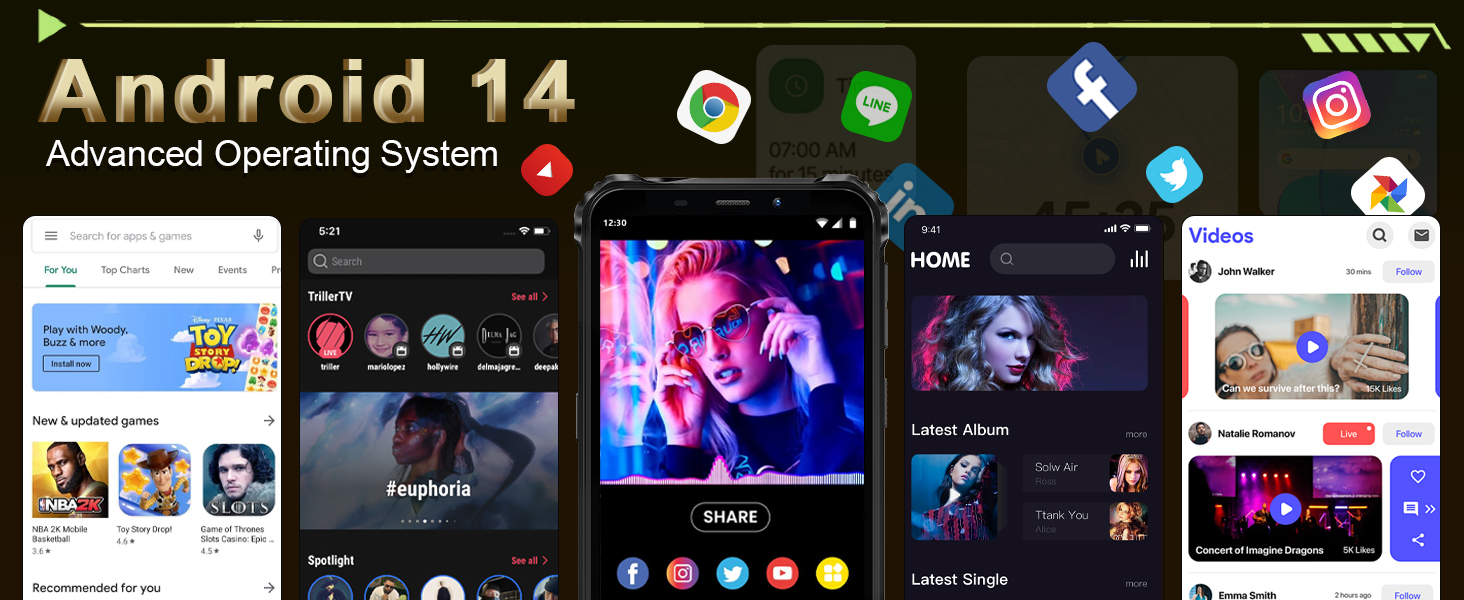
Image: The OUKITEL G5's 6-inch HD display, offering clear and vibrant visuals.
4.2. Функції камери
Capture moments with the 13MP main camera and 5MP front-facing camera.
- Відкрийте програму «Камера» на головному екрані або в панелі програм.
- Select between photo and video modes.
- Tap the screen to focus on a specific area.
- Press the shutter button to take a photo or start/stop video recording.
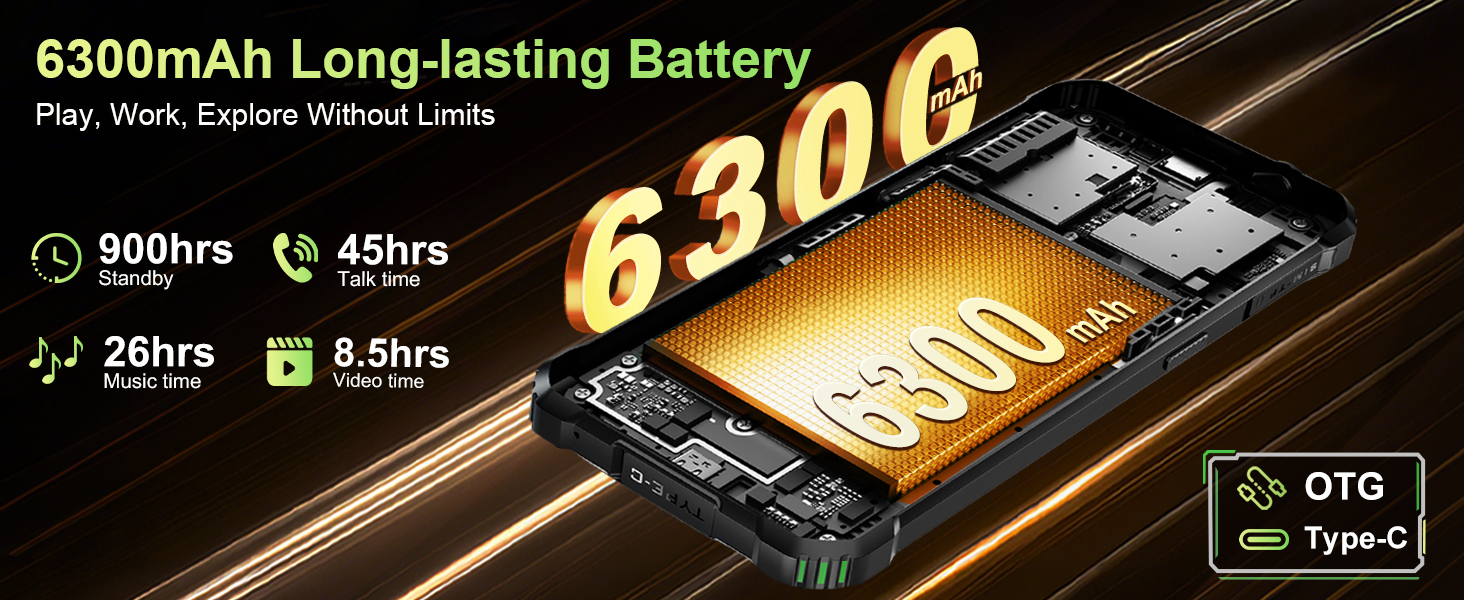
Image: The OUKITEL G5's 13MP main camera, designed for capturing clear images.
4.3. Подвійний Campвогні
The OUKITEL G5 is equipped with 900-lumen dual camping lights, offering multiple modes for various outdoor situations.
- Access the camping lights application on your device.
- Choose from available modes: SOS, Strobe, or Constant Lighting.
- Adjust brightness levels as needed (three levels available).
Warning: Do not shine the camping lights directly into eyes.

Image: The OUKITEL G5's dual camping lights in action, providing illumination for outdoor activities.
4.4. Зберігання та продуктивність
The device comes with 16GB RAM (4GB physical + 12GB virtual) and 128GB internal storage, expandable up to 1TB with a TF card. The octa-core processor ensures smooth operation and app switching.
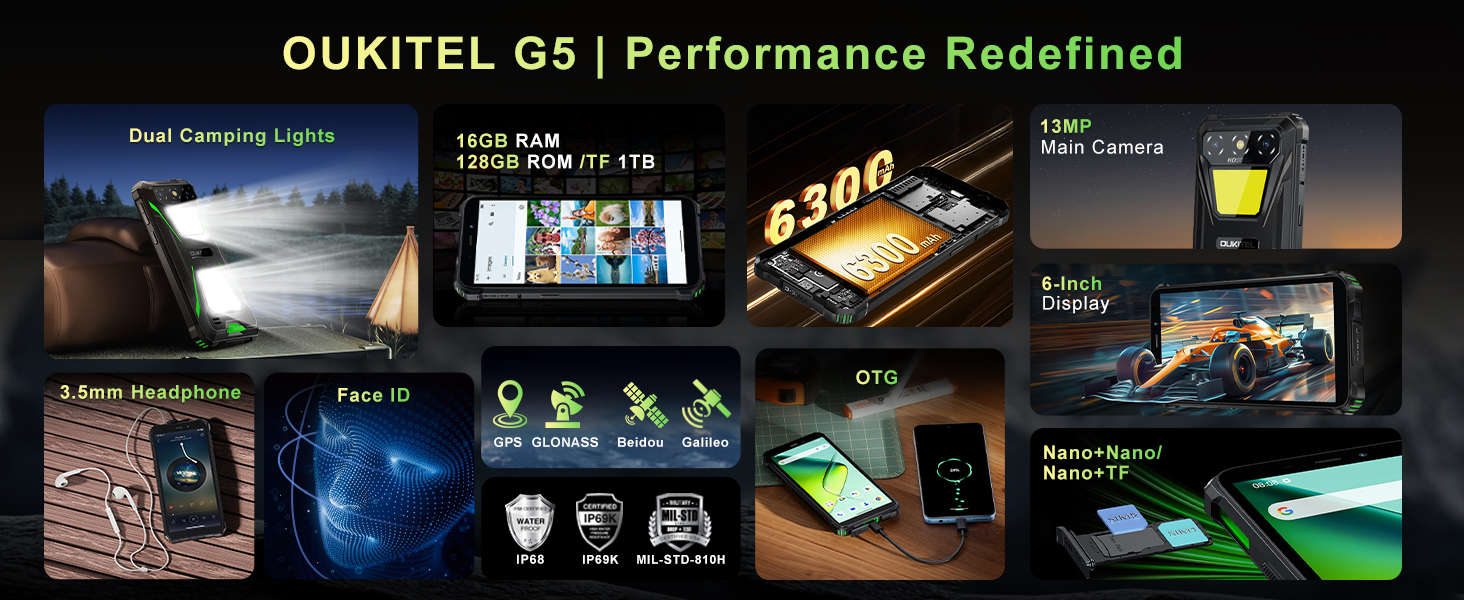
Image: Visual representation of the OUKITEL G5's memory and processor capabilities.
4.5. Зворотна зарядка OTG
Utilize the OTG reverse charging feature to power other devices using your OUKITEL G5's battery.
- Ensure your OUKITEL G5 has sufficient battery charge.
- Connect an OTG cable (not included) to your OUKITEL G5.
- Підключіть інший кінець OTG-кабелю до пристрою, який ви хочете зарядити.
- The charging process should begin automatically.
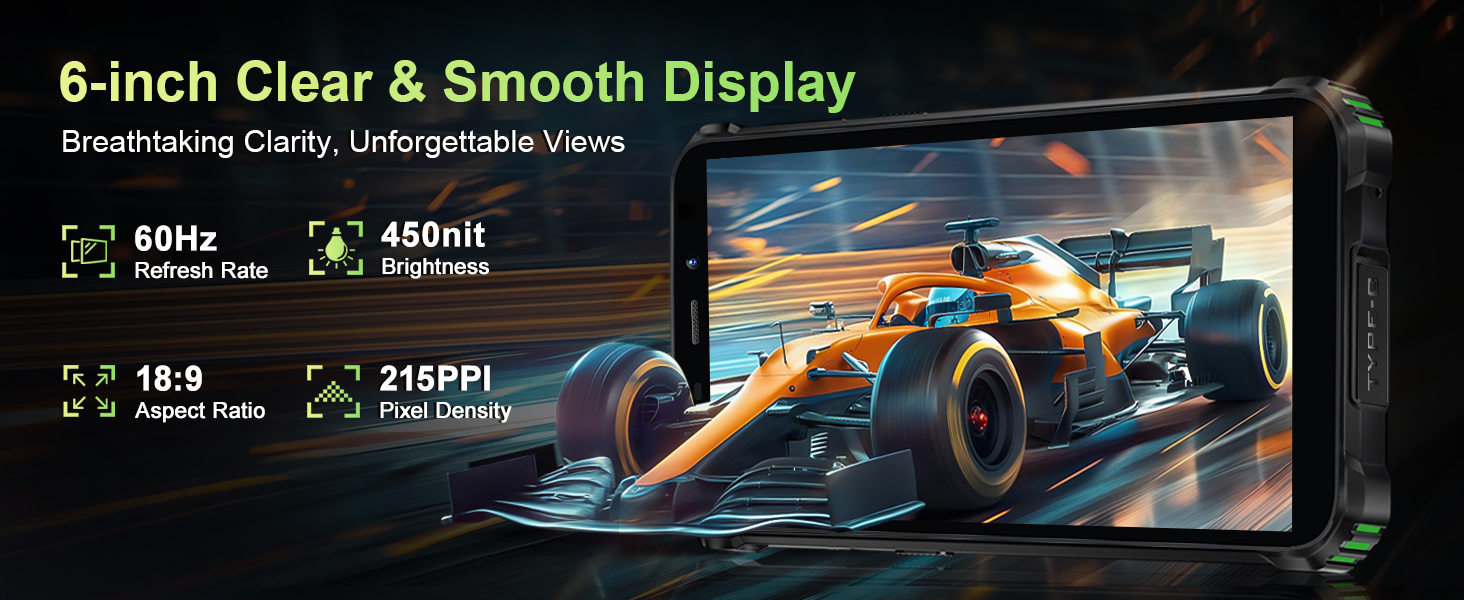
Image: The OUKITEL G5 providing power to another device via OTG reverse charging.
4.6. Face ID
Unlock your device quickly and securely using Face ID.
- Перейти до Налаштування > Безпека > Фейсконтроль.
- Дотримуйтеся вказівок на екрані, щоб зареєструвати своє обличчя.
- Once registered, you can unlock your phone by looking at the front camera.
4.7. GPS та навігація
The OUKITEL G5 integrates a comprehensive positioning system including Beidou, Galileo, GLONASS, and GPS for accurate location services.
- Ensure location services are enabled in your phone's settings.
- Use pre-installed or downloaded navigation applications for route guidance and location tracking.
5. Технічне обслуговування
5.1. Характеристики довговічності
The OUKITEL G5 is built to withstand harsh conditions, certified with IP68/IP69K dust/water resistance and MIL-STD-810H for shock resistance.
- Водонепроникний: Rated for submersion up to 1.5 meters for 30 minutes. Ensure all port covers are securely closed before exposure to water.
- Пилонепроникний: Designed to prevent ingress of dust and fine particles.
- Ударостійкий: Constructed to endure drops and impacts, though extreme force may still cause damage.

Image: The OUKITEL G5 showcasing its robust design and resistance to water, dust, and drops.
5.2. Очищення пристрою
To clean your OUKITEL G5, use a soft, damp cloth. Avoid harsh chemicals or abrasive materials that could damage the device's protective coatings.
5.3. Догляд за акумулятором
Щоб продовжити термін служби акумулятора:
- Уникайте екстремальних температур.
- Не залишайте телефон повністю зарядженим або повністю розрядженим протягом тривалого часу.
- Використовуйте оригінальний зарядний пристрій та кабель для оптимального заряджання.
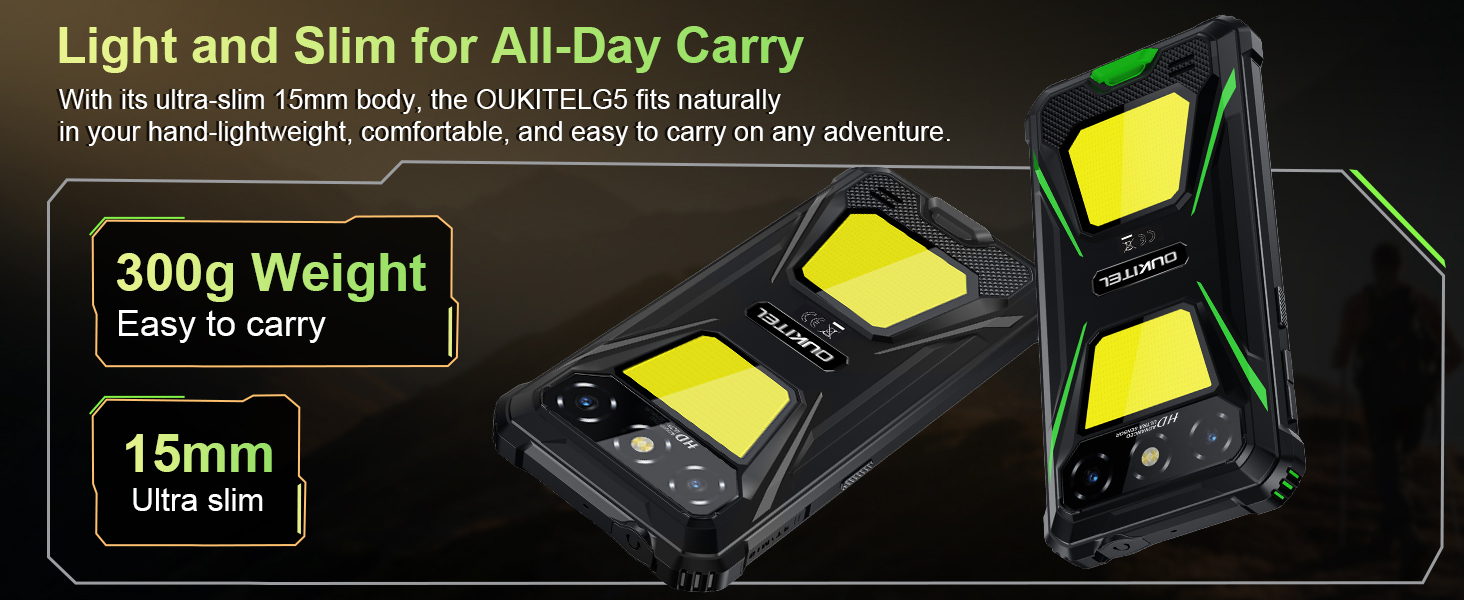
Image: The OUKITEL G5's 6300mAh battery, providing extended usage times.
6. Вирішення проблем
6.1. Поширені проблеми та їх вирішення
- Пристрій не включається: Переконайтеся, що акумулятор заряджений. Підключіть зарядний пристрій і спробуйте ще раз.
- Екран не реагує: Restart the device by holding the Power button for about 10-15 seconds until it reboots.
- Проблеми з підключенням до мережі: Check if your SIM card is properly inserted. Verify that your carrier (T-Mobile is supported; Verizon/AT&T/MetroPCS are not) has active service. Try toggling Airplane Mode on and off.
- Збої в роботі програм або їхня низька продуктивність: Close background applications. Clear app cache in Settings > Apps. Ensure sufficient storage space is available.
- Проблеми із зарядкою: Переконайтеся, що зарядний пристрій і кабель надійно підключені та не пошкоджені. Спробуйте іншу розетку.
7. Технічні характеристики
| Особливість | опис |
|---|---|
| Назва моделі | OUKITEL G5 |
| Операційна система | Android 14 |
| Процесор | Восьмиядерний |
| ОЗУ | 16 ГБ (4 ГБ фізичної + 12 ГБ віртуальної) |
| Внутрішня пам'ять | 128 ГБ ПЗУ |
| Розширюване сховище | До 1 ТБ з TF-картою |
| Дисплей | 6-inch HD, 450 nits brightness, 18:9 Aspect Ratio, 215 PPI |
| Основна камера | 13 МП |
| Фронтальна камера | 5 МП |
| Ємність акумулятора | 6300 мАг |
| Зарядка | Швидка зарядка 10 Вт, зворотна зарядка OTG |
| Довговічність | IP68/IP69K (Waterproof, Dustproof), MIL-STD-810H (Shockproof) |
| Підключення | 4G Dual SIM (Nano+Nano/Nano+TF), Bluetooth, GPS (Beidou, Galileo, GLONASS, GPS) |
| Підтримувані діапазони частот | GSM: B2/3/5/8, WCDMA: B1/2/4/5/8, TDD: 34/38/39/40/41, FDD: B1/2/3/4/5/7/8/12/17/19/20/25/26/28A/28B/66 |
| Аудіороз'єм | 3.5 мм |
| Особливості | 900LM Dual Camping Lights, Face ID |
| Розміри | 8.11 x 4.5 x 2.16 дюймів |
| вага | 1.26 фунта (приблизно 570 г) |
8. Офіційні відео про продукт
Відео: Оверview of the OUKITEL G5 Rugged Phone, highlighting its features and durability in outdoor environments. Duration: 0:42.
Video: A concise presentation of the OUKITEL G5 Rugged Smartphone's key attributes. Duration: 0:20.
9. Гарантія та підтримка
OUKITEL provides comprehensive customer service for your device:
- Політика повернення: Повернення без причини протягом 30 днів.
- Технічна підтримка: Довгострокова технічна підтримка.
- Обслуговування клієнтів: Цілодобове онлайн-обслуговування клієнтів.
For further assistance, please contact OUKITEL official service channels.