1. Вступ
This user manual provides essential information for the safe and efficient operation of your OnePlus Watch 3 43mm Silver Steel. Please read this manual thoroughly before using the device to ensure proper functionality and to prevent damage. Keep this manual for future reference.
2. Що в коробці
Перевірте наявність усіх елементів в упаковці:
- OnePlus Watch 3 (43mm Silver Steel)
- Ремінці для годинників
- Зарядний кабель
- Короткий посібник

Image: OnePlus Watch 3 43mm Silver Steel, front view with strap.
3. Продукт закінчивсяview
3.1 Конструкція та компоненти
The OnePlus Watch 3 features a 43mm round display encased in polished stainless steel. The crown and side button provide tactile control, complementing the touchscreen interface. The device is designed for comfortable wear with a fluoroelastomer band.
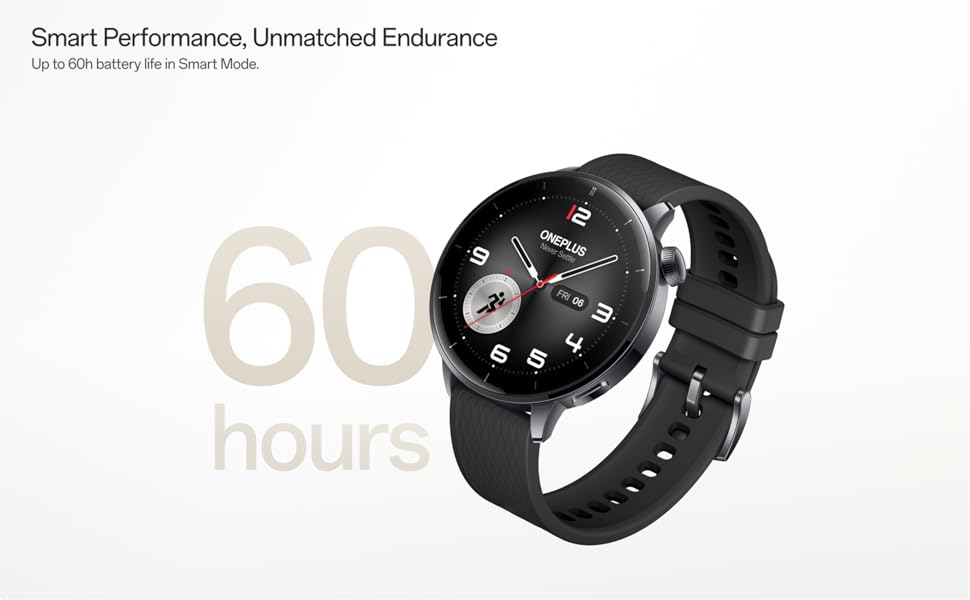
Image: OnePlus Watch 3 43mm Silver Steel, highlighting its refined design and polished stainless steel case.
3.2 Основні характеристики
- Дисплей: 1.32-inch round AMOLED touchscreen.
- Операційна система: WearOS.
- Зберігання: 32 ГБ внутрішньої пам'яті.
- Підключення: Bluetooth, Multi-GNSS (Beidou, GPS, Galileo, GLONASS, QZSS).
- Водонепроникність: Рейтинг IP68.
- Батарея: 345mAh Lithium-Ion, offering up to 60 hours in Smart Mode.
4. Налаштування
4.1 Початкове заряджання
Before first use, fully charge your OnePlus Watch 3. Connect the charging cable to the watch's charging port and a compatible USB power adapter. The watch display will indicate charging status.
4.2 Увімкнення/вимкнення
- Увімкнення: Press and hold the side button (crown) until the OnePlus logo appears.
- Вимкнення живлення: Натисніть і утримуйте бічну кнопку, потім виберіть «Вимкнути» з опцій на екрані.
4.3 Сполучення зі смартфоном
- Ensure your smartphone has Bluetooth enabled and is connected to the internet.
- Download and install the Wear OS by Google app from your phone's app store.
- Open the Wear OS app and follow the on-screen instructions to pair your OnePlus Watch 3.
- Прийміть усі необхідні дозволи для повної функціональності.
5. Керування годинником
5.1 Навігація
- Сенсорний екран: Проведіть пальцем вгору, вниз, ліворуч або праворуч, щоб переходити між меню та сповіщеннями. Торкніться, щоб вибрати елементи.
- Корона: Rotate the crown to scroll through lists or adjust settings. Press the crown to return to the watch face or access the app drawer.
- Бічна кнопка: Customizable for quick access to a specific app or function.
5.2 Налаштування циферблатів годинника
To change your watch face, long-press on the current watch face and swipe left or right to browse available options. Tap to select. Additional watch faces can be downloaded via the Wear OS app or Google Play Store on your watch.
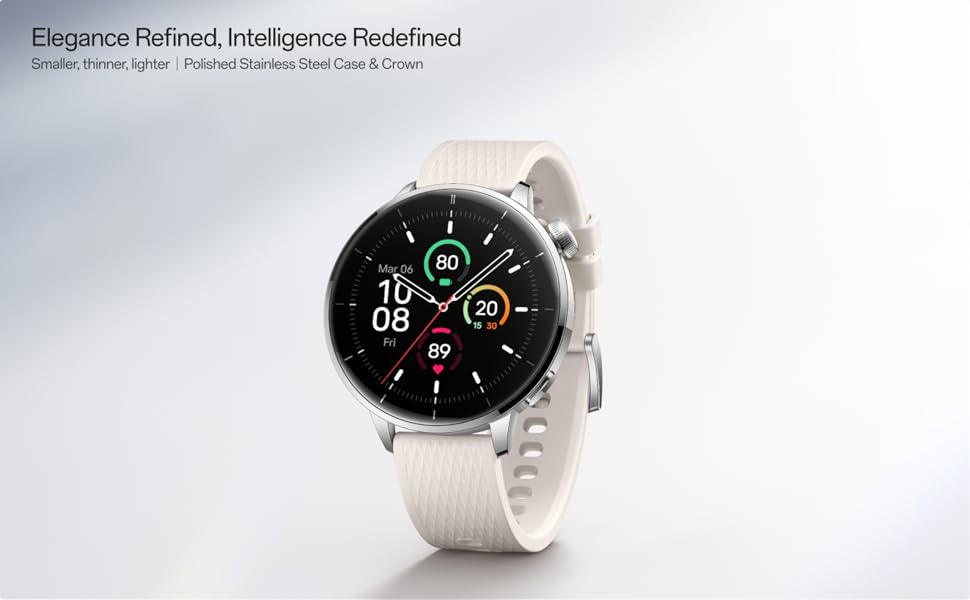
Image: Two OnePlus Watch 3 devices showing different watch faces, illustrating customization options.
6. Моніторинг здоров'я
The OnePlus Watch 3 offers comprehensive health tracking features:
- Монітор серцевого ритму: Безперервне відстеження частоти серцевих скорочень протягом дня.
- Вимірювання рівня кисню в крові (SpO2): On-demand and continuous blood oxygen level monitoring.
- Відстеження сну: Монітори снуtages, duration, and detects potential sleep breathing risks.
- Відстеження циклу: For tracking menstrual cycles.
- Моніторинг стресу: Analyzes heart rate variability to estimate stress levels.

Image: The OnePlus Watch 3 and a smartphone screen showing various health metrics like daily activity, heart rate, and sleep data.
7. Відстеження фізичної активності
The watch supports 11 professional fitness modes and provides fat burning evaluation. Utilize the built-in Multi-GNSS for accurate outdoor activity tracking.
- Відстеження активності: Записує кроки, відстань, спалені калорії та хвилини активності.
- Режими тренувань: Select from various modes like running, cycling, swimming, and more for tailored tracking.
- GPS відстеження: Integrated GPS for precise route mapping during outdoor workouts.

Image: A person wearing the OnePlus Watch 3 during a cycling activity, demonstrating its use for fitness tracking.
8. Розумні функції
Running on WearOS, the OnePlus Watch 3 integrates seamlessly with your digital life:
- Сповіщення: Отримуйте дзвінки, повідомлення та сповіщення додатків безпосередньо на зап'ястя.
- Google Play Apps: Отримайте доступ до широкого спектру програм із магазину Google Play.
- Google Гаманець: Make contactless payments.
- Керування музикою: Керуйте відтворенням музики на підключеному смартфоні.
- Голосовий помічник: Utilize Google Assistant for hands-free commands.

Image: The OnePlus Watch 3 screen showing multiple app icons, representing its WearOS ecosystem and access to Google Play apps.
9. Керування батареєю
The OnePlus Watch 3 is equipped with a 345mAh battery, providing up to 60 hours of use in Smart Mode. Battery life can vary based on usage and settings.
- Зарядка: Use the provided charging cable. A full charge takes approximately 30 minutes.
- Режим енергозбереження: Enable this mode to extend battery life by limiting certain features.
- Tips for Extending Battery Life: Зменште яскравість екрана, вимкніть режим постійного ввімкнення дисплея, обмежте оновлення фонових програм і вимкніть непотрібні сповіщення.
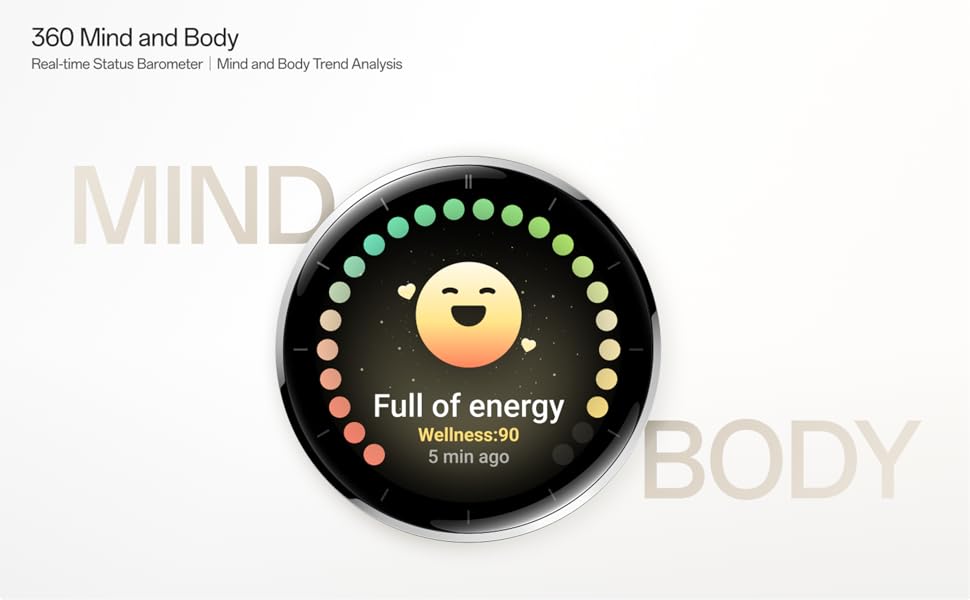
Image: The OnePlus Watch 3 with a large '60 hours' text, emphasizing its extended battery life in Smart Mode.
10. Технічне обслуговування
10.1 Очищення
Регулярно чистіть годинник і ремінець, щоб запобігти подразненню шкіри та підтримувати їх функціональність.
- Протріть екран та корпус годинника м’якою тканиною без ворсу.
- Для ремінця використовуйте м’яке мило та воду, потім ретельно промийте та повністю висушіть перед тим, як носити.
- Уникайте використання агресивних хімікатів або абразивних матеріалів.
10.2 Водонепроникність
The OnePlus Watch 3 has an IP68 water resistance rating. This means it is protected against dust and can withstand immersion in water up to 1.5 meters for 30 minutes. It is suitable for everyday use and activities like hand washing or light rain. Avoid using it for diving, high-pressure water activities, or in hot water/steam.
11. Вирішення проблем
If you encounter issues with your OnePlus Watch 3, try the following steps:
- Годинник не вмикається: Переконайтеся, що годинник повністю заряджений.
- Проблеми зі сполученням: Check if Bluetooth is enabled on your phone and watch. Restart both devices and try pairing again.
- Неточні показання: Переконайтеся, що годинник щільно прилягає до зап'ястя, не надто туго і не надто вільно. Почистіть датчики на задній панелі годинника.
- App Crashes/Slow Performance: Restart the watch. If the issue persists, consider resetting the watch to factory settings (this will erase all data).
- Швидко розряджається акумулятор: Review battery management tips in Section 9.
For further assistance, refer to the official OnePlus support webсайту або зв’яжіться зі службою підтримки клієнтів.
12. Технічні характеристики
| Особливість | Специфікація |
|---|---|
| Номер моделі | OnePlus Watch 3 |
| Розмір дисплея | 1.32 дюймів |
| Тип дисплея | AMOLED |
| Операційна система | WearOS |
| Ємність пам'яті | 32 ГБ |
| Підключення | Bluetooth |
| GPS | Beidou, GPS, Galileo, ГЛОНАСС, QZSS |
| Ємність акумулятора | 345 мАг літій-іонний |
| Водонепроникність | IP68 |
| Вага товару | 9.9 унцій (0.28 кілограма) |
| Розміри упаковки | 4.72 x 4.69 x 2.56 дюймів |
13. Гарантія та підтримка
For warranty information, please refer to the warranty card included with your product or visit the official OnePlus website. For technical support, software updates, and frequently asked questions, please visit the OnePlus support page: