1. Вступ
The EUQQ YYK-Q10 AI Translation Earbuds are advanced wireless headphones designed to facilitate communication across language barriers, provide high-fidelity audio, and offer effective noise control. This manual provides essential information for setting up, operating, and maintaining your earbuds.

Figure 1: EUQQ YYK-Q10 AI Translation Earbuds in their charging case.
2. Вміст упаковки
Переконайтеся, що всі предмети присутні у вашій упаковці:
- 2 x навушники з функцією перекладу мов зі штучним інтелектом
- 1 x зарядний футляр
- 1 х кабель для зарядки (USB-C)
- 3 x S/M/L Ear Caps (one set pre-installed)
- 1 х посібник користувача
3. Налаштування
3.1 Заряджання навушників та футляра
Перед першим використанням повністю зарядіть навушники та зарядний футляр.
- Помістіть навушники в зарядний футляр. Переконайтеся, що вони правильно встановлені.
- Connect the provided USB-C charging cable to the charging port on the case and to a compatible USB power source.
- Світлодіодний дисплей на зарядному футлярі показуватиме відсоток заряду батареїtage of the case and individual charging status of the left (L) and right (R) earbuds.
- A full charge for the earbuds takes approximately 1 hour. The case provides up to 36 hours of total playtime.
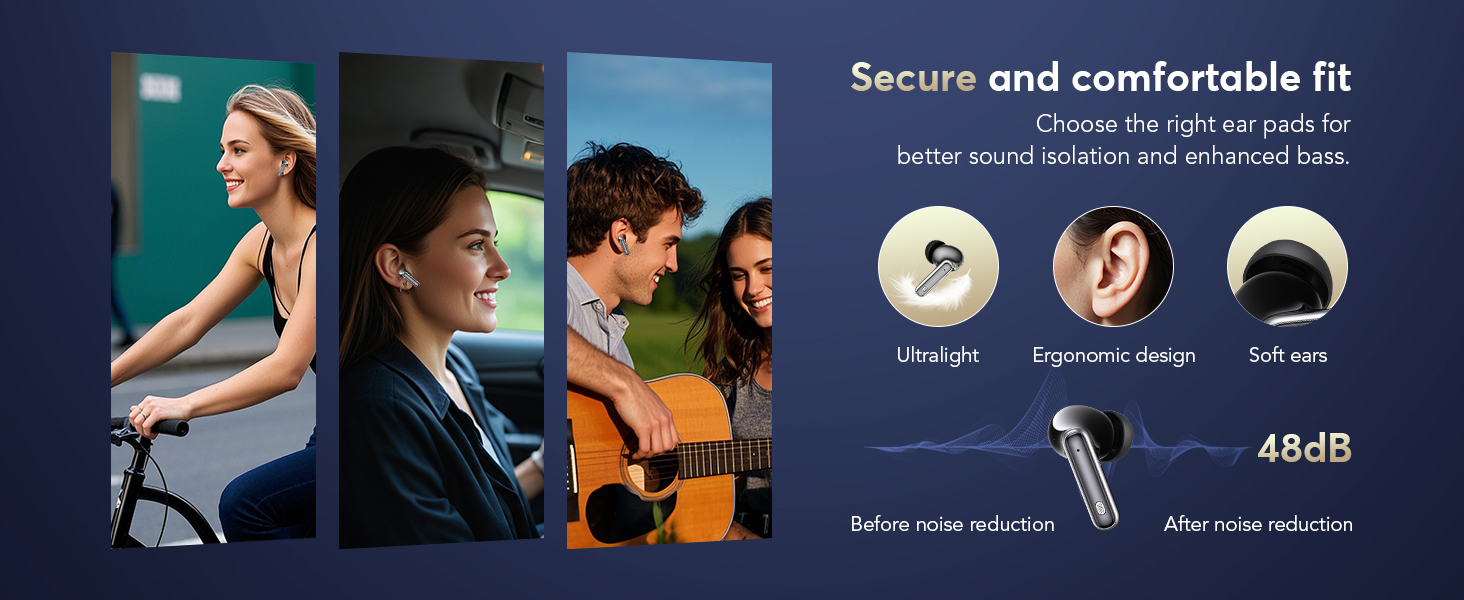
Figure 2: Earbuds and charging case displaying battery levels and USB-C charging port.
3.2 Завантаження та встановлення програми
To utilize the translation features, download the companion application:
- Scan the QR code provided in the user manual or visit the official app download page: https://bitdynamic.ai/app/download.html
- Install the application on your smartphone (compatible with Android and iOS devices).
- Follow the on-screen instructions to sign up or log in to the app.

Figure 3: Step-by-step guide for app setup and initial use.
3.3 Створення пари Bluetooth
Pair your earbuds with your smartphone via Bluetooth 5.4 technology for a stable connection up to 15 meters.
- Відкрийте зарядний футляр. Навушники автоматично перейдуть у режим сполучення.
- На вашому смартфоні перейдіть до налаштувань Bluetooth та увімкніть Bluetooth.
- Select "YYK-Q10" from the list of available devices to connect.
- Once connected, a confirmation message will appear in the app.
Video 1: Demonstration of AI Language Translation Earbuds and Bluetooth 5.4 pairing.
4. Інструкція з експлуатації
4.1 Сенсорне керування
Навушники оснащені інтуїтивно зрозумілим сенсорним керуванням для різних функцій:
- Click MFB key: Pause/Play music.
- Double-click left/right MFB buttons: Пропускати треки.
- Click MFB button: Відповісти/Завершити дзвінок.
- Long press MFB button: Відхилити дзвінок.
- Press and hold right MFB button for 2 seconds: Call Siri/Voice Assistant.
- Press and hold left MFB button for 2 seconds: Switch to ANC mode.

Figure 4: Smart Touch Control functions on the earbuds.
4.2 Режими контролю шуму
The earbuds offer three versatile modes to tailor your audio experience:
- Активне шумозаглушення (ANC): Blocks out distractions for an immersive sound experience.
- Нормальний режим: Стандартне відтворення аудіо без активного шумозаглушення або прозорості.
- Режим прозорості: Дозволяє чути навколишній світ, не знімаючи навушників, балансуючи навколишні звуки для безпеки та взаємодії.
To switch between modes, press and hold the left MFB button for 2 seconds.
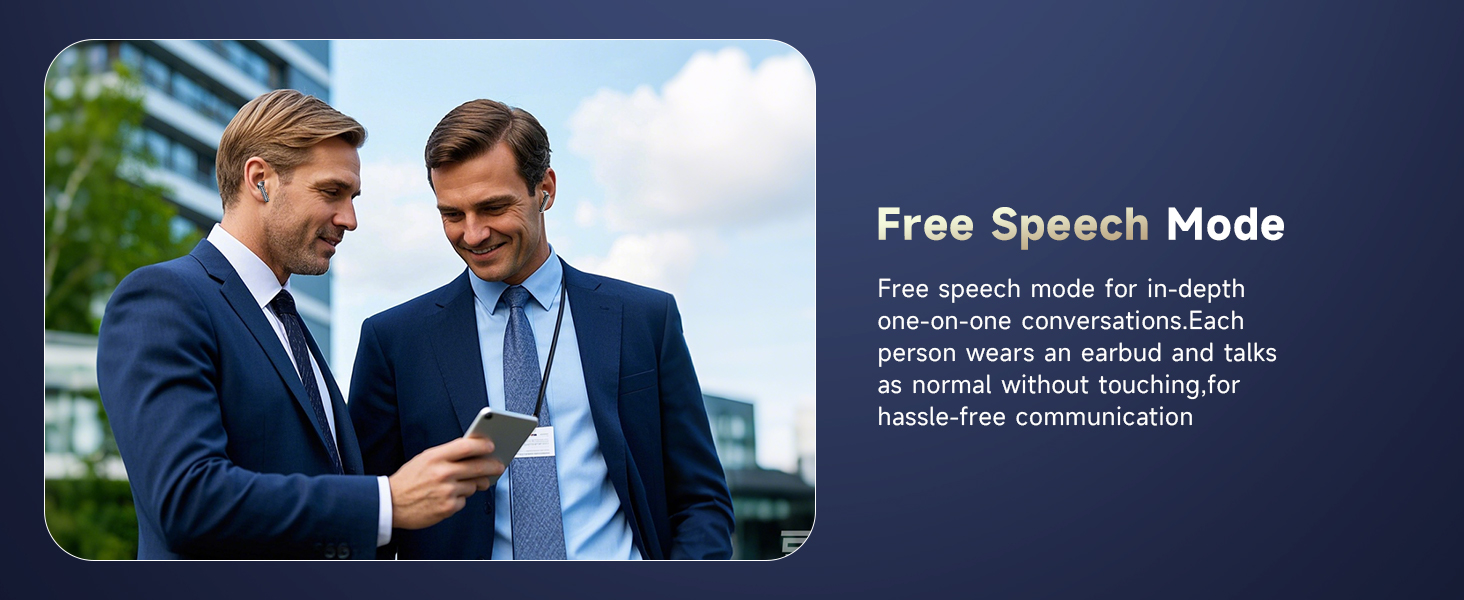
Figure 5: Seamless switching between noise control modes.
4.3 Real-Time Translation Modes
The companion app provides various translation modes to optimize communication:
- Режим свободи слова: For in-depth one-on-one conversations. Each person wears an earbud and speaks normally without touching, allowing for hassle-free communication.
- Сенсорний режим: For fluent conversation. Each person wears an earbud. Touch the earbud before speaking; the other person will hear the translation in their earbud.
- Режим динаміка: For directions or ordering food. Wear the earbud yourself and speak; the results will be played through the phone's speaker.
- Синхронний переклад: Real-time translation with voice, ideal for international conferences.
- Очний переклад (навушники + мобільний телефон): Two-way translation with voice for global negotiations or travel.
- Face-to-Face Translation (Dual-Ear Mode): Share earbuds with another person, allowing both to speak and receive translations simultaneously.
Малюнок 6: Закінченоview of real-time translation modes.
Video 2: Real-time AI translation demonstration.
Video 3: Features of the 144-language translator earbuds.
5. особливості
5.1 High-Fidelity Sound Quality
Experience clear and balanced audio with 13mm dynamic drivers and volume-optimized active EQ, ensuring high-fidelity sound at any volume.

Figure 7: Internal components for Hi-Fi Sound Quality.
5.2 Advanced Bluetooth 5.4 Technology
Benefit from lightning-fast data transfer, ultra-stable connection, and an extended range of up to 15 meters with Bluetooth 5.4. This technology ensures minimal latency for music, calls, and real-time translation, even in high-interference environments.
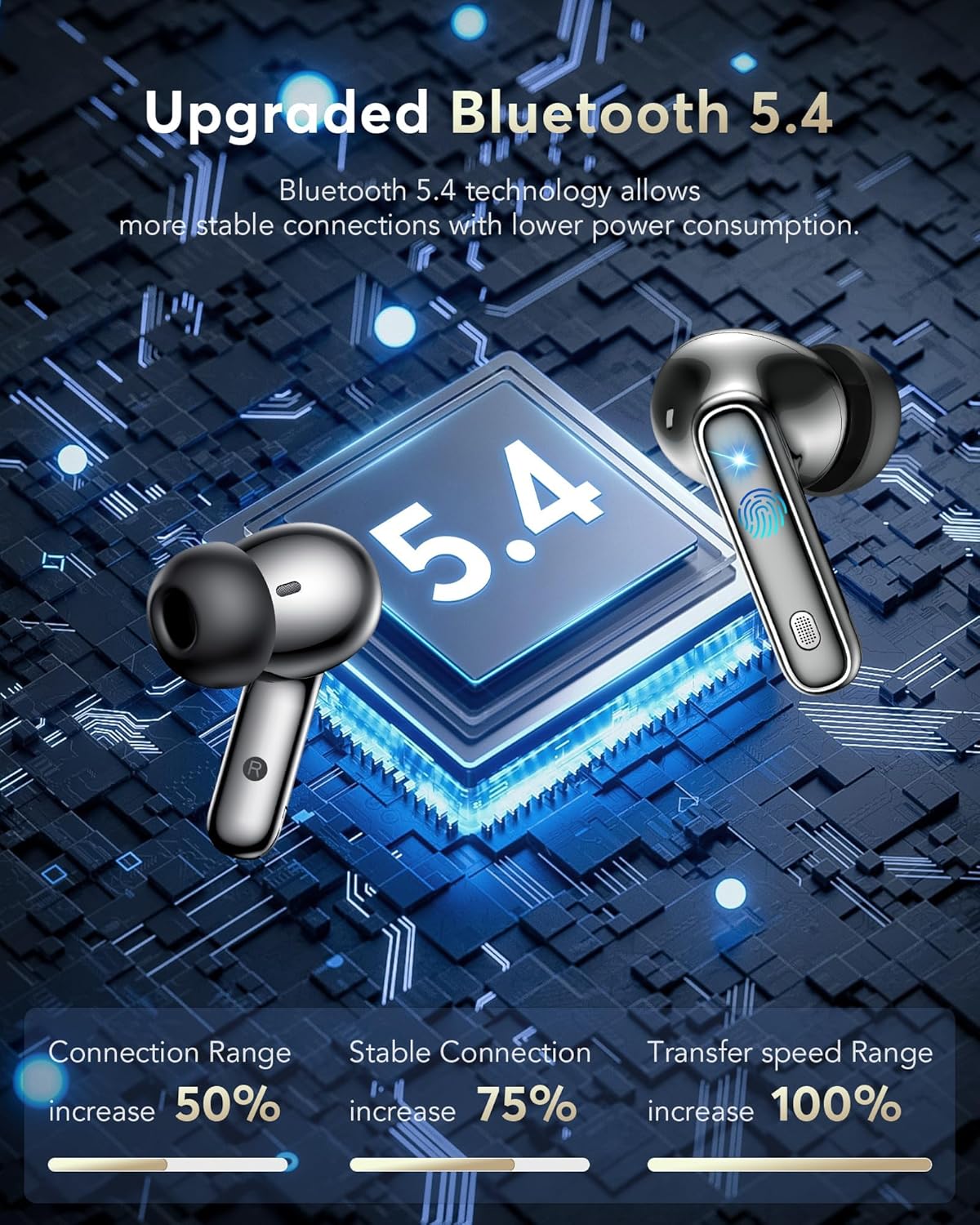
Рисунок 8: Розширенийtages of Bluetooth 5.4 technology.
5.3 Водонепроникний клас IPX7
The earbuds are IPX7 waterproof, making them resistant to sweat and splashes, suitable for various activities including sports and travel.
Video 4: IPX7 Waterproof feature demonstration.
5.4 Тривалий термін служби батареї
Enjoy 6-7 hours of continuous playtime on a single charge. The charging case extends this to a total of 36 hours, ensuring your earbuds are ready for extended use.

Рисунок 9: Час роботи від акумулятора та можливості швидкої зарядки.
5.5 Комфорт та посадка
The lightweight and ergonomic design ensures a secure and comfortable fit for extended wear, making them suitable for various activities.
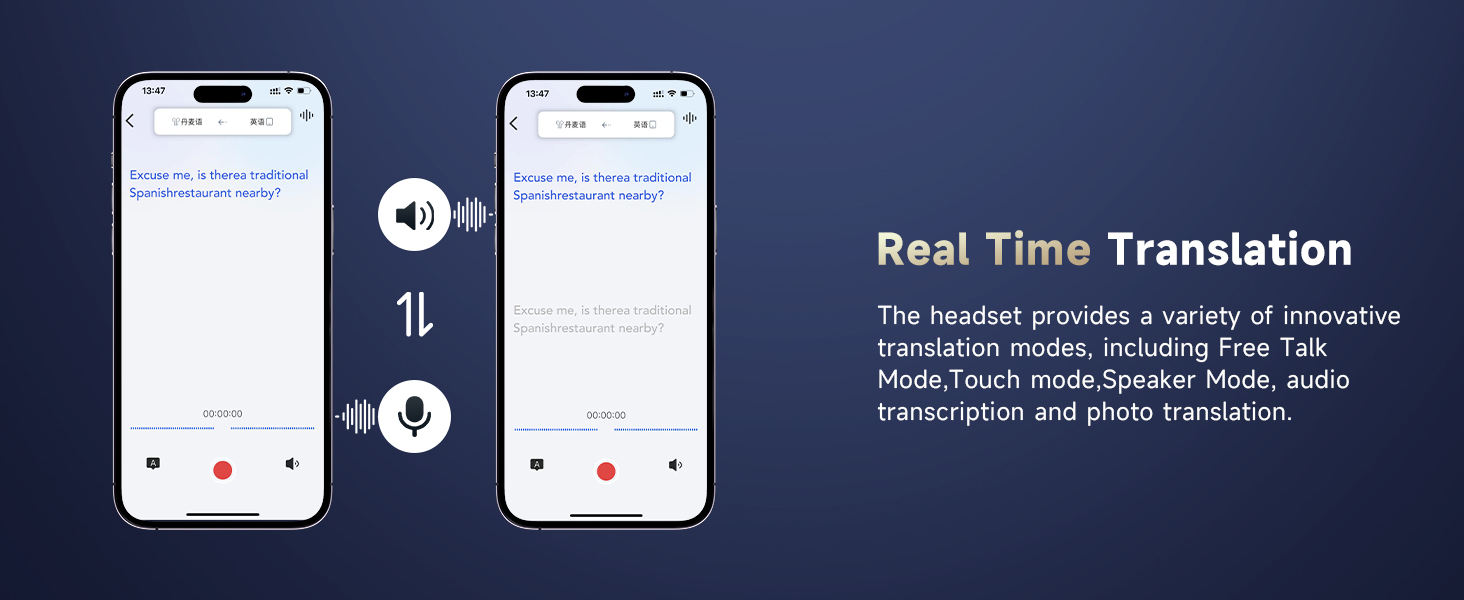
Figure 10: Ergonomic design for secure and comfortable fit.
5.6 Additional App Features
The companion app also includes features to enhance your daily life:
- Допомога при сні: Built-in white noise features like rain and ocean waves to help you fall asleep.
- Audio and Video Call: Online calls with real-time translation, no app needed for the other party.
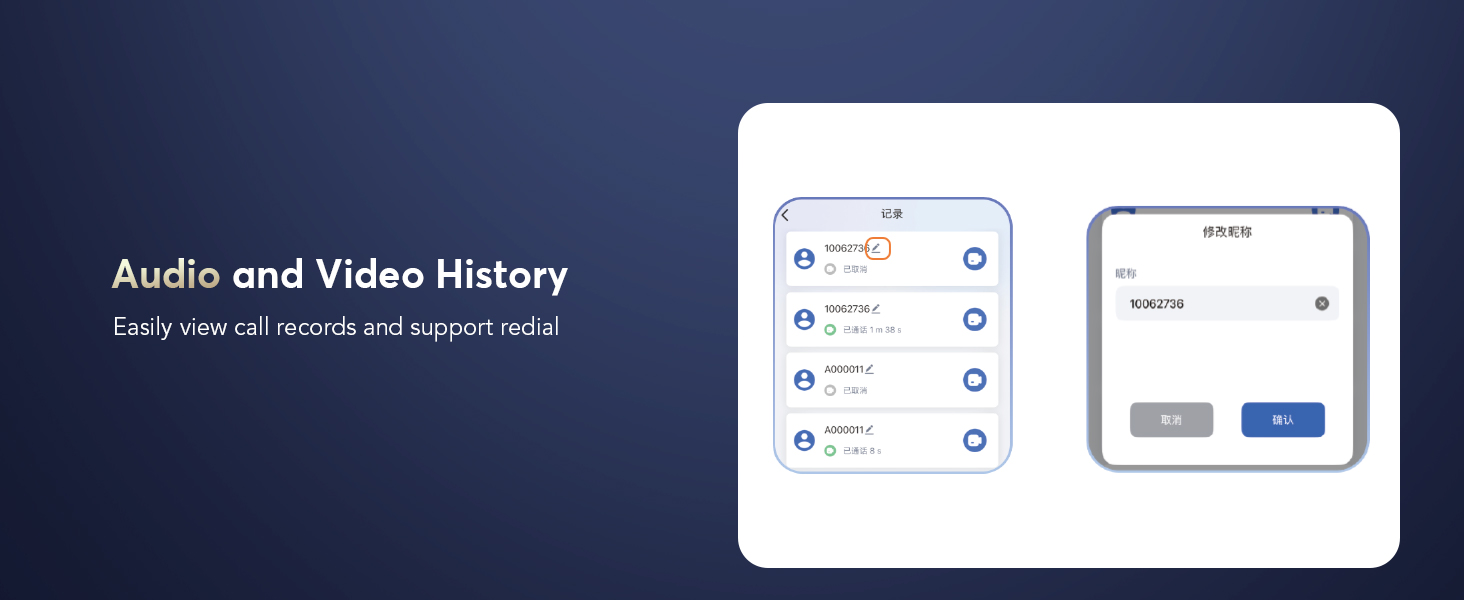
- Audio and Video History: Легко view call records and support redial.
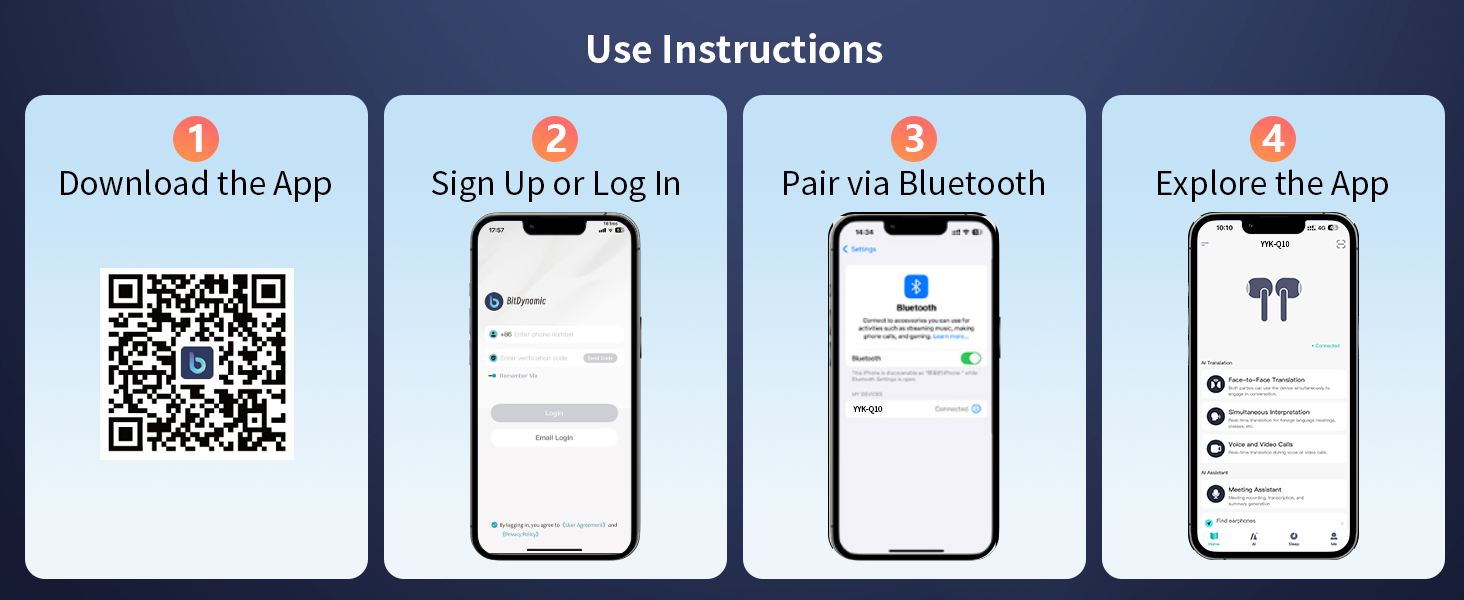
Figure 11: Sleep Aid feature in the app.

Figure 12: Audio and Video Call with real-time translation.
6. Технічне обслуговування
- Регулярно очищуйте навушники та зарядний футляр м’якою сухою тканиною.
- Уникайте використання абразивних матеріалів або агресивних хімікатів.
- Keep the charging contacts on the earbuds and inside the case clean and dry to ensure proper charging.
- Зберігайте навушники в футлярі для заряджання, коли вони не використовуються, щоб захистити їх і продовжити термін служби акумулятора.
- Replace ear caps as needed with the provided spares for optimal fit and hygiene.
7. Вирішення проблем
| проблема | Можлива причина | Рішення |
|---|---|---|
| Навушники не підключаються | Bluetooth is off on device; earbuds not in pairing mode; out of range. | Ensure Bluetooth is on; open case to activate pairing; move device closer to earbuds. |
| Ні звуку | Volume too low; earbuds not connected; media paused. | Increase volume; re-pair earbuds; check media playback. |
| Переклад не працює | App not open; incorrect language settings; poor microphone input. | Open and configure app; verify language settings; speak clearly into microphone. |
| Навушники не заряджаються | Charging contacts dirty; cable faulty; power source issue. | Clean contacts; try different cable/power source; ensure earbuds are seated correctly. |
8. Технічні характеристики
- Назва моделі: YYK-Q10
- Бренд: EUQQ
- Технологія підключення: Бездротовий зв'язок (Bluetooth 5.4)
- Діапазон Bluetooth: 15 метрів
- Контроль шуму: Активне скасування шуму (ANC)
- Тип аудіо драйвера: Динамічний драйвер (13 мм)
- Термін служби батареї (навушники): 6-7 Hours (continuous playtime)
- Термін служби батареї (із зарядним футляром): До 36 годин
- Час зарядки: 1 Hour (earbuds)
- Інтерфейс зарядки: USB-C
- Рівень водонепроникності: IPX7 (водонепроникний)
- Тип управління: Сенсорне керування
- матеріал: Акрилонітрилбутадієнстирол (АБС)
- Вага товару: 12 грамів
- Підтримувані мови: 144 Languages and Accents
9. Гарантія та підтримка
For warranty information and customer support, please refer to the documentation included in your product packaging or visit the official EUQQ webсайт. Зберігайте чек про покупку для гарантійних претензій.


