1. Вступ
This manual provides detailed instructions for the installation, operation, and maintenance of your Jennov 5MP Wireless Security Camera System P48. This system includes an 8-channel NVR with a built-in monitor and four 5MP wireless cameras, designed for both indoor and outdoor surveillance. Please read this manual thoroughly before using the product to ensure proper setup and functionality.
2. Вміст упаковки
Verify that all items listed below are included in your package. If any items are missing or damaged, please contact Jennov customer support.
- 4 x Security Cameras (Outdoor Wireless)
- 1 x NVR Monitor
- 1 x P48 Security System (Integrated NVR with Monitor)
- 1 x 1TB Hard Disk (Pre-installed)
- 1 х Ethernet-кабель
- 1 x миша
- 4 x Hole Stickers (for camera mounting)
- 4 x Camera Bases
- 1 x блок живлення NVR
- 4 x Camera Power Supplies
- 1 кабель HDMI
- 1 х попереджувальні наклейки
- 1 x Посібник користувача (цей документ)
- 1 x Screws Pack (for mounting)
3. Продукт закінчивсяview
The Jennov P48 system is a comprehensive wireless security solution designed for ease of use and reliable performance. Key features include:
- Роздільна здатність HD 5 МП: Cameras capture clear, detailed video.
- Бездротове підключення: Cameras connect to the NVR wirelessly, simplifying installation.
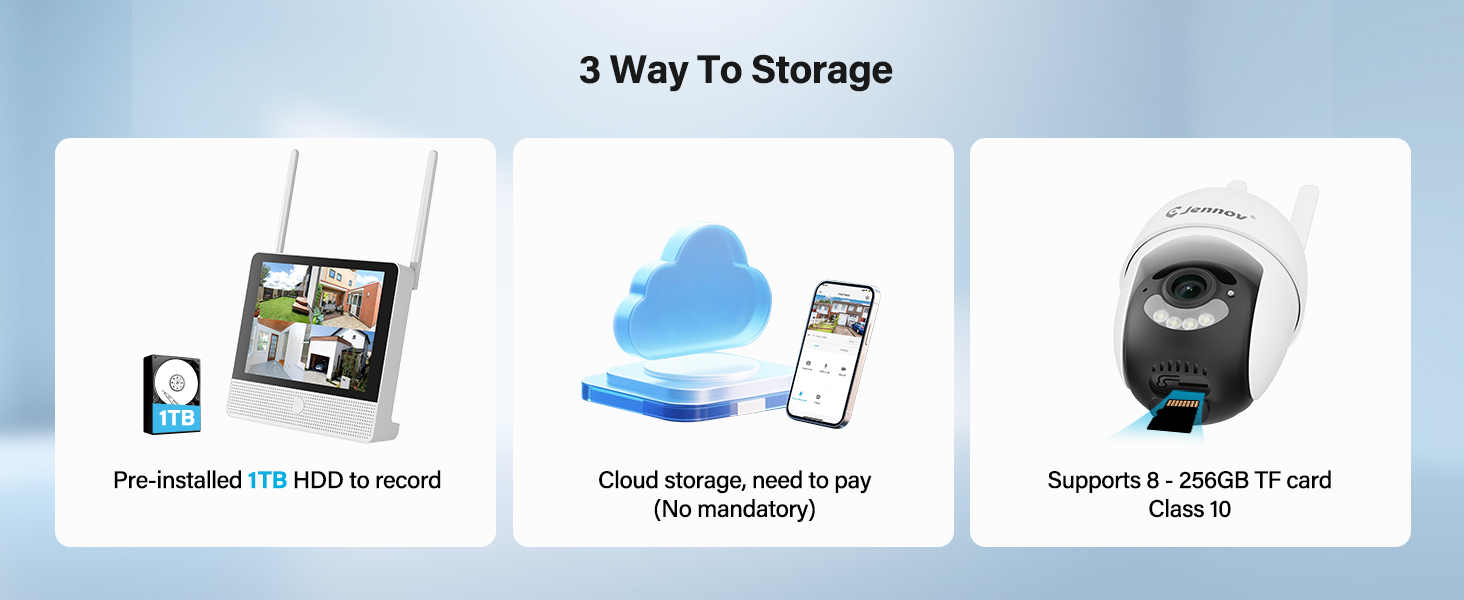
- 1 ТБ жорсткого диска: Pre-installed hard drive for local recording without subscription fees.
- Нічне бачення: Enhanced visibility in low-light conditions up to 15 meters.
- Виявлення руху: Активує запис та сповіщення при виявленні руху.
- IP66 Захист від атмосферних впливів: Cameras are designed to withstand various outdoor weather conditions.
- Підключи і грай: Simple setup with cameras pre-paired to the NVR.
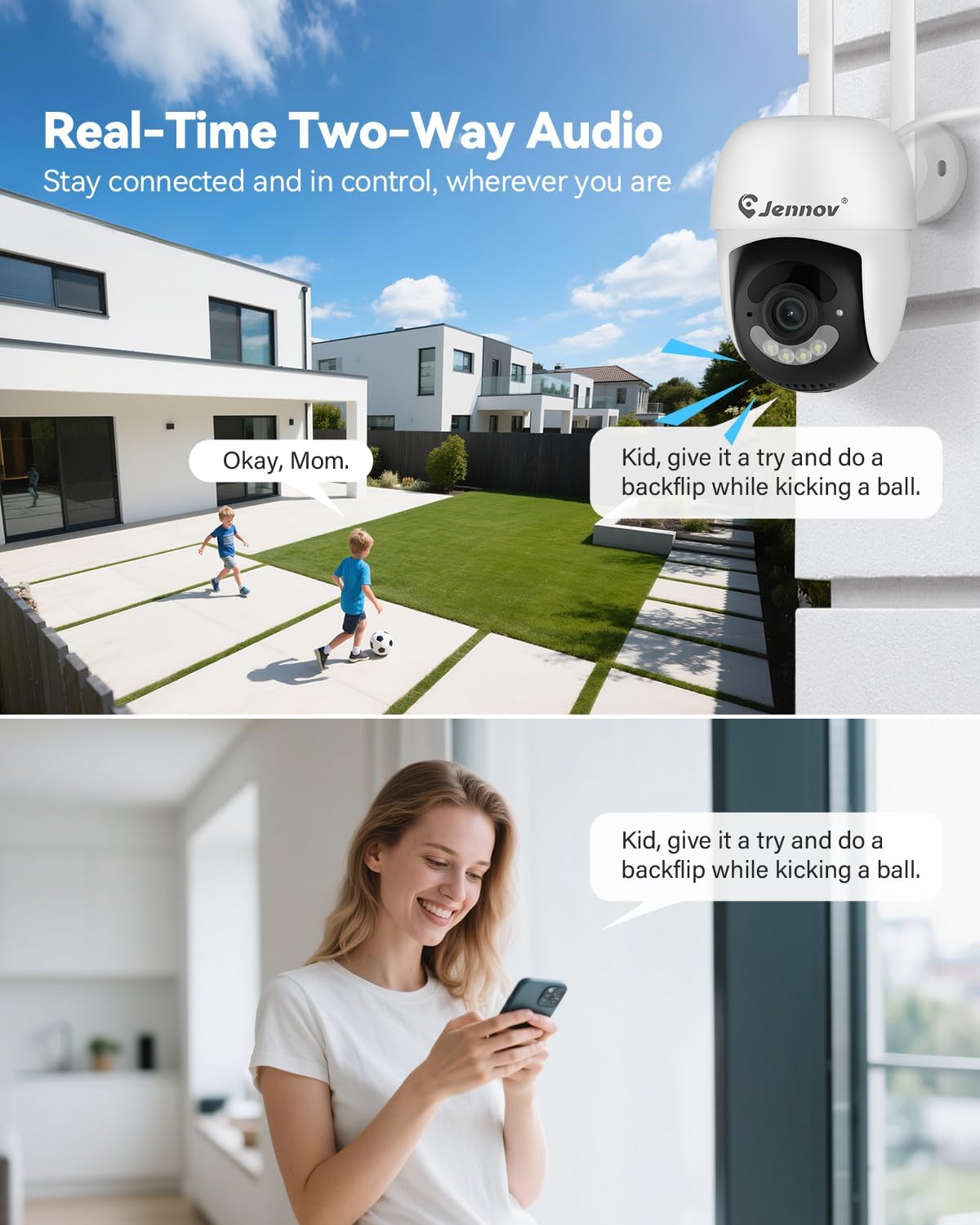
- Двостороннє аудіо: Communicate through the cameras using the mobile app.
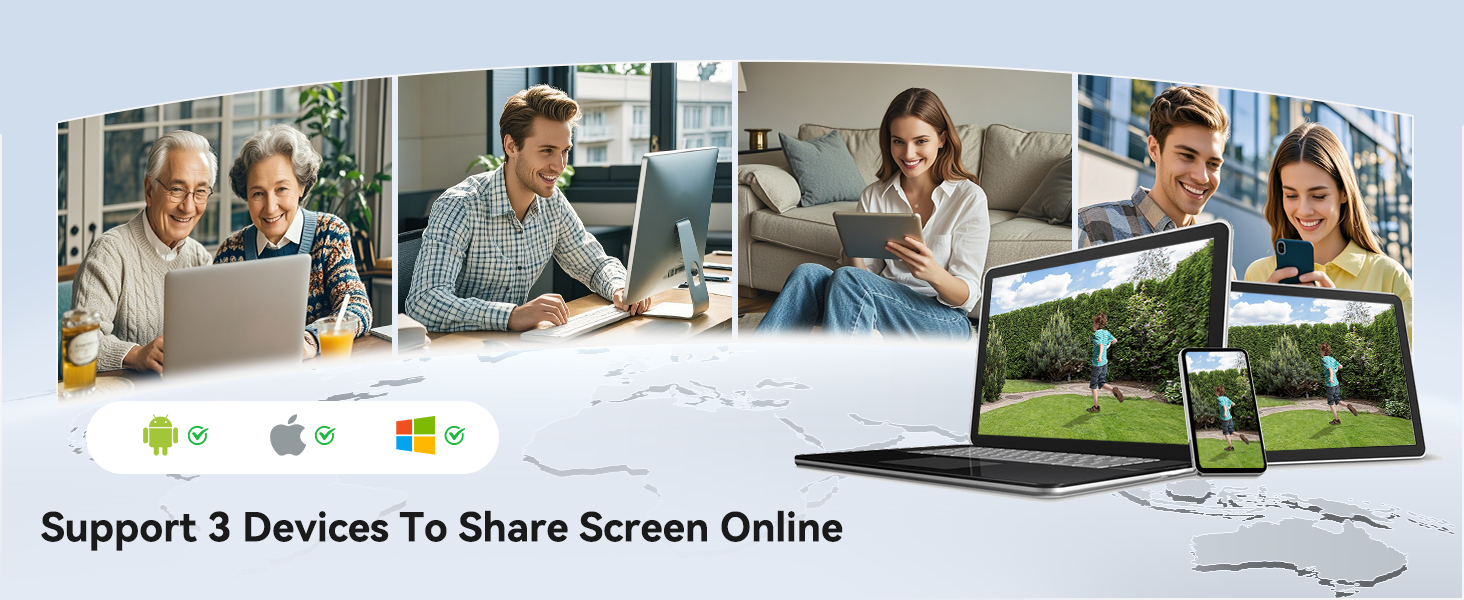
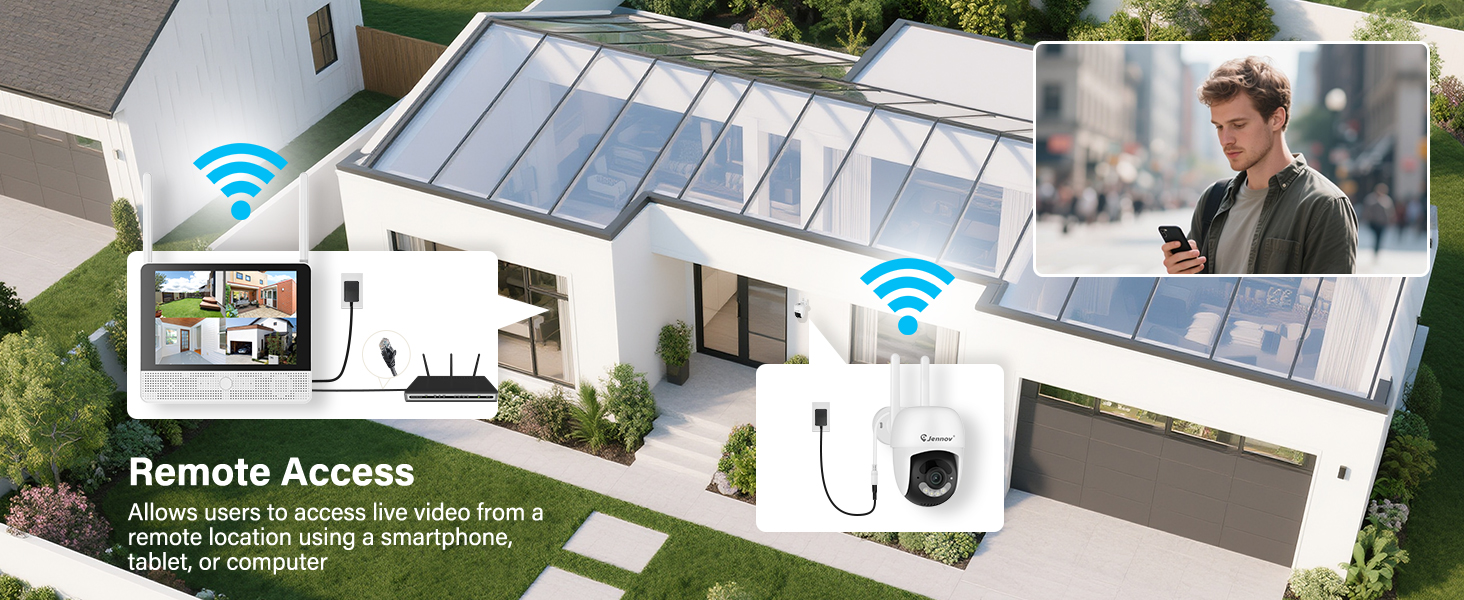
- Віддалений доступ: View live feeds and recordings from anywhere via the Jennov app.
3.1 Компоненти системи

The system consists of a Network Video Recorder (NVR) with an integrated monitor and four wireless IP cameras. The NVR manages video recording, storage, and provides a local viewing interface. The cameras capture video and transmit it wirelessly to the NVR.
3.2 NVR Ports and Connections
- Порт живлення: Connect the NVR power adapter.
- Порт USB: For connecting the included mouse or a USB drive for backup.
- Порт HDMI: Connect to an external monitor for larger display (optional).
- Порт LAN: Підключіться до маршрутизатора для доступу до Інтернету та віддаленого доступу viewінж.
- Кнопка скидання: Used to reset the NVR to factory settings.
- Слот для SD-карти: For additional local storage (supports up to 256GB TF card, Class 10).
4. Посібник із налаштування
4.1 Початкове налаштування відеореєстратора
- Підключіть живлення: Connect the NVR power adapter to the Power Port and plug it into an electrical outlet. The NVR will power on automatically.
- Підключення миші: Plug the included USB mouse into the USB Port on the NVR.
- Початкове завантаження: The NVR will boot up and display the live view from the pre-paired cameras on its integrated monitor.
- Network Connection (Optional for Remote Access): Для дистанційного viewing via the mobile app, connect the NVR's LAN Port to your internet router using the provided Ethernet cable.
4.2 Встановлення камери
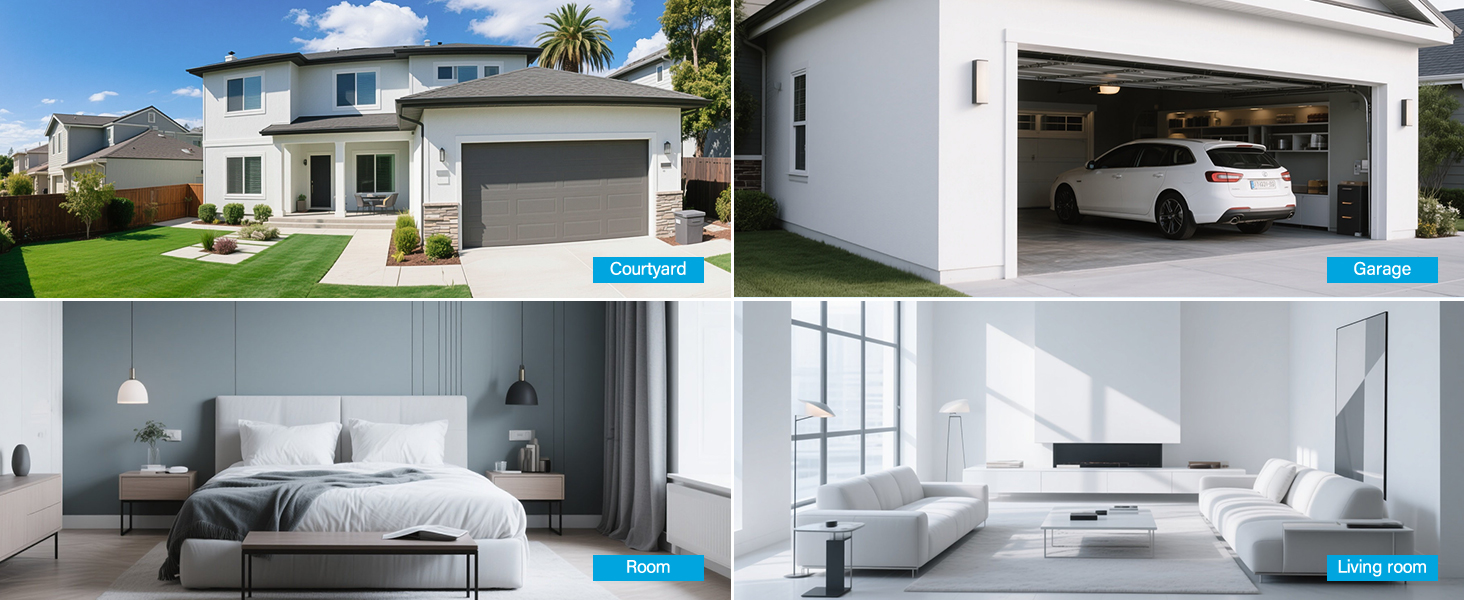
The cameras are designed for both indoor and outdoor use (IP66 rated). Choose mounting locations that provide optimal coverage and are within range of a power outlet.
- Виберіть місце розташування: Identify suitable locations for each camera. Consider areas like entryways, driveways, garages, and backyards. Ensure the camera has a clear line of sight to the area you wish to monitor.
- Монтаж:
- Use the included hole stickers to mark drilling points on the wall or ceiling.
- Просвердліть попередні отвори та за потреби вставте анкери до стіни.
- Закріпіть основу камери за допомогою наданих гвинтів.
- Attach the camera to the base and adjust its angle.
- Підключіть живлення: Connect each camera to its individual power adapter and plug it into an electrical outlet. The cameras will power on and automatically connect to the NVR.
Примітка: The cameras are pre-paired to the NVR. If a camera does not display a live feed, ensure it is powered on and within wireless range of the NVR. You may need to re-pair it if issues persist (refer to Troubleshooting section).
5. Інструкція з експлуатації
5.1 Живий View та Навігація
Once the system is powered on, the NVR's integrated monitor will display the live feeds from all connected cameras. Use the included mouse to navigate the NVR interface.
- Головне меню: Клацніть правою кнопкою миші будь-де в прямому ефірі view екран, щоб отримати доступ до головного меню.
- Перемикання каналів: Click on a specific camera feed to view it in full screen, or use the layout options to change the multi-camera display.
5.2 Запис і відтворення
The system records continuously to the pre-installed 1TB HDD. Recording settings can be adjusted via the NVR's menu.
- Безперервне записування: The system is configured for 24/7 continuous recording by default.
- Запис за допомогою датчика руху: You can configure cameras to record only when motion is detected, saving storage space.
- Відтворення: From the main menu, select "Playback" to review записаний footage. Ви можете шукати за датою, часом та типом події (наприклад, виявлення руху).
5.3 Виявлення руху та сповіщення
The cameras feature smart motion detection to alert you to activity.
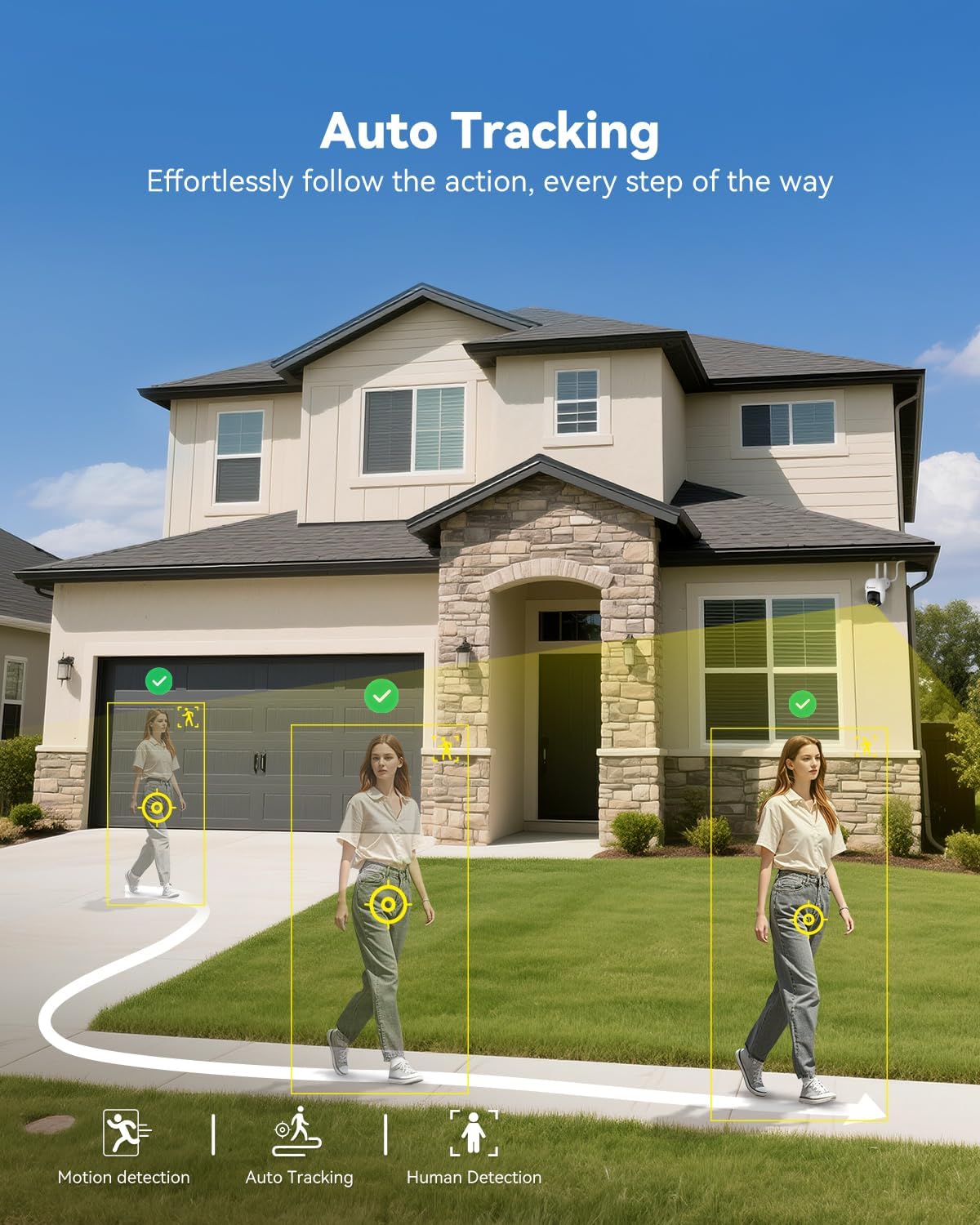
- Конфігурація: Access motion detection settings from the NVR's main menu. You can define detection zones and sensitivity levels for each camera.
- Сповіщення: When motion is detected, the system can trigger recordings, send push notifications to your mobile app (if configured), and activate audible alarms or spotlights on the camera (if supported and enabled).

5.4 Remote Access (Jennov App)
до view your cameras remotely, download the Jennov app on your smartphone or tablet.
- Завантажити додаток: шукати "Jennov" in your device's app store (iOS or Android).
- Реєстрація облікового запису: Create a new user account within the app.
- Додати пристрій: Follow the in-app instructions to add your NVR system. This typically involves scanning a QR code displayed on the NVR's monitor or entering the device ID manually.
- Жити View & Відтворення: Після додавання ви можете view live feeds, play back recordings, and receive alerts directly on your mobile device.
5.5 Двосторонній аудіозв'язок
Each camera is equipped with a microphone and speaker, enabling two-way communication through the Jennov app.
- активувати: У прямому ефірі view of a specific camera on the app, locate the microphone icon. Tap it to speak, and your voice will be transmitted through the camera's speaker.
- Слухай: The camera's microphone will pick up audio from its surroundings, which you can hear through the app.
5.6 Нічне бачення
The cameras automatically switch to night vision mode in low-light conditions, providing clear surveillance even in darkness.

- Автоматична активація: Infrared (IR) LEDs enable black-and-white night vision. Some models may also offer color night vision under certain conditions (e.g., with ambient light or activated spotlight).
- діапазон: Night vision is effective up to 15 meters (50 feet).
6. Технічне обслуговування
6.1 Керування жорсткими дисками
The 1TB HDD will automatically overwrite the oldest footage when full. No manual intervention is typically required for continuous recording.
- Резервне копіювання Footage: If you need to save specific recordings, use the NVR's backup function (via USB port) or download from the mobile app.
- Перевірка стану жорсткого диска: Periodically check the HDD status in the NVR's system settings to ensure proper functioning.
6.2 Очищення
- Камери: Обережно протріть об'єктиви камери м'якою губкоюamp cloth to remove dust or smudges. Do not use harsh chemicals.
- NVR: Keep the NVR monitor and unit free from dust. Use a dry, soft cloth for cleaning.
6.3 оновлень мікропрограми
Periodically check the Jennov website or contact customer support for available firmware updates. Updates can improve system performance, add new features, or address security vulnerabilities. Follow the provided instructions carefully when performing updates.
7. Вирішення проблем
| проблема | Можлива причина | Рішення |
|---|---|---|
| No image on NVR monitor | NVR not powered on; Power adapter faulty; Monitor cable loose. | Ensure NVR power adapter is securely connected and plugged in. Check power outlet. If using external monitor, ensure HDMI cable is connected properly. |
| Camera not displaying live feed | Camera not powered; Out of wireless range; Not paired with NVR. | Ensure camera power adapter is connected and plugged in. Move camera closer to NVR. If still no feed, re-pair the camera: access NVR menu, go to "Camera Management" and follow instructions to add/re-pair cameras. |
| Cannot access system via mobile app | NVR not connected to internet; Incorrect app settings; Firewall issues. | Ensure NVR is connected to your router via Ethernet cable. Verify your phone has internet access. Double-check device ID/QR code in the app. Ensure router firewall is not blocking NVR access. |
| Погана якість відео або затримка | Weak wireless signal; Obstructions; Interference. | Relocate camera or NVR to improve signal strength. Minimize obstructions (thick walls, metal objects). Avoid placing near other wireless devices that may cause interference. |
| Виявлення руху не працює | Settings incorrect; Sensitivity too low; Detection zone not set. | Access NVR menu, go to "Motion Detection" settings. Adjust sensitivity, define detection zones, and ensure motion recording/alerts are enabled. |
8. Технічні характеристики
| Особливість | Деталь |
|---|---|
| Бренд | Дженнов |
| Номер моделі | K4-P48HC55AS-V2108-1F2 (P48 System) |
| Технологія підключення | Бездротовий |
| Роздільна здатність захоплення відео | 5MP (Ultra-HD) |
| Кількість каналів | 8 (System includes 4 cameras, expandable) |
| Ємність пам'яті | 1 TB HDD (pre-installed), supports up to 256GB TF card |
| Джерело живлення | Corded Electric (Outlet-Powered Cameras) |
| Розміри предмета (Д x Ш x В) | 13.39 x 7.48 x 11.42 дюймів |
| Рекомендоване використання | Внутрішнє та зовнішнє відеоспостереження |
| Діапазон нічного бачення | 10-15 Meters (approx. 33-50 feet) |
| Водоізоляція | Оцінка IP66 |
| Робоча температура | Від -20°C до 60°C (від -4°F до 140°F) |
9. Гарантія та підтримка
For warranty information, technical support, or any questions regarding your Jennov P48 Wireless Security Camera System, please refer to the warranty card included in your package or visit the official Jennov website. You can also contact Jennov customer service directly for assistance.
Jennov Official Webсайт: Visit Jennov Store on Amazon


