1. Вступ
This manual provides essential information for the proper setup, operation, and maintenance of your SANSUI 24 Inch Gaming Monitor. Please read this manual thoroughly before using the product to ensure optimal performance and safety.
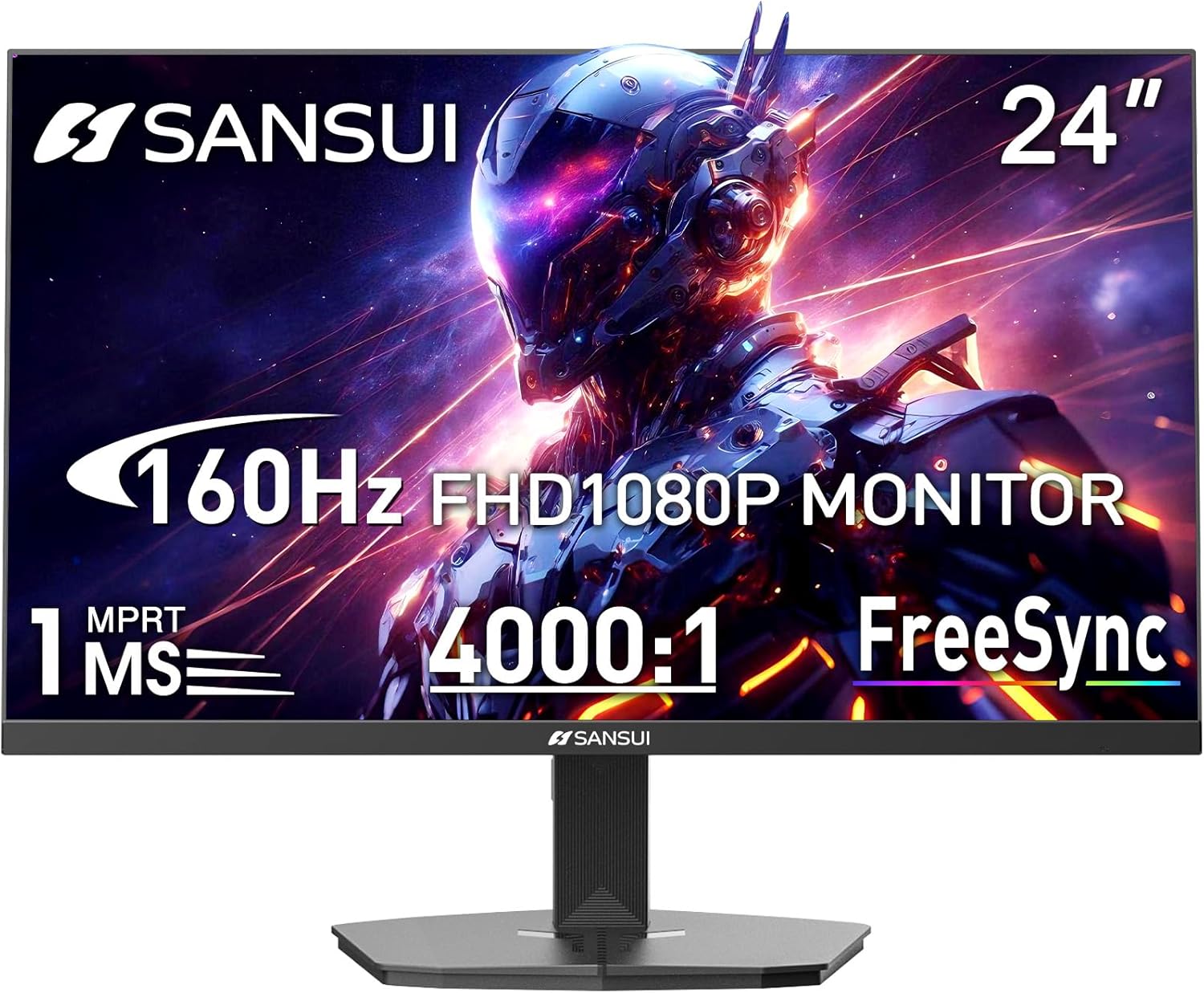
Image 1.1: SANSUI 24 Inch Gaming Monitor (Model ES-G24F4M)
2. Інформація про безпеку
- Переконайтеся, що монітор встановлено на стійкій рівній поверхні, щоб запобігти випадковому падінню.
- Не піддавайте монітор впливу дощу, вологи або екстремальних температур.
- Уникайте блокування вентиляційних отворів, щоб запобігти перегріву.
- Використовуйте лише адаптер живлення, що постачається з монітором.
- Від’єднайте кабель живлення від розетки перед чищенням або якщо монітор не використовуватиметься протягом тривалого часу.
3. Вміст упаковки
Перевірте наявність усіх елементів в упаковці:
- SANSUI 24 Inch Gaming Monitor
- Кабель HDMI x 1
- Адаптер живлення х 1
- Посібник із швидкого встановлення
- Гарантійний талон
4. Особливості продукту
- Розмір дисплея: 24 дюймів
- роздільна здатність: FHD 1080p (1920 x 1080 пікселів)
- Частота оновлення: 160 Гц
- Час відгуку: 1 мс MPRT
- Коефіцієнт контрастності: 4000:1
- Яскравість: 300 кд/м²
- Колірна гамма: 72% sRGB
- Технологія: FreeSync, HDR, Anti-flicker, Anti-Glare, Low Blue Light Eye Care
- Порти: HDMI & DP Ports (HDMI Cable Included)
- Монтаж: VESA Support (75x75mm)
- Розміри: 21.2 x 7.95 x 16.28 дюймів
- вага: 3.54 фунта
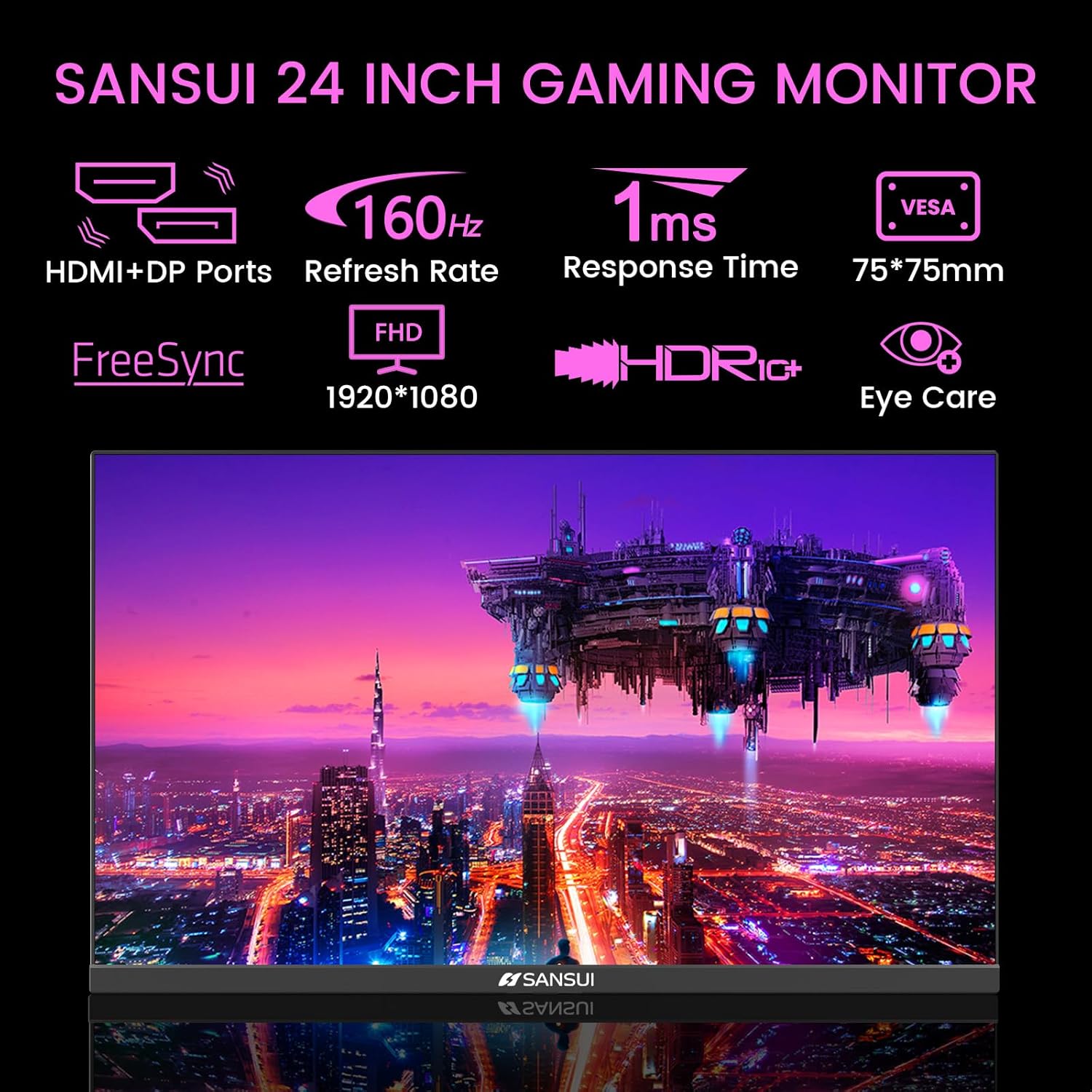
Image 4.1: Key Features of the SANSUI 24 Inch Gaming Monitor.
5. Налаштування
5.1. Збірка підставки
- Обережно вийміть компоненти монітора та підставки з упаковки.
- Прикріпіть основу підставки до шиї підставки за допомогою наданих гвинтів.
- Secure the assembled stand to the back of the monitor. Ensure it clicks into place or is fastened securely with screws, depending on the design.
5.2. Кріплення VESA (додатково)
The monitor supports VESA 75x75mm mounting. If using a VESA mount, remove the pre-attached stand and follow the instructions provided with your VESA mounting kit.
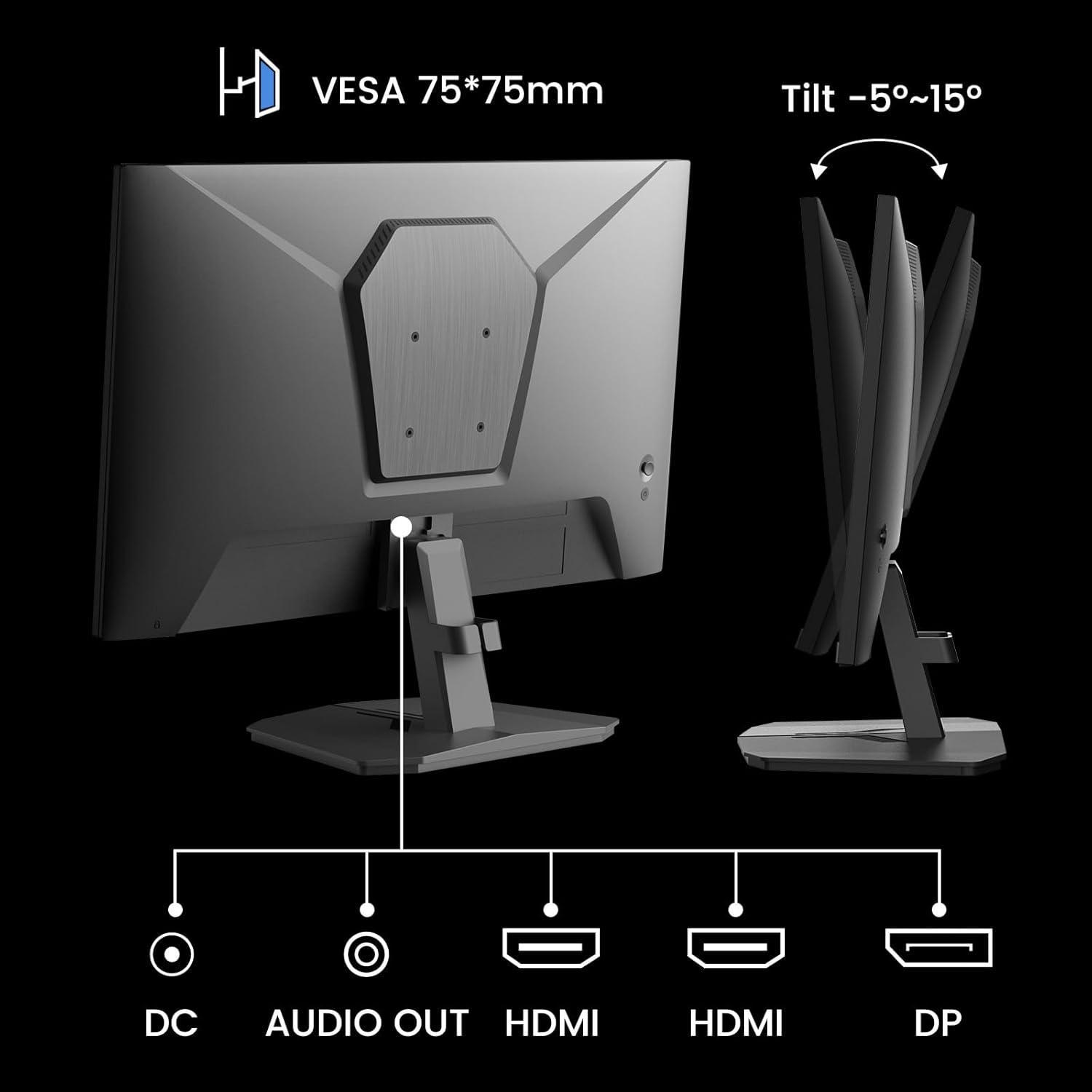
Зображення 5.1: Ззаду view showing VESA mount and input ports.
5.3. Підключення до пристрою
- Connect one end of the HDMI cable (included) or a DisplayPort (DP) cable to the corresponding port on your computer or gaming console.
- Connect the other end of the cable to the HDMI or DP input port on the SANSUI monitor.
- For audio output, connect external speakers or headphones to the 'AUDIO OUT' port on the monitor.
- Connect the power adapter to the 'DC IN' port on the monitor, then plug the adapter into a power outlet.
5.4. Початкове увімкнення
Press the power button located on the underside of the monitor to turn it on. The monitor will automatically detect the active input source. If not, manually select the input source using the OSD menu.
6. Інструкція з експлуатації
6.1. OSD (On-Screen Display) Menu Navigation
The OSD menu allows you to adjust various monitor settings. The control buttons are located on the underside of the monitor:
- Кнопка меню: Натисніть, щоб відкрити екранне меню або ввійти до підменю.
- Стрілки вгору/вниз: Навігація параметрами меню.
- Кнопка введення: Confirm selection or adjust values.
- Кнопка живлення: Увімкніть/вимкніть монітор.
6.2. Налаштування зображення
Access the 'Picture' section in the OSD menu to adjust:
- Яскравість: Регулює загальну яскравість екрана.
- Контраст: Регулює різницю між найяскравішими та найтемнішими ділянками.
- Овердрайв: Enhances pixel response time for reduced motion blur.
- HDR (розширений динамічний діапазон): When enabled, HDR provides a wider range of colors and contrast. Note: Some settings may be locked when HDR is active.
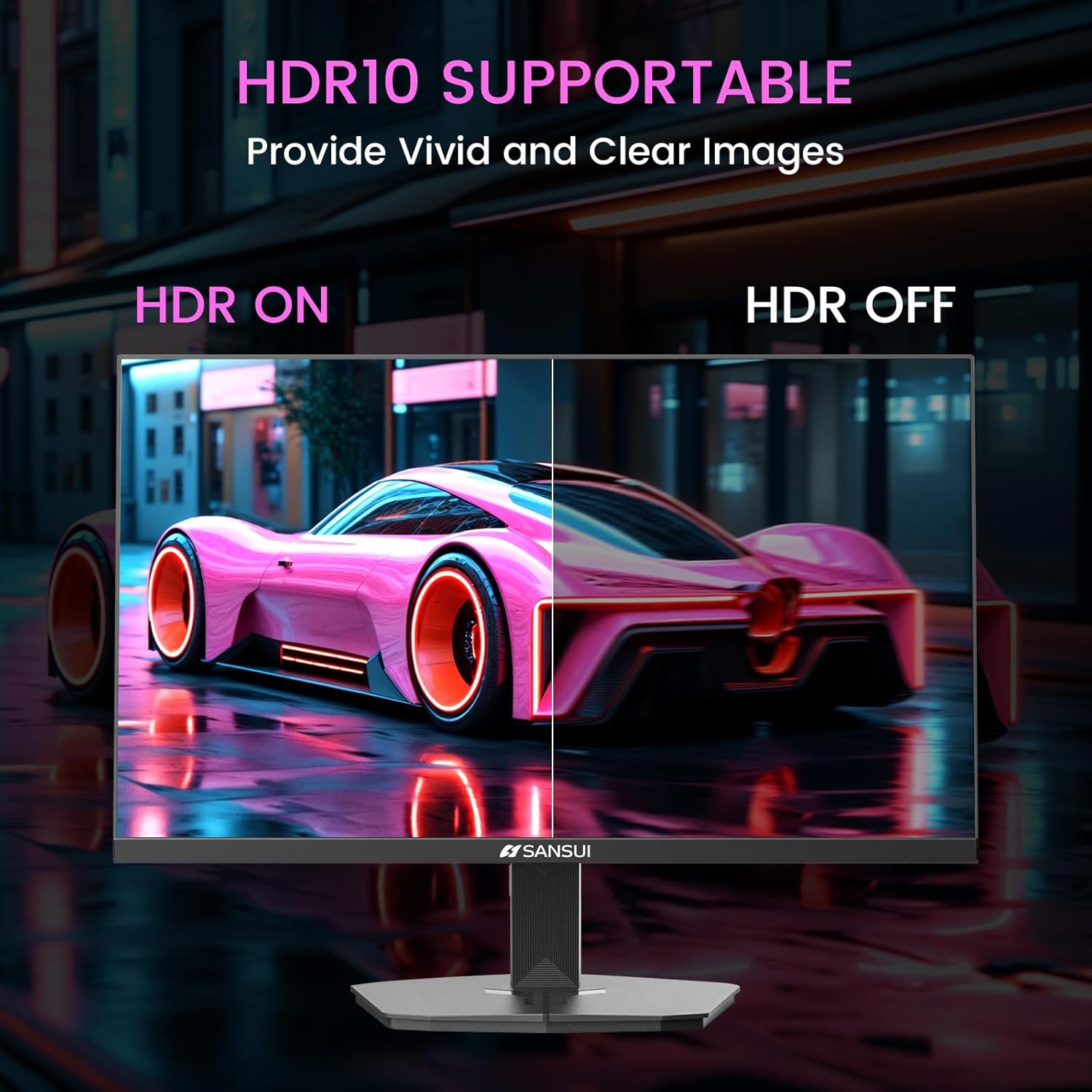
Image 6.1: HDR10 Support for vivid and clear images.
6.3. Параметри кольору
In the 'Color Setup' menu, you can adjust color temperature and other color-related parameters when HDR is not active.
6.4. Game Modes and Assistants
The monitor includes exclusive gaming modes and assistants to enhance your gaming experience:
- Перехрестя: Забезпечує перехрестя прицілу на екрані для покращення прицілювання.
- Таймер: Відображає таймер на екрані.
- RTS/FPS/RACING: Pre-calibrated display modes optimized for specific game genres.
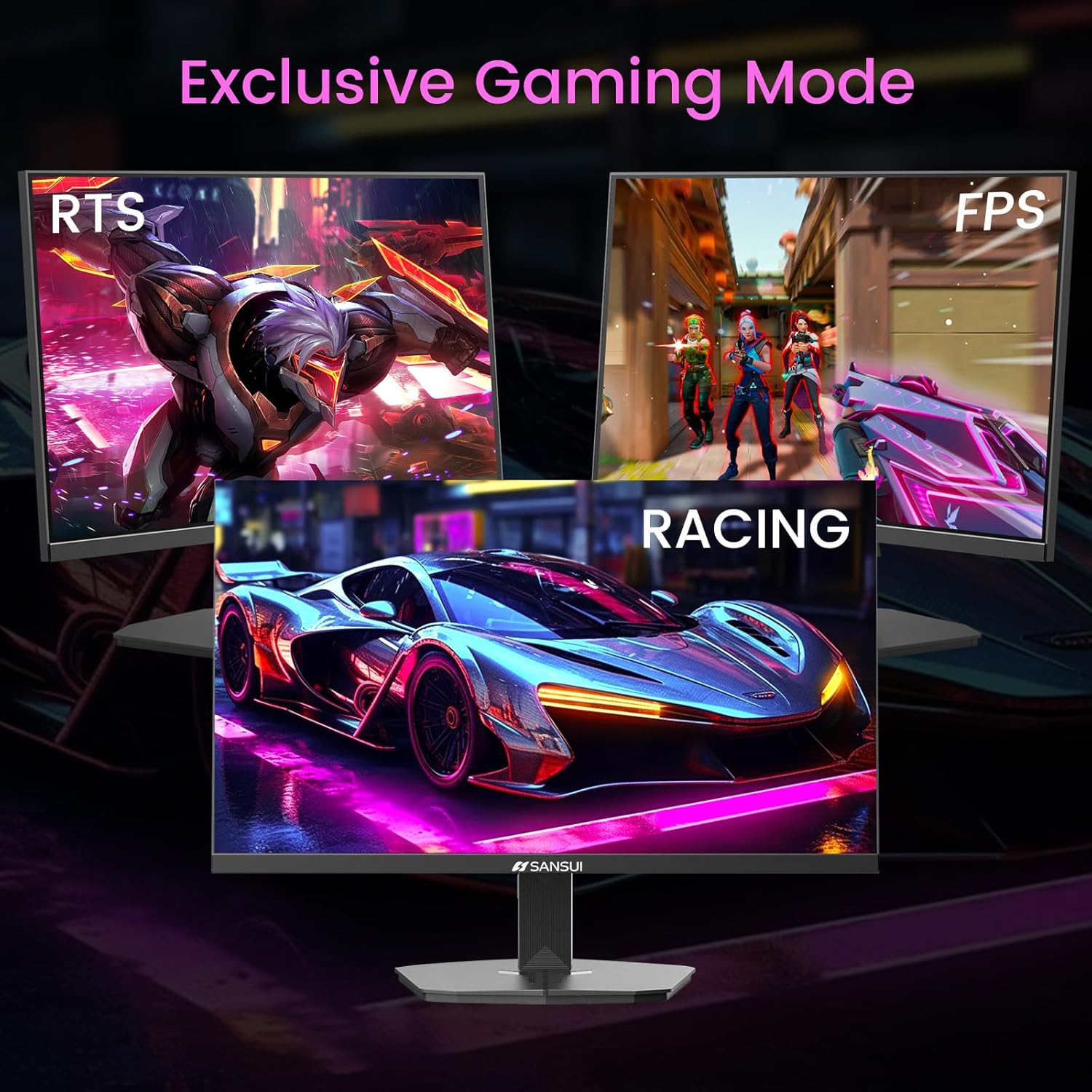
Image 6.2: Exclusive Gaming Modes for optimized visuals.
6.5. FreeSync Technology
FreeSync technology synchronizes the monitor's refresh rate with your graphics card's frame rate, eliminating screen tearing and stuttering for a smoother gaming experience. Enable or disable FreeSync through the OSD menu.
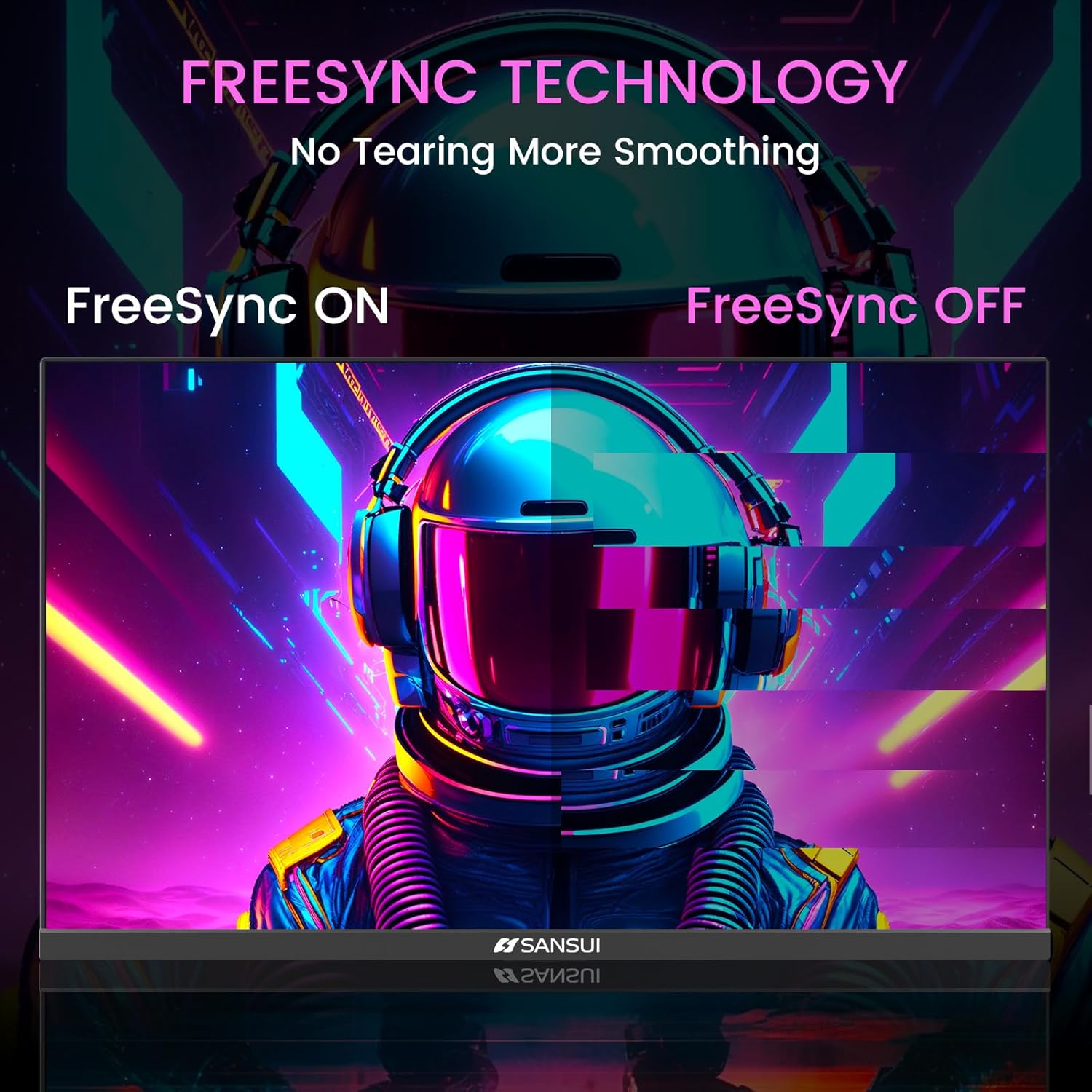
Image 6.3: FreeSync Technology for no tearing and smoother visuals.
6.6. Вибір вхідних даних
Use the OSD menu to manually select the input source (HDMI or DP) if the monitor does not automatically detect it.
Video 6.1: SANSUI FreeSync - 24-inch Gaming Monitor, 160Hz, FHD. This video demonstrates the monitor's features and performance, including its 160Hz refresh rate and FreeSync technology.
7. Технічне обслуговування
- Очищення екрану: Злегка протріть м’якою тканиною без ворсу dampводою або засобом для чищення екранів. Не розпилюйте засіб для чищення безпосередньо на екран.
- Очищення Casing: Використовуйте м’яку суху тканину для протирання монітора casing. Уникайте абразивних засобів для чищення.
- Зберігання: Якщо монітор зберігатиметься протягом тривалого часу, від’єднайте всі кабелі та зберігайте його в прохолодному, сухому місці, бажано в оригінальній упаковці.
8. Вирішення проблем
- Немає живлення: Переконайтеся, що кабель живлення надійно підключено як до монітора, так і до розетки. Перевірте, чи розетка працює.
- Немає сигналу: Verify that the video cable (HDMI/DP) is correctly connected to both the monitor and the source device. Ensure the correct input source is selected in the OSD menu.
- Мерехтіння екрана: Check the video cable connection. Ensure the refresh rate is set correctly in your device's display settings.
- Спотворення зображення: Reset the monitor to factory settings via the OSD menu. Check your device's display resolution settings.
- Кнопки не відповідають: Disconnect the power for a few minutes, then reconnect. If the issue persists, contact customer support.
9. Технічні характеристики
| Особливість | Специфікація |
|---|---|
| Розміри продукту | 21.2 x 7.95 x 16.28 дюймів |
| Вага товару | 3.54 фунта |
| Виробник | ТОВАРИСТВО З ОБМЕЖЕНОЮ ВІДПОВІДАЛЬНІСТЮ "ЕКСПРЕС ЛАК ІНДУСТРІАЛ" (ЧЖОНШАНЬ) |
| Номер моделі товару | ES-G24F4M |
| Розмір дисплея стоячого екрана | 24 дюймів |
| Співвідношення сторін | 16:9 |
| роздільна здатність | 1920 x 1080 пікселів (FHD 1080p) |
| Яскравість зображення | 300 кд/м² |
| Опис поверхні екрана | Матовий |
10. Гарантія та підтримка
SANSUI offers a money-back and free replacement warranty from the order date within 30 days. Additionally, lifetime technical support is provided for the SANSUI 24 inch 160Hz 1ms gaming monitor. For any questions or support needs, please contact SANSUI's after-sales support team.


