вступ
This user manual provides comprehensive instructions for the operation, maintenance, and troubleshooting of your DigiLand 10.1-inch Android 14 Tablet. Please read this manual thoroughly before using your device to ensure proper functionality and to maximize your user experience. This tablet is designed for versatile use, offering high performance for various applications, from entertainment to productivity.
Що в коробці
Upon opening the package, please verify that all listed items are present and in good condition:
- (1) Leather case *1
- (2) USB cable *1
- (3) 5V/2A Adaptor *1; US standard
- (4) Manual *1 (This document)
- (5) Warranty card *1

For a visual guide to unboxing your tablet, please refer to the official unboxing video below.
Video 1: Android 14 Tablet Unboxing Video. This video demonstrates the unboxing process and shows the tablet and its included components.
Продукт закінченийview
The DigiLand 10.1-inch Android 14 Tablet is engineered for high performance and user convenience. Key features include:
- Операційна система: Android 14 with upgraded personal privacy protection and security.
- Пам'ять і зберігання: 12GB RAM + 128GB ROM, with support for TF card expansion for additional storage.
- Процесор: New generation Octa-Core CPU (Max 2.0 GHz) for faster and more stable performance.
- Дисплей: 10.1-inch 1280x800 HD IPS screen with Widevine L1 support for high-fidelity streaming on platforms like Netflix, YouTube, and Disney+.
- Підключення: Ultra-fast WiFi 6 and energy-efficient Bluetooth 5.0.
- Камери: 8-megapixel front camera and 13-megapixel rear camera.
- Дизайн: Lightweight (485g) and slim (9mm thin body) for portability.
- Батарея: Акумулятор ємністю 6000 мАг для тривалого використання.
- Багатофункціональність: Supports split-screen function for enhanced multitasking.
Компоненти та особливості

The tablet features a headset jack, power button, volume up/down buttons, front camera, reset pinhole, memory card slot, and a Type-C charging port. The rear of the tablet houses the main camera module.

This image provides a visual summary of the tablet's core specifications, including its operating system, display size, memory, processor, battery capacity, camera resolution, and physical dimensions.
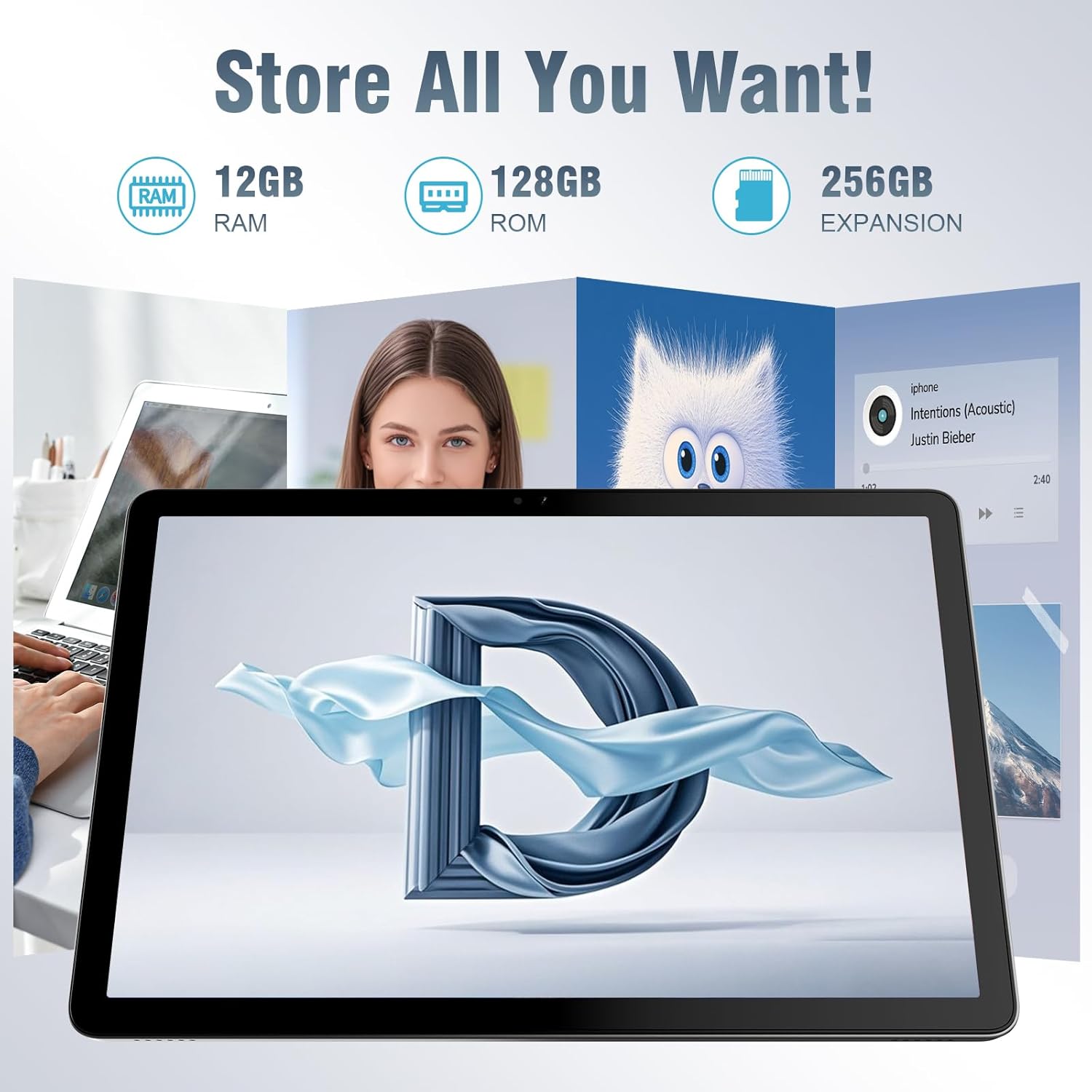
Планшет пропонує ample storage for your applications, photos, videos, and documents, with expandable memory options.
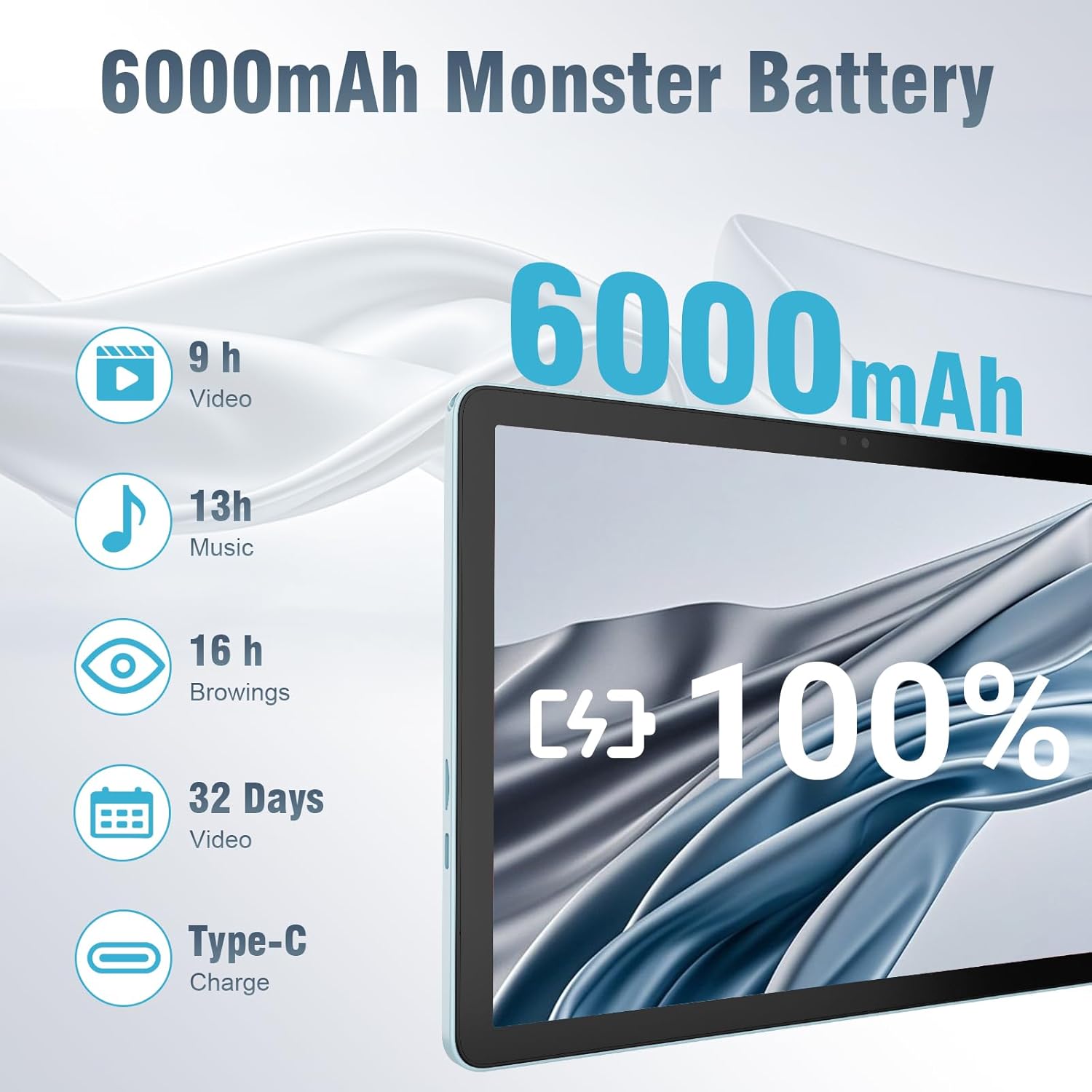
The 6000mAh battery provides extended usage times for various activities, and it supports convenient Type-C charging.
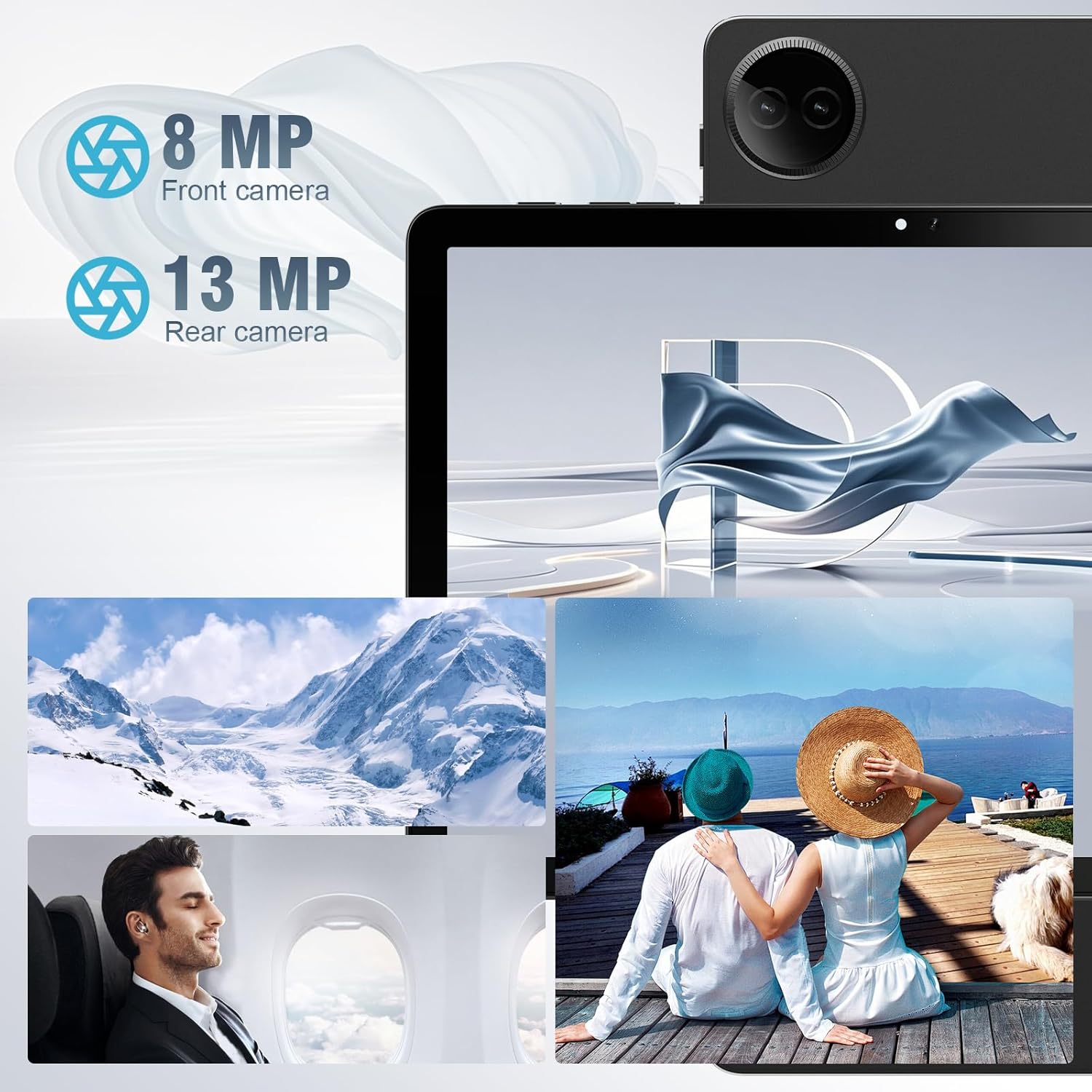
Equipped with both front and rear cameras, the tablet is suitable for capturing moments and engaging in video communication.

The 10.1-inch HD display provides a clear and immersive visual experience with wide viewкути.

The split-screen function allows for efficient multitasking, enabling you to use two applications simultaneously.
Налаштування
Початкове увімкнення та налаштування
- Зарядити планшет: Before first use, fully charge the tablet using the provided USB cable and power adapter. Connect the Type-C end of the cable to the tablet's charging port and the USB end to the power adapter, then plug the adapter into a wall outlet.
- Увімкнення: Press and hold the Power button located on the side of the tablet until the DigiLand logo appears on the screen.
- Початкова конфігурація: Follow the on-screen prompts to complete the initial setup. This typically includes selecting your language, connecting to a Wi-Fi network, setting up your Google account, and configuring basic security settings.
- Вставте TF-карту (необов'язково): If you wish to expand storage, carefully insert a TF (microSD) card into the designated memory card slot. Ensure the tablet is powered off before inserting or removing the card.
For a visual demonstration of the power-on sequence and initial interaction, refer to the unboxing video in the "What's in the Box" section.
Інструкція з експлуатації
Основна навігація
- Жести на сенсорному екрані: Navigate the tablet using standard Android gestures: tap to select, swipe to scroll, pinch to zoom, and long-press for contextual menus.
- Головний екран: Основний інтерфейс, де ви можете отримати доступ до програм, віджетів та сповіщень.
- Панель сповіщень: Проведіть пальцем униз від верхньої частини екрана, щоб отримати доступ до швидких налаштувань та сповіщень.
- Ящик програм: Проведіть вгору від нижньої частини екрана до view всі встановлені програми.
Підключення до Wi-Fi і Bluetooth
- Wi-Fi: Перейти до Налаштування > Мережа та інтернет > Wi-Fi. Turn on Wi-Fi, select your desired network, and enter the password if required. The tablet supports ultra-fast WiFi 6.
- Bluetooth: Перейти до Налаштування> Підключені пристрої> Параметри з'єднання> Bluetooth. Turn on Bluetooth, then select "Pair new device" to connect to Bluetooth headphones, speakers, or other compatible devices. The tablet features energy-efficient Bluetooth 5.0.
Використання камер
Access the Camera app from your home screen or app drawer. You can switch between the 8MP front camera and the 13MP rear camera within the app. Tap the screen to focus and press the shutter button to capture photos or start/stop video recording.
Multitasking with Split Screen
To use the split-screen feature, open an application, then swipe up from the bottom of the screen and hold to reveal the recent apps overview. Tap the app icon at the top of the app's card and select "Split screen." Choose a second app from the recent apps or app drawer to open it alongside the first. Adjust the size of each app by dragging the divider in the middle of the screen.
Технічне обслуговування
- Прибирання: Використовуйте м’яку тканину без ворсу для очищення екрана та корпусу планшета. Уникайте використання абразивних засобів для чищення або розчинників.
- Догляд за акумулятором: To prolong battery life, avoid exposing the tablet to extreme temperatures. It is recommended to keep the battery charge between 20% and 80% for optimal longevity.
- Оновлення програмного забезпечення: Regularly check for and install system updates to ensure your tablet has the latest security patches and performance improvements. Go to Налаштування > Система > Оновлення системи.
- Управління сховищем: Періодично очищайте від непотрібного files and uninstall unused apps to free up storage space and maintain optimal performance.
- захист: Use the provided leather case to protect your tablet from scratches and minor impacts.
Усунення несправностей
This section addresses common issues you might encounter with your tablet. If you experience problems not covered here, please contact customer support.
| проблема | Можлива причина | Рішення |
|---|---|---|
| Планшет не вмикається. | Низький заряд батареї; збій системи. | Заряджайте планшет щонайменше 30 хвилин. Якщо він все ще не реагує, натисніть і утримуйте кнопку живлення протягом 10-15 секунд, щоб примусово перезавантажити його. |
| Проблеми з підключенням до Wi-Fi. | Неправильний пароль; поза зоною досяжності; проблема з маршрутизатором. | Verify Wi-Fi password. Move closer to the router. Restart your Wi-Fi router. Forget the network and reconnect. |
| Програми працюють повільно або зависають. | Занадто багато запущених програм; мало місця для зберігання; застаріла програма. | Закрийте фонові програми. Очистіть кеш програм (Налаштування > Програми > [Назва програми] > Пам’ять і кеш > Очистити кеш). Free up storage space. Update the app from Google Play Store. |
| Екран не реагує. | Тимчасовий збій програмного забезпечення. | Force restart the tablet by holding the power button. |
| Планшет не заряджається. | Несправний кабель/адаптер; брудний порт зарядки. | Ensure cable and adapter are securely connected. Try a different compatible cable and adapter. Clean the charging port gently with a dry, soft brush. |
Технічні характеристики
| Особливість | Деталь |
|---|---|
| Бренд | DigiLand |
| Назва моделі | 10.1-inch Tablet PC |
| Операційна система | Android 14 |
| Розмір екрана | 10.1 дюймів |
| Максимальна роздільна здатність екрана | 800x1280 |
| Марка процесора | MK G80 (Octa-core) |
| Ємність пам'яті | 128 ГБ (розширюється за допомогою TF-карти) |
| ОЗУ | 12 ГБ |
| Фронтальна камера | 8 Мп |
| Задня камера | 13 Мп |
| Підключення | WiFi 6, Bluetooth 5.0 |
| Ємність акумулятора | 6000 мАг |
| Вага товару | 2.82 фунта (приблизно 485 г) |
| Розміри продукту (ДxШxВ) | 9.53 x 6.34 x 0.3 дюймів (товщина приблизно 9 мм) |
| Колір | Синій |
Гарантія та підтримка
DigiLand is committed to product quality and customer satisfaction.
- Гарантія: This Android 14 tablet comes with a one-year warranty from the date of purchase.
- Підтримка клієнтів: If you encounter any quality problems or require assistance, please contact us via your Amazon Purchase Record. Our team will endeavor to provide the best service and ensure your satisfaction.
- Плани захисту: Additional protection plans may be available for purchase, such as a 2-Year Protection Plan or Complete Protect, which covers eligible past and future purchases. Please refer to your purchase details for more information on these options.


