1. Вступ
This manual provides essential information for the safe and efficient use of your Lenovo IdeaPad Slim 3 Business Laptop. This model features an AMD Ryzen 7 7730U processor, a 15.6-inch Full HD display, 16GB of RAM, and a 1TB PCIe SSD, running on Windows 11. Please read this manual thoroughly before operating your device.

Figure 1: Lenovo IdeaPad Slim 3 Laptop overview, highlighting key features like Windows 11, AMD Ryzen 7 processor, and the included WOWPC Recovery USB.
2. Налаштування
2.1 Розпакування та початковий огляд
Carefully remove all components from the packaging. Verify that all items listed in the packing list are present and undamaged. If any items are missing or damaged, contact your retailer immediately.

Малюнок 2: Закінченоview of the Lenovo IdeaPad Slim 3 Laptop's main specifications, including Operating System, Processor, Graphics, RAM, Storage, Wi-Fi, Bluetooth, and WOWPC Recovery USB.
2.2 Підключення живлення
- Підключіть адаптер живлення до вхідного порту живлення ноутбука.
- Підключіть адаптер живлення до відповідної електричної розетки.
- Перед першим використанням дайте акумулятору зарядитися щонайменше 30 хвилин або доки індикатор заряду не покаже достатній рівень заряду.
2.3 Initial Boot and Windows 11 Setup
- Натисніть кнопку живлення, щоб увімкнути ноутбук.
- Follow the on-screen instructions to complete the Windows 11 setup process. This includes selecting your language, region, connecting to a network, and creating a user account.
- The included WOWPC recovery USB can be used for system restoration or troubleshooting if needed.
3. Операція
3.1 Функції дисплея
Your laptop is equipped with a 15.6-inch Full HD (1920x1080) TN display with 250 nits brightness and an anti-glare coating. This design reduces reflections and enhances visibility, providing a clear and comfortable viewнабутий досвід.
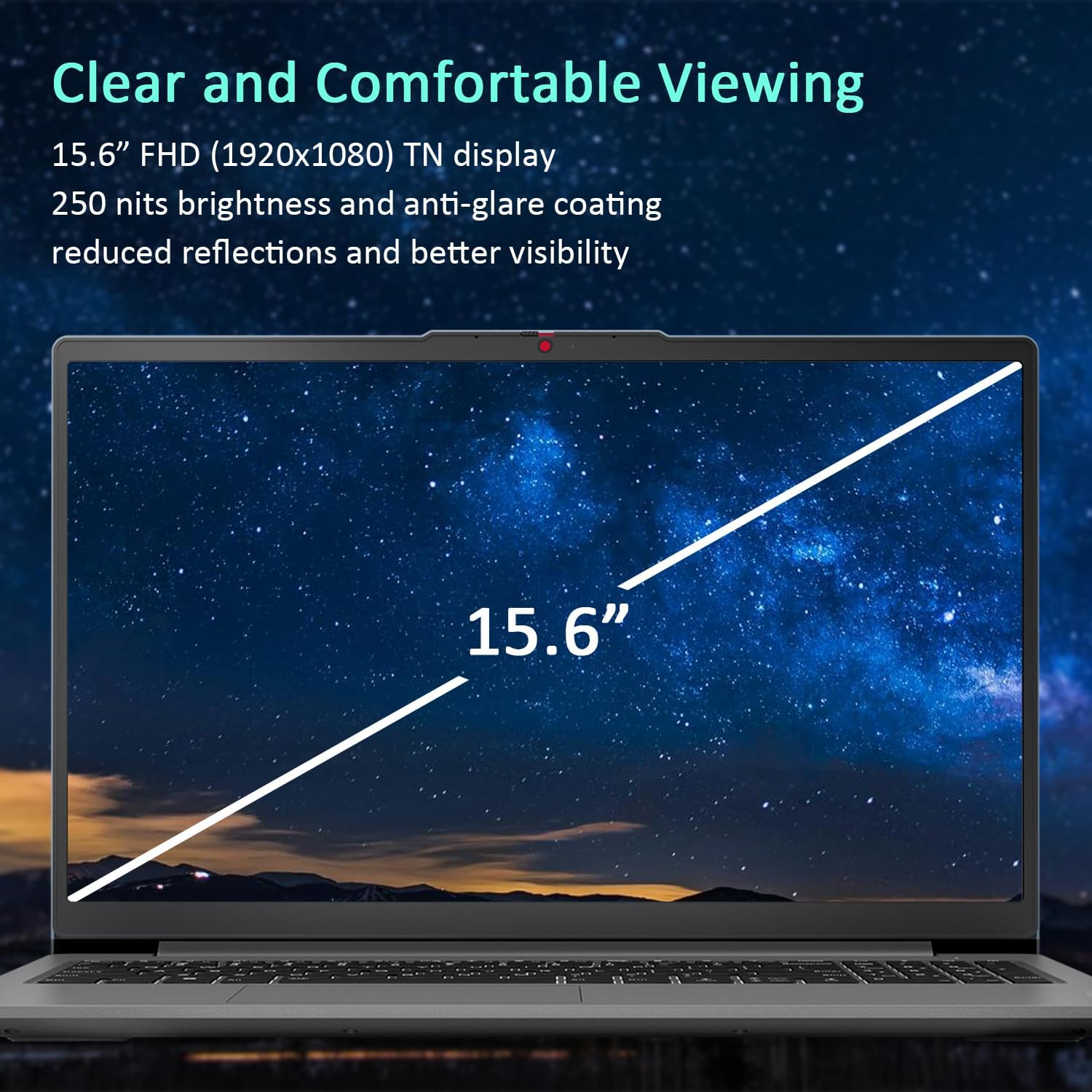
Figure 3: The 15.6-inch Full HD TN display with anti-glare coating for clear and comfortable viewінж.
3.2 Процесор та продуктивність
The AMD Ryzen 7 7730U Processor, with 8 cores and 16 threads, delivers reliable performance for various tasks, from daily productivity to more demanding applications. Coupled with 16GB of DDR4 RAM and integrated AMD Radeon Graphics, the system ensures smooth multitasking and efficient operation.
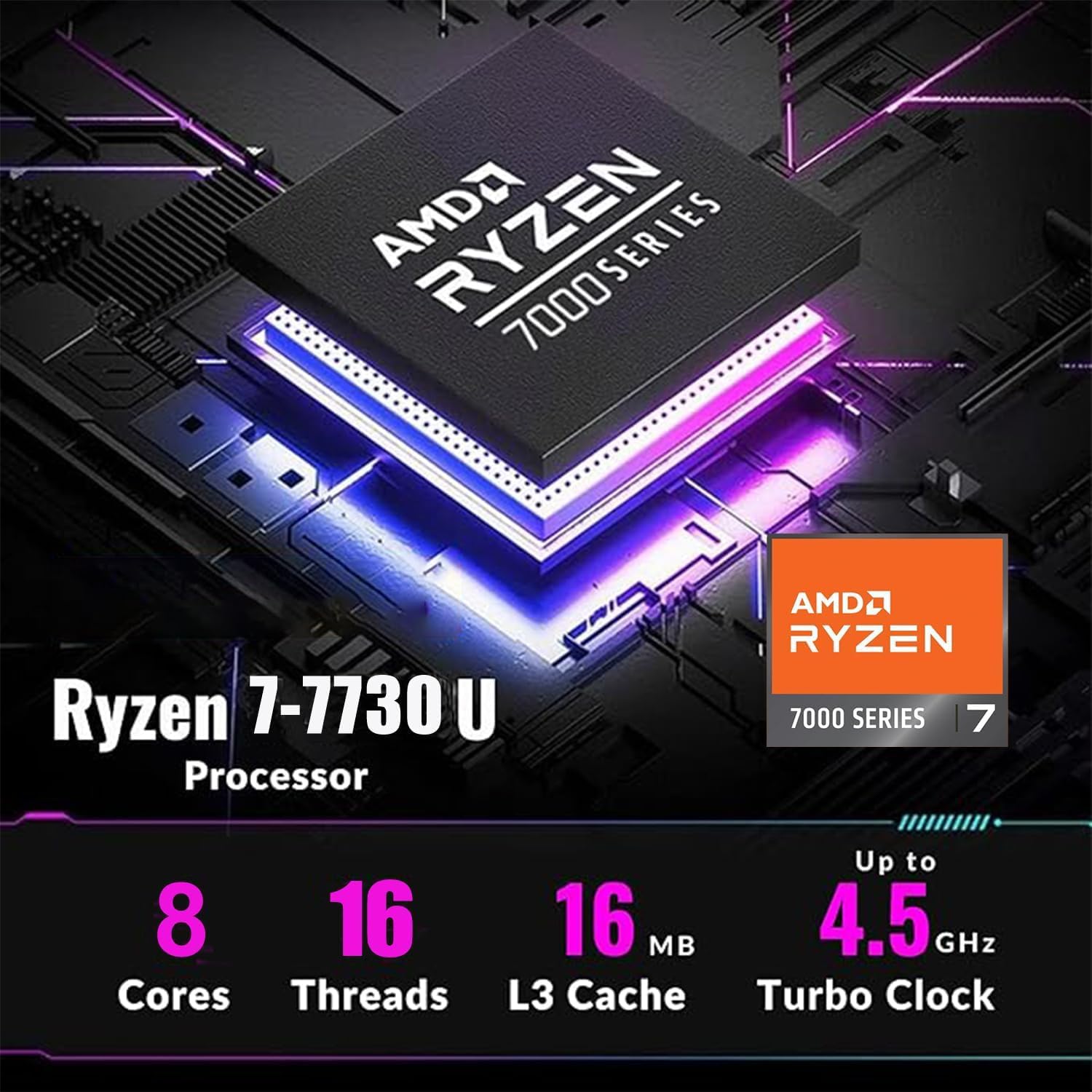
Figure 4: Detailed specifications of the AMD Ryzen 7 7730U Processor, emphasizing its core count, thread count, and turbo clock speed.

Figure 5: The laptop efficiently handles multiple applications simultaneously, showcasing its multitasking capabilities powered by the AMD Ryzen 7 7730U and AMD Radeon Graphics.
3.3 Підключення
The IdeaPad Slim 3 offers comprehensive connectivity options:
- Порти: 1x USB-C 3.2 Gen 1, 2x USB-A 3.2, 1x HDMI 1.4 Output, 1x Headphone/microphone combo jack, 1x SD Card Reader.
- Бездротовий: Wi-Fi 6 (802.11ax 2x2) and Bluetooth 5.2 for fast and stable wireless connections.

Малюнок 6: Сторона view illustrating the available ports for connecting external devices and peripherals.

Figure 7: Highlighting the advanced Wi-Fi 6 and Bluetooth 5.2 capabilities for seamless connectivity.
3.4 Клавіатура та сенсорна панель
The laptop features a US English keyboard and a responsive touchpad for navigation. The keyboard is designed for comfortable typing.
3.5 Webкамера з закритою шторкою
A built-in HD 720p webcam is included for video calls and conferences. For enhanced privacy, a physical privacy shutter is integrated, allowing you to block the camera lens when not in use.
4. Технічне обслуговування
4.1 Очищення ноутбука
- Використовуйте м’яку тканину без ворсу для очищення екрана та зовнішніх поверхонь.
- Для стійких плям злегка протрітьampпротріть тканину водою або засобом для чищення екранів.
- Уникайте використання агресивних хімікатів, абразивів або розчинників.
4.2 Догляд за акумулятором
- Щоб продовжити термін служби акумулятора, уникайте частого повного розряджання акумулятора.
- Зберігайте ноутбук у прохолодному, сухому місці, якщо він не використовується протягом тривалого часу.
4.3 Оновлення програмного забезпечення
Регулярно перевіряйте наявність оновлень операційної системи та драйверів та встановлюйте їх, щоб забезпечити оптимальну продуктивність і безпеку.
5. Вирішення проблем
5.1 Поширені проблеми та рішення
- Ноутбук не вмикається: Переконайтеся, що адаптер живлення надійно підключено, а акумулятор достатньо заряджений. Спробуйте підключитися до іншої розетки.
- Немає дисплея: Підключіть зовнішній монітор, щоб перевірити, чи проблема пов’язана з екраном ноутбука. Перезавантажте ноутбук.
- Повільна продуктивність: Close unnecessary applications, check for malware, or consider using the WOWPC recovery USB for a system refresh if performance issues persist.
- Проблеми з підключенням до мережі: Verify Wi-Fi is enabled, restart your router, or check network adapter settings in Windows.
5.2 Використання USB-накопичувача відновлення WOWPC
Your device includes a WOWPC recovery USB. This tool is designed to assist with system restoration, driver installation, and other troubleshooting steps. Refer to the instructions provided with the USB for detailed usage.
6. Технічні характеристики
| Особливість | Деталь |
|---|---|
| Процесор | AMD Ryzen 7 7730U (8 ядер, 16 потоків, до 4.5 ГГц) |
| Графіка | Інтегрована графіка AMD Radeon |
| Операційна система | Windows 11 Pro |
| Пам'ять (RAM) | 16GB Soldered DDR4-3200 RAM |
| Зберігання | 1TB PCIe NVMe SSD (Up to 2TB SSD M.2 PCIe NVMe supported) |
| Дисплей | 15.6" FHD (1920x1080) TN 250nits Anti-glare Display |
| Підключення | Wi-Fi 6 (802.11ax 2x2), Bluetooth 5.2 |
| Порти | 1x USB-C 3.2 Gen 1, 2x USB-A 3.2, 1x HDMI 1.4, 1x Headphone/microphone combo jack, 1x Card reader |
| Webкулачок | HD 720p із конфіденційною шторкою |
| Аудіо | User-facing stereo speakers, 1.5W x2, optimized with Dolby Audio |
| Колір | Арктичний сірий |
| Розміри (Д x Ш x В) | 14.15 x 9.25 x 0.70 дюймів |
| вага | Починаючи з 3.57 фунтів |
| Аксесуар | WOWPC recovery USB |

Figure 8: Physical dimensions and weight of the Lenovo IdeaPad Slim 3 Laptop, highlighting its slim design.
7. Гарантія та підтримка
7.1 Гарантія на виріб
This product is typically covered by a manufacturer's warranty. For specific warranty terms and conditions, please refer to the documentation included with your purchase or visit the official Lenovo support webсайт. Також можуть бути доступні для придбання плани розширеного захисту.
7.2 Підтримка клієнтів
For technical assistance, troubleshooting, or service inquiries, please contact Lenovo customer support. You can find contact information on the official Lenovo webсайті або в документації до вашого продукту.
Return Policy: This product typically has a 30-day return/replacement policy. Please check with your retailer for specific return details.


