1. Вступ
The XIAOMI Pad 7 Ai WiFi Version (Model 2410CRP4CG) is a high-performance tablet designed for productivity and entertainment. It features an 11.2-inch 3.2K 144Hz crystal-clear display, offering detailed visuals and an immersive viewing experience. The device supports Dolby Vision® with 800 nits peak brightness for stunning HDR content. Eye comfort is prioritized with multi-dimensional eye-care functions, including 4096 levels of brightness adjustment and TÜV Rheinland eye comfort certifications. Audio is enhanced by quad speakers with Dolby Atmos® support and 200% volume boost. Powered by the Snapdragon 7+ Gen 3 Mobile Platform and HyperOS 2, it offers seamless multitasking and AI capabilities for various office tasks, text/image generation, and meetings. The tablet boasts a sleek unibody design crafted from high-strength aluminum alloy, combining sophistication with portability.
2. Що в коробці
Upon unboxing your XIAOMI Pad 7 Ai, please ensure all the following items are present:
- USB-кабель Type-C
- Інструкція
- Швидкий автомобільний зарядний пристрій
Note: A 45W power adapter is not included in the box and is sold separately. Using a Xiaomi 45W power adapter is recommended for turbo charging.
3. Пристрій закінчивсяview
The XIAOMI Pad 7 Ai features a sleek and durable unibody design. Familiarize yourself with the device's layout:
- Дисплей: 11.2-inch 3.2K 144Hz crystal-clear screen.
- Камери: Rear 13MP camera and Front 8MP camera.
- Доповідачі: Four speakers for immersive audio experience.
- Порти: Порт USB Type-C для заряджання та передачі даних.
- Датчики: Accelerometer, Gyroscope, Ambient light (front/rear), Flicker sensor, Hall sensor, Magnetic sensor, Proximity sensor, RGB LED, IR remote control.

Рисунок 3.1: Передня та задня частини view of the XIAOMI Pad 7 Ai.
4. Налаштування
Follow these steps to set up your XIAOMI Pad 7 Ai for the first time:
- Увімкнення: Натисніть і утримуйте кнопку живлення, доки не з’явиться логотип XIAOMI.
- Початкова конфігурація: Дотримуйтесь підказок на екрані, щоб вибрати мову, регіон і підключитися до мережі Wi-Fi.
- Обліковий запис Google: Увійдіть за допомогою свого облікового запису Google або створіть новий.
- Безпека: Set up a screen lock (PIN, pattern, or password). Face unlock is also available.
- Оновлення програмного забезпечення: The tablet may prompt you to download and install available software updates. It is recommended to keep your device's software up-to-date for optimal performance and security.
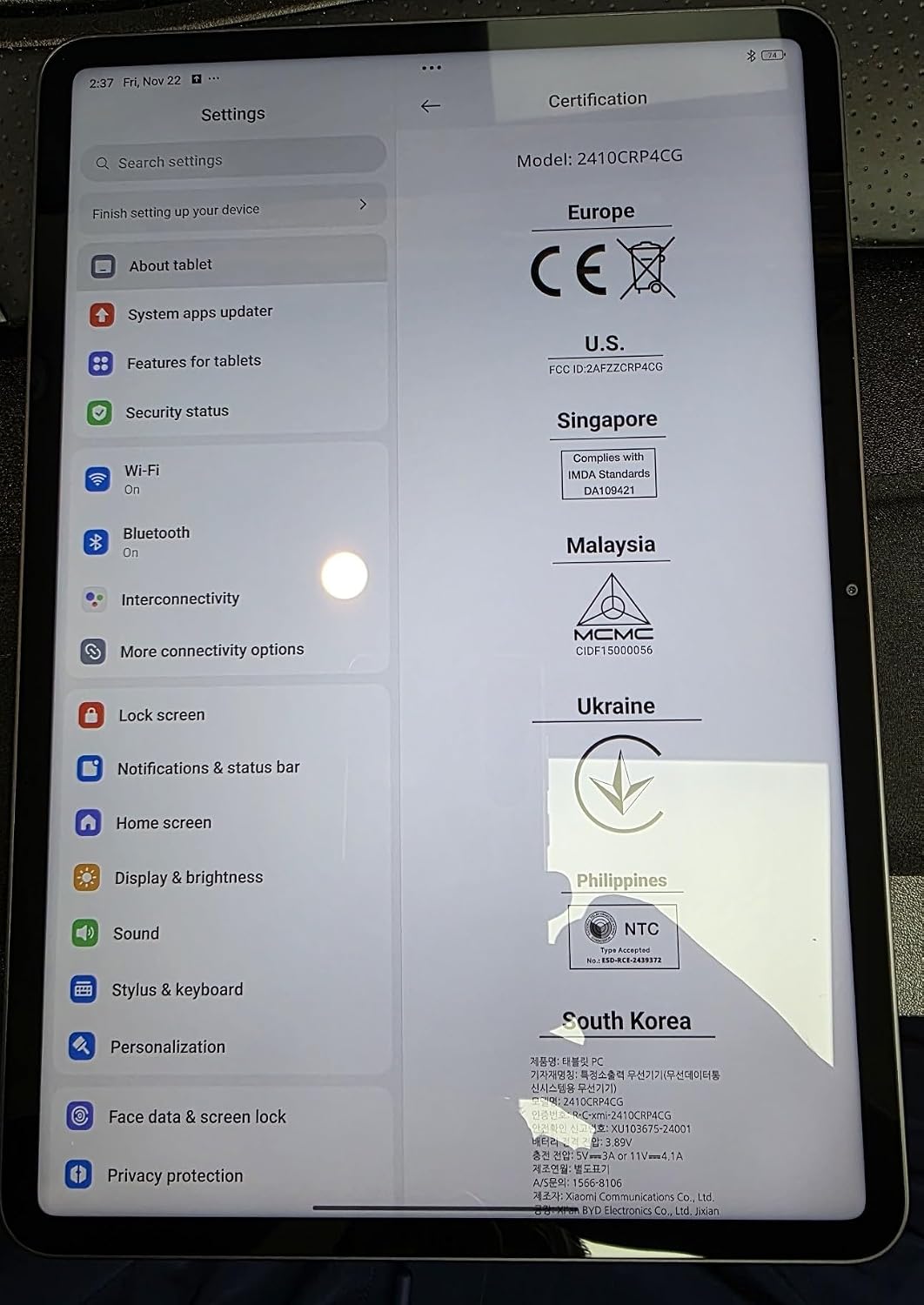
Figure 4.1: Device settings screen displaying certification information.
5. Інструкція з експлуатації
The XIAOMI Pad 7 Ai runs on HyperOS 2, offering a user-friendly interface and advanced features:
- Навігація: Use gestures for navigation (swipe up for home, swipe from edge to go back) or switch to 3-button navigation in Settings.
- Notifications & Control Panel: Swipe down from the top-left for notifications and from the top-right for the control panel (quick settings).
- Багатозадачність: HyperOS 2 supports split-screen and floating windows, allowing you to run multiple applications simultaneously for enhanced productivity.
- Ящик програм: You can choose between a classic home screen layout or one with an app drawer for organizing your applications.
- Налаштування дисплею: Adjust brightness, enable Sunlight mode for outdoor visibility, and customize color schemes.
6. Використання камери
Фіксуйте моменти за допомогою вбудованих камер:
- Задня камера: 13MP with f/2.2 aperture and PDAF. Supports 4K video recording at 30fps, and 1080P/720P video at 30fps/60fps.
- Фронтальна камера: 8MP with f/2.28 aperture. Supports 1080P/720P video recording at 30fps.
- Режими камери: Photo, Video, Portrait, Document, Dual video, Director mode, Teleprompter, Dynamic shot, HDR.
7. Продуктивність та час роботи від батареї
The XIAOMI Pad 7 Ai is built for robust performance and extended usage:
- Процесор: Snapdragon 7+ Gen 3 Mobile Platform (4nm manufacturing process, Octa-core up to 2.8GHz, Adreno GPU, Qualcomm AI engine).
- Оперативна пам'ять: 8 ГБ.
- Внутрішня пам'ять: 128 ГБ.
- Батарея: 8850mAh (typical) with 45W turbo charging support (charger sold separately).
- Підключення: Wi-Fi 6E (2x2 MIMO, 8x8 Sounding for MU-MIMO, Wi-Fi Direct, Miracast), Bluetooth 5.4 (AAC / LDAC / LHDC 5.0, IPv6).
8. Технічні характеристики
| Розмір дисплея на постійному екрані | 11.2 дюймів |
| Роздільна здатність екрана | 3200 x 2136 пікселів |
| Максимальна роздільна здатність екрана | 3200 x 2136, 345 пікселів на дюйм |
| Процесор | 2800 МГц |
| Опис картки | Інтегрований |
| Бездротовий тип | 802.11a, 802.11ac, 802.11b, 802.11g, 802.11n |
| Бренд | XIAOMI |
| Серія | Xiaomi Pad 7 |
| Номер моделі товару | a2d4d7f2-14eb-447b-bfaa-03a30748b3a3 |
| Операційна система | Android 14 HyperOS |
| Вага товару | 1 фунта |
| Розміри продукту | 9.89 x 0.24 x 6.83 дюймів |
| Розміри предмета ДхШхВ | 9.89 x 0.24 x 6.83 дюймів |
| Колір | Синій |
| Задня WebРоздільна здатність камери | 13 Мп |
| Марка процесора | Snapdragon |
| Розмір флеш-пам'яті | 128 ГБ |
| Акумулятори | Потрібна 1 літій-полімерна батарея. (в комплекті) |
9. Технічне обслуговування
To ensure the longevity and optimal performance of your XIAOMI Pad 7 Ai, follow these maintenance guidelines:
- Прибирання: Використовуйте м’яку тканину без ворсу для очищення екрана та корпусу. Уникайте використання агресивних хімікатів або абразивних матеріалів.
- Оновлення програмного забезпечення: Регулярно перевіряйте наявність та встановлюйте оновлення системи, щоб скористатися найновішими функціями, виправленнями безпеки та покращеннями продуктивності.
- Умови навколишнього середовища: Avoid exposing the tablet to extreme temperatures, direct sunlight for prolonged periods, or high humidity.
- Догляд за акумулятором: For optimal battery health, avoid fully discharging the battery frequently. Charge your device using the recommended charger.
10. Вирішення проблем
If you encounter any issues with your XIAOMI Pad 7 Ai, try the following solutions:
- Пристрій не відповідає: Натисніть і утримуйте кнопку живлення приблизно 10 секунд, щоб примусово перезапустити комп'ютер.
- Проблеми з підключенням до Wi-Fi: Переконайтеся, що Wi-Fi увімкнено, і ви перебуваєте в зоні дії відомої мережі. Спробуйте перезавантажити маршрутизатор.
- Збій програми: Clear the cache and data of the problematic app in Settings > Apps. If the issue persists, try reinstalling the app.
- Повільна продуктивність: Close unused apps, clear storage space, and restart the device.
- Заводські налаштування: As a last resort, you can perform a factory reset via Settings > System > Reset options. Back up all important data before proceeding, as this will erase all data on the device.
11. Гарантія та підтримка
Your XIAOMI Pad 7 Ai is covered by a manufacturer's warranty. Please refer to the warranty card included in your product packaging for detailed terms and conditions. For technical support, service, or inquiries about protection plans, please visit the official XIAOMI support webсайту або зв’яжіться з їхньою службою обслуговування клієнтів.


