1. Вступ
This manual provides essential information for the safe and efficient operation of your NexiGo PJ40 Ultra Outdoor Netflix Projector. Please read this manual thoroughly before using the projector and retain it for future reference.
2. Інформація про безпеку
Дотримуйтесь наступних запобіжних заходів, щоб запобігти пошкодженню проектора та забезпечити безпеку користувача:
- Не блокуйте вентиляційні отвори. Забезпечте достатню циркуляцію повітря навколо проектора.
- Не піддавайте проектор впливу дощу, вологи або екстремальних температур.
- Використовуйте лише адаптер живлення, що постачається з проектором.
- Уникайте дивитися прямо в об’єктив проектора, коли lamp увімкнено.
- Тримайте проектор подалі від джерел тепла та прямих сонячних променів.
- Від’єднуйте шнур живлення під час грози або якщо пристрій не використовується протягом тривалого часу.
3. Вміст упаковки
Перевірте наявність усіх елементів в упаковці:
- NexiGo PJ40 Ultra Projector
- Remote Control (with 2x AAA batteries)
- Адаптер живлення
- Кабель HDMI
- AV-кабель
- Тканина для чищення лінз
- Spare Air Filter
- Посібник користувача
4. Продукт закінчивсяview
The NexiGo PJ40 Ultra is a high-performance projector designed for versatile entertainment. It features native 1080p resolution, 800 ANSI lumens brightness, and AI image enhancement for clear, vibrant visuals. Integrated 20W speakers provide immersive audio. The projector includes officially licensed streaming apps like Netflix, YouTube, and Prime Video, along with comprehensive connectivity options.

Figure 4.1: NexiGo PJ40 Ultra Projector with projected Netflix screen.
Ключові характеристики:
- Рідна роздільна здатність 1080p: Delivers crisp images with incredible detail.
- Яскравість 800 ANSI люменів: Provides clear visuals in various lighting conditions.
- AI Picture Quality Enhancement: Optimizes clarity, detail, and color reproduction with HDR and HLG support.
- Officially Licensed Streaming: Pre-installed Netflix, YouTube, and Prime Video for immediate access to content.
- AI-Enhanced Surround Sound: 20W speakers with DSP decoding for immersive audio.
- Автоматична корекція трапецеїдальних спотворень: Automatically adjusts vertical image distortion.
- Бездротове відображення екрана: Supports iOS, Android, and Windows devices via 5 GHz Wi-Fi.
- Кілька варіантів підключення: Includes 2 USB ports, 2 HDMI inputs, AV port, and 3.5mm audio jack.
5. Налаштування
5.1 Початкове ввімкнення
- Підключіть адаптер живлення до входу живлення проектора, а потім до розетки.
- Натисніть кнопку живлення на проекторі або пульті дистанційного керування, щоб увімкнути його.
- Follow the on-screen instructions for initial language and network setup.
5.2 Розміщення та розмір екрана
Position the projector on a stable, flat surface. The projection distance affects the screen size. Refer to the table below for recommended distances.

Figure 5.1: Recommended Projection Distances.
| Screen Diagonal (in.) | Відстань проекції (фути) |
|---|---|
| 72 | 7.68 |
| 100 | 10.5 |
| 120 | 12.4 |
| 150 | 15.52 |
| 300 | 30.18 |
Note: Sizing measured by NexiGo Laboratory. Test measurements do not include the screen border size.
5.3 Фокусування та корекція трапецієподібних спотворень
- Регулювання фокусу: Rotate the focus wheel on the projector until the image is clear.
- Автоматичне вертикальне трапецієподібне спотворення: The projector features automatic vertical keystone correction. Ensure this setting is enabled in the menu for automatic adjustment.
- Manual 4D Correction: For horizontal or more precise adjustments, navigate to the manual keystone settings in the menu.
- Функція масштабування: Use the zoom function in the settings to shrink the screen size from 100% down to 60% without moving the projector.
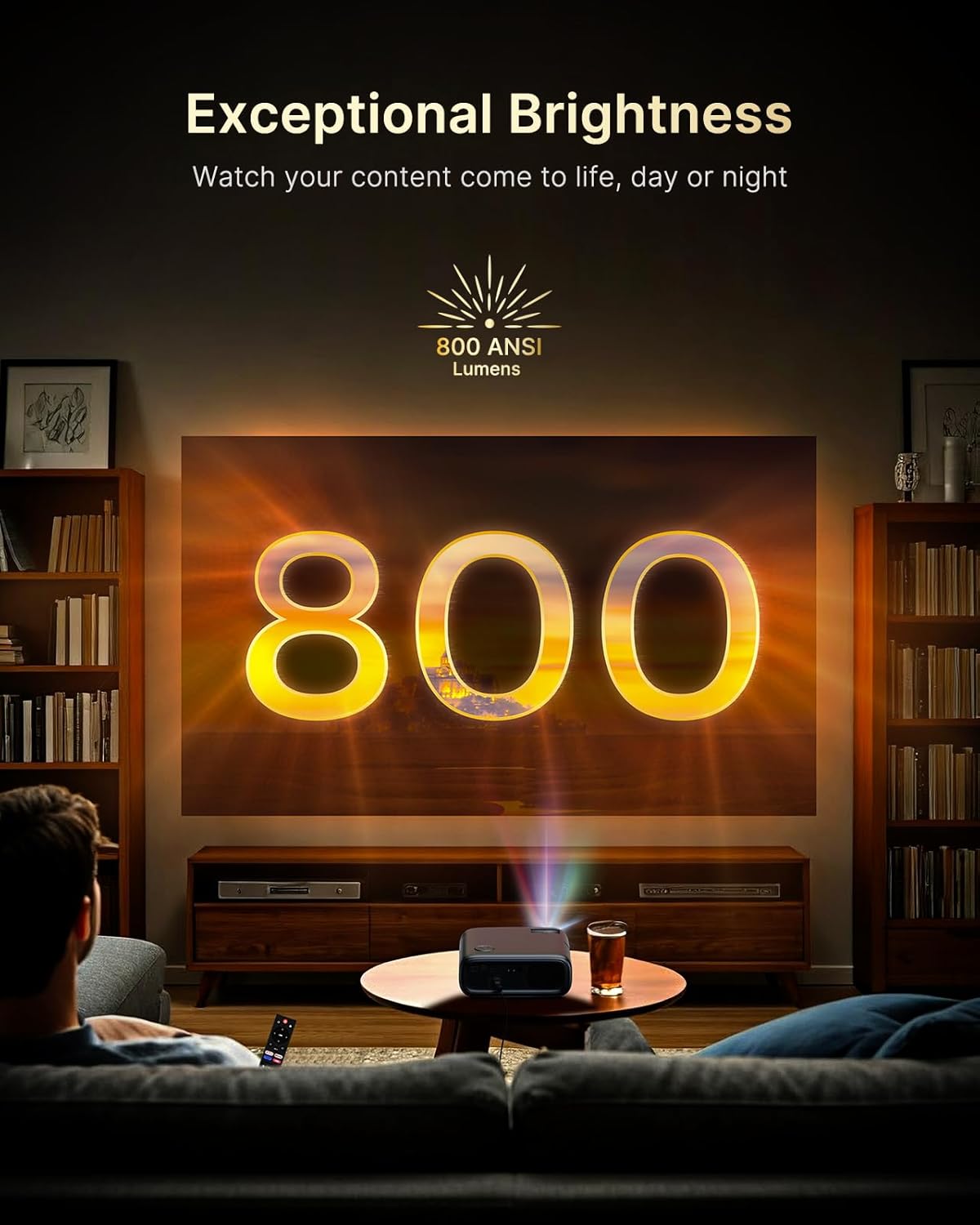
Figure 5.2: Keystone Correction and Zoom Options.
5.4 Мережеве підключення
To access streaming services and screen mirroring, connect the projector to a Wi-Fi network:
- Перейдіть до меню «Налаштування».
- Виберіть «Мережа» або «Wi-Fi».
- Виберіть потрібну мережу Wi-Fi зі списку та введіть пароль.

Figure 5.3: Dual-Band Wi-Fi Connectivity.
5.5 Підключення зовнішніх пристроїв
The PJ40 Ultra offers various ports for connecting external devices:
- Порти HDMI (HDMI 1, HDMI 2): Connect gaming consoles (PS5, Nintendo Switch), TV sticks, laptops, or other HDMI-enabled devices. HDMI 1 supports ARC & CEC, HDMI 2 supports CEC.
- Порти USB: Connect USB flash drives or hard drives for media playback.
- AV Input Port: Підключіть старіші пристрої за допомогою AV-кабелю, що входить до комплекту.
- 3.5 мм аудіороз’єм: Підключіть зовнішні навушники або динаміки.

Figure 5.4: Connectivity Ports.
6. Інструкція з експлуатації
6.1 Навігація за допомогою пульта дистанційного керування
Use the included remote control to navigate the projector's interface. The remote allows you to power on/off, adjust volume, select input sources, and access settings and applications.
6.2 Програми для потокового передавання
The projector comes with pre-installed and officially licensed applications:
- Netflix: Access your Netflix library directly.
- YouTube: Browse and watch videos from YouTube.
- Головне відео: Stream content from Amazon Prime Video.
To use these apps, ensure the projector is connected to the internet and log in with your respective account credentials.

Figure 6.1: Officially Licensed Streaming Applications.
6.3 Віддзеркалення екрана
The PJ40 Ultra supports wireless screen mirroring for various devices:
- iOS Devices (AirPlay): Connect your iPhone or iPad to the same Wi-Fi network as the projector and use AirPlay to mirror your screen.
- Android Devices (Screen Mirror): Use the Screen Mirroring feature on your Android device to connect wirelessly.
- Windows Devices (Windows Cast): Utilize Windows Cast functionality for screen sharing from compatible Windows computers.
Note: Due to copyright restrictions, some streaming apps (e.g., Netflix, Amazon Prime, Hulu) may not support direct screen mirroring.
6.4 Параметри звуку
The projector features built-in 20W speakers with DSP decoding for enhanced audio. You can also connect external audio devices:
- Підключення Bluetooth: Pair Bluetooth speakers or headphones for a wireless audio experience.
- 3.5 мм аудіороз’єм: Підключіть дротові навушники або зовнішні динаміки.

Figure 6.2: AI-Enhanced Surround Sound.
7. Технічне обслуговування
7.1 Очищення об'єктива
Use the provided lens cleaning cloth to gently wipe the projector lens. Avoid using abrasive cleaners or materials that could scratch the lens surface.
7.2 Технічне обслуговування повітряного фільтра
The projector includes an air filter to prevent dust accumulation. Periodically check and clean the air filter to maintain optimal performance and cooling. A spare air filter is included for replacement when necessary.
7.3 Загальний догляд
- Keep the projector in a clean, dry environment.
- When not in use, cover the lens with the protective cap.
- Уникайте падіння проектора та сильних ударів.
8. Вирішення проблем
Поширені проблеми та рішення:
- Немає живлення: Переконайтеся, що адаптер живлення надійно підключено як до проектора, так і до справної розетки. Спробуйте іншу розетку.
- Без зображення:
- Перевірте, чи ввімкнено проектор.
- Verify the input source is correctly selected (e.g., HDMI 1, HDMI 2).
- Переконайтеся, що підключений пристрій увімкнено та видає сигнал.
- Розмите зображення: Adjust the focus wheel on the projector until the image is sharp. Check keystone correction settings.
- Немає звуку:
- Збільште гучність на проекторі та підключеному пристрої-джерелі.
- Check if external speakers or headphones are properly connected or paired via Bluetooth.
- Переконайтеся, що налаштування аудіовиходу на пристрої-джерелі налаштовано правильно.
- Проблеми з підключенням до Wi-Fi:
- Переконайтеся, що пароль Wi-Fi введено правильно.
- Перезавантажте проектор і ваш Wi-Fi роутер.
- Move the projector closer to the Wi-Fi router to improve signal strength.
- Projector Randomly Powers On: Some users have reported the projector powering on from standby mode unexpectedly. If this occurs, ensure the projector is fully powered off at the main power switch or unplugged when not in use to prevent unintended operation. Check for any available firmware updates that might address this behavior.
9. Технічні характеристики
| Особливість | Специфікація |
|---|---|
| Бренд | NexiGo |
| Номер моделі | PJ40 Ultra |
| Розміри продукту | 11.3 x 10.78 x 4.8 дюймів |
| Вага товару | 7.99 фунта |
| Роздільна здатність дисплея | 1920 x 1080 (оригінальна роздільна здатність 1080p) |
| Яскравість | 800 ANSI Lumens |
| Технологія підключення | HDMI, USB, Wi-Fi |
| Особливості | Official Netflix-Licensed, Built-in 20W Speaker, HDMI CEC Support, Wireless Screen Mirroring, Auto Keystone, 4K Support Input |
| Виробник | Nexight INC |
| Дата першої доступності | 2 січня 2025 р |
10. Гарантія та підтримка
NexiGo is committed to customer satisfaction and provides comprehensive support for its products.
- Підтримка клієнтів: 24-hour customer support is available.
- Return/Exchange Policy: Enjoy a 30-day return or exchange period.
- Технічна підтримка: Для вашого продукту надається довічна технічна підтримка.

Figure 10.1: NexiGo Customer Support Information.
For further assistance or to contact support, please visit the official NexiGo webсайт або зверніться до контактної інформації, наданої на упаковці вашого продукту.


