1. Вступ
The NEDIS SmartLife Outdoor Pan-Tilt Spotlight Camera (WIFICO22CWT) is designed to enhance your home security with advanced features and seamless integration. This manual provides essential information for the proper installation, operation, and maintenance of your camera.
Key features include a 3MP (1296p) sensor for clear images, remote pan and tilt control, automatic tracking, color and infrared night vision, two-way audio, motion and sound detection with instant notifications, and an IP65 weatherproof rating for outdoor reliability.
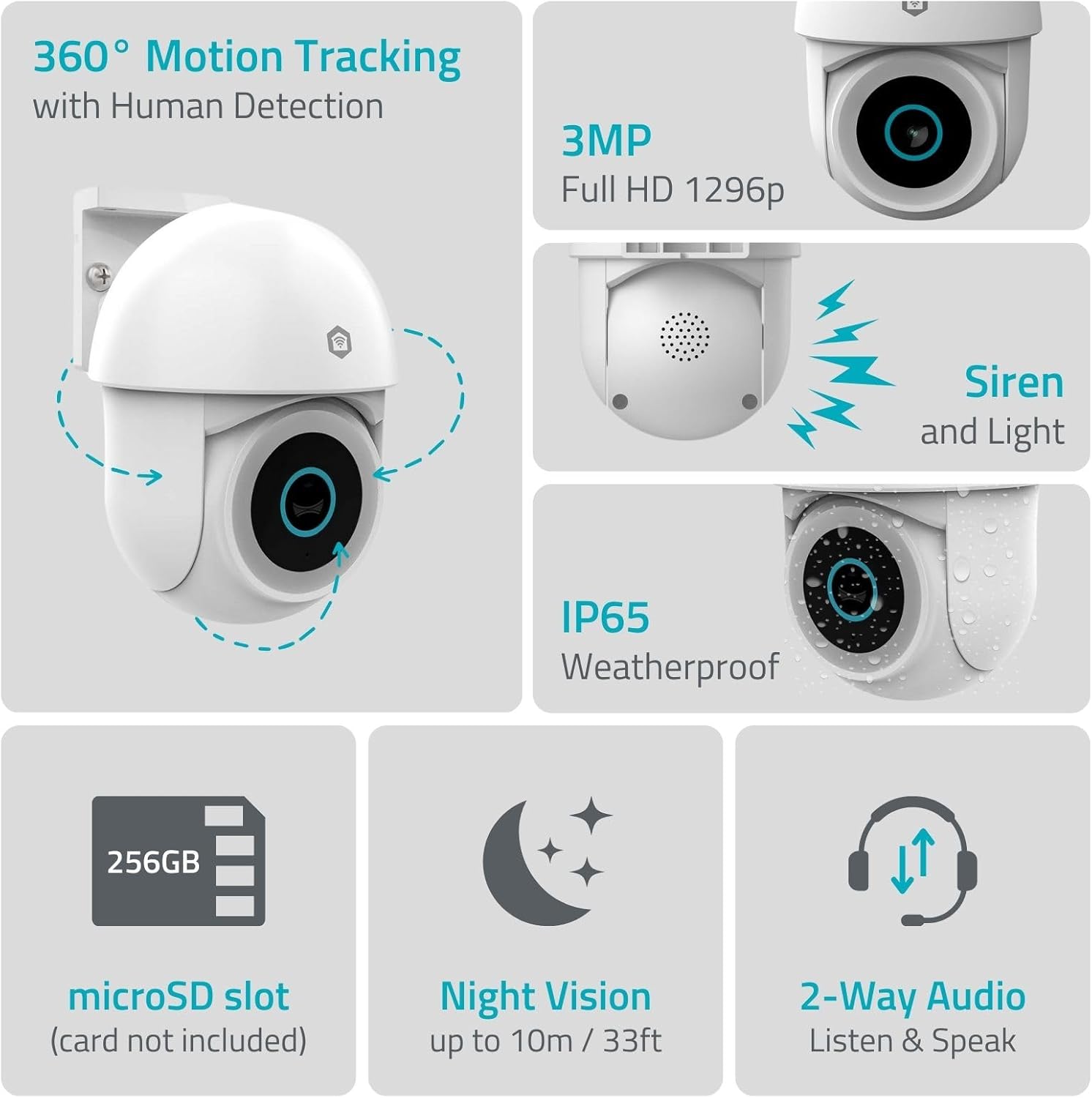
Зображення 1.1: закінченоview of NEDIS SmartLife Outdoor Camera features, including 360-degree motion tracking, 3MP resolution, siren and light, IP65 weatherproofing, microSD slot, night vision, and two-way audio.
2. Вміст упаковки
Будь ласка, перевірте упаковку на наявність наступних предметів:
- NEDIS SmartLife Outdoor Pan-Tilt Spotlight Camera (WIFICO22CWT)
- Адаптер живлення (5 В постійного струму)
- Монтажний кронштейн і гвинти
- Короткий посібник (цей посібник)
3. Налаштування
3.1. Встановлення програми
- Завантажити Недіс SmartLife додаток з App Store (iOS) або Google Play Store (Android).
- Зареєструйте новий обліковий запис або увійдіть, якщо у вас вже є обліковий запис.
3.2. Увімкнення та перше підключення
- Підключіть камеру до адаптера живлення та вставте в електричну розетку.
- Wait for the camera's indicator light to flash, indicating it is ready for pairing.
- Open the Nedis SmartLife app, tap '+' to add a new device, and follow the on-screen instructions to connect the camera to your 2.4 GHz Wi-Fi network.
3.3. Встановлення карти MicroSD (додатково)
For local storage of recordings, install a microSD card (up to 256GB, not included).
- Locate the microSD card slot on the camera (refer to the camera diagram in the quick start guide).
- Carefully insert the microSD card into the slot until it clicks into place.
- Format the microSD card via the camera settings in the Nedis SmartLife app.
3.4. Монтаж камери
The camera comes with a wall/ceiling mount. Choose a suitable location with a clear view та в межах досяжності Wi-Fi.

Image 3.1: Camera dimensions for mounting reference.
- Позначте місця свердління, використовуючи монтажний кронштейн як шаблон.
- Просвердліть отвори та вставте дюбелі, якщо необхідно.
- Secure the mounting bracket to the wall or ceiling with screws.
- Attach the camera to the mounting bracket and adjust its initial angle.
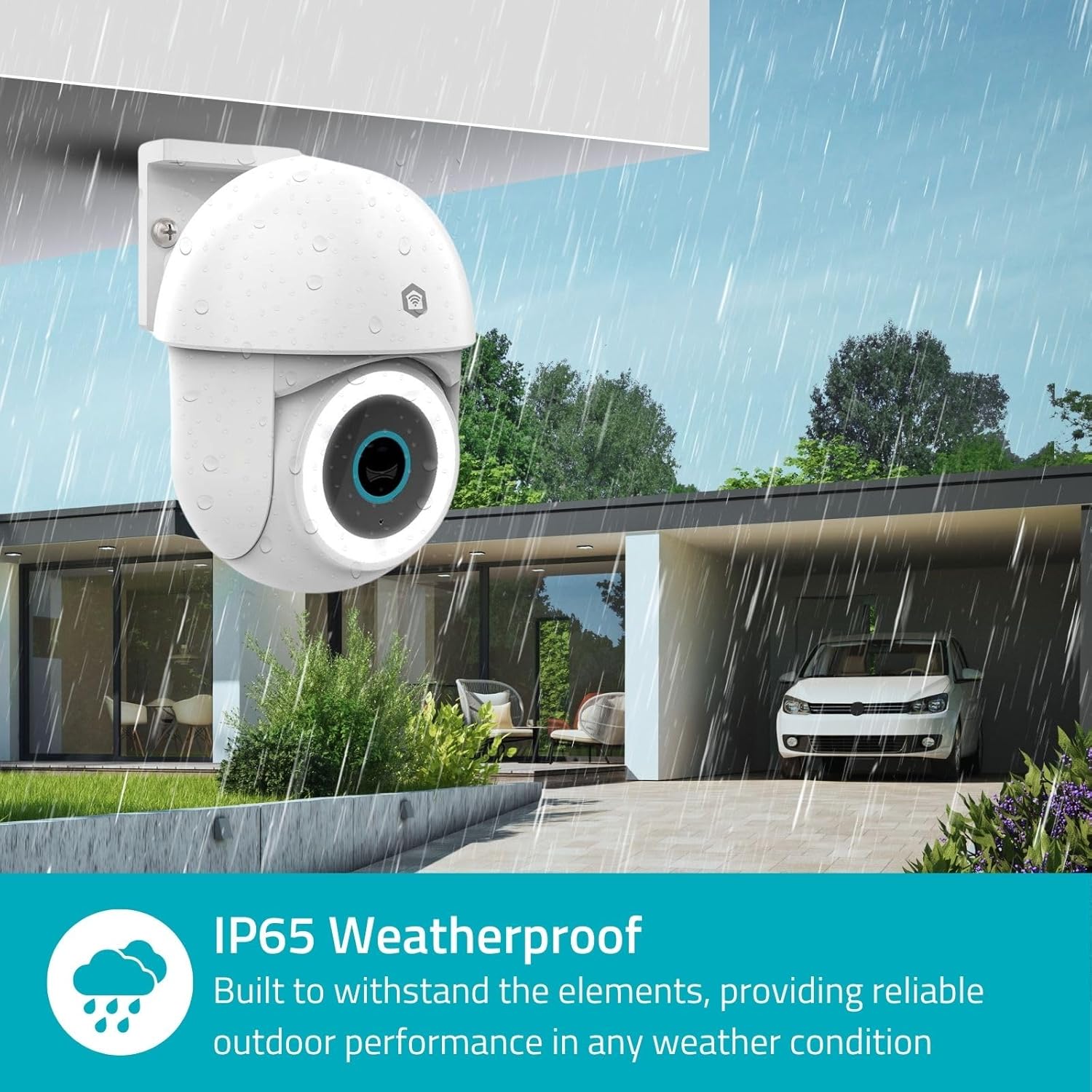
Image 3.2: The IP65 weatherproof design ensures reliable outdoor performance in various weather conditions.
4. Інструкція з експлуатації
4.1. Жити View та керування панорамуванням/нахилом
Access the live feed from your camera through the Nedis SmartLife app. Use the on-screen controls to remotely pan (horizontal) and tilt (vertical) the camera to monitor a wide area.
4.2. Виявлення та відстеження руху
The camera features advanced motion detection, including human detection, to minimize false alarms. You can customize detection zones within the app.
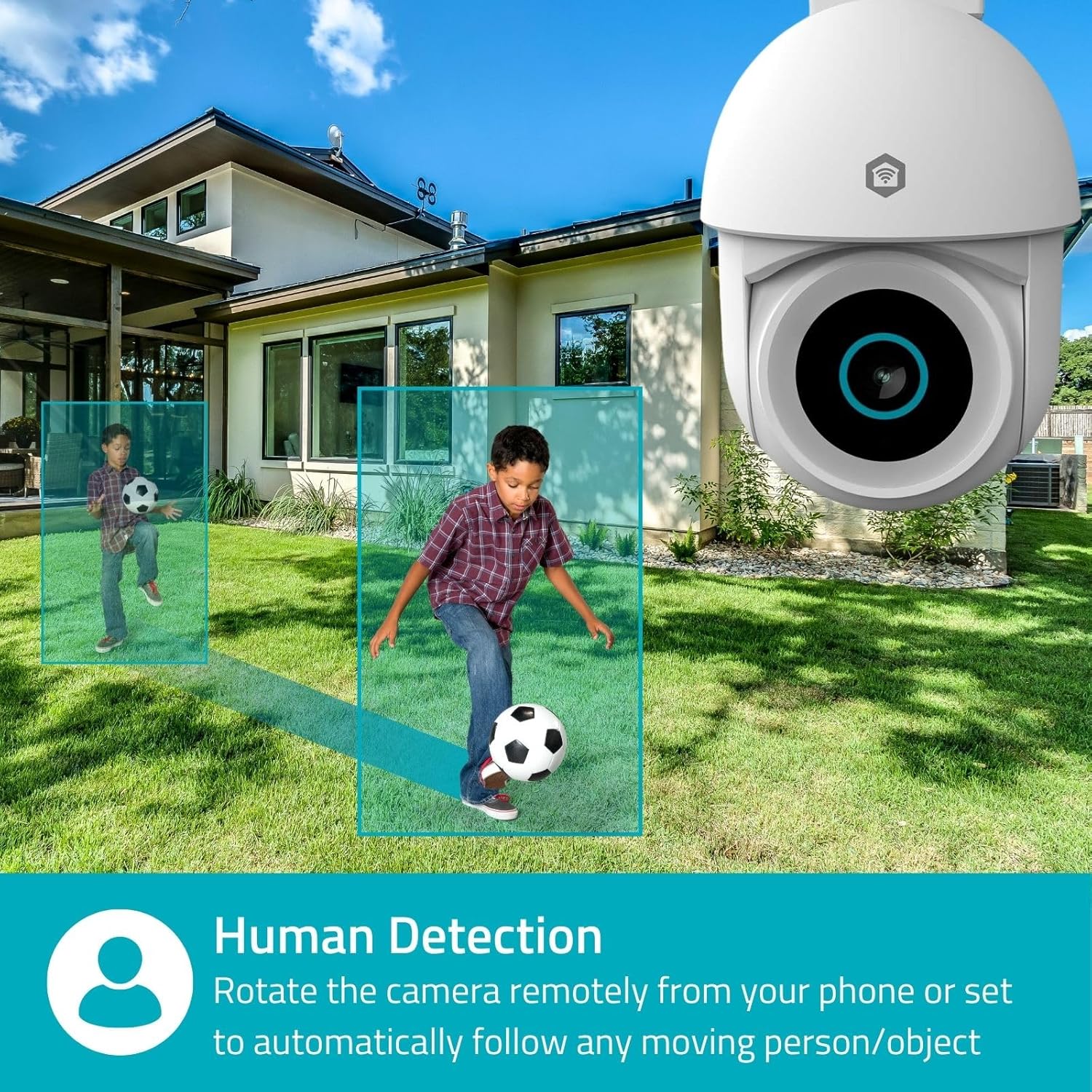
Image 4.1: Human Detection allows the camera to automatically follow moving persons or objects.
Увімкнути Автоматичне відстеження in the app settings to have the camera automatically follow detected movement.
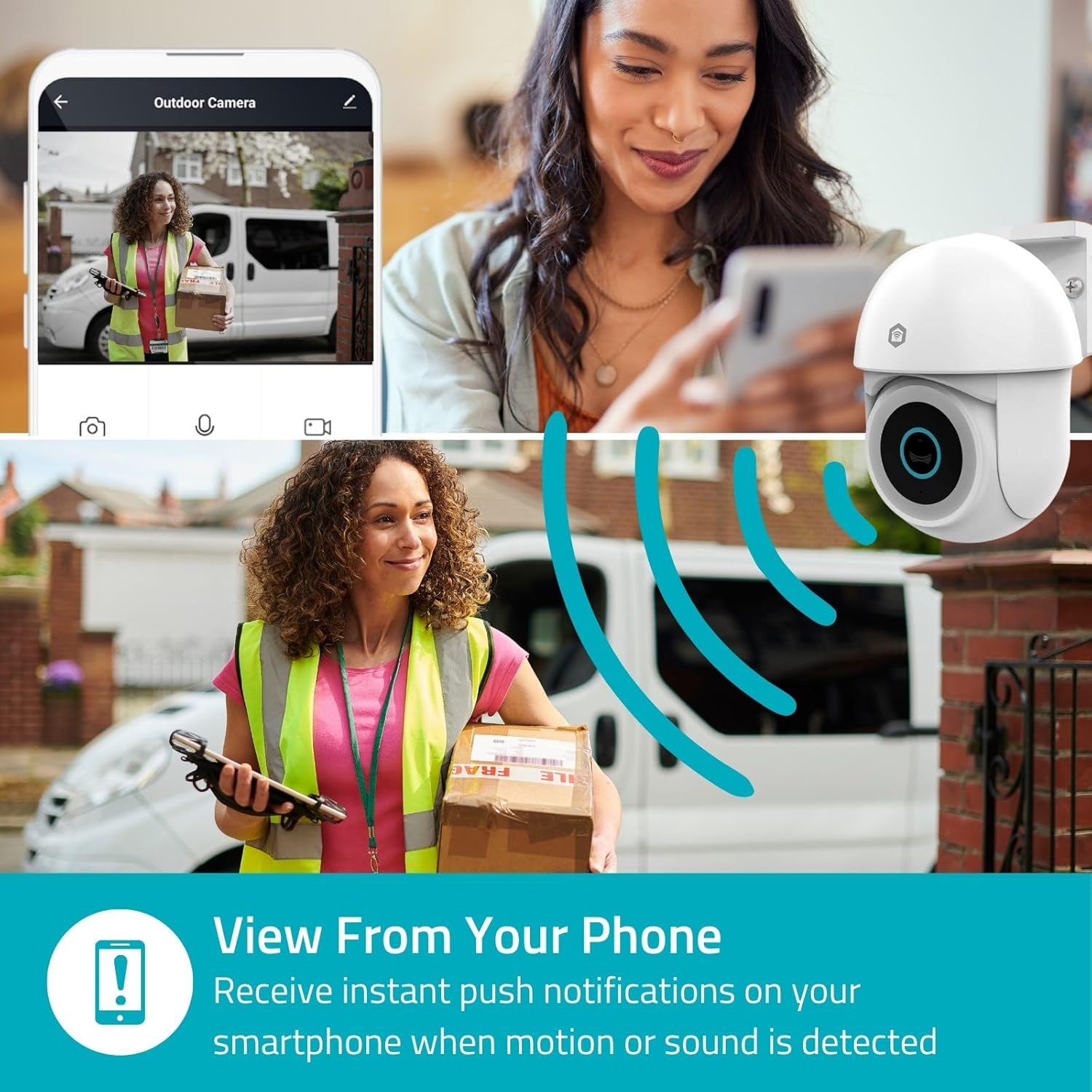
Image 4.2: Receive instant push notifications on your smartphone when motion or sound is detected.
4.3. Двосторонній аудіозв'язок
Utilize the built-in microphone and speaker for two-way communication. You can listen to the environment and speak through the camera via the app.
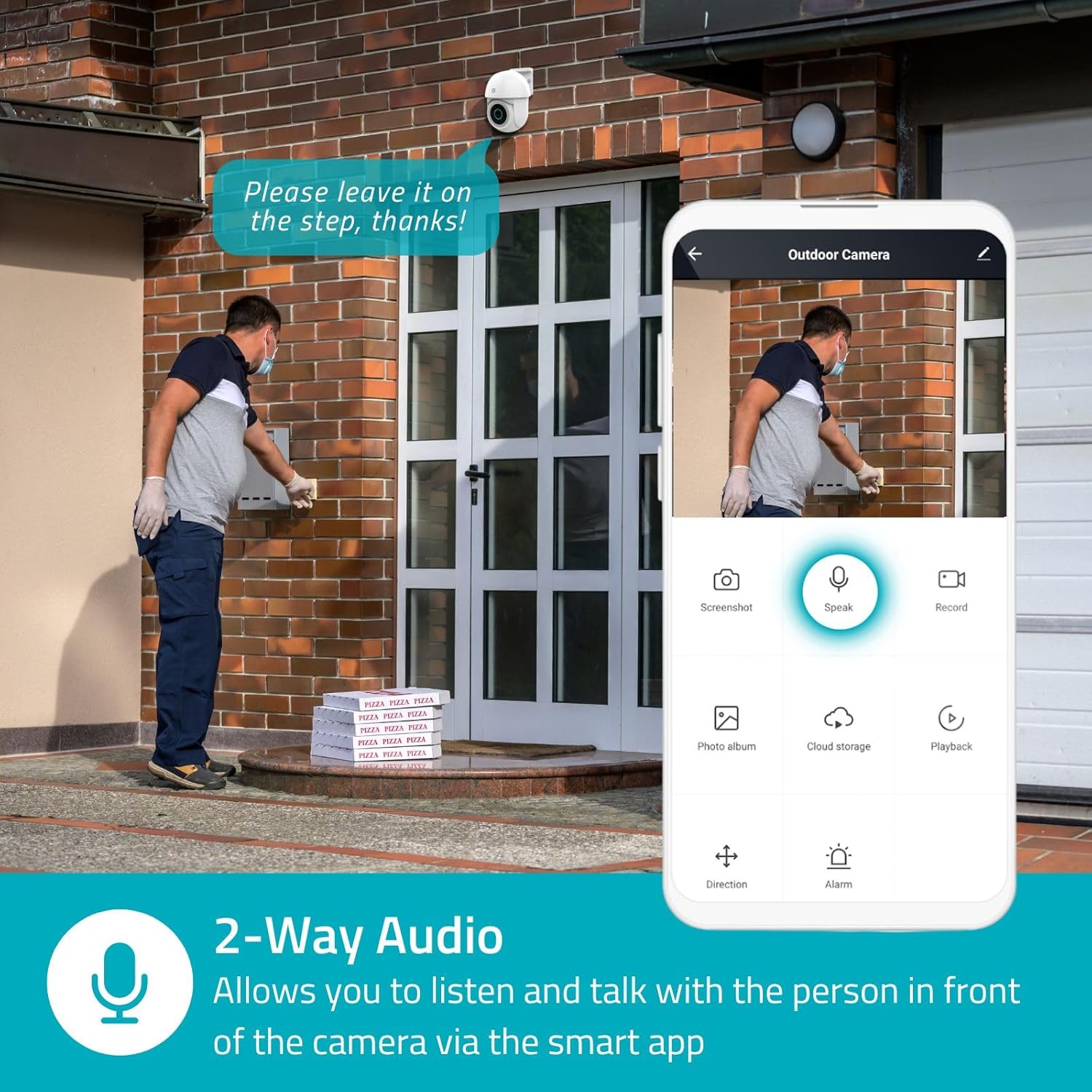
Image 4.3: Two-Way Audio allows you to listen and talk with individuals in front of the camera.
4.4. Нічне бачення
The camera supports two night vision modes:
- Кольорове нічне бачення: Achieved using dimmable white LEDs, providing full-color images in low light.
- Інфрачервоне нічне бачення: Standard black and white night vision using infrared LEDs, effective up to 10 meters (33 feet).

Image 4.4: Comparison of Day Mode and Night Mode, illustrating the camera's 3MP resolution and 10m night vision capability.
4.5. Spotlight and Siren
When motion is detected, you can configure the camera to activate its white LEDs (spotlight) and/or a siren. This can deter intruders or provide illumination.

Image 4.5: The camera's light and siren can be activated upon motion detection to deter unwanted visitors.
4.6. Запис і відтворення
Recordings can be stored on a microSD card (up to 256GB) or via optional cloud storage. Access and playback recorded footage through the Nedis SmartLife app.
4.7. Режим конфіденційності
Activate Privacy Mode in the app to temporarily disable recording and live view when you are home, ensuring your privacy.
4.8. Інтеграція «Розумний дім».
The camera is compatible with Google Home and Amazon Alexa, allowing for voice control and integration into your smart home ecosystem.
5. Технічне обслуговування
- Прибирання: Обережно протріть об'єктив і корпус камери м'якою губкоюamp тканина. Не використовуйте агресивні хімікати або абразивні засоби для чищення.
- Оновлення прошивки: Regularly check the Nedis SmartLife app for available firmware updates to ensure optimal performance and security.
- Джерело живлення: Переконайтеся, що адаптер живлення та кабель не пошкоджені.
6. Вирішення проблем
6.1. Камера не підключається до Wi-Fi
- Переконайтеся, що ваша мережа Wi-Fi працює на частоті 2.4 ГГц. Камера не підтримує Wi-Fi 5 ГГц.
- Перевірте, чи правильно введено пароль Wi-Fi.
- Під час налаштування розмістіть камеру ближче до вашого Wi-Fi роутера.
- Перезавантажте роутер і камеру.
6.2. Погана якість відео
- Перевірте силу сигналу Wi-Fi. Слабкий сигнал може вплинути на якість відео.
- Переконайтеся, що об'єктив камери чистий і не має перешкод.
- Adjust the video resolution settings in the app if your network bandwidth is limited.
6.3. Motion Detection Not Working
- Перевірте, чи в налаштуваннях програми ввімкнено функцію виявлення руху.
- Check the sensitivity settings and detection zones.
- Переконайтеся, що немає фізичних перешкод, що блокують камеру view.
6.4. No Audio or Two-Way Audio Issues
- Check the microphone and speaker volume settings in the app.
- Ensure your smartphone's microphone is not muted when speaking through the app.
- Verify network connectivity for real-time audio transmission.
7. Технічні характеристики
| Особливість | Специфікація |
|---|---|
| Номер моделі | WIFICO22CWT |
| роздільна здатність | 3 MP (1296p) |
| Підключення | Wi-Fi (2.4 ГГц) |
| Pan/Tilt Function | так |
| Рейтинг погодостійкості | IP65 |
| Нічне бачення | Color (white LEDs) & IR (up to 10m) |
| Двостороннє аудіо | так |
| Параметри зберігання | MicroSD (up to 256GB, not included), Cloud Storage (optional) |
| Вхідна потужність | 5 В постійного струму |
| Розміри (Д x Ш x В) | 10 х 8.3 х 11 см |
| вага | 292 грами |
| Особливості | Human Detection, Auto-Tracking, Spotlight, Siren, Privacy Mode, Onvif support |
| Сумісність | Google Home, Amazon Alexa |
8. Гарантія та підтримка
This product comes with a standard manufacturer's warranty. For detailed warranty information, please refer to the warranty card included in your package or visit the official NEDIS webсайт.
For technical support, troubleshooting assistance, or further inquiries, please contact NEDIS customer service through their official webсайт або контактну інформацію, зазначену на упаковці продукту.
Інтернет-ресурси:
- Відвідайте НЕДІС webсайт для оновлень продуктів та підтримки.
- Check the Nedis SmartLife app for FAQs and in-app support options.


