вступ
This manual provides detailed instructions for the Ourlife A8 Mini Camera, a versatile 1080P HD security camera designed for both indoor and outdoor monitoring. It features Wi-Fi connectivity, motion detection, and supports TF card recording. Please read this manual thoroughly before operating the device to ensure proper use and optimal performance.
Вміст упаковки

Image: Contents of the Ourlife A8 Mini Camera package, showing the camera, mounting base, charging cable, and instruction manual.
- A8 Mini Camera Body
- Монтажна основа
- Зарядний кабель
- Інструкція з експлуатації
Особливості продукту

Image: Visual representation of the camera's key features including 1080P resolution, magnetic mounting, 2.4GHz WiFi, lightweight design, 3-4 hour run time, Type-C port, motion detection, mounting base, push notifications, and TF card support.
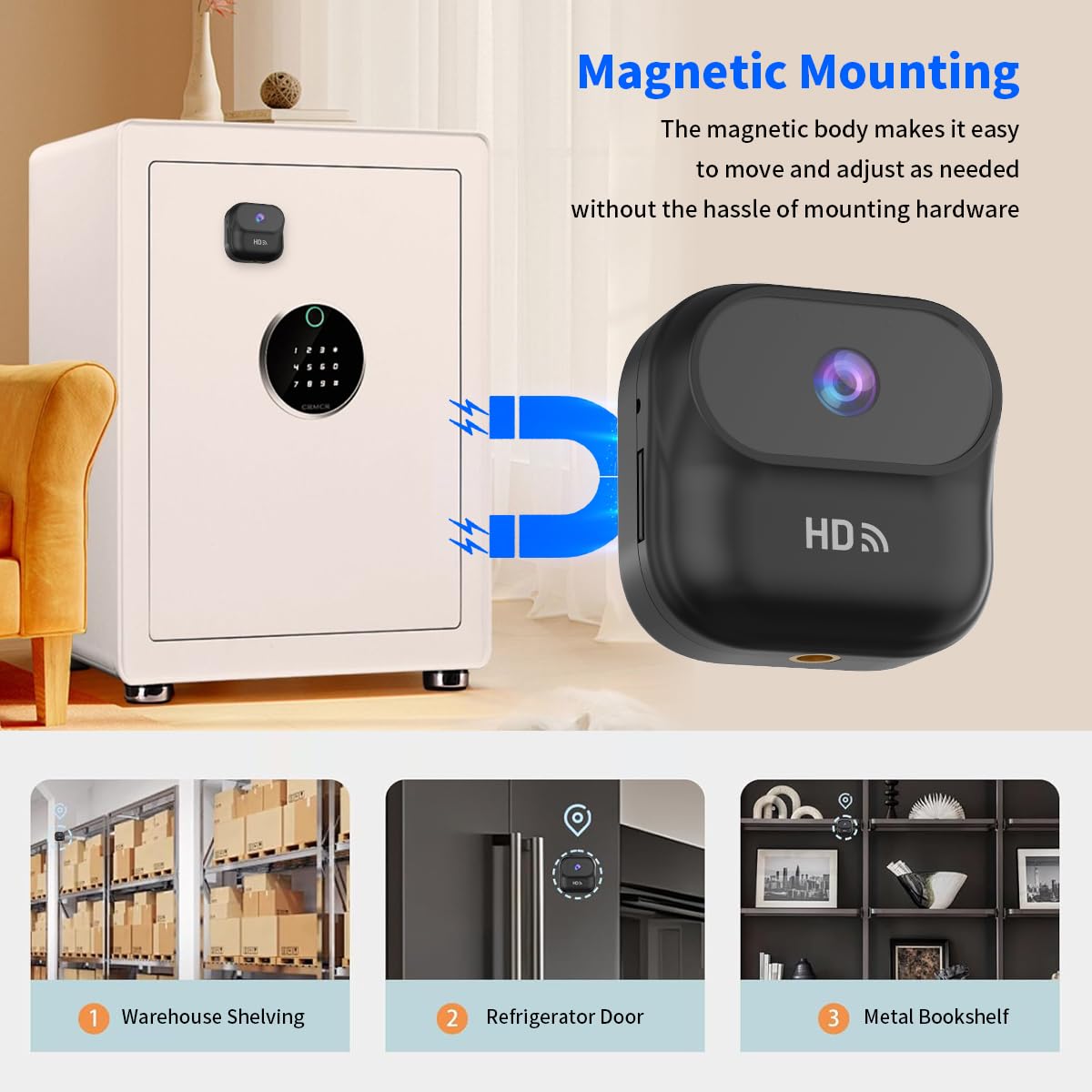
Зображення: The Ourlife A8 Mini Camera magnetically attached to a safe, demonstrating its easy and versatile magnetic mounting capability for various metal surfaces like warehouse shelving, refrigerator doors, and metal bookshelves.
- Magnetic and Stand Mount Installation: Features a strong magnetic base and a stand mount for versatile placement.
- Універсальне розміщення: Can be attached to various surfaces like walls, cars, or even animal harnesses.
- Built-in Battery with Continuous Recording: Equipped with a 400mAh battery, supporting recording while charging.
- Компактний і потужний: Small size (46 x 25 x 46.6 mm) and lightweight (1.16 oz) with 1080P HD resolution.
- Wi-Fi Connectivity and Multi-Use Capabilities: У реальному часі viewing and playback via Wi-Fi, motion detection, and local memory playback.
Посібник із налаштування
1. Зарядка камери
Before first use, fully charge the camera using the provided charging cable. Connect the Type-C end to the camera and the USB-A end to a standard USB power adapter (not included) or a computer USB port. The indicator light will show charging status.
2. Вставлення TF-карти (необов'язково)
For local recording, insert a compatible TF (microSD) card into the card slot. Ensure the card is inserted correctly until it clicks into place. The camera supports local memory playback.
3. Встановлення програми та підключення до Wi-Fi
- Download the official Ourlife camera application from your smartphone's app store (iOS or Android). Refer to the included instruction manual for the exact app name or QR code.
- Power on the camera. The Wi-Fi indicator light will begin to flash, indicating it's ready for pairing.
- Open the app and follow the on-screen instructions to add a new device. Select your camera model.
- Connect your smartphone to the camera's Wi-Fi hotspot (usually named something like "IPC-XXXXXX").
- Return to the app and select your home 2.4GHz Wi-Fi network. Enter the Wi-Fi password.
- Once connected, the camera's Wi-Fi indicator light will become solid, and you will see the camera online in the app.

Зображення: The Ourlife A8 Mini Camera held in hand, with a smartphone displaying a live feed from the camera, indicating successful Wi-Fi connection and real-time viewінж.
Інструкція з експлуатації
1. Моніторинг у реальному часі
Once the camera is connected to your Wi-Fi network, open the Ourlife app on your smartphone. Select the camera from your device list to view the live feed. You can monitor your home or office from anywhere as long as the camera is connected to a 2.4GHz router.
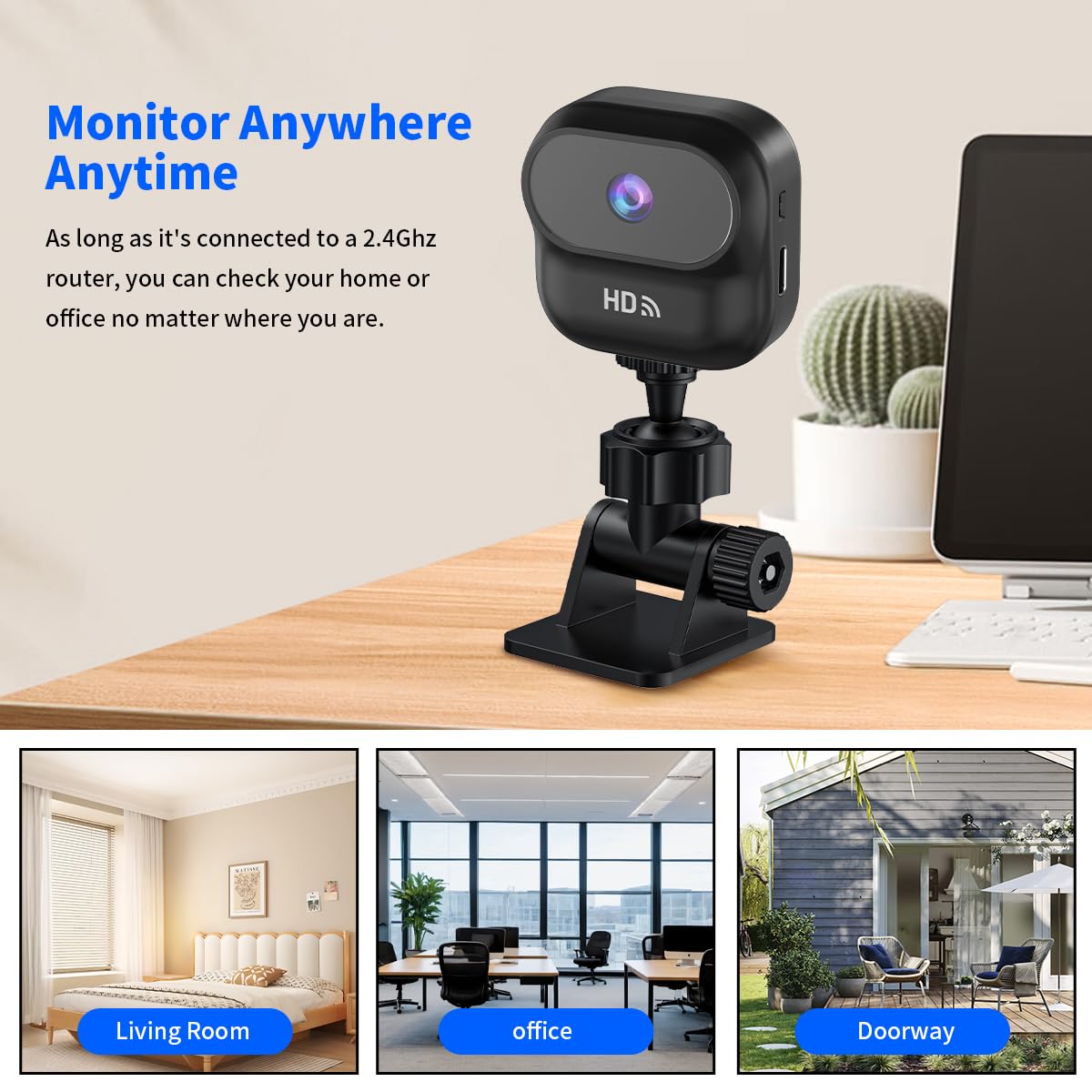
Зображення: The Ourlife A8 Mini Camera mounted on a desk, with three inset images showing its versatility for monitoring a living room, an office, and a doorway.
2. Виявлення руху
The A8 Mini Camera features intelligent motion detection. When motion is detected, the camera will automatically begin recording and send push notifications to your connected smartphone via the app. You can adjust motion detection sensitivity settings within the app.

Зображення: The Ourlife A8 Mini Camera positioned to monitor a living room scene with a man, child, and dog, illustrating its motion detection capability for various subjects.
3. Запис і відтворення
- Безперервне записування: If a TF card is inserted, the camera can record continuously.
- Запис події: Motion-triggered recordings are saved to the TF card and can be accessed via the app.
- Local Memory Playback: Доступ до записаного footage directly from the TF card through the app's playback function.
Технічне обслуговування
- Keep the camera lens clean using a soft, dry cloth. Avoid abrasive cleaners.
- Переконайтеся, що камера розташована в добре провітрюваному приміщенні, щоб запобігти перегріву.
- Regularly check for firmware updates through the Ourlife app to ensure optimal performance and security.
- If using a TF card, periodically back up important footage and consider formatting the card every few months to maintain performance.
Усунення несправностей
| проблема | Можлива причина / рішення |
|---|---|
| Камера не підключається до Wi-Fi |
|
| Немає запису на TF-карту |
|
| Погана якість відео |
|
| Камера не вмикається |
|
Технічні характеристики

Image: Diagram showing the compact dimensions of the Ourlife A8 Mini Camera: 1.83 inches (length) x 1.83 inches (width) x 0.98 inches (height).
| Особливість | Деталь |
|---|---|
| Модель | A8 |
| Роздільна здатність захоплення відео | 1080p HD |
| Технологія підключення | Бездротовий зв'язок (Wi-Fi 2.4 ГГц) |
| Джерело живлення | Battery Powered (400mAh built-in battery) |
| Розміри предмета (Д x Ш x В) | 46 x 25 x 46.6 мм (прибл. 1.83 x 0.98 x 1.83 дюйма) |
| Вага товару | 100 г (приблизно 1.16 унції) |
| Підтримка зберігання | TF Card (MicroSD) |
| Тип монтажу | Magnetic, Stand Mount |
| Використання в приміщенні/зовні | Indoor (as per recommended uses) |
Гарантія та підтримка
For warranty information and technical support, please refer to the official Ourlякщо website or contact their customer service directly. Details are typically provided on the product packaging or within the included physical instruction manual.


