1. Вступ
Thank you for choosing the ZEBRONICS Groot Wireless Mouse. This manual provides detailed instructions for setting up, operating, and maintaining your new wireless mouse. The Zeb-Groot offers versatile connectivity with both 2.4GHz and Bluetooth modes, silent operation, and an ergonomic design for comfortable use.

Image: The ZEBRONICS Groot Wireless Mouse in blue, shown alongside its compact USB nano receiver.
2. Що в коробці
Будь ласка, перевірте вміст упаковки:
- Mouse - 1 unit
- Nano Receiver - 1 unit
- Quick User Guide - 1 unit
3. Продукт закінчивсяview
Familiarize yourself with the components of your ZEBRONICS Groot Wireless Mouse.

Зображення: Верх view of the mouse highlighting the Left Button, Right Button, and Scroll Wheel.

Image: Underside of the mouse, indicating the AA battery slot, On/Off switch, Bluetooth receiver indicator, Nano receiver indicator, and the storage slot for the USB nano receiver.
- Ліва кнопка: Стандартна функція клацання лівою кнопкою миші.
- Права кнопка: Стандартна функція клацання правою кнопкою миші.
- Колесо прокрутки: Для прокручування та функції клацання середньою кнопкою миші.
- Вмикання/вимкнення: Located on the bottom of the mouse to conserve battery.
- Кнопка перемикання режимів: This button, often integrated with the power switch or a separate button on the underside, allows switching between 2.4GHz and Bluetooth modes.
- AA Battery Compartment: For inserting the required AA battery.
- USB Nano Receiver Storage: Slot for storing the 2.4GHz USB receiver when not in use.
4. Інструкції з налаштування
4.1. Установка батареї
- Відкрийте кришку відсіку для батарейок на нижній стороні миші.
- Вставте одну батарейку типу АА, дотримуючись правильної полярності (+/-).
- Закрийте кришку батарейного відсіку.
4.2. Підключення через бездротовий зв'язок 2.4 ГГц (USB Nano Receiver)
- Remove the USB nano receiver from its storage slot on the bottom of the mouse.
- Підключіть USB nano-приймач до вільного USB-порту на вашому комп’ютері.
- Увімкніть мишу за допомогою перемикача ввімк./вимк. знизу.
- The mouse should automatically connect. If not, ensure the mouse is in 2.4GHz mode (check indicator light if available).

Image: A user inserting the USB nano receiver into a laptop's USB port for 2.4GHz wireless connection.
4.3. Підключення через Bluetooth
- Увімкніть мишу за допомогою перемикача On/Off.
- Switch the mouse to Bluetooth mode. This is typically done by pressing and holding a button on the mouse (often the mode switch button on the bottom or a dedicated button) until the Bluetooth indicator light starts blinking.
- На комп’ютері або пристрої перейдіть до налаштувань Bluetooth.
- шукати new devices and select "ZEB-Groot" (or similar) from the list.
- Виконайте будь-які підказки на екрані, щоб завершити процес сполучення. Після підключення індикатор почне світитися постійно.
Tip: If you experience issues, ensure your device's Bluetooth is enabled and the mouse is in pairing mode (blinking indicator).
5. Інструкція з експлуатації
5.1. Функціональність подвійного режиму
The ZEBRONICS Groot mouse supports both 2.4GHz wireless and Bluetooth connectivity, allowing you to switch between two devices seamlessly.
- Режим 2.4 ГГц: Use with the USB nano receiver for a stable, plug-and-play connection.
- Режим Bluetooth: Connect wirelessly to Bluetooth-enabled devices without needing a USB port.
To switch between modes, locate the mode switch button (often on the bottom of the mouse) and press it. An indicator light will typically show the active mode.

Image: The ZEBRONICS Groot mouse positioned next to a laptop, emphasizing its dual mode capability for uninterrupted work via 2.4GHz and Bluetooth connections.
5.2. DPI Adjustment (1600 DPI)
The mouse operates at 1600 DPI (Dots Per Inch), providing smooth and precise cursor movements. This fixed DPI setting is optimized for general use, offering a balance between speed and accuracy.
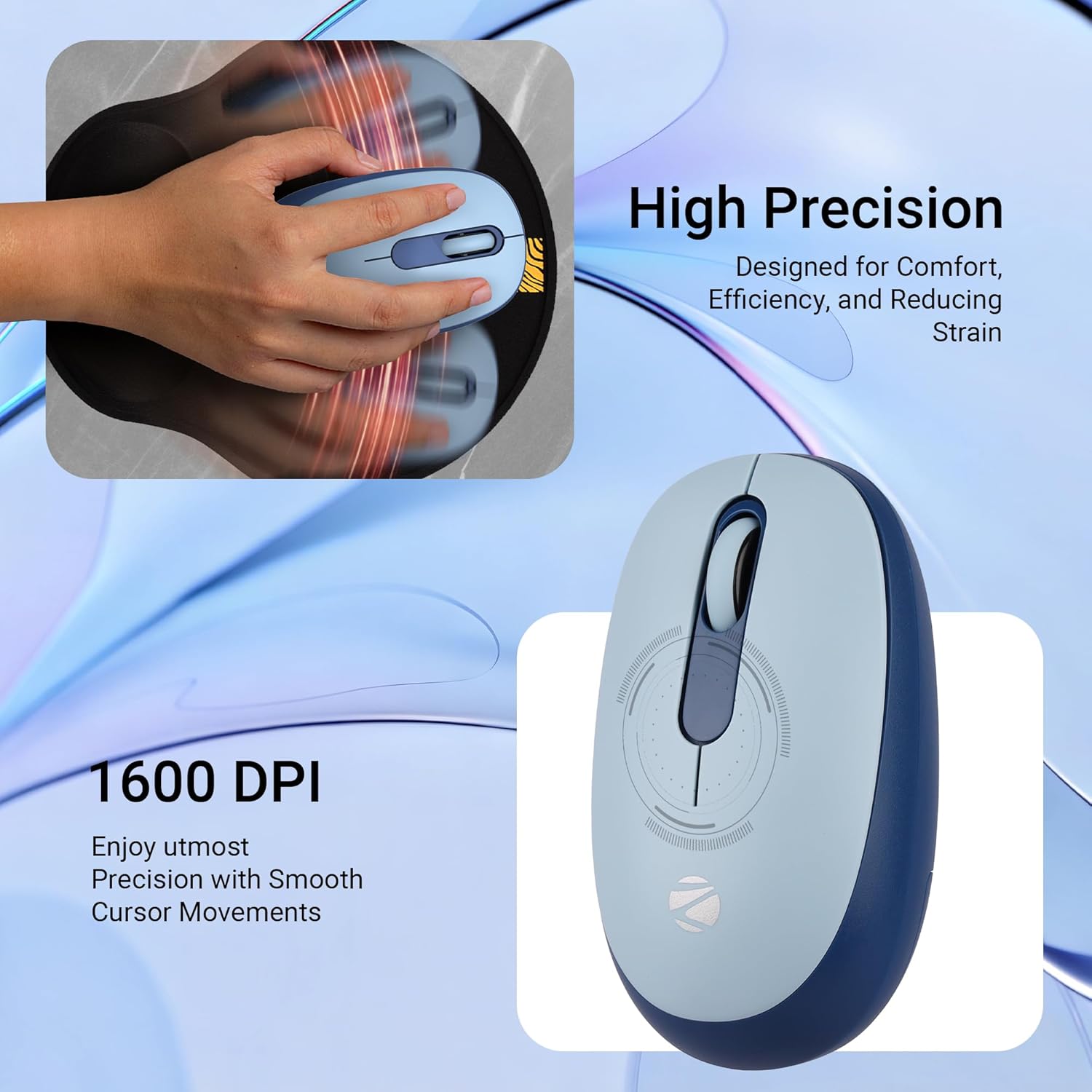
Зображення: Детальний view of the mouse highlighting its 1600 DPI capability for high precision and smooth cursor movements.
5.3. Безшумна робота
The ZEBRONICS Groot mouse features silent click buttons, reducing noise during use. This is ideal for quiet environments such as libraries, offices, or late-night work sessions.
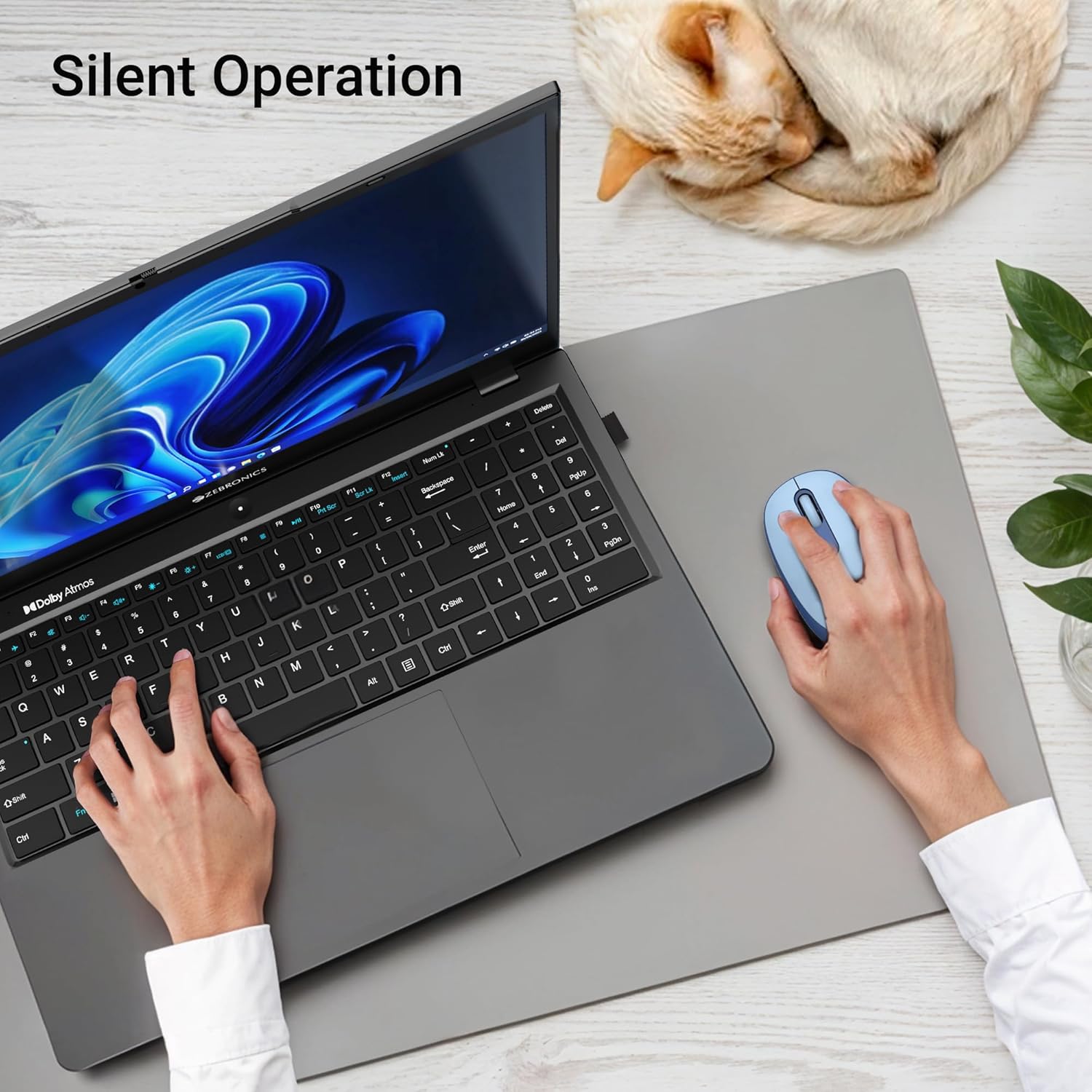
Image: A user operating the mouse silently next to a laptop, with a cat sleeping peacefully in the background, demonstrating the silent click feature.
5.4. Управління живленням
Use the On/Off switch on the bottom of the mouse to conserve battery life when not in use. The mouse also features an automatic sleep mode to save power during periods of inactivity.
6. Технічне обслуговування
- Прибирання: Використовуйте м’яку суху тканину для очищення миші. Уникайте використання агресивних хімікатів або абразивних матеріалів.
- Заміна батареї: Replace the AA battery when the mouse performance degrades or the indicator light (if present) signals low battery.
- Зберігання: When transporting or storing the mouse, ensure the USB nano receiver is securely placed in its storage slot to prevent loss. Turn off the mouse to save battery.
7. Вирішення проблем
| проблема | Рішення |
|---|---|
| Миша не реагує (2.4 ГГц) |
|
| Миша не підключається (Bluetooth) |
|
| Рух курсора нерівномірний або повільний |
|
| Mouse goes to sleep too quickly |
|
8. Технічні характеристики
| Особливість | Деталь |
|---|---|
| Бренд | ЗЕБРОНІКА |
| Модель | Zeb-Groot |
| Технологія підключення | Bluetooth, 2.4GHz USB |
| Виявлення руху | Оптичний |
| DPI | 1600 DPI |
| кнопки | 3 (ліворуч, праворуч, колесо прокрутки) |
| Особливості | Silent Operation, Ergonomic Design |
| Джерело живлення | Живлення від батарейок (1x AA) |
| Сумісність операційної системи | Mac OS (and generally Windows, Linux) |
| Розміри продукту | 6.1 x 10.1 x 0.1 см (приблизно) |
| Вага товару | 56.6 грамів (приблизно) |
| Країна походження | Китай |
9. Гарантія та підтримка
9.1. Інформація про гарантію
The ZEBRONICS Groot Wireless Mouse comes with a Гарантія 2 рік from the date of purchase. This warranty covers manufacturing defects and ensures efficient working of the product. Please retain your purchase receipt for warranty claims.
9.2. Підтримка клієнтів
For any technical assistance, troubleshooting, or warranty-related queries, please contact ZEBRONICS customer support:
- Виробник: Зебронікс Індія Приват Лімітед
- Адреса: No.13/7, Smith Road, Royapettah, Chennai - 600 002
- Webсайт: www.zebronics.com (Будь ласка, відвідайте офіційний website for the latest contact information and support resources.)
When contacting support, please have your product model (Zeb-Groot) and proof of purchase ready.


