1. Вступ
This manual provides detailed instructions for the safe and effective use of your OLIGHT Ostrip Smart LED Strip Lights and Perun 3 Rechargeable Headlamp Flashlight. Please read this manual thoroughly before operation and retain it for future reference.
2. Інформація про безпеку
Загальні заходи безпеки
- Не дивіться прямо на світлодіодне джерело світла.
- Тримайте обидва продукти подалі від води, вологи та екстремальних температур.
- Do not attempt to disassemble or modify the products, as this will void the warranty and may cause damage or injury.
- Зберігати в недоступному для дітей місці.
Battery Safety (Perun 3)
- Використовуйте лише зазначений зарядний кабель та адаптер живлення.
- Не піддавайте акумулятор дії вогню або високих температур.
- If the battery shows signs of damage or leakage, discontinue use immediately.
3. Вміст упаковки
Будь ласка, перевірте упаковку на наявність наступних предметів:
- OLIGHT Ostrip Smart LED Strip Lights
- Акумуляторна головка OLIGHT Perun 3amp Ліхтарик
- Charging Cable (for Perun 3)
- Headband (for Perun 3)
- Power Adapter (for Ostrip)
- Mounting Clips and Screws (for Ostrip)
- Посібник користувача
4. Налаштування
4.1 OLIGHT Ostrip Smart LED Strip Lights Setup
- Підготуйте поверхню: Ensure the installation surface is dry, clean, and smooth.
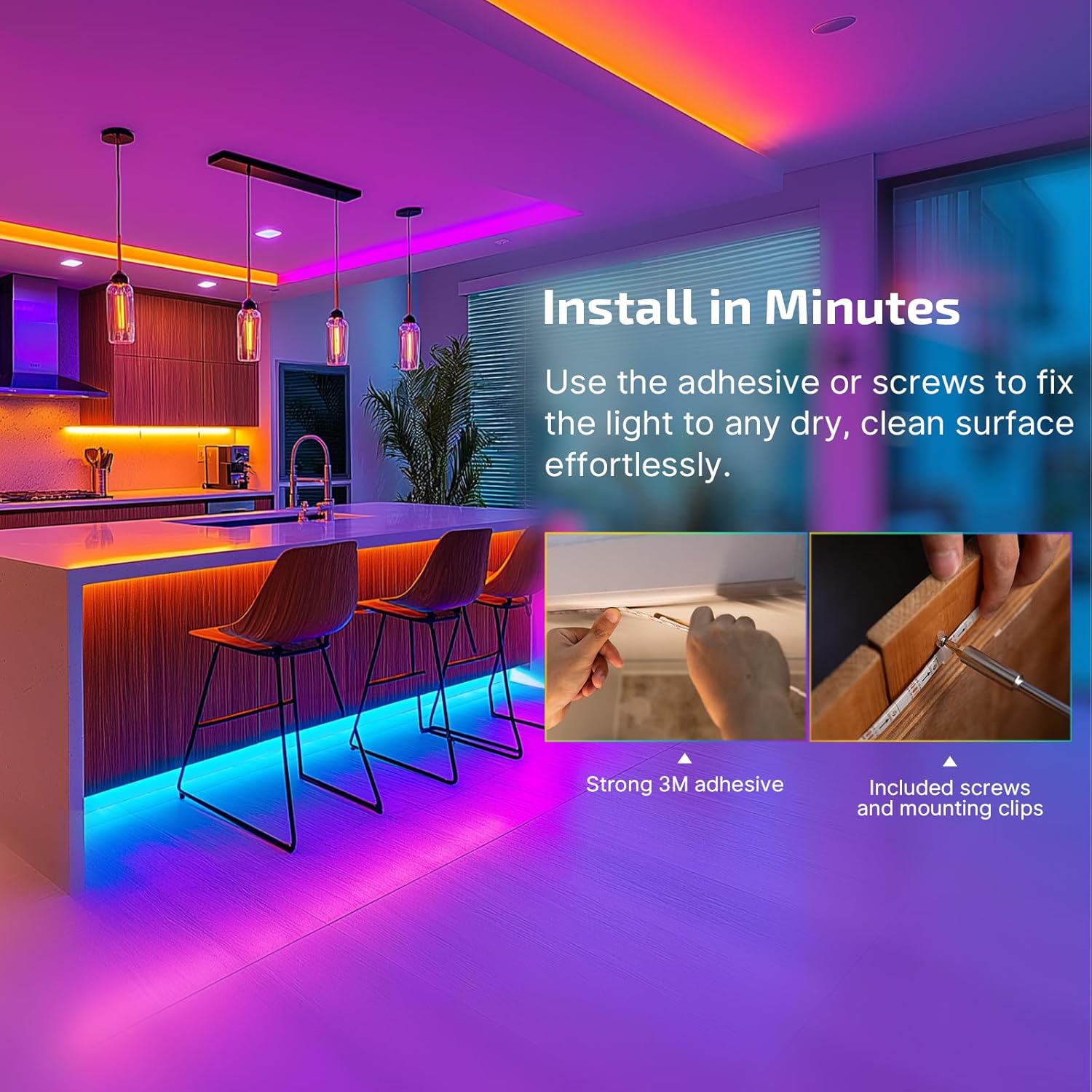
- Install the Strip Lights: Use the strong 3M adhesive backing to attach the strip lights. For added security, utilize the included mounting clips and screws.
- Підключіть живлення: Plug the Ostrip LED Strip Lights into the power adapter and then into a wall outlet.
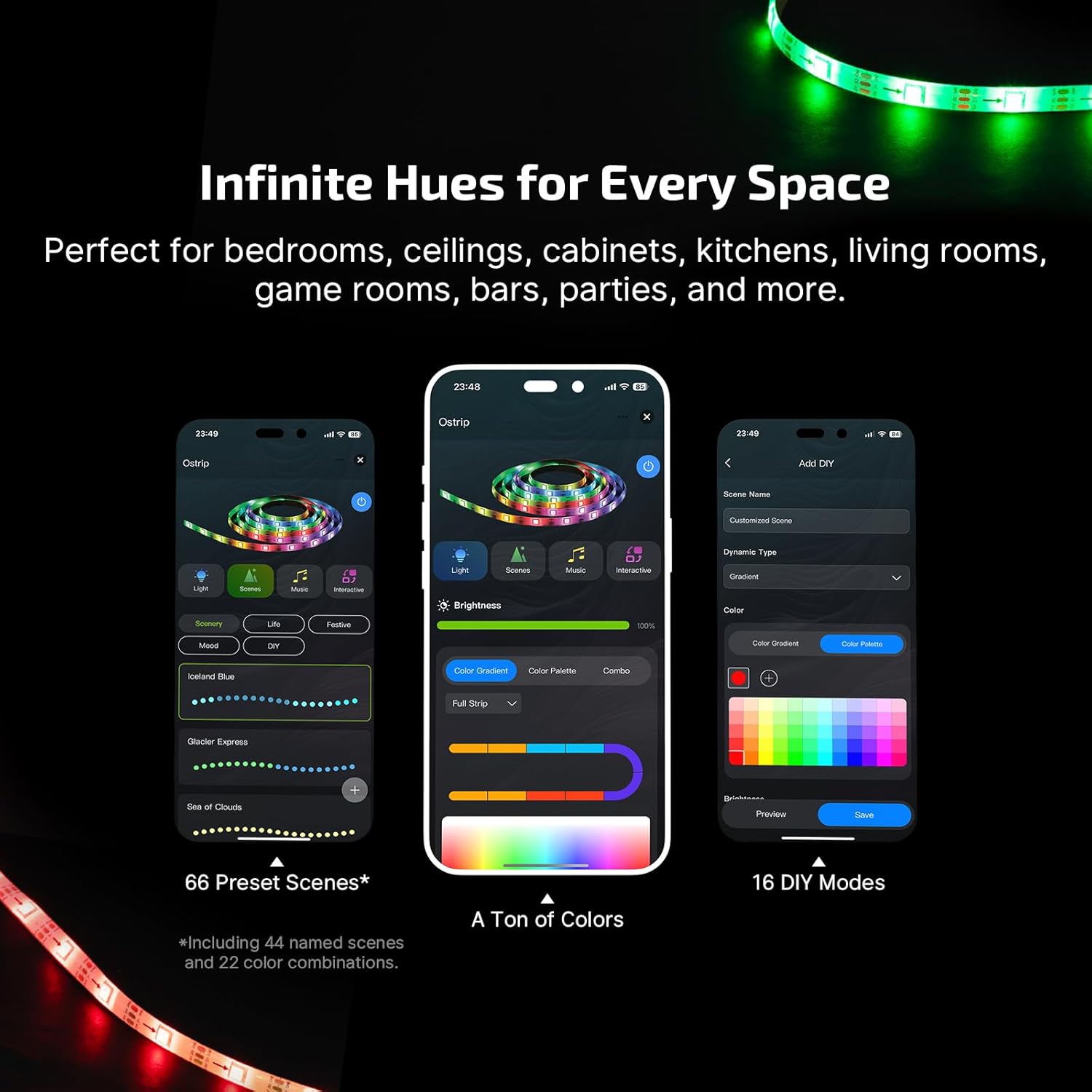
- Завантажте додаток: шукати the 'OLIGHT' app on the Google Play Store or Apple App Store and install it on your smartphone.
- З’єднати з додатком: Open the app, create an account if necessary, and follow the in-app instructions to connect your Ostrip LED Strip Lights. Ensure your phone's Bluetooth is enabled.
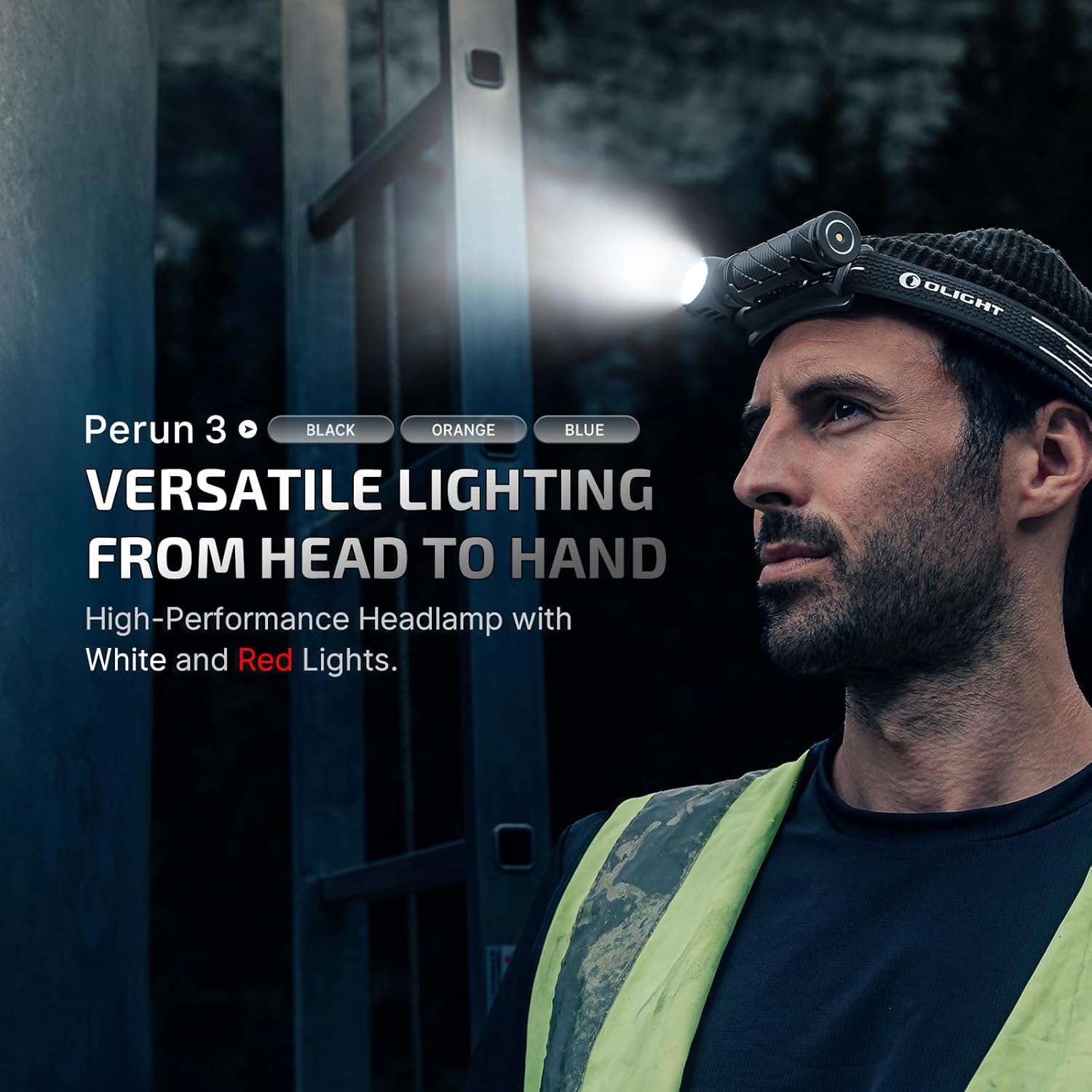
4.2 OLIGHT Perun 3 Headlamp Налаштування
- Прикріпіть пов’язку на голову: Securely attach the Perun 3 to the included headband.
- Початкова оплата: Before first use, fully charge the Perun 3 using the magnetic charging cable. Connect the magnetic end to the charging port on the headlamp and the USB end to a power source. The indicator light will show charging status.

5. Інструкція з експлуатації
5.1 OLIGHT Ostrip Smart LED Strip Lights Operation
- Контроль програми: Use the OLIGHT app to adjust brightness, select from thousands of colors, and choose from 66 preset scenes (44 named scenes and 22 color combinations). You can also customize colors by paragraph.
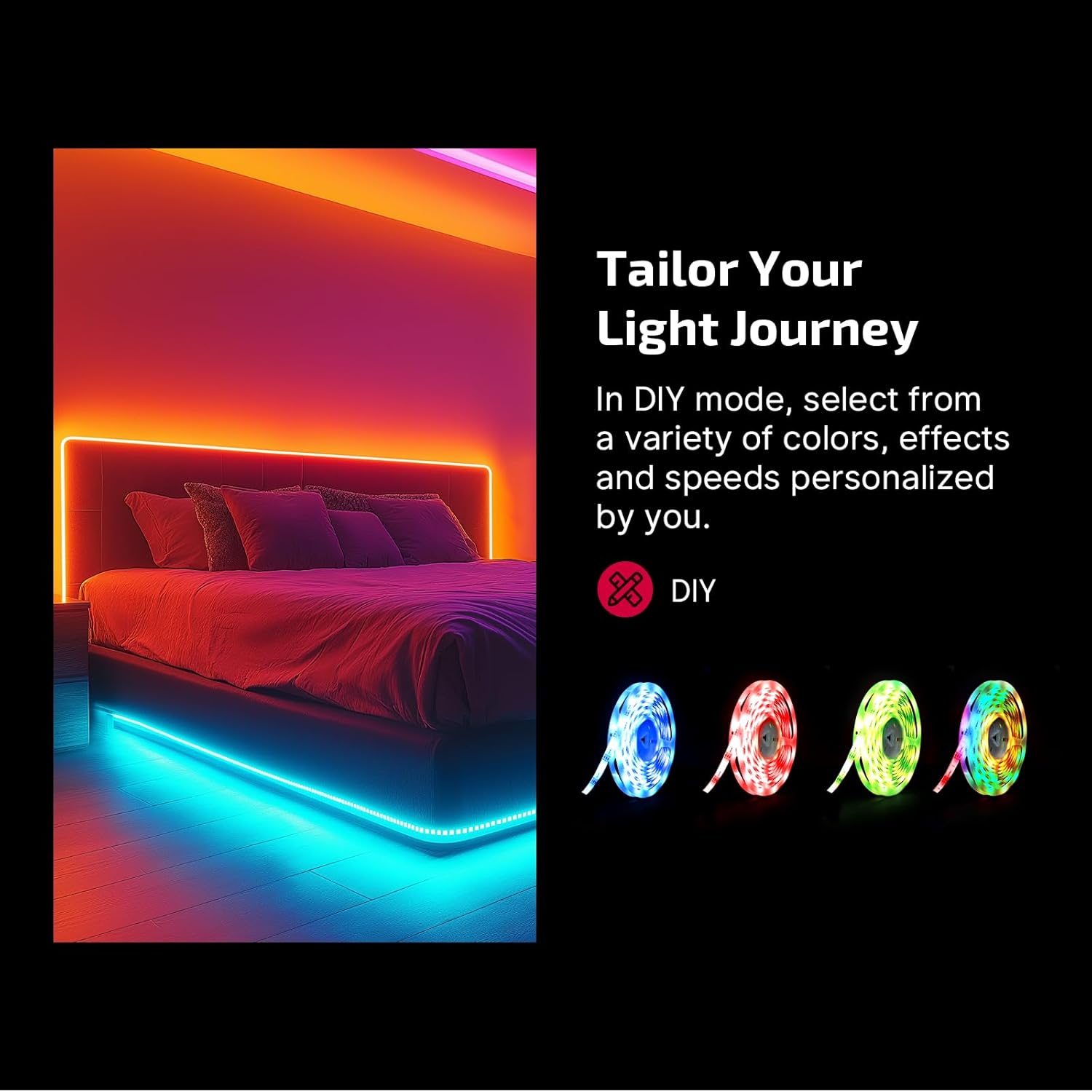
- Режими DIY: Create personalized lighting effects by selecting various colors, speeds, and effects within the app's DIY mode.

- Синхронізація музики: Enable the music sync feature in the app to make the lights dance and pulse in rhythm with your favorite music.
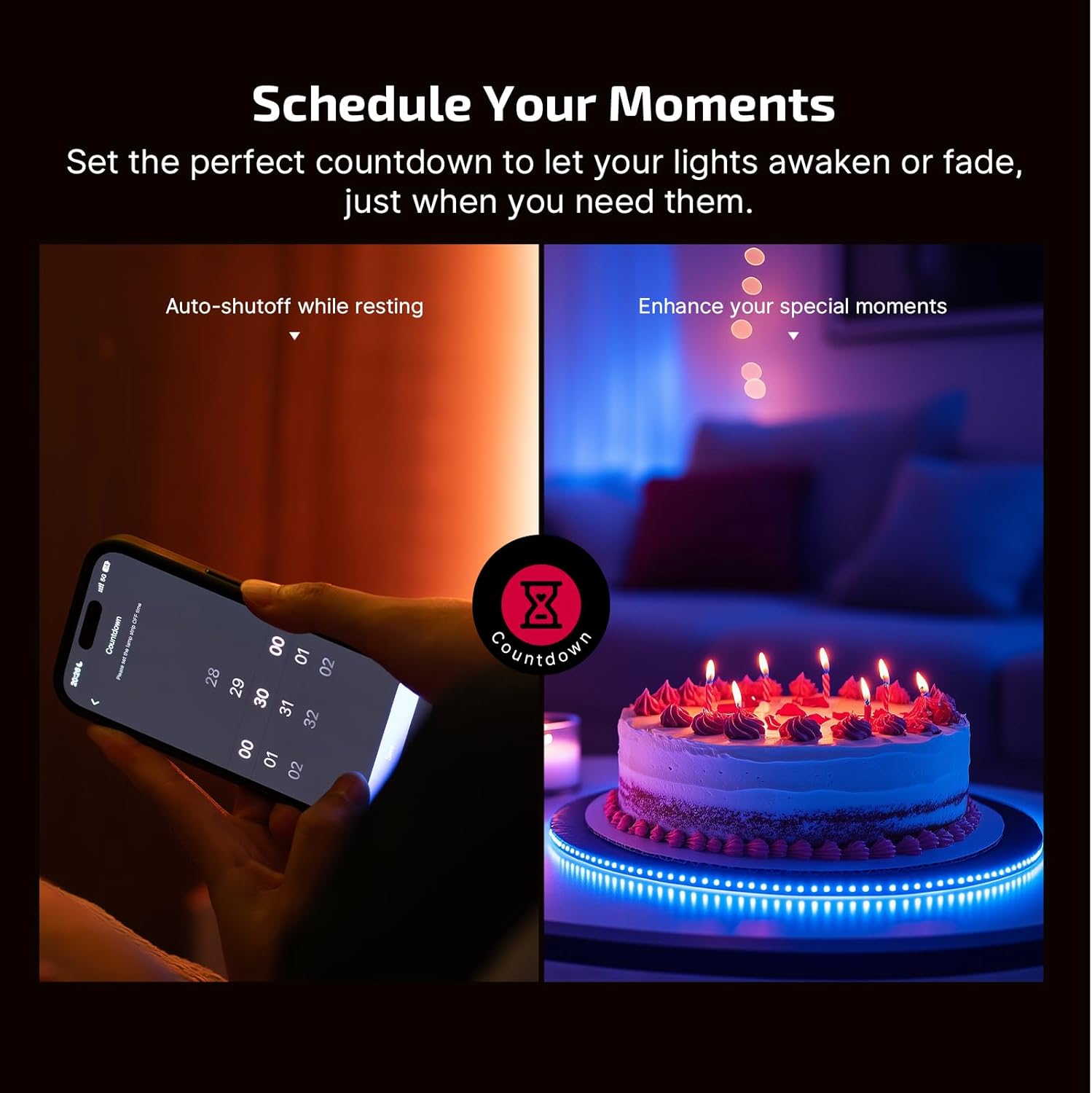
- Планування: Use the app to set countdown timers for the lights to awaken or fade, allowing for automated lighting control.
5.2 OLIGHT Perun 3 Headlamp Операція
- Увімкнення/вимкнення живлення: Натисніть і утримуйте кнопку живлення, щоб повернути головуamp увімкнути або вимкнути.
- Регулювання яскравості: While on, short press the power button to cycle through different brightness levels for the white light.
- Режим червоного світла: Double-click the power button to activate the red light. Short press to cycle between red light brightness levels and flashing mode.
- Робота в режимі "вільні руки": The Perun 3 is designed for hands-free use, providing versatile lighting from head to hand.

- Освітлення широкої зони: The 3000-lumen floodlight beam illuminates large areas effectively.

6. Технічне обслуговування
прибирання
- Wipe the exterior of both products with a soft, damp тканина. Не використовуйте абразивні засоби чи розчинники.
- Ensure the charging port of the Perun 3 is clean and free of debris for optimal charging.
Зберігання
- Store the products in a cool, dry place away from direct sunlight and extreme temperatures.
- For long-term storage of the Perun 3, ensure it is partially charged (around 50%) and recharge it every few months to maintain battery health.
7. Вирішення проблем
Світлодіодні стрічки Ostrip
- Не вмикаються фари: Check power connection, ensure the adapter is plugged in, and verify the app control is not set to off or minimum brightness.
- Проблеми з підключенням до додатків: Ensure Bluetooth is enabled on your device, the app is updated, and the strip lights are within the 25-meter range. Try restarting the app and the strip lights.
Перун 3 Головаamp
- Хедлamp не вмикається: Ensure the battery is charged. If it's fully discharged, it may take a few minutes on the charger before it responds.
- Не заряджається: Check the magnetic charging cable for proper connection and ensure the USB power source is functional. Clean the magnetic charging port on the headlamp.
8. Технічні характеристики
OLIGHT Ostrip Smart LED Strip Lights
| Спосіб контролю | Інтелектуальне керування за допомогою додатків (Bluetooth) |
| Діапазон контролю | До 25 метрів |
| Параметри кольору | Thousands of colors, customizable by paragraph |
| Попередньо встановлені сцени | 66 (44 named, 22 color combinations) |
| Особливості | DIY modes, Music Sync, Scheduling |
| монтаж | 3M adhesive, mounting clips and screws |
Акумуляторна головка OLIGHT Perun 3amp Ліхтарик
| Максимальний вихід | 3,000 люменів |
| Максимальний час виконання | 20 днів |
| Джерело світла | Premium LEDs (White Light, Red Light) |
| Режими червоного світла | 2 brightness levels, flashing mode |
| Джерело живлення | Rechargeable Battery (integrated) |
| Включені компоненти | Хедлamp, Headband, Magnetic Charging Cable |
9. Гарантія та підтримка
OLIGHT products are manufactured with high-quality materials and craftsmanship. We offer a Довічна гарантія on our products, ensuring peace of mind for our customers.
For technical support, warranty claims, or general inquiries, please visit the official OLIGHT website or contact our customer service team through the contact information provided on our webсайт.
Official OLIGHT Webсайт: www.olightstore.com