1. Вступ
Thank you for choosing the soyes Mini Phone 4G Unlocked Smartphone. This compact and feature-rich device is designed for portability and essential communication, offering a balance of functionality and convenience. This manual provides detailed instructions to help you set up, operate, and maintain your new smartphone.
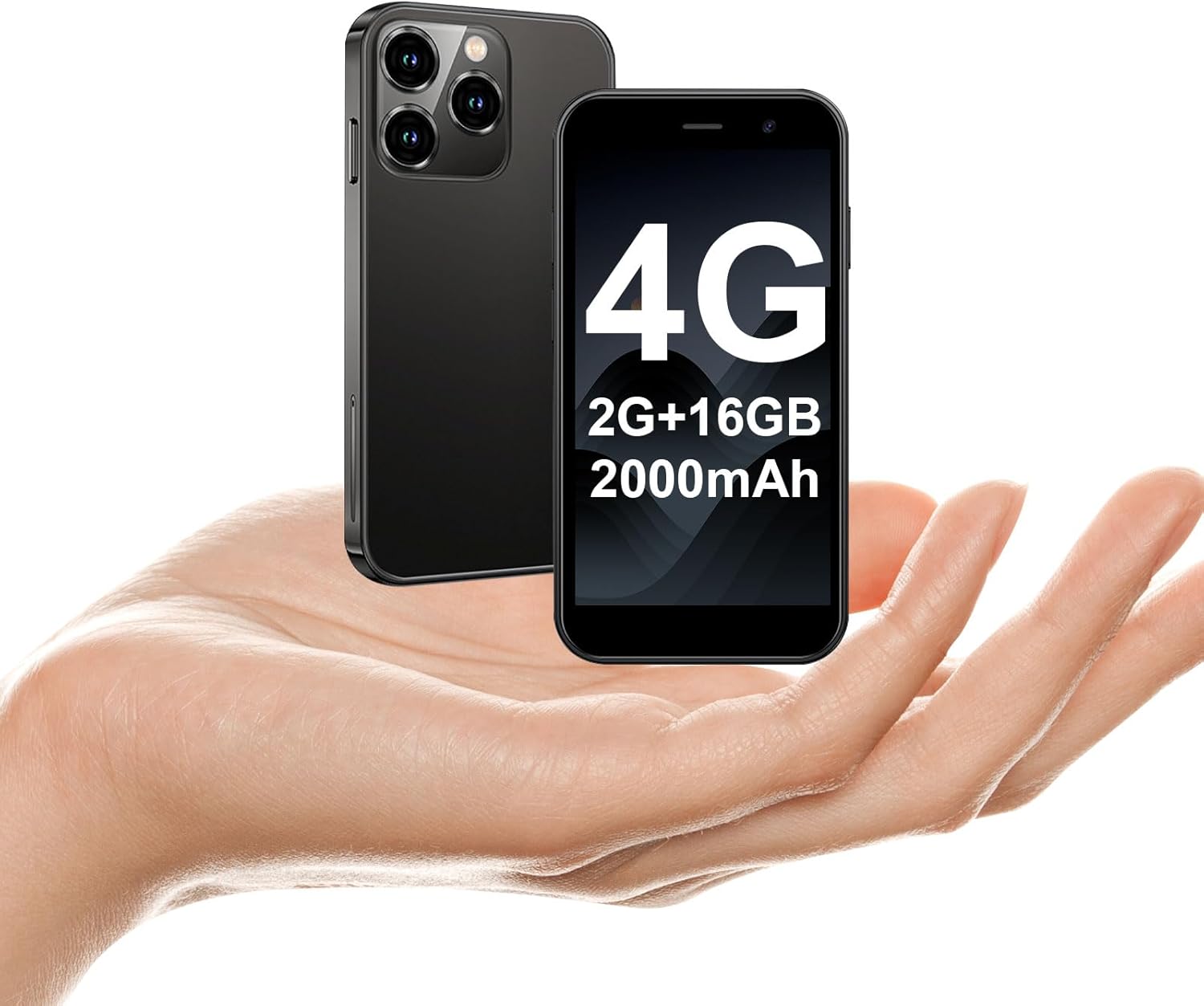
The soyes Mini Phone 4G Unlocked Smartphone, designed for portability and essential communication.
2. Що в коробці
Будь ласка, перевірте наявність усіх предметів у вашій упаковці:
- 1 x soyes Mini Smartphone
- 1 x Tempered Film (Screen Protector)
- 1 кабель типу C
- 1 х чохол для мобільного телефону
- 1 x SIM Ejector Pin
3. Налаштування
3.1. Встановлення SIM-картки та карти пам'яті
The soyes Mini Phone supports dual SIM cards and a memory card for expanded storage. Ensure your SIM card is compatible with the following frequency bands: WCDMA B2/B4, B5; FDD B2/B4/B5/B7/B17/B28/B28A/B41/B66.
- Знайдіть лоток для SIM-картки на бічній панелі телефону.
- Вставте наданий штифт для викидання SIM-картки в маленький отвір поруч із лотком і обережно натисніть, доки лоток не вискочить.
- Обережно витягніть лоток.
- Place your Nano-SIM cards into the designated slots (SIM1, SIM2) and the TF (microSD) card into its slot, ensuring the gold contacts face downwards.
- Обережно вставте лоток назад у телефон, доки він не зафіксується на місці з клацанням.

Insert your SIM and memory cards into the tray.
3.2. Початкове увімкнення
Press and hold the Power button (located on the right side of the phone) until the screen lights up. Follow the on-screen prompts to complete the initial setup, including language selection, Wi-Fi connection, and Google account setup.
3.3. Зарядка пристрою
Before first use, it is recommended to fully charge the phone. Connect the provided Type-C cable to the phone's charging port and the other end to a compatible USB power adapter (not included) or a computer's USB port.

Connect the Type-C cable to charge your device.
4. Інструкція з експлуатації
4.1. Основна навігація
The soyes Mini Phone features a 3.0-inch HD touchscreen. Navigate the interface by tapping, swiping, and pinching. The Android 8.1 operating system provides an intuitive user experience.

Experience clear visuals on the 3.0-inch HD touchscreen.
4.2. Дзвінки та повідомлення
Utilize the Phone app for making and receiving calls. The Messaging app allows you to send and receive SMS/MMS messages. With dual SIM support, you can manage two different phone numbers simultaneously.
4.3. Використання камери
The phone is equipped with a 2MP front camera and a 5MP rear camera. Open the Camera app to capture photos and videos. Tap the screen to focus and press the shutter button to take a picture.

Capture moments with the HD Dual Camera.
4.4. Встановлення та використання програми
Running on Android 8.1, the soyes Mini Phone is fully compatible with the Google Play Store. You can download and install a wide range of applications, including social media, entertainment, and productivity tools.
- Ensure you are connected to Wi-Fi or have mobile data enabled.
- Open the 'Play Store' app from your home screen or app drawer.
- шукати бажане вами застосування.
- Tap 'Install' to download and set up the app.

Download and enjoy a wide variety of applications from the Google Play Store.
4.5. Face ID
The device features advanced facial recognition technology for faster and secure unlocking. To set up Face ID, go to Settings > Security > Face Unlock and follow the on-screen instructions.

Unlock your phone quickly and securely with Face ID.
4.6. Управління зберіганням
The soyes Mini Phone comes with 2GB RAM and 16GB ROM. You can expand the storage capacity up to 256GB using a TF (microSD) card, allowing you to store more photos, videos, and applications.

Manage your storage with 2GB RAM, 16GB ROM, and expandable memory.
5. Технічне обслуговування
5.1. Догляд за акумулятором
The phone is equipped with a 2000mAh battery. To maximize battery life:
- Уникайте екстремальних температур.
- Charge the phone regularly, but avoid leaving it fully charged or fully depleted for extended periods.
- Для заряджання використовуйте кабель Type-C із комплекту.

Акумулятор ємністю 2000 мАг забезпечує тривалий час використання.
5.2. прибирання
Використовуйте м’яку тканину без ворсу для очищення екрана та корпусу телефону. Уникайте використання агресивних хімікатів або абразивних матеріалів.
5.3. Оновлення програмного забезпечення
Periodically check for software updates in Settings > System > System update to ensure your device has the latest features and security patches.
6. Вирішення проблем
If you encounter issues with your soyes Mini Phone, please refer to the following common solutions:
| проблема | Можливе рішення |
|---|---|
| Телефон не реагує або зависає | Натисніть і утримуйте кнопку живлення приблизно 10-15 секунд, щоб примусово перезавантажити комп'ютер. |
| Акумулятор швидко розряджається | Close unused apps, reduce screen brightness, disable Wi-Fi/Bluetooth when not in use, or check for background app activity. |
| Не вдається підключитися до Wi-Fi/мобільних даних | Toggle Wi-Fi/Mobile Data off and on. Restart the phone. Ensure correct SIM card installation and network settings. |
| Apps crashing or not installing | Clear cache for the app or Play Store. Ensure sufficient storage space. Check app compatibility with Android 8.1. |
| Face ID не працює | Ensure good lighting and that your face is clearly visible to the front camera. Re-register your face in settings if necessary. |
Якщо проблема не зникає, спробуйте скинути налаштування до заводських (спочатку створіть резервну копію даних) або зверніться до служби підтримки клієнтів.
7. Технічні характеристики
The soyes Mini Phone 4G Unlocked Smartphone offers the following technical specifications:

Компактний і легкий дизайн для зручності перенесення.

Designed to fit comfortably in the palm of your hand.
| Особливість | Деталь |
|---|---|
| Назва моделі | soyes-15mini-bk |
| Операційна система | Android 8.1 |
| Процесор | Чотирьохядерний |
| ОЗУ | 2 ГБ |
| Внутрішня пам'ять (ROM) | 16 ГБ |
| Розширювана пам'ять | TF Card Slot (up to 256GB) |
| Розмір екрана | 3.0 дюймів |
| Роздільна здатність екрана | 480*854 HD |
| Задня камера | 5 Мп |
| Фронтальна камера | 2 Мп |
| Ємність акумулятора | 2000 мАг літій-іонний |
| Підтримка SIM-карт | Дві SIM (Nano-SIM) |
| Стільникові технології | 4G (розблоковано) |
| Підтримувані діапазони частот | WCDMA B2/B4, B5; FDD B2/B4/B5/B7/B17/B28/B28A/B41/B66 |
| Підключення | Wi-Fi, Bluetooth, GPS |
| Особливості | Face ID, Stereo Speakers, Fast Charging Support |
| Dimensions (Phone) | Approx. 3.7 inches (L) x 1.87 inches (W) |
| вага | 3.35 унції (95 грама) |
| Порт зарядки | Тип-C |
8. Гарантія та підтримка
For warranty information and customer support, please refer to the documentation included with your product packaging or visit the official soyes webсайт. Зберігайте чек про покупку як підтвердження покупки.


