вступ
This manual provides essential instructions for the setup, operation, and maintenance of your VTech Super Sound Karaoke Portable Bluetooth System. Please read this manual thoroughly before using the product to ensure proper function and longevity.
The VTech Super Sound Karaoke system is a versatile, portable entertainment device designed for both adults and children. It features Bluetooth connectivity, two wired microphones, dynamic sound output, and built-in party lights to enhance your karaoke experience. It can also function as a portable speaker for various audio sources.
Вміст упаковки
Перш ніж продовжити налаштування, перевірте, чи всі компоненти присутні в упаковці:
- VTech Super Sound Karaoke Portable Bluetooth System Unit
- Two Wired Microphones
- Адаптер живлення
- Посібник користувача (цей документ)
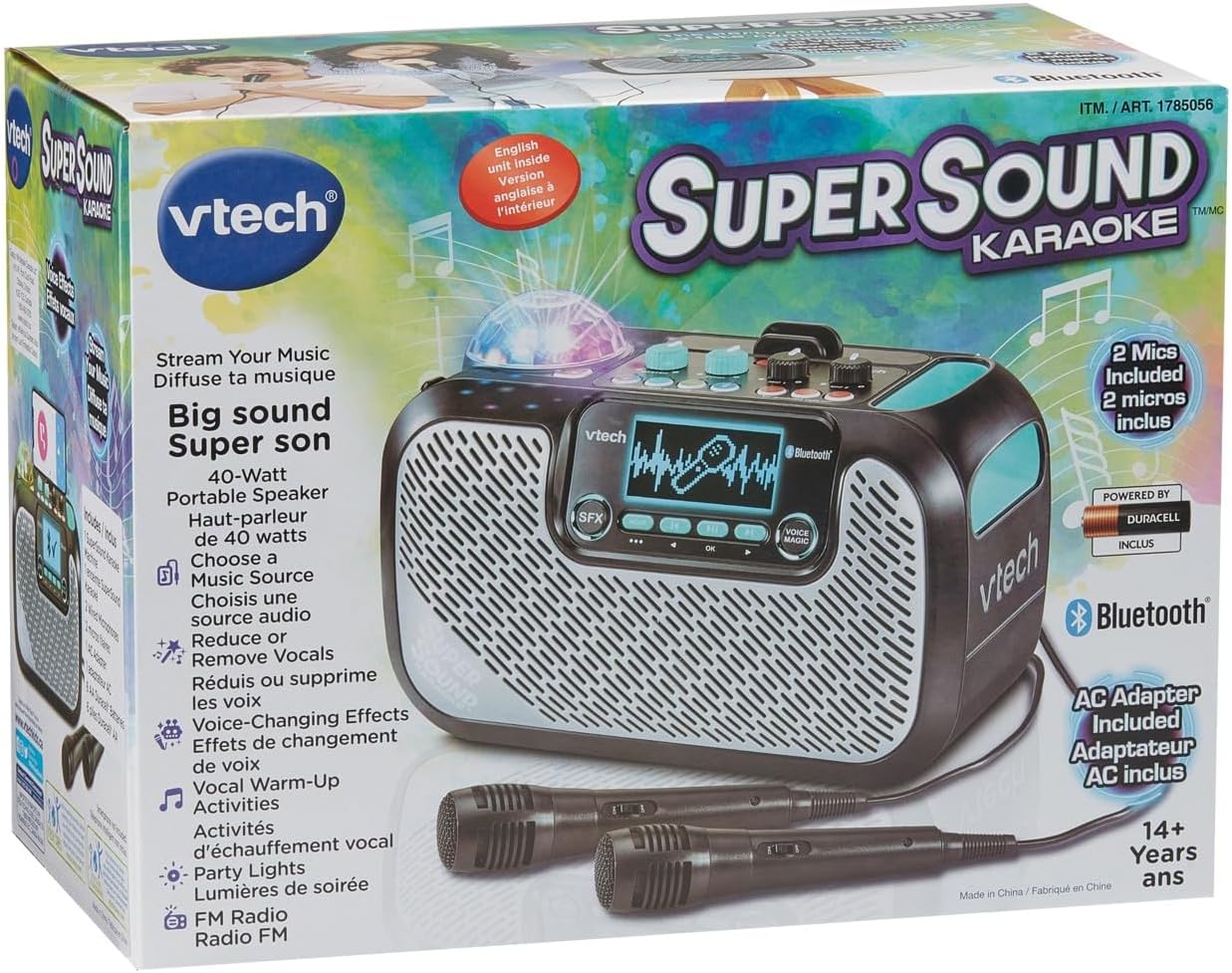
Image: The VTech Super Sound Karaoke machine shown in its retail packaging, highlighting its features and included accessories.
Налаштування
Підключення живлення
- Connect the provided power adapter to the DC input port on the back of the karaoke machine.
- Plug the power adapter into a standard electrical outlet (AC 1.1E+2 Volts).
- Натисніть кнопку живлення, розташовану на верхній панелі, щоб увімкнути пристрій.
Підключення мікрофона
The system includes two wired microphones. Locate the microphone input jacks on the front or side of the unit and firmly insert the microphone cables.
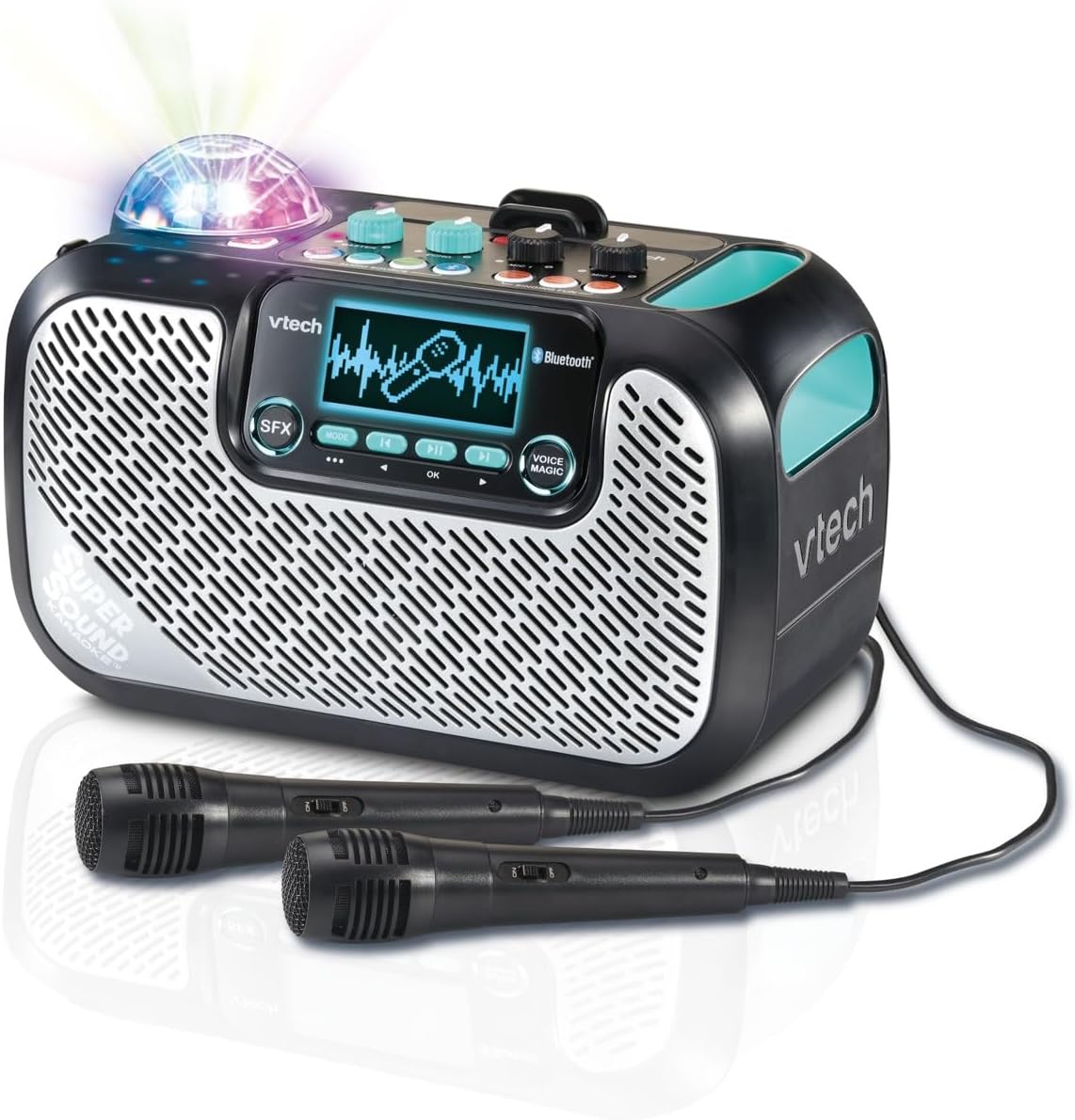
Image: The VTech Super Sound Karaoke machine with its two wired microphones connected and ready for use. The main unit features a display screen and various control buttons.
Інструкція з експлуатації
Контроль надview

Зображення: Зверху вниз view of the VTech Super Sound Karaoke machine, detailing the layout of its control panel including master volume, echo, microphone volume controls, and audio source selection buttons.
- Кнопка живлення: Вмикає або вимикає пристрій.
- Головна ручка гучності: Регулює загальний рівень вихідного звуку.
- Ручка відлуння: Controls the echo effect applied to the vocals.
- Mic 1 / Mic 2 Volume Knobs: Adjusts the individual volume levels for each connected microphone.
- Audio Source Buttons (Line In, Micro SD, Radio, Bluetooth): Selects the desired audio input mode.
- Singing Fun Buttons (Singing Effect, Voice Changer, Activities): Activates various vocal effects and interactive singing activities.
- Кнопка SFX: Triggers sound effects.
- Navigation Buttons (Play/Pause, Skip, OK): Controls media playback and menu navigation on the display.
- Voice Magic Button: Activates features like vocal removal or reduction from tracks.
Підключення джерел звуку
The VTech Super Sound Karaoke system supports multiple audio input methods:
- Bluetooth: Press the Bluetooth button. The unit will enter pairing mode. On your smartphone, tablet, or other compatible device, search for and select "VTech Karaoke" to connect.
- FM-радіо: Press the Radio button. Use the navigation buttons to tune to desired FM stations.
- Картка MicroSD: Insert a microSD card containing MP3 audio files into the designated slot. Press the Micro SD button to access content.
- Додатковий вхід (лінійний вхід): Connect an external audio device (e.g., smartphone, tablet) using a 3.5 mm audio cable (not included) to the Line In port. Press the Line In button.
Using Microphones and Voice Effects
Once microphones are connected and an audio source is playing:
- Adjust individual microphone volumes using the Mic 1 and Mic 2 knobs.
- Use the Echo knob to add a reverberation effect to your voice.
- Explore the Singing Effect and Voice Changer buttons for various vocal modifications (e.g., harmony, robot voice).
- The Voice Magic feature can reduce or remove lead vocals from songs, allowing you to sing along more prominently.
Партійні вогні
The integrated multicolored party lights automatically activate when the unit is in use, creating a dynamic visual experience. There is no separate control for the party lights; they operate in conjunction with the audio playback.
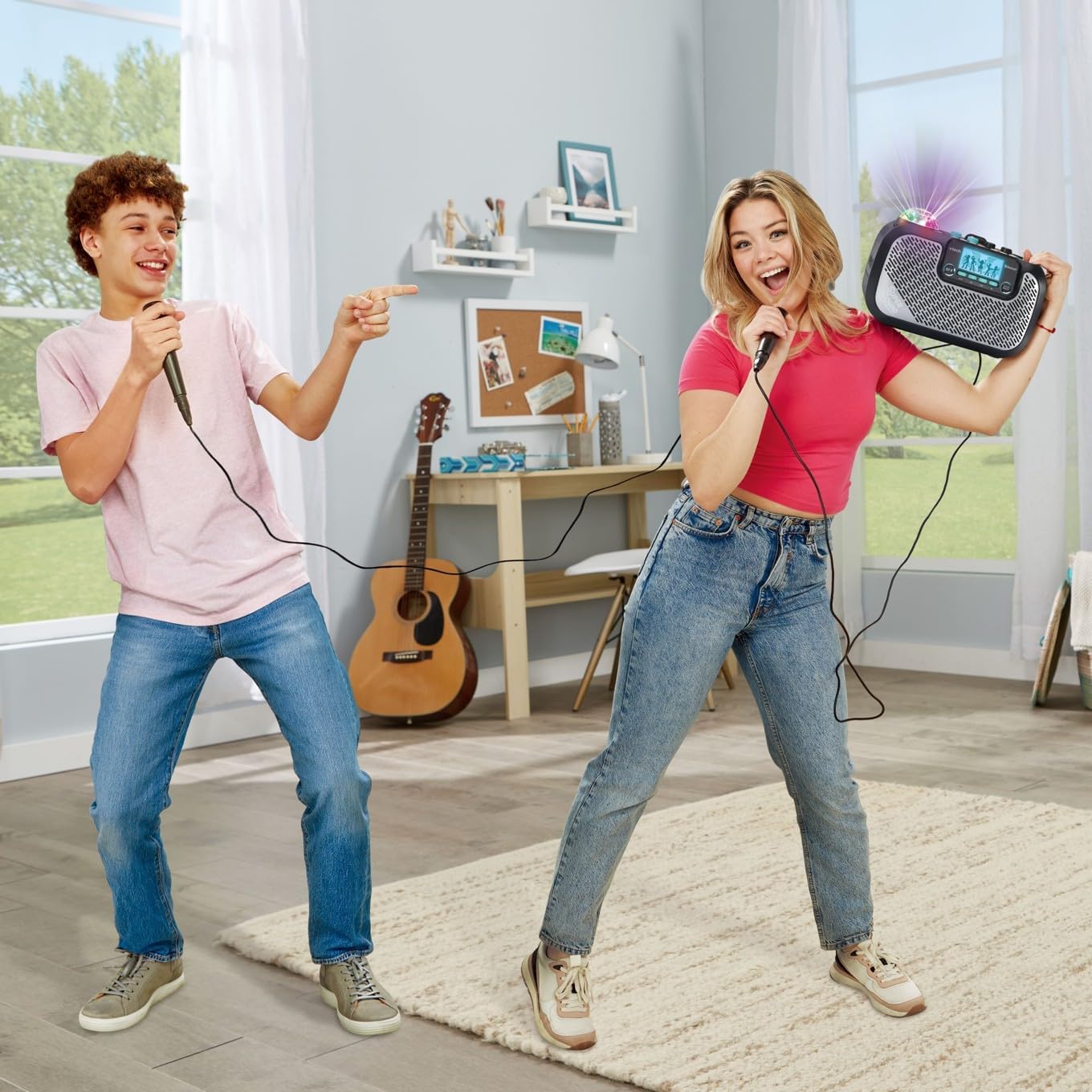
Image: Two individuals enjoying the VTech Super Sound Karaoke machine, demonstrating the use of microphones and the visual effect of the integrated party lights during a performance.
Технічне обслуговування
прибирання
To maintain the appearance and functionality of your karaoke system:
- Перед чищенням переконайтеся, що пристрій вимкнено та від’єднано від мережі.
- Протріть зовнішні поверхні м’якою сухою тканиною.
- Не використовуйте абразивні засоби для чищення, розчинники або агресивні хімікати, оскільки вони можуть пошкодити покриття.
- Уникайте потрапляння вологи в отвори чи отвори.
Зберігання
When not in use, store the karaoke system in a cool, dry place, away from direct sunlight and extreme temperatures. Disconnect all cables and microphones before storing.
Усунення несправностей
If you encounter issues with your VTech Super Sound Karaoke system, refer to the following common problems and solutions:
| проблема | Можлива причина | Рішення |
|---|---|---|
| Немає живлення | Адаптер живлення не підключений або несправна розетка. | Переконайтеся, що адаптер живлення надійно підключений до пристрою та справної електричної розетки. |
| Немає звуку з динаміків | Master volume too low; incorrect audio source selected; external device volume too low. | Increase Master Volume. Verify the correct audio source (Bluetooth, Line In, Micro SD, Radio) is selected. Check volume on connected external device. |
| Немає звуку з мікрофонів | Microphones not connected properly; Mic volume knobs too low. | Ensure microphones are fully plugged into their respective jacks. Increase Mic 1 and Mic 2 volume knobs. |
| Проблеми зі створенням пари Bluetooth | Пристрій не в режимі сполучення; пристрій знаходиться занадто далеко; перешкоди. | Press the Bluetooth button to enter pairing mode. Ensure your device's Bluetooth is on and within range. Try restarting both devices. |
| Static on FM Radio | Слабкий сигнал; перешкоди. | Reposition the unit to improve reception. Try a different station. |
Технічні характеристики
| Особливість | Деталь |
|---|---|
| Номер моделі | 80-547480 |
| Вага товару | 5.1 фунта (приблизно 2.3 кг) |
| Розміри продукту | 10.47 x 6.5 x 8.5 дюйми (26.6 x 16.5 x 21.6 см) |
| Джерело живлення | Підключіть електричний |
| томtage | 1.1E+2 вольта (змінного струму) |
| Типи конекторів | 3.5 mm Jack (Aux In), microSD card slot, Bluetooth |
| Сумісні пристрої | Smartphone, Tablet, Speaker, Headphone |
| Особливості | AM/FM Radio, Adjustable Microphone Sensitivity, Portable, Party Lights, Voice Effects |
| Включені компоненти | Microphone (x2), Power Adapter, User Manual |
Гарантія та підтримка
For warranty information and customer support, please refer to the documentation included with your product at the time of purchase or visit the official VTech webсайт. Зберігайте чек про покупку як підтвердження покупки для гарантійних претензій.


