1. Вступ
Thank you for choosing the CZEview ZY-Q6 2K Outdoor Battery Surveillance Camera. This manual provides essential information for the proper installation, operation, and maintenance of your device. This robust security camera is designed for outdoor use, featuring a waterproof construction suitable for various weather conditions. It offers versatile installation options, including magnetic mounting, and provides clear surveillance with 2K resolution, 300° horizontal PTZ, motion detection, and night vision capabilities.
For optimal performance and safety, please read this manual thoroughly before using the camera and retain it for future reference.
2. Компоненти продукту
Пакет включає наступні предмети:
- CZEview ZY-Q6 2K Outdoor Battery Surveillance Camera
- Зарядний кабель
- Монтажний кронштейн
- Інструкція з експлуатації
Unboxing Videos
Опис відео: This video demonstrates the unboxing process for a JSX Electronics camera, showing the contents typically found in the package, including the camera, mounting accessories, and cables.
Опис відео: This unboxing video for the ieGeek S2 camera (a similar model) showcases the camera and its accessories, providing a visual guide to what to expect in your package.
3. Налаштування та встановлення
3.1 Фізичне встановлення
Чехіяview ZY-Q6 camera offers versatile installation options, including magnetic mounting for easy placement on metallic surfaces or screw mounting for more permanent fixtures.
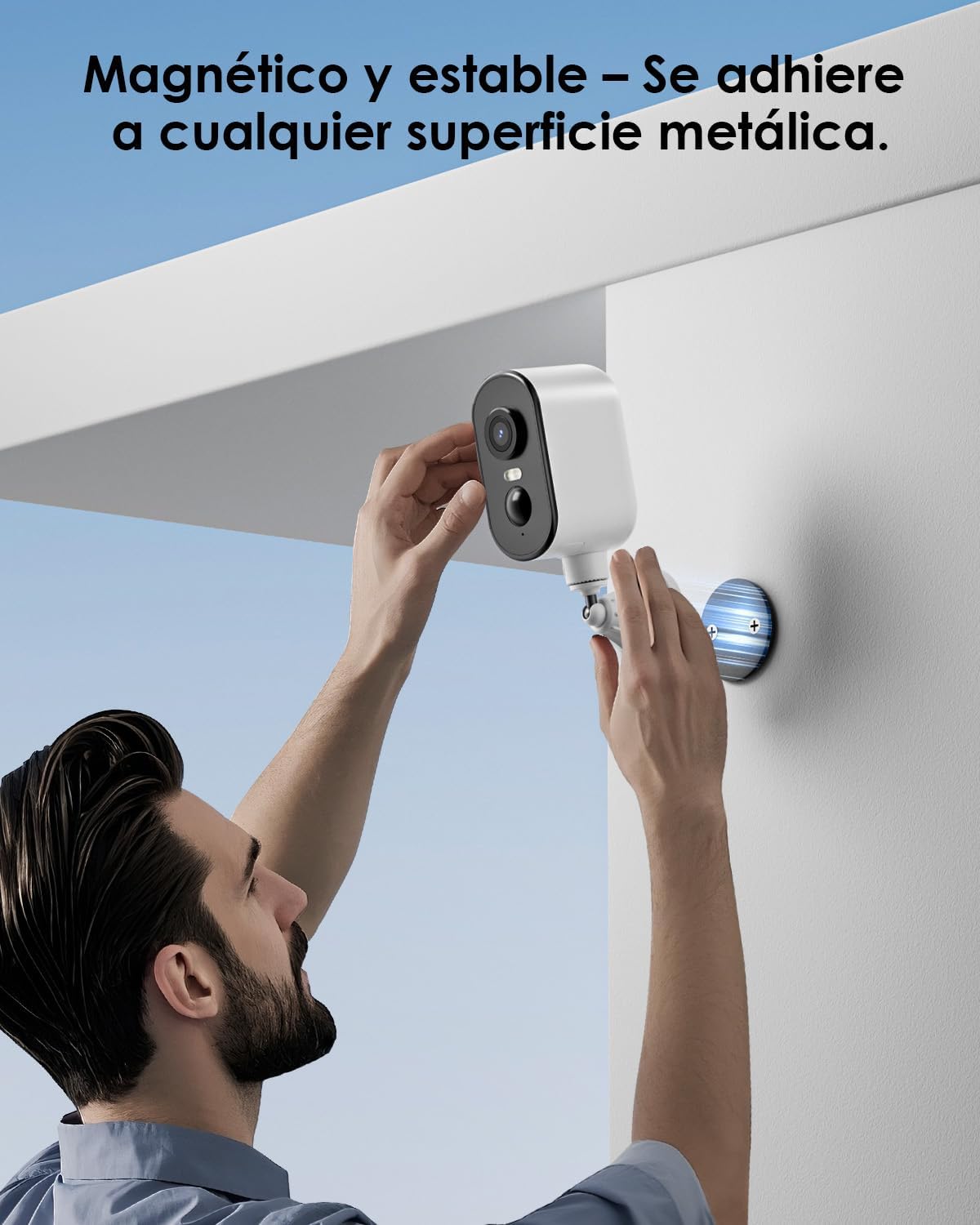
Опис зображення: A man is shown easily attaching the CZEview ZY-Q6 camera to a metallic surface on a wall using its magnetic base, highlighting its stable and convenient mounting.
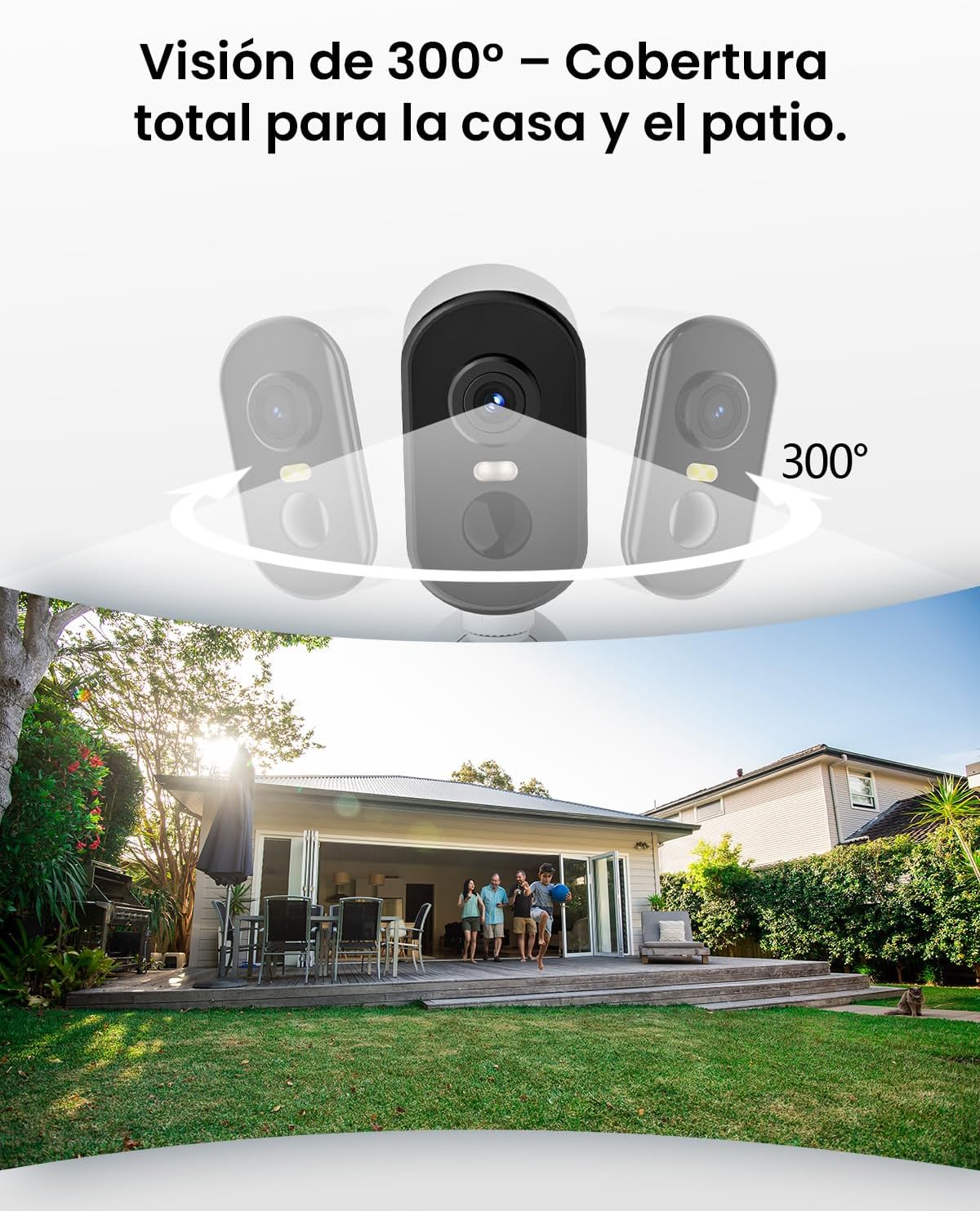
Опис зображення: This image illustrates the camera's 300-degree horizontal PTZ (Pan-Tilt-Zoom) capability, showing how multiple cameras can provide total coverage for a house and patio area.
3.2 Підключення програми
To connect your camera to your smartphone, follow the instructions in the app. Ensure your phone is connected to a 2.4G WiFi network.
Опис відео: This video provides a step-by-step guide on how to connect your outdoor WiFi battery surveillance camera to your smartphone application, covering initial setup and pairing.
Опис відео: This video demonstrates the setup process for an outdoor WiFi battery camera, including app configuration and initial connection steps for remote monitoring.
Опис відео: This video illustrates the installation process for a portable 4G camera. While this model is 2.4G WiFi, the physical mounting steps may offer general guidance.
4. Інструкція з експлуатації
4.1 Виявлення руху та сповіщення
The camera features automatic activation upon detecting motion, recording important events. It can differentiate between people, animals, vehicles, and packages to reduce false alarms.

Опис зображення: This image shows the camera's automatic activation feature, detecting and recording important events triggered by people, animals, vehicles, and packages.
4.2 Night Vision and Security Features
In night mode, upon detecting motion, the camera illuminates and emits an audible alarm, enhancing security during low-light conditions. The infrared illumination system provides clear and sharp surveillance even in total darkness.
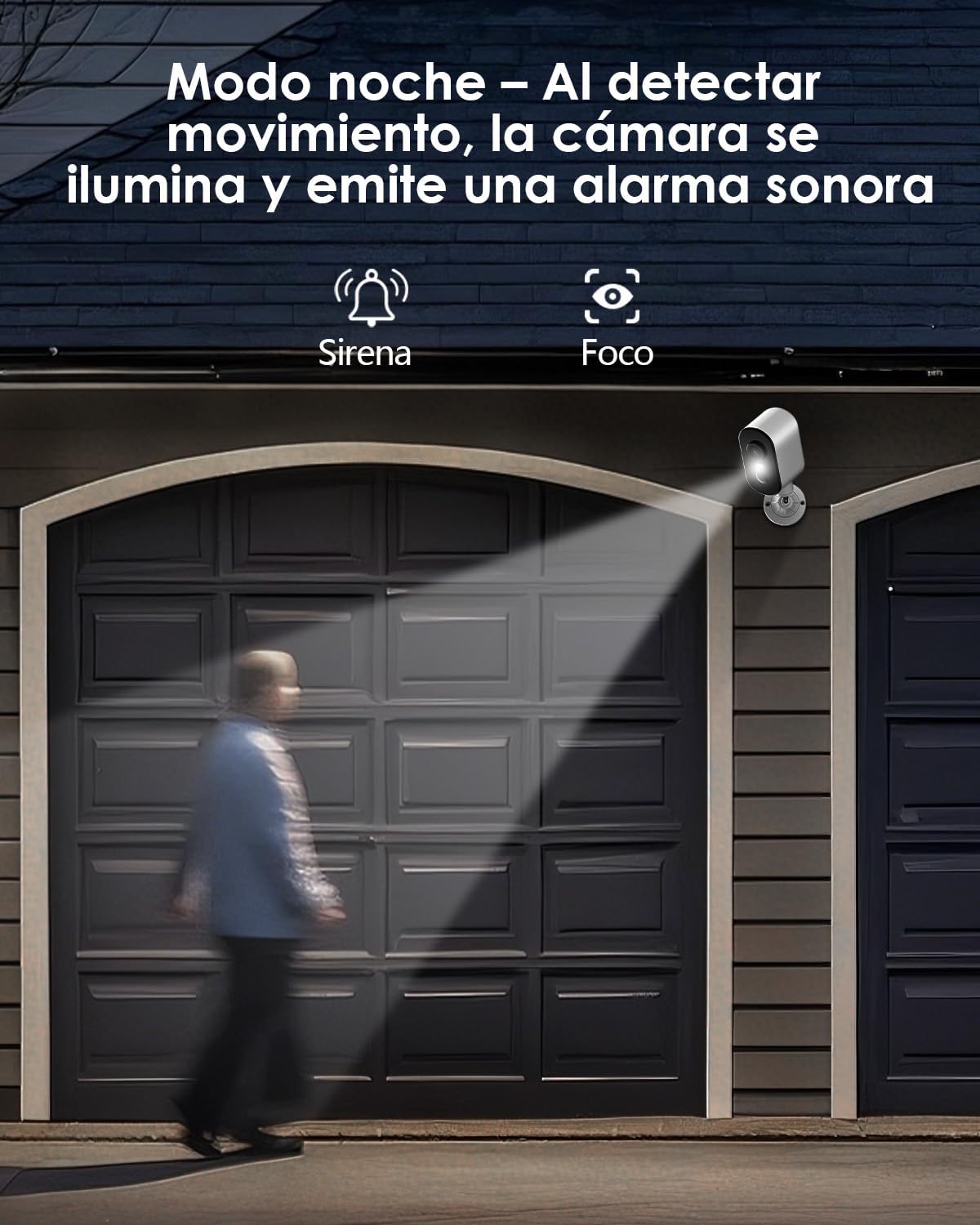
Опис зображення: The camera is depicted in night mode, with its spotlight and siren activating upon motion detection to deter intruders and provide clear visibility.
4.3 Remote Monitoring and Multi-User Access
The camera supports remote monitoring, allowing real-time video streaming access from your smartphone. Multiple users can simultaneously access the camera feed.
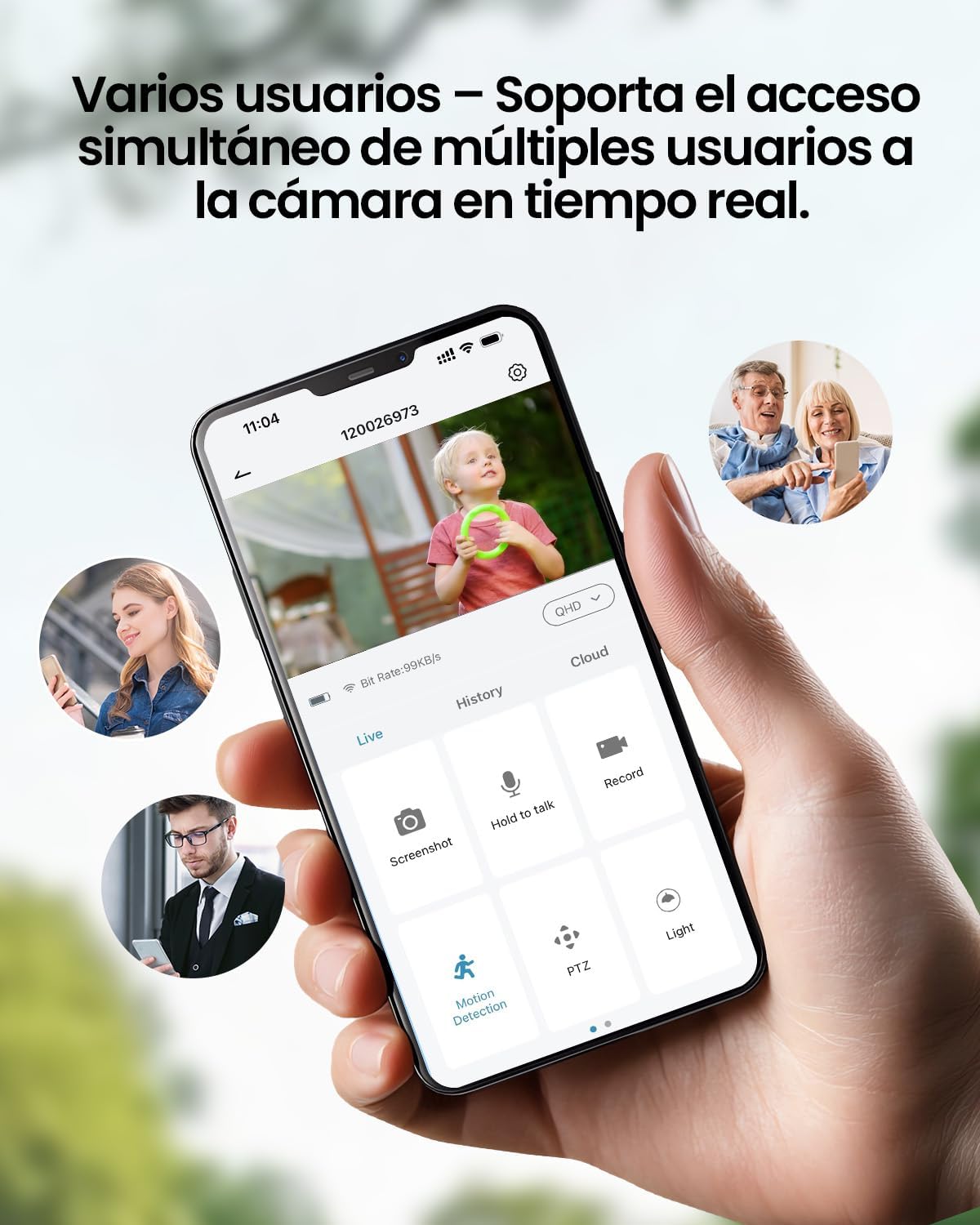
Опис зображення: A smartphone displays the live feed from the camera, with icons indicating support for simultaneous access by multiple users, enabling shared monitoring.
5. Стійкість до погодних умов
Чехіяview ZY-Q6 camera is designed to withstand various outdoor conditions. Its fully dustproof and waterproof construction ensures continuous surveillance in any climate, from heavy rain to direct sun exposure.

Опис зображення: Чехіяview ZY-Q6 camera is shown mounted outdoors during rainfall, demonstrating its fully dustproof and waterproof design, ideal for continuous outdoor use.
6. Технічні характеристики
| Особливість | Деталь |
|---|---|
| Виробник | CZEview |
| Розміри продукту | 6 x 6.5 x 12 см; 530 g |
| Акумулятори | 1 9V battery required, included |
| Номер моделі | ZY-Q6 |
| Колір | Білий |
| матеріал | ABS пластик |
| Джерело живлення | Акумулятор |
| томtage | 12 вольт |
| Електрична потужність | 5 Вт |
| Спосіб встановлення | Настінне кріплення |
| Тип лампочки | Інфрачервоний світлодіод |
| Тип монтажу | Кріплення на стіл |
| Особливості | Виявлення руху, нічне бачення |
| Рекомендоване використання | Property Monitoring, Home Security, Outdoor Surveillance |
| Вага продукту | 530 г |
| Максимальна дальність | 20 метрів |
| Сумісні пристрої | Смартфон |
7. Технічне обслуговування
- Прибирання: Регулярно протирайте об'єктив і корпус камери м'якою губкоюamp серветкою для видалення пилу та бруду. Уникайте використання агресивних хімікатів, які можуть пошкодити поверхню.
- Керування батареєю: Monitor the battery level through the app. Recharge the camera promptly when the battery is low to ensure continuous operation.
- Оновлення прошивки: Check for and install any available firmware updates through the companion app to ensure optimal performance and security.
- Перевірка монтажу: Periodically inspect the mounting bracket and ensure the camera is securely attached, especially after severe weather conditions.
8. Вирішення проблем
- Камера не підключається до Wi-Fi:
- Ensure your router is broadcasting a 2.4GHz WiFi signal. The camera does not support 5GHz networks.
- Перевірте правильність пароля Wi-Fi, введеного в додатку.
- Place the camera closer to the WiFi router during the initial setup process.
- Reset the camera by pressing the reset button for 5 seconds and attempt to reconnect.
- Погана якість відео:
- Check your WiFi signal strength. A weak signal can affect video quality.
- Clean the camera lens to ensure it is free from dirt or smudges.
- Переконайтеся, що немає перешкод, що блокують камеру view.
- Виявлення руху не працює:
- Verify that motion detection is enabled in the camera's app settings.
- Налаштуйте параметри чутливості виявлення руху.
- Переконайтеся, що поле зору камери view covers the desired monitoring area.
- Акумулятор швидко розряджається:
- Часті події виявлення руху або пряма трансляція viewing can consume more battery power. Adjust sensitivity or reduce live viewчас.
- Ensure the camera is installed in an area with optimal WiFi signal to avoid excessive power consumption from searching for a connection.
- Екстремальні температури можуть вплинути на роботу акумулятора.
9. Інформація про безпеку
- Do not attempt to disassemble or modify the camera. This may void the warranty and cause damage.
- Use only the provided charging cable or a compatible certified cable for charging.
- Keep the camera away from extreme heat sources, open flames, or corrosive substances.
- Ensure the camera is securely mounted to prevent it from falling and causing injury or damage.
- Утилізуйте батарейки відповідно до місцевих правил. Не викидайте батарейки у вогонь.
10. Гарантія та підтримка
For warranty information, technical support, or any inquiries regarding your CZEview ZY-Q6 camera, please refer to the contact details provided in the product packaging or visit the official CZEview webсайт.
Будь ласка, збережіть чек про покупку як підтвердження покупки для гарантійних претензій.


