вступ
Дякуємо, що вибрали Blackview AirBuds 7 Wireless Earbuds. This manual provides essential information for setting up, operating, and maintaining your earbuds. Please read it carefully before use to ensure optimal performance and longevity of your device.
Вміст упаковки
Перевірте, чи всі перелічені нижче предмети входять до вашої упаковки:
- чорнийview AirBuds 7 Earbuds (Left and Right)
- Зарядний футляр
- USB-кабель для зарядки
- Посібник користувача
Відео: Розпакування та всеview Чорногоview AirBuds 7, showing the package contents including the earbuds, charging case, USB cable, and user manual.
Продукт закінченийview
Чорнийview AirBuds 7 feature a compact design with a charging case that includes an LED display for battery status. The earbuds are designed for comfortable in-ear fit and deliver clear audio.
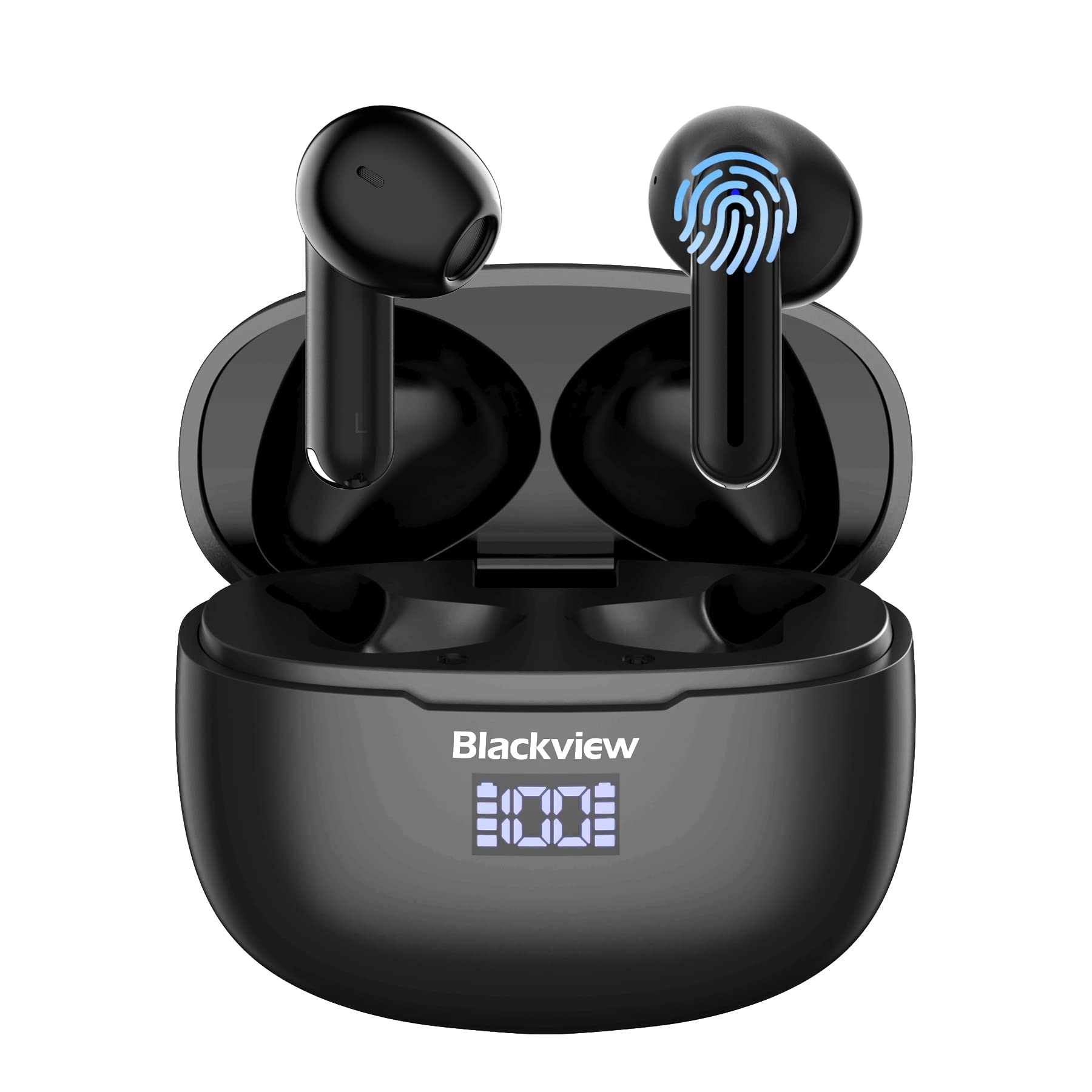
зображення: чорнийview AirBuds 7 wireless earbuds and their charging case, showcasing the digital power display.

зображення: Close-up of the Blackview AirBuds 7 charging case, highlighting the digital LED power display for both the case and individual earbuds.
Налаштування та сполучення
Follow these steps to connect your AirBuds 7 to your device:
- Зарядка навушників: Перед першим використанням переконайтеся, що навушники та зарядний футляр повністю заряджені.
- Активувати режим спарювання: Відкрийте зарядний футляр і вийміть обидва навушники. Вони автоматично перейдуть у режим сполучення.
- Увімкнути Bluetooth: На вашому смартфоні або іншому пристрої з підтримкою Bluetooth перейдіть до налаштувань Bluetooth.
- Пошук і підключення: шукати available devices and select "AirBuds 7" from the list.
- Підтвердження: Після підключення ви почуєте звукове повідомлення, і навушники будуть готові до використання.
Після початкового сполучення навушники автоматично підключаться до вашого пристрою після виймання з зарядного футляра, за умови, що на вашому пристрої ввімкнено Bluetooth.

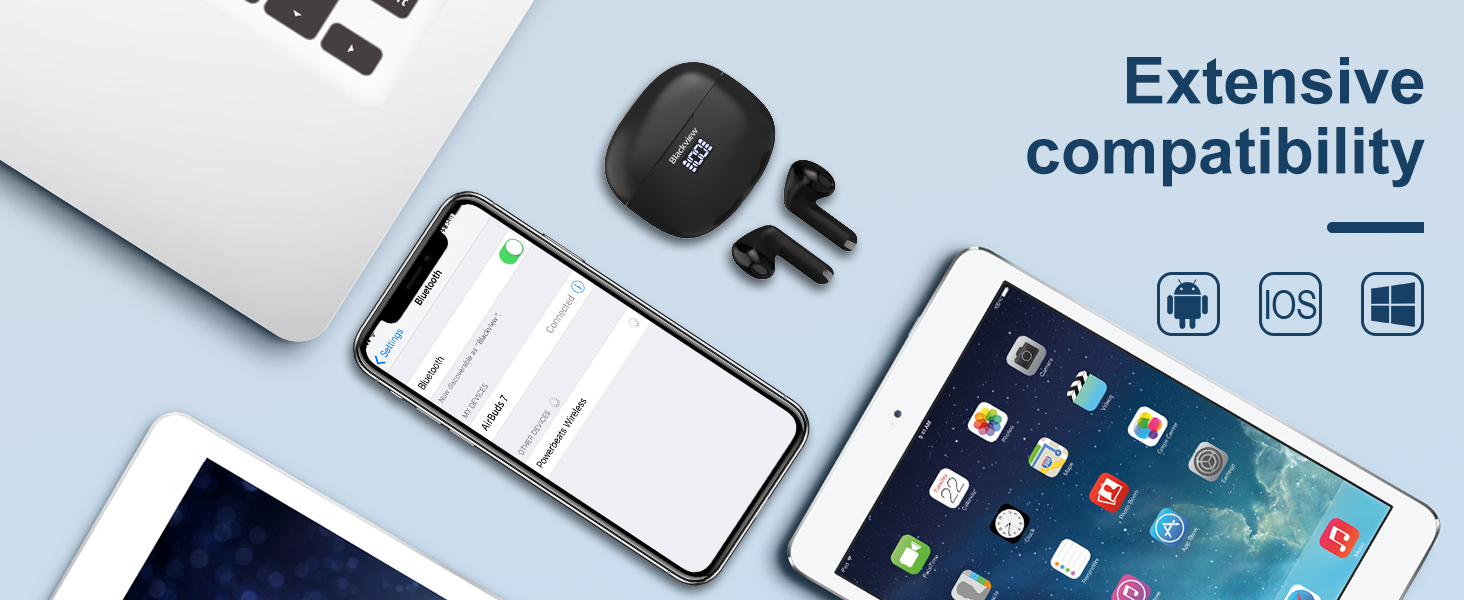
зображення: A smartphone displaying its Bluetooth settings, showing a successful connection to 'AirBuds 7', with the charging case and earbuds nearby.
Зарядка
The AirBuds 7 charging case features both USB-C and wireless charging capabilities. The LED display on the case indicates the battery level of both the case and the earbuds.
- Зарядка навушників: Помістіть навушники назад у зарядний футляр. Вони автоматично почнуть заряджатися.
- Case Charging (USB-C): Connect the provided USB charging cable to the USB-C port on the charging case and to a power source.
- Зарядка кейса (бездротова): Помістіть зарядний футляр на сумісний бездротовий зарядний пристрій.
A full charge for the earbuds provides up to 6 hours of music playback. The charging case provides an additional 4-5 charges, extending total playtime to approximately 30 hours. The charging time for the case is approximately 75 minutes.

зображення: Чорнийview AirBuds 7 charging case being charged wirelessly on a pad, also showing the option for USB-C cable charging.
Інструкція з експлуатації
Розумне сенсорне керування
The AirBuds 7 feature intuitive touch controls on each earbud. Refer to the diagram below for specific functions:

зображення: A visual guide to the touch controls on the Blackview AirBuds 7, detailing actions for music playback, calls, and volume.
- Відтворення/пауза: Double tap Left (L) or Right (R) earbud.
- Відповісти/покласти трубку: Double tap Left (L) or Right (R) earbud.
- Попередня пісня: Triple tap Left (L) earbud.
- Наступна пісня: Triple tap Right (R) earbud.
- Збільшити гучність: Single tap Right (R) earbud.
- Зменшити гучність: Single tap Left (L) earbud.
Водонепроникність (IPX7)
Чорнийview AirBuds 7 are rated IPX7 waterproof, meaning they can withstand immersion in water up to 1 meter for 30 minutes. This protection makes them suitable for use during workouts or in light rain. However, the charging case is not waterproof. Avoid exposing the charging case to water.
зображення: A person being splashed with water, demonstrating the IPX7 waterproof capability of the AirBuds 7 earbuds, protecting them from sweat and raindrops.
Зменшення шуму навколишнього середовища (ENC)
The AirBuds 7 incorporate Dual-Mic Environmental Noise Cancellation (ENC) technology and a Dialogue Noise Cancellation (DNS) algorithm. This system automatically activates during calls to reduce background noise, ensuring clearer conversations even in noisy environments like public transport or busy streets.

зображення: A graph illustrating the effectiveness of environmental noise cancellation, showing how noise is suppressed while vocal clarity is maintained.
Технічне обслуговування
- Прибирання: Регулярно протирайте навушники та зарядний футляр м’якою, сухою тканиною без ворсу. Не використовуйте агресивні хімікати або абразивні матеріали.
- Навушники: Ensure ear tips are clean and free of earwax buildup for optimal sound quality and hygiene.
- Зберігання: Коли навушники не використовуються, зберігайте їх у зарядному футлярі, щоб захистити їх та підтримувати зарядженими.
- Уникайте екстремальних умов: Do not expose the earbuds or case to extreme temperatures, humidity, or direct sunlight for extended periods.
Усунення несправностей
| проблема | Рішення |
|---|---|
| Навушники не підключаються | Ensure earbuds are charged. Turn off and on Bluetooth on your device. Forget "AirBuds 7" in Bluetooth settings and re-pair. |
| Працює лише один навушник | Place both earbuds back in the case, close it, then open and remove them again. Check battery levels for both earbuds. |
| Низька гучність або погана якість звуку | Clean earbud tips and speaker mesh. Adjust volume on your device. Ensure earbuds are properly seated in your ears. |
| Зарядний футляр не заряджається | Check USB cable connection and power source. Ensure wireless charging pad is active and case is correctly placed. |
Технічні характеристики
| Особливість | Деталь |
|---|---|
| Назва моделі | Ейрбудс 7 |
| Бренд | чорнийview |
| Технологія підключення | Бездротовий зв'язок (Bluetooth 5.3) |
| Тип аудіо драйвера | Динамічний драйвер |
| Розмір звукового драйвера | 13 міліметрів |
| Термін служби батареї (навушники) | До 6 годин |
| Загальний час відтворення (з кейсом) | До 30 годин |
| Час заряджання (корпус) | 75 хвилин |
| Рівень водонепроникності | IPX7 (лише навушники) |
| Контроль шуму | Adaptive Noise Cancellation (ENC) |
| мікрофон | В комплекті |
| Інтерфейс зарядки | USB-C, бездротова зарядка |
| матеріал | Пластик, Поліуретан (ПУ) |
| Вага товару | 5.3 унції |
| UPC | 810175522289 |
Інформація про безпеку
- Не розбирайте та не модифікуйте навушники чи зарядний футляр.
- Зберігати в недоступному для дітей та домашніх тварин місці.
- Уникайте прослуховування на високій гучності протягом тривалого часу, щоб запобігти пошкодженню слуху.
- Do not use the earbuds in situations where you need to hear your surroundings, such as driving or cycling.
- Утилізуйте виріб відповідально відповідно до місцевих правил.
Гарантія та підтримка
чорнийview products come with a standard manufacturer's warranty. For detailed warranty information, technical support, or service inquiries, please refer to the warranty card included in your package or visit the official Blackview webсайт. Будь ласка, збережіть підтвердження покупки для гарантійних претензій.
Official Blackview Webсайт: www.чорнийview.hk


