вступ
This manual provides instructions for the setup, operation, and maintenance of your RadioShack Wireless Gaming Mouse. Please read this manual thoroughly before using the product to ensure proper function and longevity.
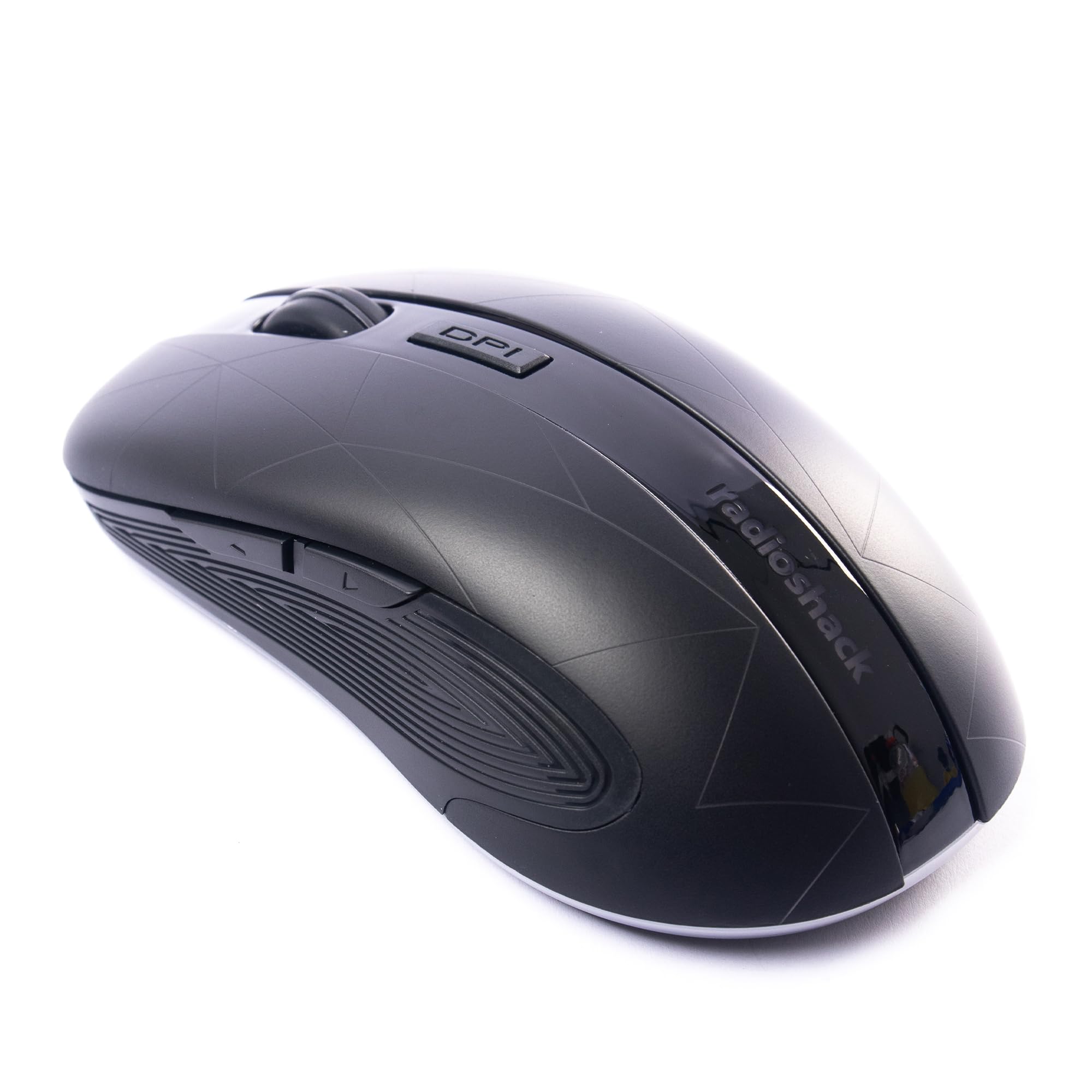
Image: The RadioShack Wireless Gaming Mouse, showcasinйого ергономічний дизайн та розташування кнопок.
Вміст упаковки
Перевірте наявність усіх елементів в упаковці:
- 1 x RadioShack Wireless Gaming Mouse
- 1 x USB Nano-приймач
- 1 x кабель для зарядки

Image: An infographic detailing the contents of the product package, including the wireless gaming mouse.
Налаштування
- Зарядіть мишку: Before first use, connect the mouse to a USB power source using the provided charging cable. The LED indicator will show charging status.
- Знайдіть USB Nano-приймач: The USB nano receiver is typically stored in a compartment on the underside of the mouse for convenience.
- Підключіть приймач: Insert the USB nano receiver into an available USB port on your computer (laptop or desktop).
- Увімкнення миші: Знайдіть перемикач живлення на нижній стороні миші та пересуньте його в положення «УВІМК.».
- Встановлення драйвера: The mouse is plug-and-play. Your operating system (Windows, Mac, Linux, Chrome OS) should automatically detect and install the necessary drivers.

Image: The wireless gaming mouse shown alongside its compact USB nano receiver, ready for connection.
Інструкція з експлуатації
Основні функціональні можливості
The mouse operates like a standard wireless mouse. Move the mouse to control the cursor on your screen. Use the left and right click buttons for primary and secondary actions, respectively. The scroll wheel allows for vertical scrolling.
Налаштування чутливості (DPI)
The mouse features an adjustable DPI setting, allowing you to change cursor sensitivity. Press the кнопка DPI located behind the scroll wheel to cycle through available DPI settings (800, 1200, 1600, 2400). Each press will change the sensitivity, indicated by a brief LED flash.

Зображення: Сторона view of the mouse, illustrating the location of the DPI button for sensitivity adjustments.
Програмовані кнопки
This mouse is equipped with 6 programmable buttons, including customizable side buttons. For advanced customization and macro assignments, you may need to download specific software from the RadioShack support website (if available). Refer to the software's instructions for detailed programming steps.

Image: The wireless gaming mouse from an angle, clearly showing the side buttons which can be programmed for various functions.
Зарядка миші
The mouse uses a built-in rechargeable Lithium Ion battery. When the battery is low, the LED indicator may flash or change color. Connect the provided charging cable to the mouse's charging port and to a USB power source (e.g., computer USB port, USB wall adapter). The LED will indicate charging status and turn off or change color when fully charged.
A full charge typically provides several hours of use, depending on usage patterns.
Технічне обслуговування
- Прибирання: Використовуйте м’яку суху тканину для очищення миші. Для стійкого бруду злегкаamp можна використовувати тканину, переконавшись, що волога не потрапить всередину пристрою.
- Зберігання: When not in use for extended periods, turn off the mouse to conserve battery life. Store the USB nano receiver inside the mouse's compartment to prevent loss.
- Уникайте екстремальних умов: Не піддавайте мишу впливу екстремальних температур, прямих сонячних променів або високої вологості.
Усунення несправностей
| проблема | Рішення |
|---|---|
| Миша не відповідає |
|
| Затримка або переривчасте з'єднання |
|
| Рух курсора нерівномірний або неточний |
|
Технічні характеристики
- Номер моделі: 2604789
- Підключення: 2.4 ГГц бездротовий
- кнопки: 6 (програмованих)
- Параметри DPI: 800, 1200, 1600, 2400 (регульований)
- Виявлення руху: Оптичний
- Батарея: 1 Lithium Ion (Rechargeable, included)
- Робочий діапазон: До 10 метрів
- Сумісність: Windows, Mac, Linux, Chrome OS
- Розміри: 4.9 см x 2.6 см x 1.5 см
- вага: 6.2 унції
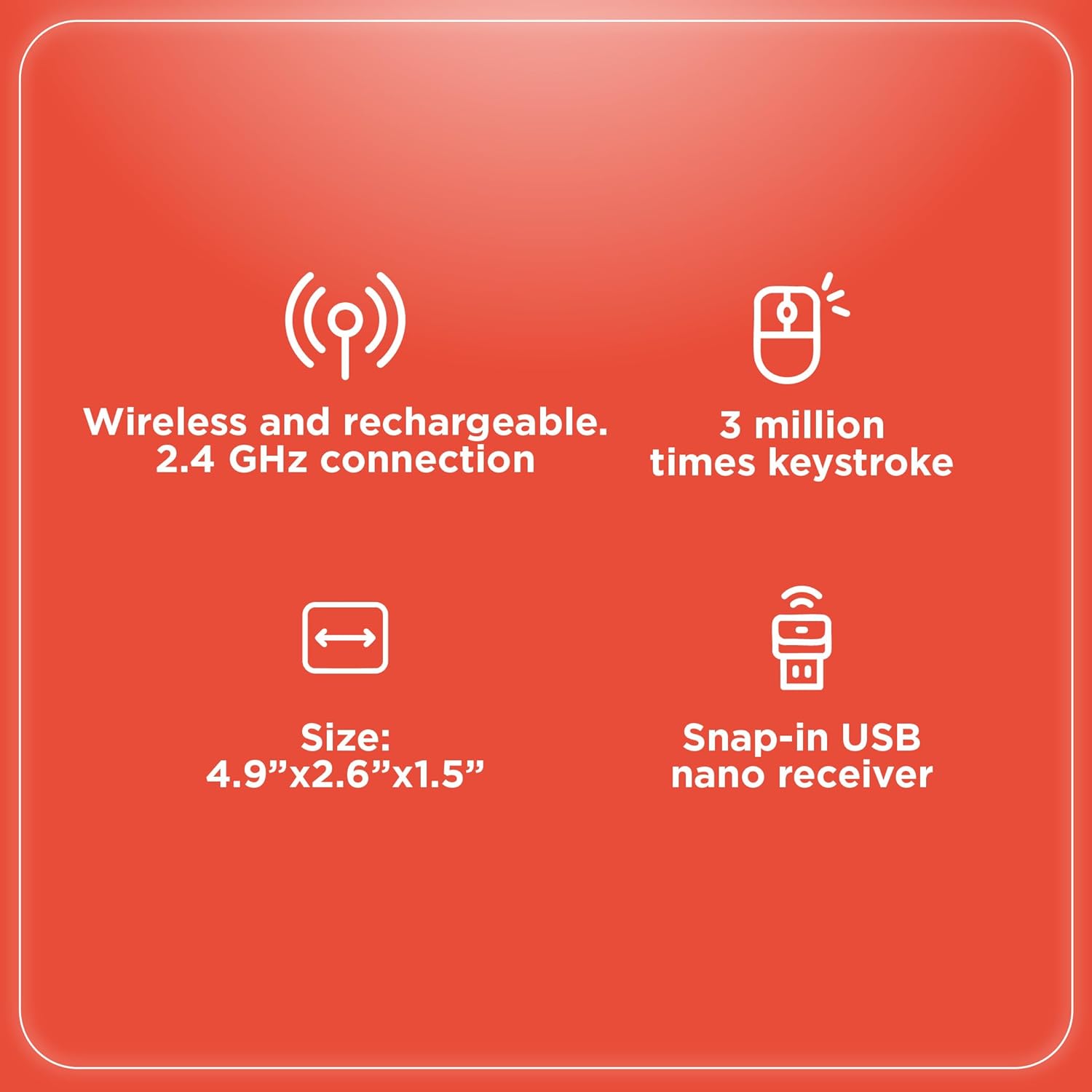
Image: An infographic summarizing key specifications of the wireless gaming mouse, including connectivity, battery, and dimensions.
Гарантія та підтримка
Щоб отримати інформацію про гарантію та технічну підтримку, зверніться до офіційного сайту RadioShack. webсайт або зверніться до служби підтримки клієнтів. Зберігайте чек про покупку як підтвердження покупки для гарантійних претензій.
Виробник: RadioShack
Дата першої доступності: 28 серпня 2024 р


