вступ
This manual provides detailed instructions for the setup, operation, maintenance, and troubleshooting of your Sorandy Wired Mechanical Gaming Keyboard. Please read this manual thoroughly before using the product to ensure optimal performance and longevity.
Вміст упаковки
- Sorandy Wired Mechanical Gaming Keyboard
- Посібник користувача (цей документ)
Налаштування
Follow these steps to connect your keyboard to your computer:
- Розпакуйте клавіатуру та переконайтеся, що всі компоненти присутні.
- Знайдіть вільний USB-порт на вашому комп'ютері (настільному ПК або ноутбуці).
- Вставте USB-роз'єм кабелю клавіатури в USB-порт.
- Ваша операційна система повинна автоматично виявити та встановити необхідні драйвери. Цей процес може тривати кілька хвилин.
- Після завершення встановлення клавіатура готова до використання.

Інструкція з експлуатації
Основні функції клавіатури
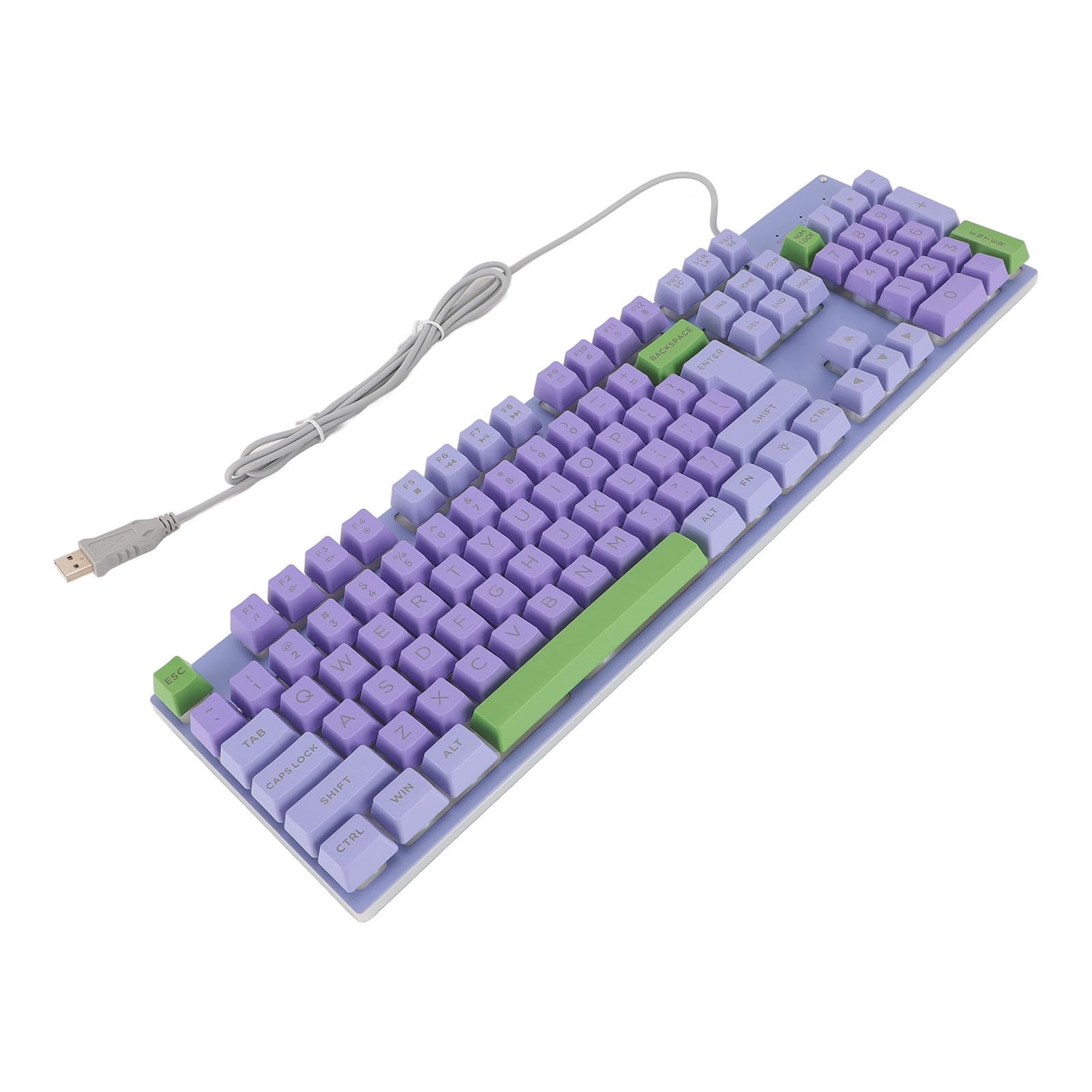
The keyboard features a standard QWERTY layout with mechanical switches for responsive typing and gaming. All standard alphanumeric keys, function keys (F1-F12), navigation keys, and a numeric keypad are present.

Backlighting Features
This keyboard features rainbow backlighting. The backlighting is automatically enabled upon connection. Specific controls for adjusting brightness or modes are typically accessed via function key combinations (e.g., Fn + specific F-keys). Refer to the keyboard's keycap legends for any dedicated backlight control icons.
Мультимедійні клавіші
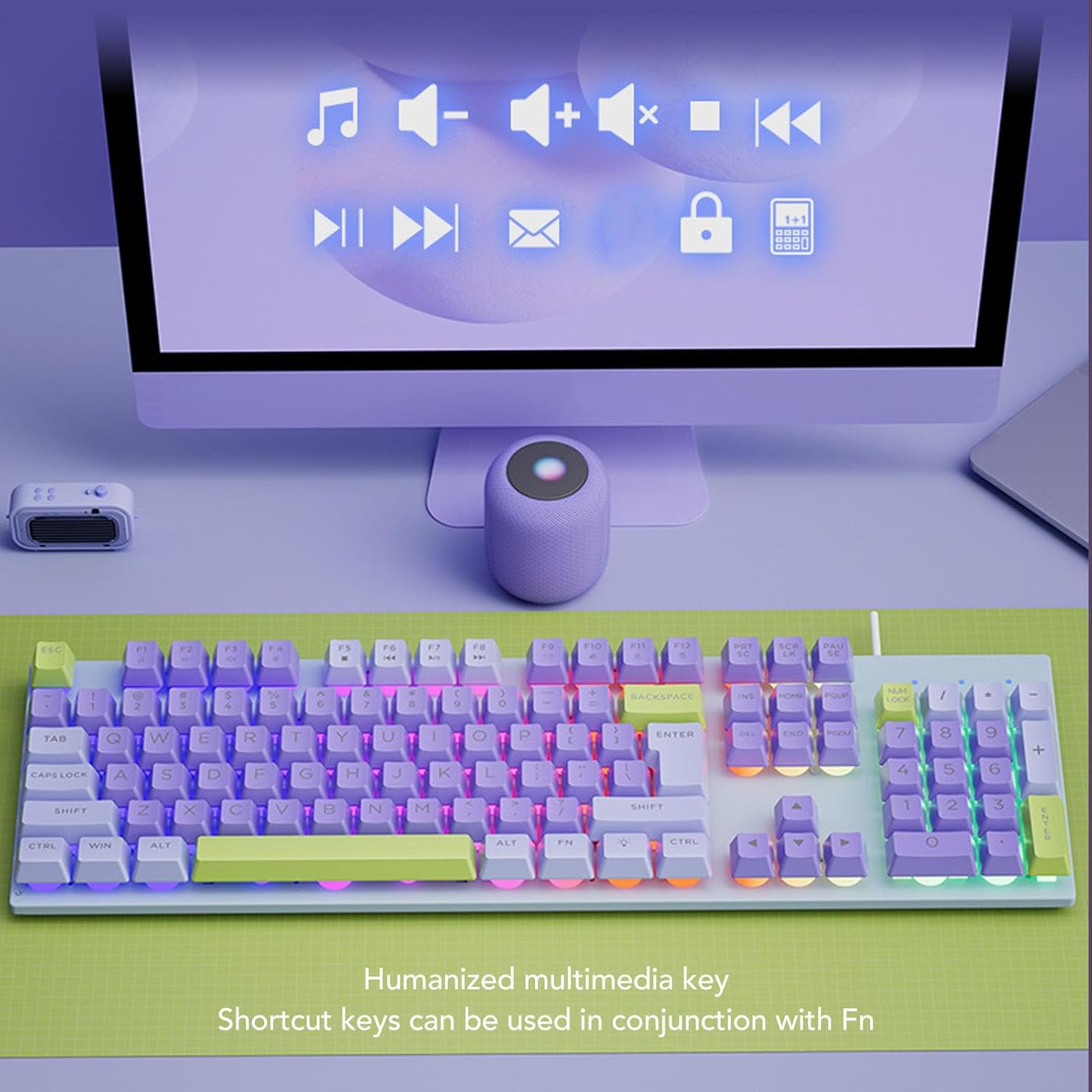
The keyboard includes humanized multimedia keys, which can be accessed by pressing the Fn key in conjunction with the corresponding function keys (F1-F12). These keys allow quick control over media playback, volume, and other system functions.
- Fn+F1-F12: Specific multimedia functions (e.g., volume up/down, play/pause, mute, calculator, email, web browser). Refer to the icons on the F-keys for their specific functions.
Технічне обслуговування
Правильне обслуговування забезпечує довговічність та продуктивність вашої клавіатури.
- прибирання: Use a soft, dry cloth to wipe the surface of the keyboard. For deeper cleaning, use a can of compressed air to remove dust and debris from between the keys. Avoid using harsh chemicals or abrasive materials.
- Розливи: In case of liquid spills, immediately disconnect the keyboard from your computer. Turn it upside down to drain any liquid and allow it to dry completely before reconnecting.
- ЗберіганняЗберігайте клавіатуру в прохолодному, сухому місці, подалі від прямих сонячних променів та екстремальних температур.
- Догляд за кабелем: Avoid bending or twisting the USB cable excessively to prevent damage.

Усунення несправностей
Якщо у вас виникли проблеми з клавіатурою, зверніться до наступних поширених рішень:
| проблема | Рішення |
|---|---|
| Клавіатура не відповідає |
|
| Підсвічування не працює |
|
| Клавіші залипають або не реагують |
|
Технічні характеристики
| Особливість | Деталь |
|---|---|
| Бренд | Соранді |
| Номер моделі | Sorandy0bovasc7un-12 |
| Технологія підключення | USB дротовий |
| Опис клавіатури | Ergonomic, Full Size |
| Тип перемикача | Механічний |
| Розкладка клавіатури | QWERTY |
| Сумісні пристрої | Ноутбук, ПК |
| Орієнтація руки | Амбідекстр |
| Підсвічування | Rainbow Backlit |
Гарантія та підтримка
For warranty information and technical support, please refer to the retailer's return policy or contact Sorandy customer service directly. Details for contacting support are typically provided with your purchase documentation or on the official Sorandy webсайт.


