1. Вступ
This manual provides detailed instructions for the HIFI WALKER G7 Android MP3 Player. It covers setup, operation, maintenance, and troubleshooting to ensure optimal use of your device. The G7 is an advanced portable media player featuring Android 13, a 4-inch touchscreen, Bluetooth, Wi-Fi, a built-in speaker, and a camera.
2. Вміст упаковки
Upon opening your HIFI WALKER G7 package, you should find the following items:
- HIFI WALKER G7 Android MP3 Player
- Зарядний кабель USB Type-C
- Провідні навушники
- Захисна плівка (захисна плівка для екрану)
- Захисний футляр
- Шнурок
- Посібник користувача (цей документ)

Image: All items included in the HIFI WALKER G7 retail package.
3. Пристрій закінчивсяview
The HIFI WALKER G7 features a compact design with essential controls and ports for ease of use.
3.1 Фізичні особливості
- 4-дюймовий сенсорний екран: For interactive navigation and content display.
- Кнопки збільшення / зменшення гучності: Located on the side for audio adjustment.
- Кнопка живлення: For turning the device on/off and screen lock.
- Кнопка камери: Dedicated button for quick photo capture.
- Отвір для скидання: For device reset in case of unresponsiveness.
- Порт USB Type-C: Для зарядки та передачі даних.
- Слот для картки TF: For expandable storage via microSD card.
- Earphone Port (3.5mm): Для підключення дротових навушників.
- Вбудований динамік: For audio playback without external devices.
- Microphone Hole: Для запису голосу.

Зображення: Лицьова та зворотна сторони view of the HIFI WALKER G7.
Відео: Оверview of the HIFI WALKER G7 Android MP3 Player, demonstrating its physical features, user interface, and key functionalities like camera, app usage, and storage management.
4. Налаштування
4.1 Зарядка пристрою
Before first use, fully charge your HIFI WALKER G7. Use the provided USB Type-C cable and connect it to a compatible power adapter (not included) or a computer USB port. The device supports USB 2.0 fast charging. Примітка: Some users have reported better charging performance with lower power wall chargers.
4.2 Увімкнення/вимкнення
- Щоб увімкнути: Натисніть і утримуйте кнопку живлення, поки екран не загориться.
- Щоб вимкнути: Натисніть і утримуйте кнопку живлення, потім виберіть «Вимкнути живлення» зі списку опцій.
- Щоб заблокувати/розблокувати екран: Коротко натисніть кнопку живлення.
4.3 Підключення до Wi-Fi
The G7 supports Wi-Fi connectivity for internet access and app functionality.
- Перейдіть до розділу «Налаштування» > «Мережа та інтернет» > «Wi-Fi».
- Увімкніть Wi-Fi.
- Виберіть потрібну мережу Wi-Fi зі списку.
- Введіть пароль, якщо буде запропоновано, і натисніть «Підключитися».
4.4 Підключення до пристроїв Bluetooth
Connect your G7 to Bluetooth headphones, speakers, or other compatible devices.
- Перейдіть до розділу «Налаштування» > «Підключені пристрої» > «Bluetooth».
- Toggle Bluetooth 'On'.
- Переконайтеся, що ваш пристрій Bluetooth перебуває в режимі сполучення.
- Select your device from the 'Available devices' list to pair.
4.5 Installing and Managing Applications
The G7 comes with Android 13 and pre-installed apps like Spotify, Pandora, Amazon Music, Tidal, Deezer, YouTube, and Audible. You can also install more apps via the Google Play Store.
- Магазин Google Play: Access the Play Store app to download and install additional applications.
- Батьківський контроль: Utilize the parental control features to manage app downloads and usage, ensuring a secure environment for younger users.
- Видалення програм: To free up memory and enhance performance, you can uninstall unnecessary apps through 'Settings' > 'Apps'.

Image: The HIFI WALKER G7 with Google Play Store pre-installed.
4.6 Керування сховищем
The device has 3GB RAM and 16GB internal storage, expandable up to 128GB with a microSD card.
- Inserting a MicroSD Card: Locate the TF card slot on the side of the device and gently insert the microSD card until it clicks into place.
- Керуючий Files: Використовуйте вбудований file manager to organize your music, videos, and other files.
- One-Click Music Scanning: Easily import song folders and create playlists with this feature.

Image: HIFI WALKER G7 with expandable storage option.
5. Інструкція з експлуатації
5.1 Навігація по сенсорному інтерфейсу
The 4-inch IPS touchscreen (480*800 px) provides a responsive and intuitive user experience.
- Торкніться: Виберіть елемент або відкрийте програму.
- Проведіть пальцем: Navigate through menus, home screens, or content.
- Масштабування за допомогою розведення пальців: Відрегулюйте view in supported applications.
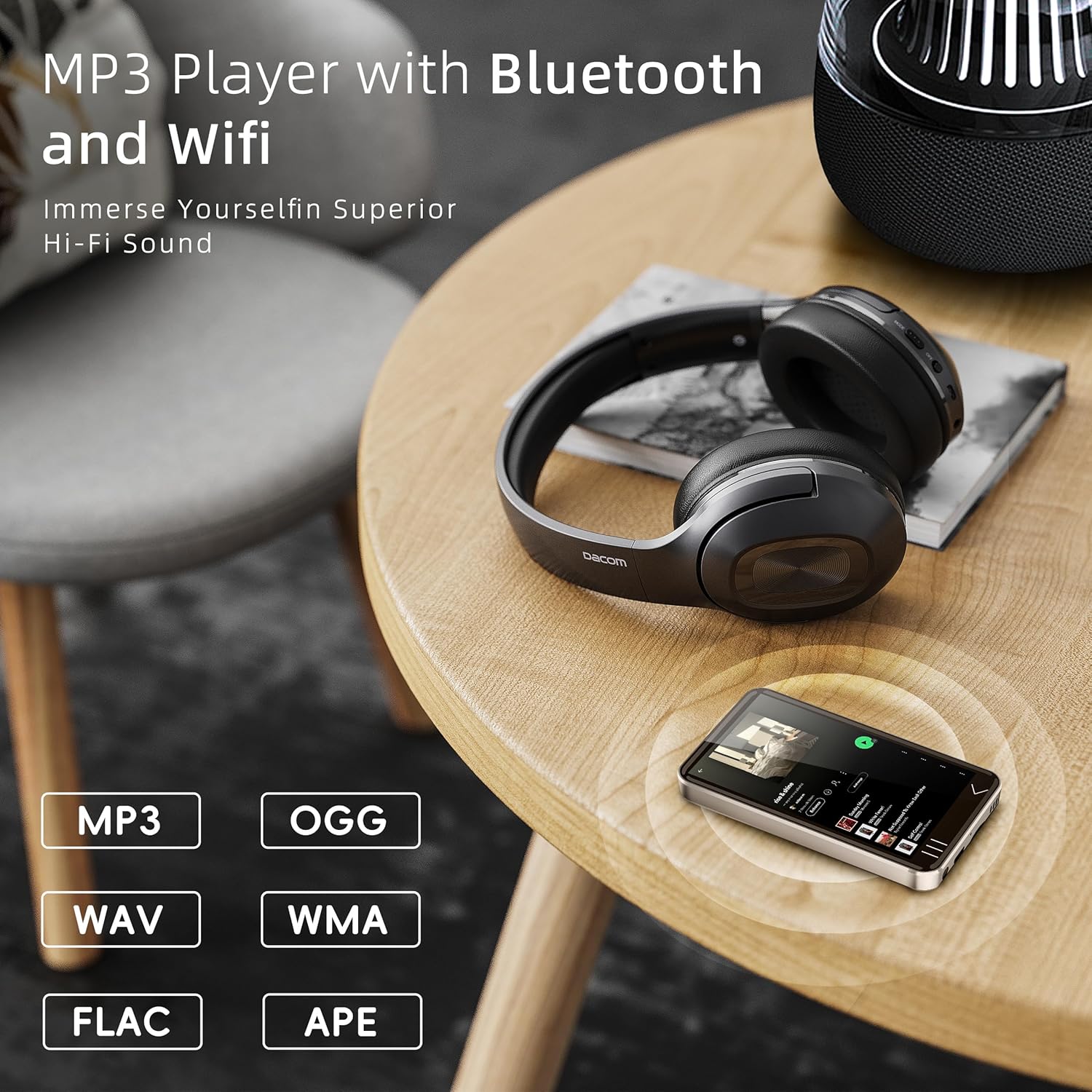
Image: The 4-inch full touchscreen of the HIFI WALKER G7.
5.2 Відтворення музики
Enjoy your favorite audio files through the built-in speaker or connected headphones.
- Підтримувані формати: MP3, WAV, FLAC, AAC, OGG, WMA, APE, and more.
- Музичний додаток: Use the pre-installed music player or streaming apps like Spotify, Amazon Music, etc.
- Списки відтворення: Create and manage playlists for easy access to your favorite tracks.

Image: HIFI WALKER G7 playing music with Bluetooth headphones.
5.3 Watching Videos
The G7 supports various video formats for direct playback without conversion.
- Відеопрогравач: Use the default video player or download alternatives from the Play Store.
- YouTube: Access the YouTube app for online video content.
Video: Demonstrates the HIFI WALKER G7's camera functionality, video playback, and various ports.
5.4 Використання камери
The G7 features a built-in 5-megapixel camera for capturing photos and videos.
- Відкрийте програму «Камера».
- Frame your shot using the touchscreen.
- Tap the on-screen shutter button or press the dedicated Camera button on the side to capture.

Image: HIFI WALKER G7 camera in use.
5.5 Запис голосу
Use the built-in microphone and voice recorder app to capture audio.
- Open the 'Sound Recorder' application.
- Натисніть кнопку запису, щоб розпочати запис.
- Tap the stop button to end and save the recording.
5.6 Reading E-books and Audiobooks
The G7 is an excellent companion for reading, supporting popular audiobook and e-book platforms.
- Попередньо встановлені програми: Utilize apps like Audible and Kindle for audiobooks and e-books.
- Ліббі: Download Libby from the Play Store to access library e-books and audiobooks.

Image: HIFI WALKER G7 as an e-reading companion.
6. Технічне обслуговування
6.1 Battery Information and Care
The G7 is equipped with a built-in 2000mAh Li-Polymer battery.
- Час відтворення музики: До 50 годин.
- Час відтворення відео: До 5 годин.
- Час зарядки: Приблизно 3 годин.
- To prolong battery life, avoid extreme temperatures and fully discharge/recharge the device periodically.

Image: HIFI WALKER G7 battery specifications.
6.2 Оновлення програмного забезпечення
Keep your device's software updated to ensure optimal performance and access to the latest features. Updates can typically be found in 'Settings' > 'System' > 'System update'.
6.3 Очищення
To clean your device, use a soft, lint-free cloth. Avoid using harsh chemicals or abrasive materials that could damage the screen or casing.
7. Вирішення проблем
If you encounter issues with your HIFI WALKER G7, refer to the following common problems and solutions:
| проблема | Можливе рішення |
|---|---|
| Device Overheats and Shuts Down | Reduce usage of demanding applications. Ensure the device is not exposed to direct sunlight or high temperatures. If the issue persists, contact support. |
| Проблеми з підключенням до Wi-Fi | Ensure Wi-Fi is enabled and you are within range of a strong signal. Restart the device and your Wi-Fi router. Verify the Wi-Fi password. |
| Помилка сполучення Bluetooth | Ensure both the G7 and the Bluetooth device are in pairing mode. Try restarting both devices. Some Bluetooth devices may have specific pairing instructions. |
| Поганий термін служби батареї | Close background applications. Reduce screen brightness. Disable Wi-Fi/Bluetooth when not in use. Ensure the device is fully charged using a compatible charger. |
| Device Freezes or is Unresponsive | Press and hold the Power button to force a restart. If unresponsive, use a thin object to press the Reset Hole. |
| Slow Performance / Long Boot Times | Uninstall unnecessary applications. Clear app caches. Ensure sufficient free storage space. |
| Camera Quality is Low | Ensure the camera lens is clean. Use adequate lighting. The built-in camera is 5MP, which may not match smartphone camera quality. |
| Cannot Reload Apps After Deletion | Attempt to reinstall from the Google Play Store. If persistent, a factory reset might be necessary (note: this will erase all data). |
8. Технічні характеристики
| Особливість | Деталь |
|---|---|
| Назва моделі | G7 |
| Операційна система | Android 13 |
| Розмір екрана | 4 дюймів |
| Роздільна здатність екрана | 480*800 pixels (IPS Panel) |
| Процесор | MTK 6762 Octa-core |
| ОЗУ | 3 ГБ |
| Внутрішня пам'ять | 16GB (supports up to 80GB variant) |
| Розширюване сховище | Up to 128GB via SD Card |
| Підключення | Bluetooth, USB (Type-C) |
| Особливості | Built-In Camera (5MP), Built-In Speaker, Touch Screen, Video Playback, Voice Recorder |
| Акумулятор | 2000mAh Li-Polymer (1 C battery included) |
| Вага товару | 10.2 унції |
| Розміри упаковки | 5.87 x 3.78 x 2.24 дюймів |
9. Гарантія та підтримка
HIFI WALKER products are designed for reliability and performance. For specific warranty details, please refer to the warranty card included in your package or contact HIFI WALKER customer service.
For further assistance, product registration, or to explore other HIFI WALKER products, please visit the official HIFI WALKER store: