вступ
Дякуємо за покупкуasing the ZEBRONICS Zeb-Escape 10 Wireless BT Earphone. This manual provides essential information for setting up, operating, and maintaining your device. Please read it carefully before use to ensure optimal performance and longevity of your earphones.
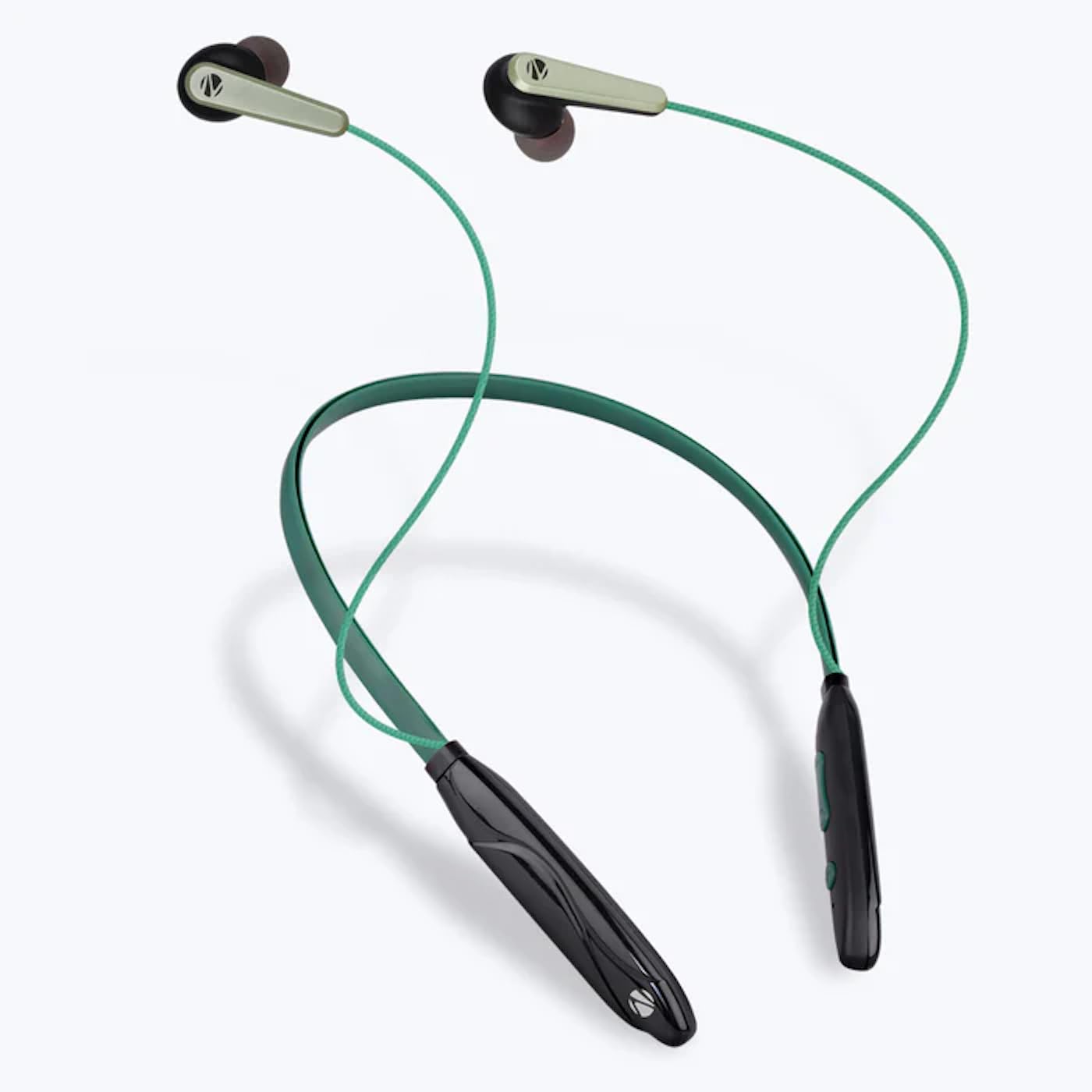
Image: The ZEBRONICS Zeb-Escape 10 Wireless BT Earphone, featuring a green and black neckband design with in-ear earbuds.
Вміст упаковки
У комплект вашого продукту входять такі елементи:
- 1 U Neckband Earphone
- 1 U Charging Cable (Type-C)
- 1 U QR Code Guide
Налаштування
1. Заряджання навушників
Before first use, fully charge the earphone. Use the provided Type-C charging cable to connect the earphone to a USB power source (e.g., computer USB port, wall adapter). The LED indicator will show the charging status.
- Час зарядки: Приблизно 1.5 годин.

Image: The earphone's control module with a Type-C charging port, showing a charging cable connected.
2. Підключення Bluetooth
To connect your earphone to a Bluetooth-enabled device:
- Ensure the earphone is charged and powered off.
- Press and hold the multi-function button on the earphone until the LED indicator flashes red and blue, indicating it is in pairing mode.
- На своєму пристрої (смартфоні, планшеті тощо) увімкніть Bluetooth та виконайте пошук доступних пристроїв.
- Select "ZEB-ESCAPE 10" from the list of found devices.
- Once connected, the LED indicator will flash blue slowly or turn off, depending on the model.

Image: A smartphone display illustrating the Bluetooth pairing process, showing the earphone model 'ZEB-ESCAPE 10' as connected.
Інструкція з експлуатації
Увімкнення/вимкнення живлення
- Увімкнення: Натисніть і утримуйте багатофункціональну кнопку, доки не засвітиться світлодіодний індикатор.
- Вимкнення живлення: Press and hold the multi-function button until the LED indicator turns off.
Volume and Media Control
The earphone features integrated controls for managing audio playback and volume.
- Збільшення гучності: Натисніть кнопку «+».
- Зменшення гучності: Натисніть кнопку «-».
- Відтворення/пауза: Натисніть багатофункціональну кнопку один раз.
- Наступний трек: Натисніть і утримуйте кнопку «+».
- Попередній трек: Натисніть і утримуйте кнопку «-».
Функція виклику
Manage calls directly from your earphone.
- Відповісти на дзвінок: Натисніть багатофункціональну кнопку один раз.
- Завершити виклик: Натисніть багатофункціональну кнопку один раз під час дзвінка.
- Відхилити виклик: Натисніть і утримуйте багатофункціональну кнопку.
- Повторний набір останнього номера: Двічі натисніть багатофункціональну кнопку.
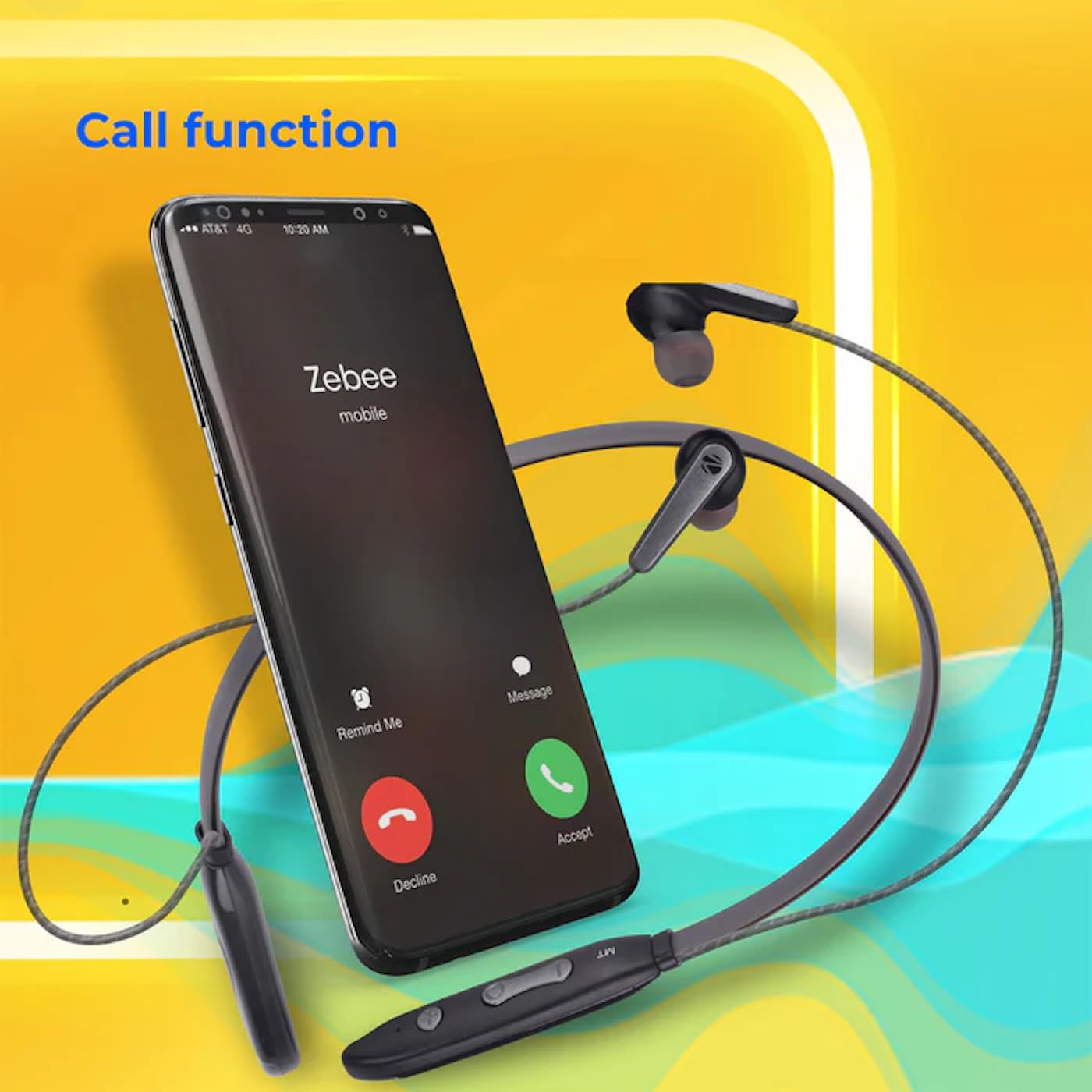
Image: A smartphone showing an incoming call interface, indicating the earphone's call handling capability.
Підтримка голосового помічника
Activate your device's voice assistant (e.g., Google Assistant, Siri) by triple-pressing the multi-function button.
Магнітний навушник
The earpieces are magnetic, allowing them to securely attach to each other when not in use, preventing tangling and ensuring they stay in place around your neck.

Зображення: Детальний view of an earbud, illustrating its design for a stable and comfortable fit.
Технічне обслуговування
To ensure the longevity and optimal performance of your ZEBRONICS Zeb-Escape 10 earphones, follow these maintenance guidelines:
- Прибирання: Використовуйте м’яку суху тканину для очищення навушників. Не використовуйте агресивні хімікати або абразивні матеріали.
- Зберігання: Зберігайте навушники в прохолодному, сухому місці, подалі від прямих сонячних променів та екстремальних температур.
- Водонепроникність: The earphones are water resistant. Avoid submerging them in water or exposing them to heavy rain.
- Зарядка: Only use the provided charging cable or a certified Type-C cable. Avoid overcharging.
Усунення несправностей
If you encounter issues with your earphone, refer to the following common problems and solutions:
| проблема | Можливе рішення |
|---|---|
| Навушники не вмикаються. | Переконайтеся, що навушники повністю заряджені. |
| Не вдається з’єднати пристрій. | Ensure the earphone is in pairing mode (flashing red/blue). Turn off and on Bluetooth on your device. Move closer to the earphone. |
| Немає звуку або гучність низька. | Check volume levels on both the earphone and your connected device. Ensure the earphone is properly paired. |
| Проблеми з якістю дзвінків. | Ensure you are within Bluetooth range. Check for obstructions between the earphone and your device. |
Технічні характеристики
Technical specifications for the ZEBRONICS Zeb-Escape 10 Wireless BT Earphone:
| Особливість | Деталь |
|---|---|
| Назва моделі | ZEB-NBI 5 |
| Версія Bluetooth | v5.3 |
| Підтримується BT Profiles | HSP / HFP / A2DP / AVRCP |
| Розмір драйвера | 10 мм |
| Імпеданс динаміка | 16 Ом |
| Час відтворення | До 20 годин (при гучності 50%) |
| Час розмови | До 20 годин |
| Час зарядки | 1.5 години |
| Час очікування | 200 години |
| Вага нетто | 26г |
| Тип управління | Керування медіа, сенсорне керування |
| Рівень водонепроникності | Водостійкий |
| Особливості | Fast Charging, Foldable, Microphone Included, Sweatproof |

Image: Visual representation of the earphone's 20-hour playback capability.
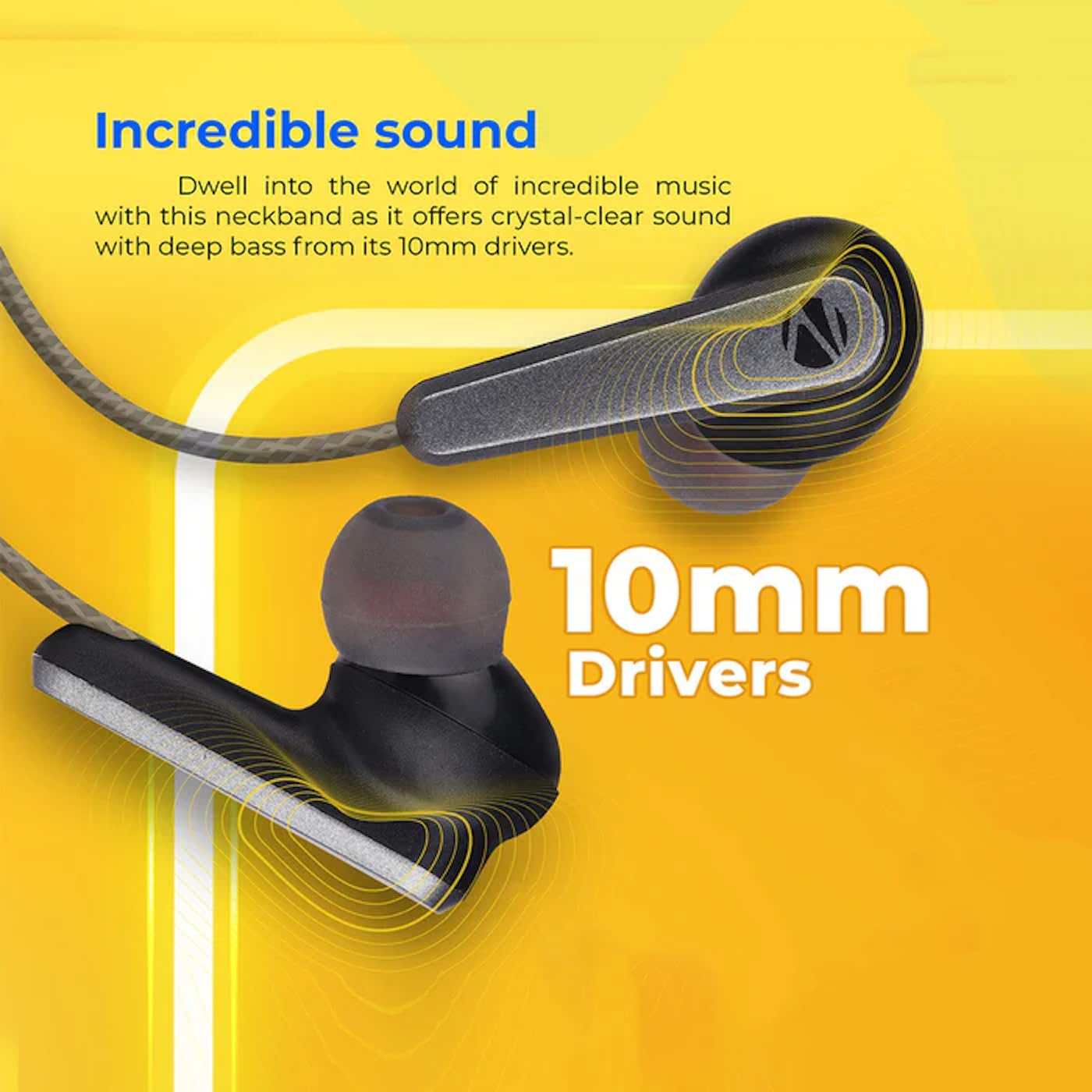
Image: A close-up of an earbud, highlighting the 10mm audio drivers responsible for sound output.
Інформація про гарантію
The ZEBRONICS Zeb-Escape 10 Wireless BT Earphone comes with a Гарантія 6 місяців from the date of purchase. This warranty covers manufacturing defects. Please retain your purchase receipt as proof of purchase for warranty claims. The warranty does not cover damage caused by misuse, accidents, unauthorized modifications, or normal wear and tear.
Підтримка клієнтів
For further assistance, technical support, or warranty claims, please contact ZEBRONICS customer service. Refer to the QR code guide included in your package or visit the official ZEBRONICS webна сайті для отримання контактної інформації.


