вступ
This manual provides detailed instructions for the safe and efficient use of your LG SQC2 2.1 Channel Soundbar with Wireless Subwoofer. Please read this manual thoroughly before operating the unit and retain it for future reference. The LG SQC2 system is designed to enhance your home entertainment experience with clear audio and powerful bass, featuring 2.1 channel sound and a wireless subwoofer for flexible placement.
Ключові особливості:
- 2.1 Channel Audio: Delivers a balanced sound experience.
- Wireless Subwoofer: Provides deep bass without the need for audio cables to the soundbar.
- Bluetooth Connectivity: Allows wireless streaming from compatible devices.
- Adaptive Sound Control (ASC): Optimizes sound settings based on content.
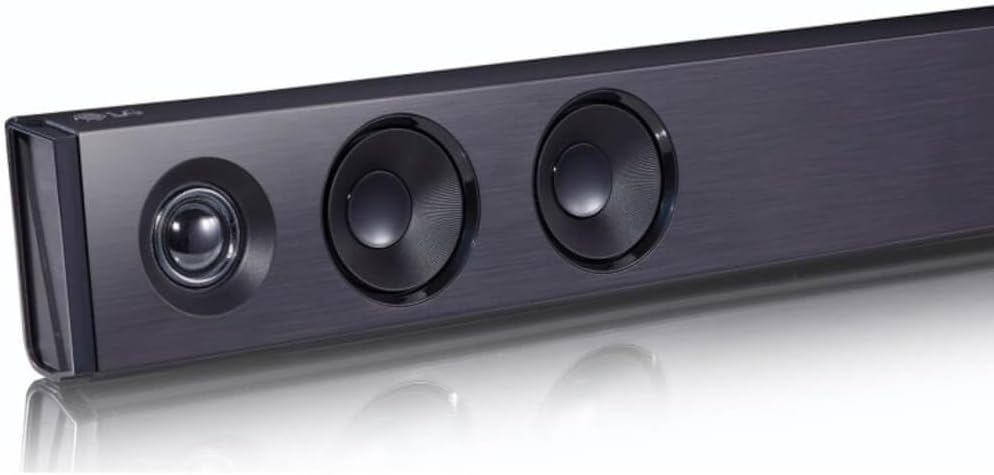
Зображення: Кутовий view of the LG SQC2 Soundbar, showcasing its front speakers and sleek profile.
Що в коробці
Ретельно розпакуйте всі предмети та переконайтеся, що у вас є такі компоненти:
- LG SQC2 Soundbar
- Бездротовий сабвуфер
- Expected Accessories: Remote Control, Power Cords (for Soundbar and Subwoofer)

Зображення: спереду view of the LG SQC2 Soundbar, showcasing its sleek design and speaker grilles.
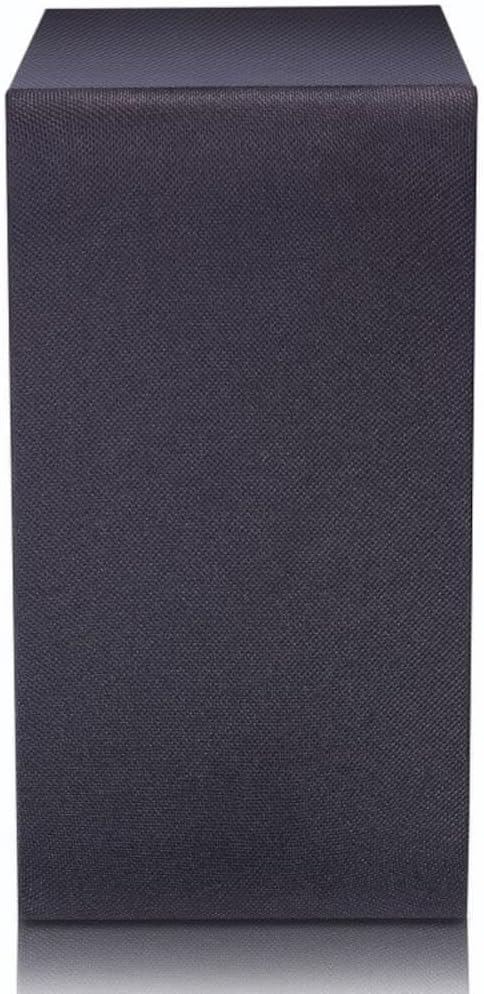
Image: The LG SQC2 Wireless Subwoofer, a compact black unit designed to deliver deep bass.
Налаштування
1. Розміщення
звукова панель: Place the soundbar on a flat, stable surface directly in front of your television. Ensure there are no obstructions blocking the front speakers. The soundbar is designed for tabletop mounting.
Бездротовий сабвуфер: Position the wireless subwoofer anywhere in the room where it can receive power and is within range of the soundbar. For optimal bass performance, avoid placing it directly in a corner or enclosed space.
2. Підключення живлення
Connect the power cord to the soundbar's power input and then to a wall outlet. Do the same for the wireless subwoofer. The subwoofer will automatically attempt to pair with the soundbar once both are powered on.
3. Audio Connection to TV
Choose one of the following methods to connect the soundbar to your television:
- Optical Digital Audio Cable: Connect an optical cable from the ОПТИЧНИЙ ВХОД port on the soundbar to the Optical Digital Output port on your TV. This is the recommended connection for high-quality digital audio.
- Bluetooth: For wireless audio from your TV (if supported) or other devices, refer to the "Bluetooth Pairing" section under Operating.
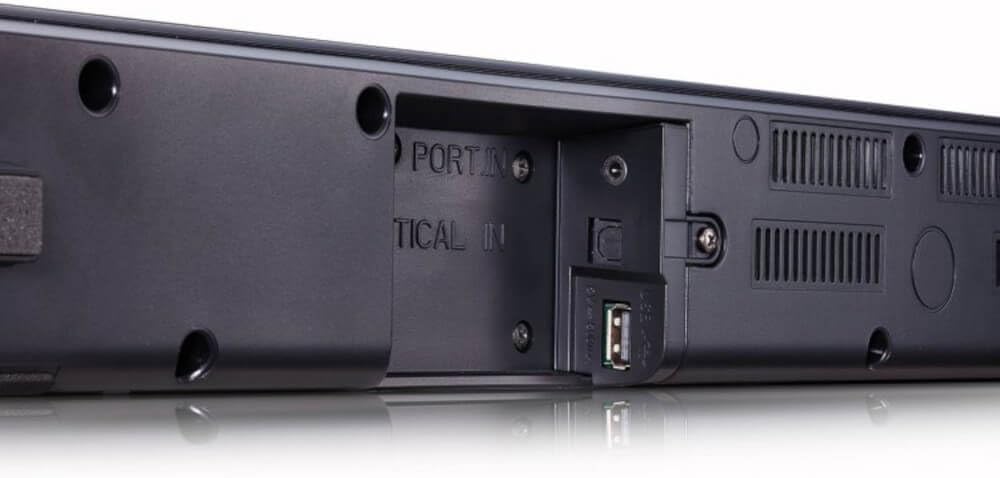
Зображення: Задня частина view of the LG SQC2 Soundbar, highlighting the "OPTICAL IN" port and other connection options.
Інструкція з експлуатації
1. Увімкнення/вимкнення живлення
Натисніть потужність кнопку на пульті дистанційного керування або саундбарі, щоб увімкнути або вимкнути пристрій.
2. Вибір вхідних даних
Натисніть функція button on the remote control or the soundbar repeatedly to cycle through available input sources (e.g., OPTICAL, BLUETOOTH).

Зображення: Верх view of the LG SQC2 Soundbar, showing the integrated control buttons for power, volume, and function selection.
3. Регулювання гучності
Використовуйте Збільшення гучності (+) і Зменшення гучності (-) buttons on the remote control or the soundbar to adjust the master volume. The subwoofer volume can often be adjusted independently via the remote control.
4. Підключення Bluetooth
Щоб підключити пристрій Bluetooth (наприклад, смартфон, планшет):
- Натисніть функція button on the soundbar or remote until "BT" (Bluetooth) is displayed.
- На вашому пристрої Bluetooth увімкніть Bluetooth і знайдіть доступні пристрої.
- Select "LG SQC2" from the list of devices. Once paired, the soundbar will indicate a successful connection.
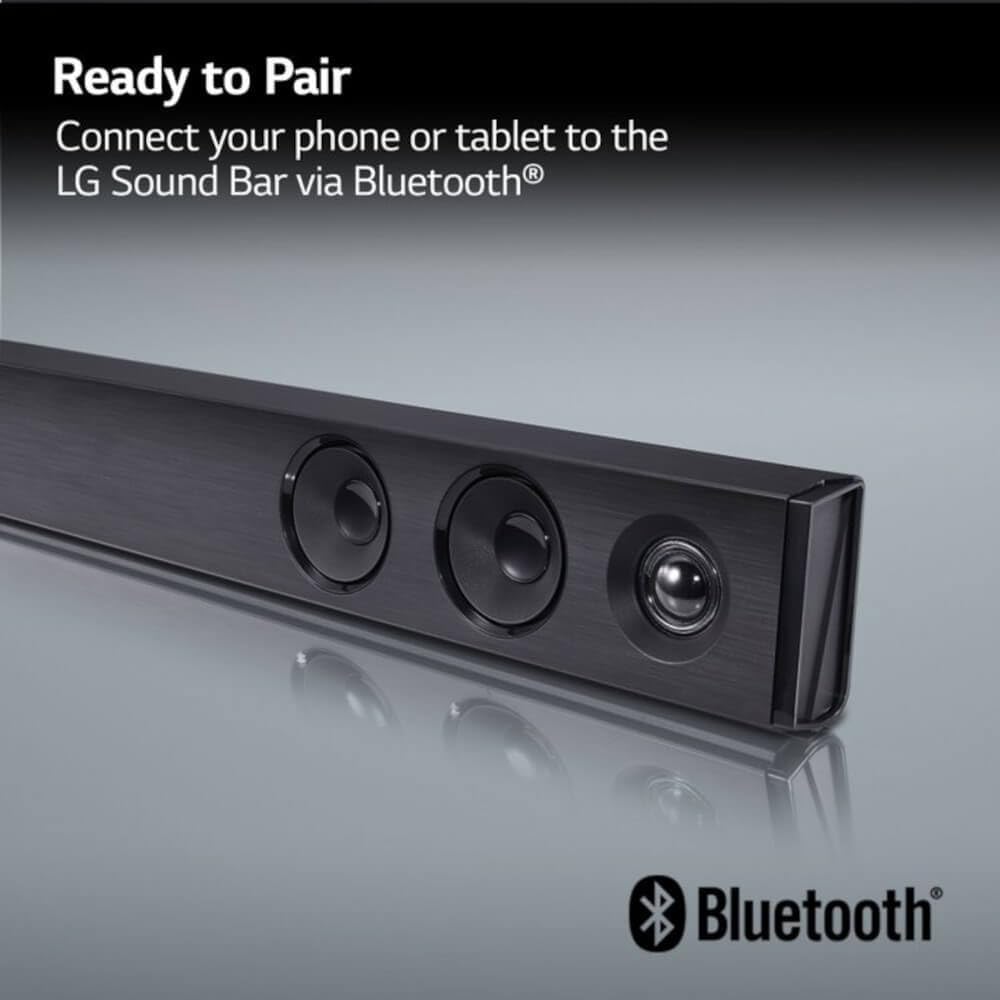
Image: The LG Soundbar displaying "Ready to Pair" with the Bluetooth logo, indicating it is in pairing mode.
5. Режими звуку
The LG SQC2 features Adaptive Sound Control (ASC), which automatically analyzes content and optimizes sound settings. Other sound modes may be available via the remote control to suit different audio types (e.g., Movie, Music, Standard).
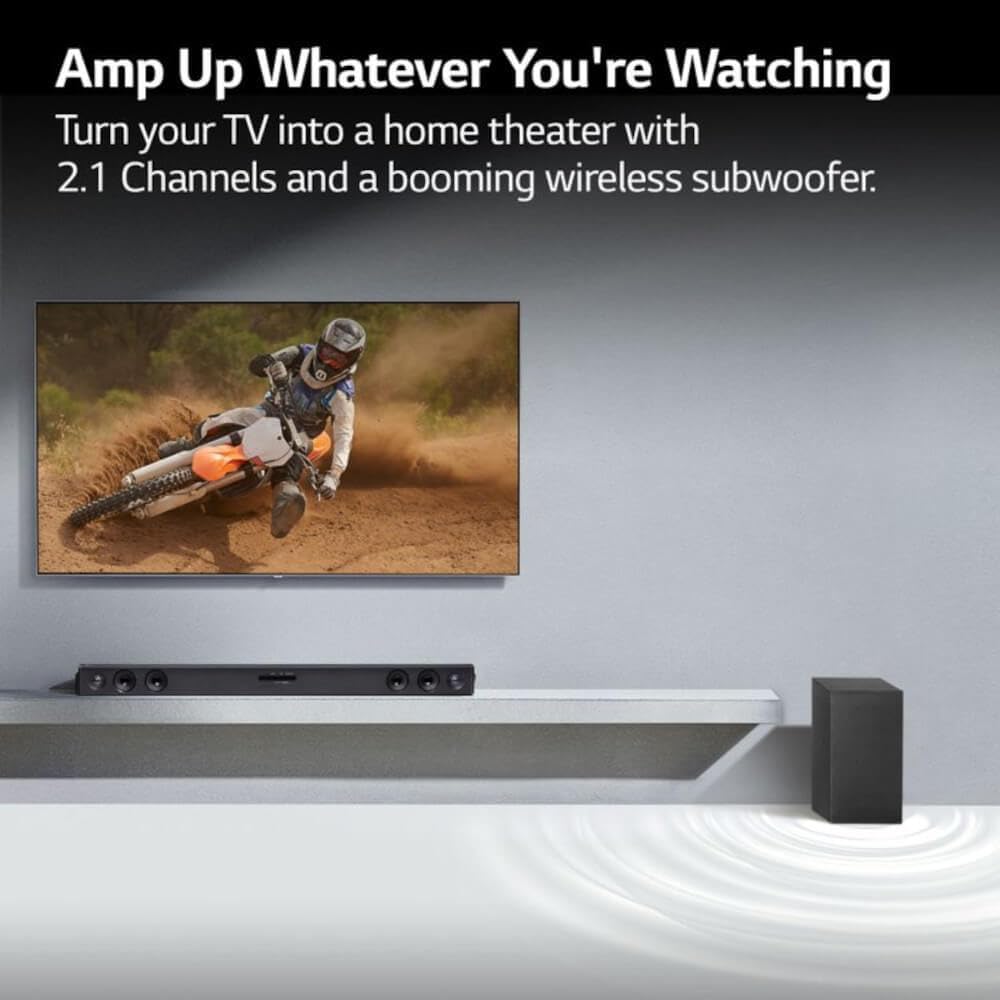
Image: An LG Soundbar and wireless subwoofer positioned below a television, illustrating their role in enhancing the audio experience for various content.
Технічне обслуговування
прибирання
To clean the soundbar and subwoofer, use a soft, dry cloth. Do not use liquid cleaners, abrasive cleaners, or sprays, as these can damage the finish or internal components. Ensure the units are unplugged before cleaning.
Зберігання
Якщо пристрій зберігатиметься протягом тривалого часу, від’єднайте його від розетки та зберігайте в прохолодному, сухому місці, подалі від прямих сонячних променів та екстремальних температур.
Усунення несправностей
If you experience issues with your LG SQC2 soundbar system, refer to the following common problems and solutions:
- Немає живлення:
- Check if the power cords for both the soundbar and subwoofer are securely plugged into the wall outlets and the units.
- Перевірте справність розетки, підключивши інший пристрій.
- Немає звуку:
- Ensure the soundbar is powered on and the correct input source (e.g., OPTICAL, BLUETOOTH) is selected.
- Check the volume level on both the soundbar and your TV/connected device.
- If using an optical cable, ensure it is securely connected at both ends and that your TV's audio output is set to "Optical" or "External Speaker."
- Якщо ви використовуєте Bluetooth, переконайтеся, що пристрій правильно сполучено та підключено.
- Сабвуфер не підключається:
- Переконайтеся, що і саундбар, і сабвуфер увімкнені.
- The subwoofer should automatically pair. If not, check the subwoofer's indicator light. If it's blinking, it's searching for a connection. If it's solid, it's connected.
- Refer to the specific pairing instructions in your full LG manual if automatic pairing fails. Sometimes a manual pairing button is available on the subwoofer.
- Try restarting both the soundbar and subwoofer by unplugging them for a minute and then plugging them back in.
- Проблеми з підключенням Bluetooth:
- Переконайтеся, що саундбар перебуває в режимі Bluetooth.
- Make sure your Bluetooth device is within range (typically 10 meters or 33 feet) and there are no significant obstructions.
- Спробуйте розірвати пару та знову підключити пристрій.
- Clear the Bluetooth memory on your device and the soundbar (if applicable) and try again.
Технічні характеристики
| Особливість | Деталь |
|---|---|
| Назва моделі | LG SQC2 |
| Тип динаміка | Саундбар, бездротовий сабвуфер |
| Конфігурація каналу об’ємного звуку | 2.1 |
| Максимальна вихідна потужність динаміка | 300 Вт |
| Технологія підключення | Bluetooth, оптичний |
| Технологія бездротового зв'язку | Bluetooth |
| Технологія підключення сабвуфера | Бездротовий |
| Спосіб контролю | Дистанційний |
| Сумісні пристрої | телебачення |
| Рекомендоване використання | Home Entertainment, Watching TV, Listening to Music |
| Особливість | Bass Boost, Adaptive Sound Control (ASC) |
| матеріал | пластик |
| Product Dimensions (Overall System) | 41.1 x 16.4 x 8.5 дюймів |
| Item Weight (Overall System) | 18.39 фунта |
| Тип монтажу | Настільне кріплення |
| Виробник | LG |
| UPC | 796575215764 |
Гарантія та підтримка
The LG SQC2 2.1 Channel Soundbar with Wireless Subwoofer comes with a Limited Warranty. For specific details regarding warranty coverage, duration, and terms, please refer to the warranty card included with your product or visit the official LG webсайт.
For technical support, service, or further assistance, please contact LG Customer Service. Contact information can typically be found on the LG official webсайту або в упаковці продукту.
When contacting support, please have your product model number (SQC2) and serial number ready.