1. Вступ
This manual provides essential information for setting up, operating, and maintaining your Beelink SER5 MAX Mini PC. The Beelink SER5 MAX is a compact desktop computer powered by an AMD Ryzen 7 6800U processor, designed for various applications including office work, home entertainment, graphic design, and light gaming. It features high-speed memory, ample storage, and extensive connectivity options to enhance your productivity and multimedia experience.

Зображення: Оверview міні-ПК Beelink SER5 MAX, демонстраціяasinйого компактний дизайн та ключові характеристики.
2. Що в коробці
Будь ласка, перевірте вміст вашої упаковки, щоб переконатися, що всі предмети присутні:
- 1 x SER5 MAX 6800U Mini PC
- 1 кабель HDMI (100 см)
- 1 x адаптер живлення
- 1 х посібник користувача
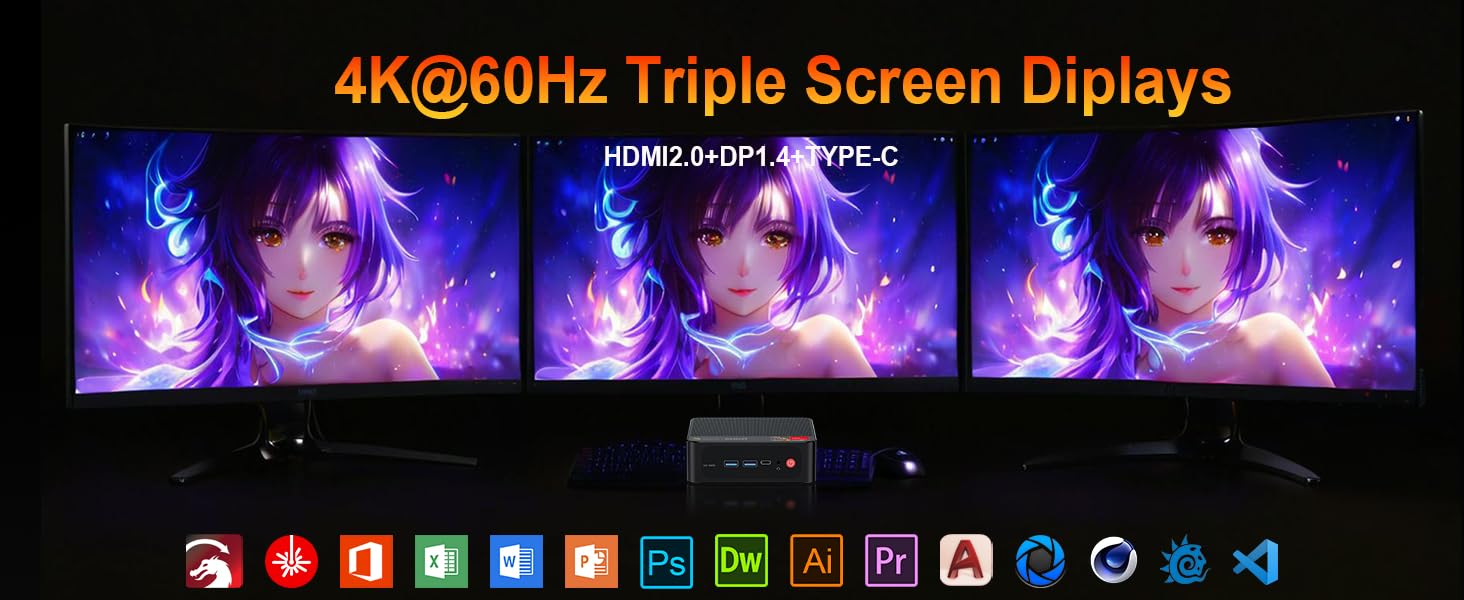
Image: Contents included in the Beelink SER5 MAX Mini PC package, showing the mini PC, power adapter, HDMI cable, and user manual.
3. Особливості продукту
The Beelink SER5 MAX Mini PC is equipped with advanced components for optimal performance:
- Процесор: AMD Ryzen 7 6800U (8 Cores/16 Threads, up to 4.7GHz, 16MB L3 Cache, 28W TDP).
- Графіка: Integrated AMD Radeon RDNA 2 Graphics (12 Cores, 2200MHz).
- Пам'ять: 24GB LPDDR5 6300MHz RAM (2x12GB, non-replaceable).
- Зберігання: 500GB M.2 2280 PCIe 4x4 SSD. Supports dual SSDs up to 8TB total (Max 4TB each SSD).
- Вихід дисплея: Supports 4K@60Hz Triple Display via DP1.4, HDMI 2.0, and Type-C.
- Бездротове підключення: WiFi 6 (802.11ax) for speeds up to 1200Mbps, Bluetooth 5.2.
- Дротове підключення: Gigabit Ethernet (RJ45 1000Mbps LAN).
- Порти:
- 3 x USB 3.2 Gen2 Type-A (10 Гбіт/с)
- 1 x USB 2.0 Type-A
- 1 x Type-C (Data & Video Output)
- 1 x HDMI 2.0
- 1 x DisplayPort (DP1.4)
- 1 x DC Jack (Power Input)
- 1 x 3.5-мм аудіороз'єм (HP та MIC)
- 1 x CLR CMOS Reset button
- Система охолодження: MSC2.0 Cooling System with heat pipe, heat sink, and silent fan.
- Розміри: 4.9 x 4.4 x 1.6 дюйма (126 x 113 x 42 мм).

Зображення: Спереду та ззаду view of the Beelink SER5 MAX Mini PC, highlighting its various connectivity ports.

Image: A Beelink SER5 MAX Mini PC connected to three monitors, demonstrating its triple display capability for multitasking.
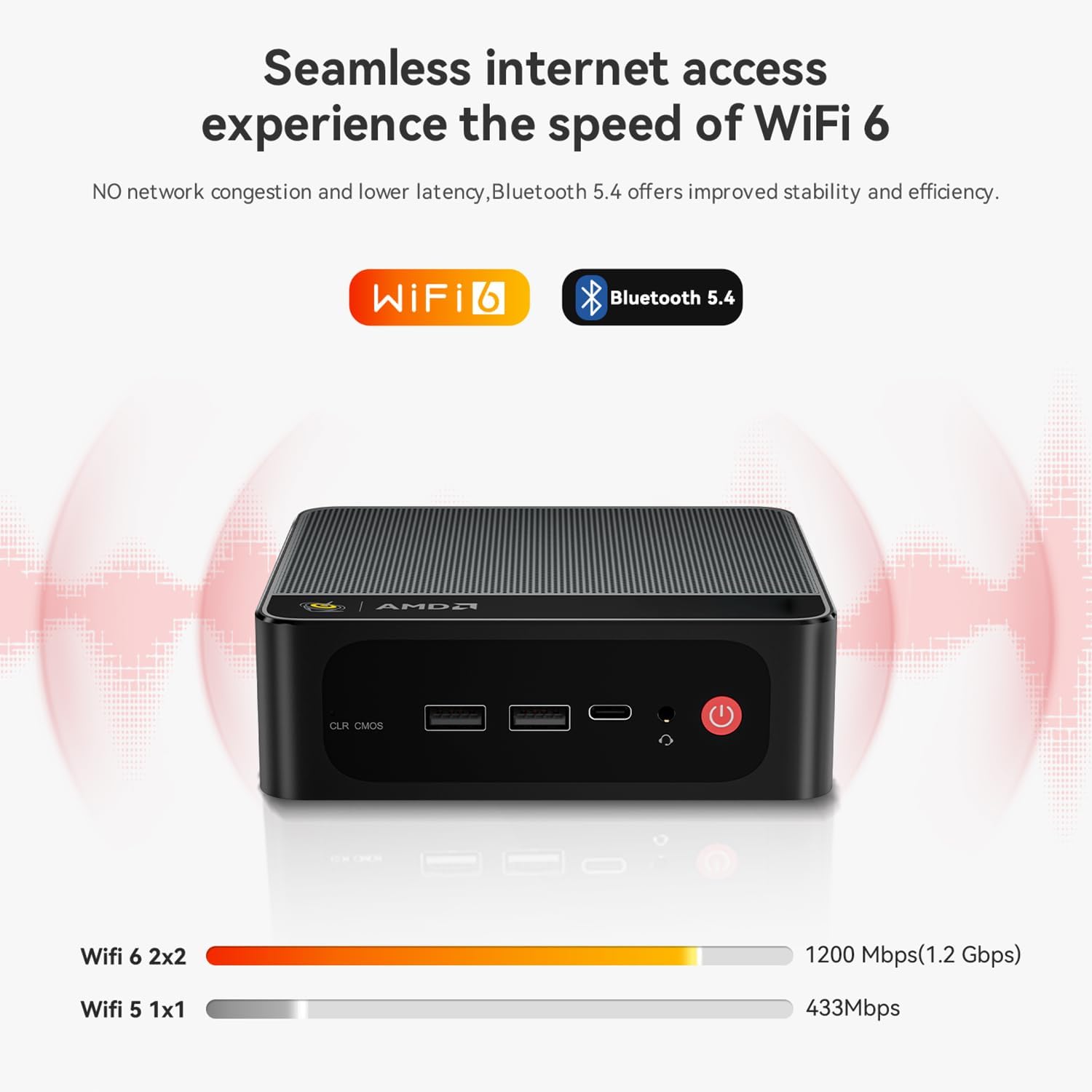
Image: Diagram illustrating the efficient MSC2.0 cooling system of the Beelink SER5 MAX, featuring a heat pipe, heat sink, and silent fan.
Відео про продуктview
Відео: Посадовець надview of the Beelink SER5 MAX 6800U Mini PC, highlighting its design, features, and performance capabilities.
4. Посібник із налаштування
Виконайте такі кроки, щоб налаштувати міні-ПК Beelink SER5 MAX:
- Підключення периферійних пристроїв: Connect your monitor(s) using the HDMI, DisplayPort, or Type-C ports. Connect your keyboard and mouse to the available USB ports.
- Підключіть живлення: Plug the power adapter into the DC Jack on the back of the Mini PC, then plug the adapter into a power outlet.
- Увімкнення: Натисніть кнопку живлення, розташовану на передній панелі міні-ПК. Система завантажиться.
- Початкове налаштування: Дотримуйтесь інструкцій на екрані, щоб завершити початкове налаштування Windows 11 Pro, включаючи мову, регіон, мережеве підключення та створення облікового запису користувача.
- Підключення до мережі: For wired internet, connect an Ethernet cable to the LAN port. For wireless internet, select your Wi-Fi network during setup or via Windows settings.
5. Інструкція з експлуатації
Your Beelink SER5 MAX Mini PC comes pre-installed with Windows 11 Pro, offering a familiar and intuitive operating environment.
- Основне використання: Navigate the Windows interface using your mouse and keyboard. Launch applications from the Start Menu or desktop shortcuts.
- Triple Display Setup: To utilize multiple monitors, connect them to the available HDMI, DisplayPort, and Type-C video outputs. Windows will automatically detect the displays. You can configure display settings (e.g., extend, duplicate) via Налаштування > Система > Дисплей.
- Підключення пристроїв Bluetooth: To pair Bluetooth devices (e.g., headphones, speakers), go to Налаштування > Bluetooth та пристрої, turn on Bluetooth, and select 'Add device'.
- USB 3.2 2-го покоління: Utilize the high-speed USB 3.2 Gen2 ports for fast data transfer with compatible external storage devices. The Type-C port also supports data and video output.
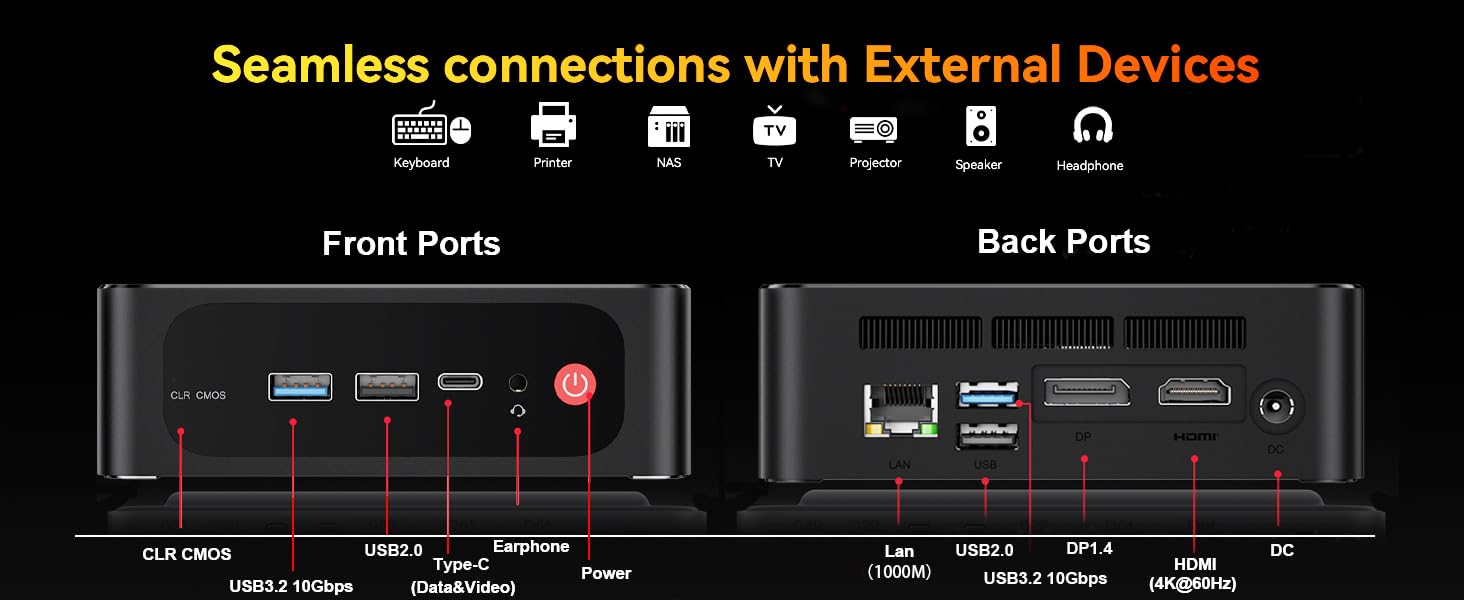
Image: The Beelink SER5 MAX Mini PC running multiple productivity applications simultaneously, demonstrating its multitasking capabilities.
6. Технічне обслуговування
Правильне обслуговування забезпечує довговічність та оптимальну продуктивність вашого міні-ПК:
- Прибирання: Regularly clean the exterior of the Mini PC with a soft, dry cloth. Use compressed air to clear dust from the ventilation grilles to maintain efficient cooling.
- Вентиляція: Переконайтеся, що міні-ПК розміщено в добре провітрюваному приміщенні, подалі від прямих сонячних променів або джерел тепла. Не блокуйте вентиляційні отвори.
- Оновлення сховища: The Mini PC supports dual M.2 2280 PCIe 4x4 SSDs. To upgrade or add storage, carefully open the chassis and install the new SSD. Refer to the detailed instructions provided with your device for specific steps.
- Оновлення програмного забезпечення: Оновлюйте операційну систему Windows та драйвери, щоб забезпечити безпеку та продуктивність.

Зображення: Внутрішнє view of the Beelink SER5 MAX Mini PC, showing the dual M.2 2280 PCIe 4.0 SSD slots for storage expansion.
7. Вирішення проблем
If you encounter issues with your Beelink SER5 MAX Mini PC, refer to the following common solutions:
- Немає живлення:
- Переконайтеся, що адаптер живлення надійно підключений як до міні-ПК, так і до справної розетки.
- Перевірте справність розетки, підключивши інший пристрій.
- Немає дисплея:
- Check all video cable connections (HDMI, DP, Type-C) between the Mini PC and the monitor(s).
- Переконайтеся, що монітор увімкнено та налаштовано на правильне джерело вхідного сигналу.
- Try connecting to a different monitor or using a different video cable.
- Немає підключення до Інтернету:
- For Wi-Fi, check if Wi-Fi is enabled in Windows settings and if you are connected to the correct network.
- Для дротового підключення переконайтеся, що кабель Ethernet правильно підключено, а ваш маршрутизатор працює.
- Перезавантажте маршрутизатор і модем.
- Уповільнення системи:
- Закрийте непотрібні програми, що працюють у фоновому режимі.
- Перевірте наявність та встановіть будь-які оновлення Windows, що очікують на оновлення.
- Забезпечте належну вентиляцію, щоб запобігти перегріванню.
- CLR CMOS Reset: If the system experiences boot issues or incorrect settings, locate the CLR CMOS button (often a small pinhole) on the front panel and press it with a paperclip for a few seconds while the device is off. This will reset BIOS settings to default.
8. Технічні характеристики
Детальні технічні характеристики міні-ПК Beelink SER5 MAX:
| компонент | Специфікація |
|---|---|
| Процесор | AMD Ryzen 7 6800U (8C/16T, 2.7GHz base, up to 4.7GHz boost) |
| Графіка | AMD Radeon 680M (12 ядер, 2200 МГц) |
| ОЗУ | 24GB LPDDR5 6300MHz (2x12GB SODIMM) |
| Зберігання | 500GB M.2 2280 PCIe 4x4 SSD (Expandable up to 8TB total) |
| Операційна система | Windows 11 Pro |
| Бездротове підключення | Wi-Fi 6 (802.11ax), Bluetooth 5.2 |
| Дротове підключення | Gigabit Ethernet (RJ45 1000Mbps LAN) |
| Відеовихід | 1x HDMI 2.0 (4K@60Hz), 1x DisplayPort 1.4 (4K@144Hz), 1x Type-C (4K@120Hz) |
| USB порти | 3x USB 3.2 Gen2 Type-A, 1x USB 2.0 Type-A, 1x Type-C (Data&Video) |
| Аудіо | 1x 3.5-мм аудіороз'єм (HP та MIC) |
| Вхідна потужність | DC Jack (19V-3.42A, 65W) |
| Розміри | 126 x 113 x 42 мм (4.9 x 4.4 x 1.6 дюймів) |
| вага | Приблизно 1.94 фунта |
| Інші функції | Wake On LAN, Auto Power On, CLR CMOS |

Image: A detailed table summarizing the technical specifications of the Beelink SER5 MAX Mini PC.
9. Гарантія та підтримка
Beelink надає комплексну підтримку для вашого міні-ПК:
- Довічна технічна підтримка: Доступ до технічної підтримки протягом усього терміну служби вашого продукту.
- Обслуговування клієнтів: 7/24 hours customer service available.
- Гарантія: Please refer to your purchase documentation for specific warranty period details.
Як зв’язатися зі службою підтримки:
- Увійдіть у свій обліковий запис Amazon.
- Перейдіть до розділу «Ваш обліковий запис».
- Перейдіть до розділу «Ваші замовлення».
- Select the Beelink SER5 MAX Mini PC and choose "Ask Product Question" to contact Beelink USA directly.
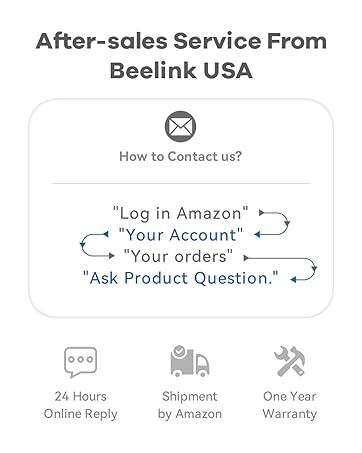
Image: Information on how to contact Beelink USA for after-sales service and support.


