1. Вступ
Thank you for choosing the Fazoxo Smart Bird Feeder with Camera. This innovative device allows you to observe and interact with wild birds in your backyard from anywhere, providing a unique birdwatching experience. Equipped with a high-definition camera, AI bird identification, and solar charging, this feeder is designed for convenience and accessibility. Please read this manual carefully before use to ensure proper installation, operation, and maintenance.
2. Продукт закінчивсяview
2.1 Вміст упаковки
- Smart Bird Feeder Unit (with integrated camera)
- Панель сонячних батарей
- Mounting Kit (screws, anchors, straps)
- Посібник користувача
- USB-кабель для зарядки
2.2 Основні характеристики
- Full HD Waterproof Outdoor Bird Feeder Camera: Offers a 360° No-Gap View with QHD Image Sensor and 36pcs IR LEDs for exceptional image quality.
- Нічне бачення: Provides up to 33 feet of night vision for clear observation in low light.
- Двостороннє аудіо: Built-in microphone and speaker for clear communication.
- AI Smart Feeder: Works with a dedicated app for automatic recording, motion detection, and real-time notifications.
- Ідентифікація птахів: Identifies bird species and alerts you when a bird approaches the feeder (AI function may require a subscription after a 30-day free trial).
- Варіанти зберігання: Supports TF Card storage up to 128GB (SD card not included) and cloud service (free first month trial).
- Сонячна енергія: Equipped with a solar panel for continuous outdoor charging.
- Водостійкий дизайн: Клас водонепроникності IP65 забезпечує довговічність у різних погодних умовах.
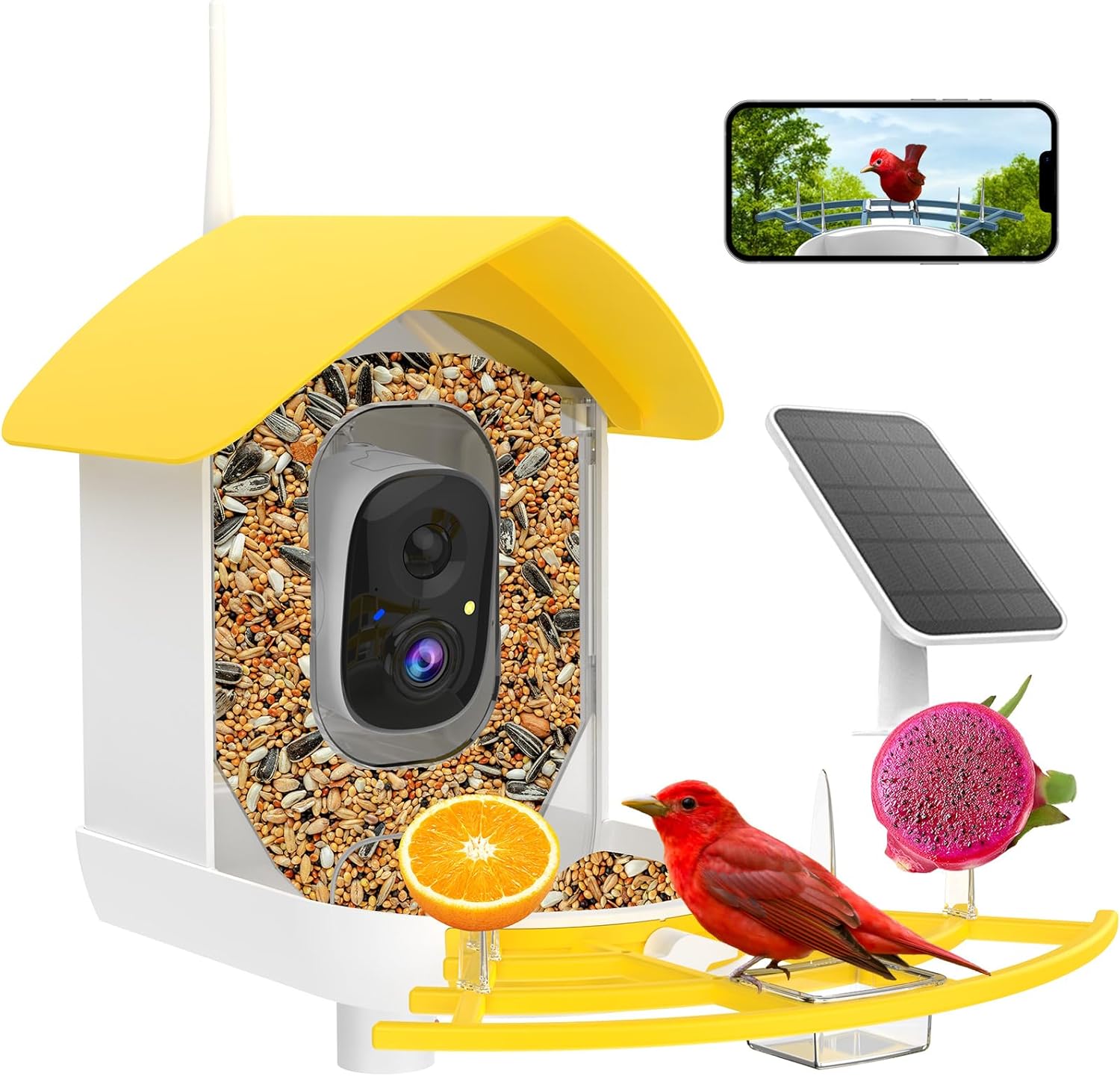
Малюнок 2.1: Закінченоview of the Fazoxo Smart Bird Feeder with Camera, highlighting its main components.
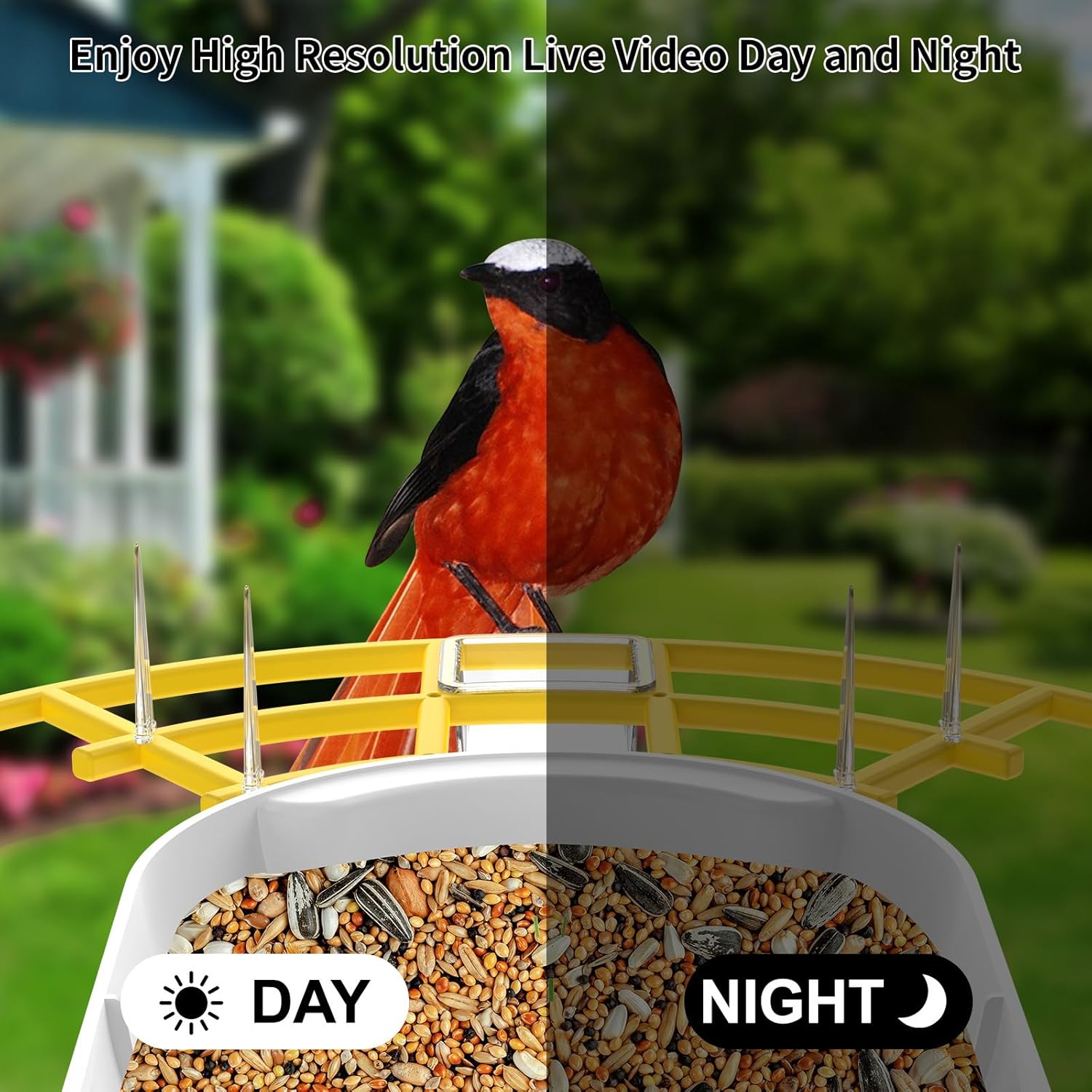
Figure 2.2: High-resolution live video day and night capabilities of the camera.
3. Налаштування та встановлення
3.1 Початкове заряджання
Before first use, fully charge the bird feeder's internal battery using the provided USB cable. Connect the cable to the charging port on the camera unit and a standard USB power adapter (not included). The charging indicator light will show status.
3.2 Встановлення програми та підключення до Wi-Fi
- Download the dedicated mobile application (e.g., 'Bird Lover' or similar, refer to packaging for exact app name) from your smartphone's app store (iOS or Android).
- Зареєструйте обліковий запис і увійдіть.
- Follow the in-app instructions to add your new device. Ensure your Wi-Fi network is 2.4 ГГц, as the feeder only supports this frequency.
- The app will guide you through connecting the feeder to your home Wi-Fi network.
3.3 Варіанти монтажу
The Fazoxo Smart Bird Feeder offers versatile mounting options to suit your outdoor space:
- Кріплення на стовп: Attach the feeder to a suitable pole using the provided mounting hardware.
- Настінне кріплення: Securely fasten the feeder to an exterior wall using screws and anchors.
- Гора на дереві: Use the included straps to attach the feeder to a tree trunk.
Ensure the solar panel is positioned in an area that receives direct sunlight for most of the day to maximize charging efficiency.
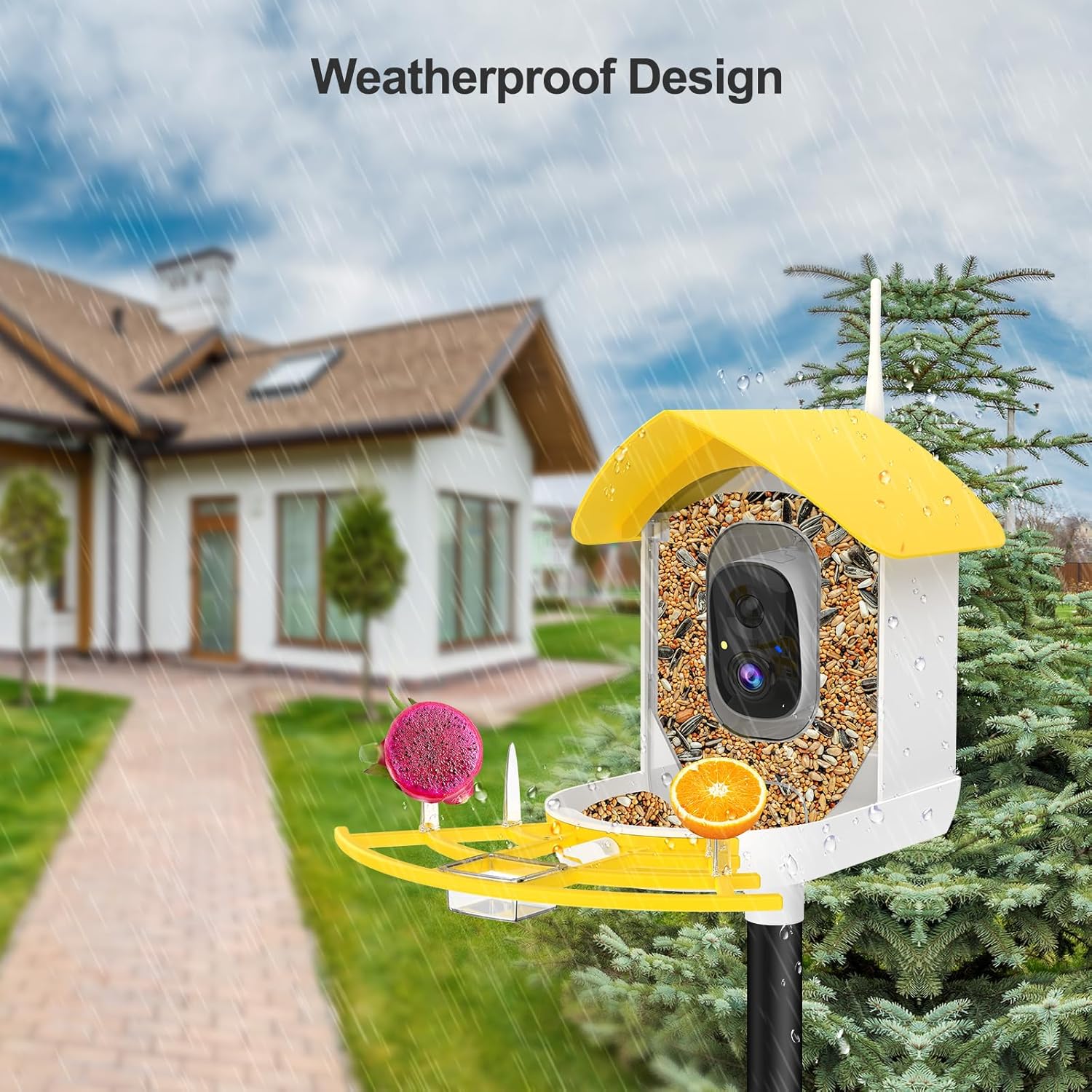
Figure 3.1: The weatherproof design allows for outdoor installation on a pole.

Малюнок 3.2: Впрample of wall mounting with the solar panel for continuous power.
4. Операція
4.1 Використання мобільного застосунку
The mobile app is your primary interface for controlling and monitoring the bird feeder. Key functionalities include:
- Моніторинг у режимі реального часу: View live video feed from the camera at any time.
- Виявлення руху та сповіщення: Receive instant alerts on your phone when a bird approaches the feeder.
- ШІ ідентифікація птахів: The app can identify various bird species visiting your feeder. Note: This AI function requires a subscription after a 30-day free trial.
- Двостороннє аудіо: Listen to bird sounds and speak through the feeder's speaker.
- Video & Photo Capture: Manually record videos or take snapshots of visiting birds.
- Відтворення: Доступ до записаного footage stored on the TF card or cloud.
- Обмін: Share access to your feeder's live feed and recordings with family and friends through the app.

Figure 4.1: Real-time notifications alert you when birds are present.

Figure 4.2: The AI feature identifies bird species for an enhanced birdwatching experience.

Figure 4.3: Share your birdwatching hobby with family and friends.
5. Технічне обслуговування
5.1 Очищення подавача
Regular cleaning is crucial for the health of visiting birds and the longevity of your feeder. Always wash your hands after handling the feeder.
- Empty any remaining seeds.
- Disassemble the feeder components as per the quick start guide for thorough cleaning.
- Wash all parts with warm, soapy water. A mild disinfectant solution (e.g., 1 part bleach to 9 parts water) can be used for deeper cleaning, followed by thorough rinsing.
- Ensure all parts are completely dry before refilling with fresh birdseed.
- Clean the camera lens gently with a soft, dry cloth.
5.2 Догляд за акумулятором та сонячною панеллю
The solar panel is designed to keep the feeder charged. Periodically wipe the solar panel surface with a damp cloth to remove dust or debris that might obstruct sunlight absorption. If the feeder's battery level drops significantly due to prolonged cloudy weather, you can manually charge it using the USB cable.
6. Вирішення проблем
If you encounter issues with your Fazoxo Smart Bird Feeder, please refer to the following common solutions:
- Годівниця не підключається до Wi-Fi: Ensure your Wi-Fi network is 2.4GHz. Check Wi-Fi signal strength at the feeder's location. Restart your router and the feeder.
- Погана якість відео: Check for obstructions on the camera lens. Ensure adequate lighting (daytime) or that night vision is active (nighttime). Verify your internet connection speed.
- Акумулятор не заряджається: Ensure the solar panel is clean and receiving direct sunlight. Check the connection between the solar panel and the feeder. If using USB, ensure the cable and adapter are functional.
- Немає сповіщень про виявлення руху: Verify motion detection settings in the app are enabled. Adjust sensitivity if necessary. Ensure the feeder is within Wi-Fi range.
- AI identification not working: Confirm your subscription status for the AI feature. Ensure the camera has a clear view of the bird.
For further assistance, please contact Fazoxo customer support.
7. Технічні характеристики
| Особливість | Специфікація |
|---|---|
| Бренд | Fazoxo |
| Номер моделі | B1 |
| Розміри продукту | 9 см (Д) x 6.5 см (Ш) x 9 см (В) |
| Вага товару | 4.16 фунта |
| матеріал | АБС, полікарбонат |
| Джерело живлення | Solar Powered; Battery Powered (1 Lithium Ion battery included) |
| Ємність | 1.3 літра |
| Особливості | Easy-Refill Top, Long Lasting, Rain Proof, Weatherproof |
| Тип монтажу | Pole Mount; Wall Mount; Tree Mount |
| Цільові види | Northern Cardinal; Mourning Dove; American Robin; American Crow; Blue Jay; Sparrow; Goldfinch |

Рисунок 7.1: Детальні розміри виробу для планування встановлення.
8. Інформація про безпеку
Please adhere to the following safety guidelines for safe and responsible use of your bird feeder:
- Always wash your hands after handling the feeder, especially when refilling or cleaning.
- Clean the feeder regularly to maintain a safe and hygienic environment for birds.
- Do not use food that may harm specific bird species. Research appropriate birdseed for your local avian population.
- Follow local regulations regarding feeding wildlife.
- Keep the feeder out of reach of pets and small children to prevent accidental ingestion of seeds or damage to the unit.
- Ensure the feeder is securely mounted to prevent it from falling, especially in windy conditions.
9. Гарантія та підтримка
Fazoxo provides a standard warranty for this product. For specific warranty terms and conditions, please refer to the warranty card included in your package or visit the official Fazoxo website. If you experience any issues or have questions not covered in this manual, please contact Fazoxo customer support through the contact information provided on our webсайті або в мобільному додатку.


