1. Вступ
This manual provides detailed instructions for the OLV Stylus Pen ID715. Please read this manual carefully before using the product to ensure proper operation and to maximize its features, including ultra-precision, palm rejection, tilt sensitivity, magnetic adsorption, and power display. This stylus is designed for use with iPad models released in 2018 and later.
2. Вміст упаковки
Після відкриття упаковки, будь ласка, перевірте наявність усіх елементів:
- OLV Stylus Pen ID715 x 1
- Replacement Tips x 3
- Кабель для зарядки USB-C x 1
- Посібник користувача x 1

Image: The OLV Stylus Pen ID715, a USB-C charging cable, and three replacement tips are shown on a white background.
3. Налаштування та перше використання
3.1 Заряджання стилуса
Before first use, fully charge the stylus pen. The stylus features a USB-C charging port.
- Connect the provided USB-C charging cable to the stylus charging port.
- Connect the other end of the cable to a compatible USB power source (e.g., computer, wall adapter).
- The LED power display will indicate charging status.
Примітка: A 5-minute charge provides approximately 2 hours of use. A full 25-minute charge offers over 10 hours of continuous use. Avoid using the pen while your iPad is charging, as this may cause connectivity issues.

Image: The OLV Stylus Pen is shown connected to a USB-C charging cable, illustrating the charging process and battery indicator lights.
3.2 Увімкнення/вимкнення
The stylus pen is designed with an accidental on/off prevention feature.
- Повертатися ON: Double-tap the top of the stylus pen.
- Повертатися ВИМКНЕНО: Double-tap the top of the stylus pen again.
The stylus will automatically enter sleep mode after 5 minutes of inactivity to conserve battery life.

Image: A hand double-tapping the top of the stylus pen, indicating the power on/off function.
3.3 Сумісність
The OLV Stylus Pen ID715 is compatible with iPad models released in 2018 and later. Ensure your iPad's iOS system is updated to iOS 12.2 or above for optimal performance.
Сумісні моделі iPad:
- iPad 10th generation (2022): А2696, А2757, А2777
- iPad 9th generation (2021): А2602, А2604, А2603, А2605
- iPad 8th generation (2020): А2270, А2428, А2429, А2430
- iPad 7th generation (2019): А2197, А2198, А2200
- iPad 6th generation (2018): А1893, А1954
- iPad Air 3rd Generation: А2152, А2153, А2154, А2123
- iPad Air 4th Generation: А2324, А2325, А2072, А2316
- iPad Air 5th Generation: А2588, А2589, А2591
- iPad Mini 5th Generation: А2124, А2125, А2126, А2133
- iPad Mini 6th Generation: А2567, А2568, А2569
- iPad Pro 11’ (2018-2022): A1980, A2013, A1934, A1979, A2228, A2068, A2230, A2231, A2377, A2459, A2301, A2460, A2759, A2435, A2761, A2762
- iPad Pro 12.9‘ (2018-2022): A1876, A2014, A1895, A1983, A2229, A2069, A2232, A2233, A2378, A2461, A2379, A2462, A2436, A2764, A2437, A2766

Image: A detailed chart listing compatible iPad Pro, iPad Mini, iPad Air, and standard iPad models with their corresponding model numbers.
4. Operating the Stylus Pen
4.1 Відхилення долоні
The stylus features advanced palm rejection technology, allowing you to rest your hand comfortably on the iPad screen while writing or drawing without unintended marks.
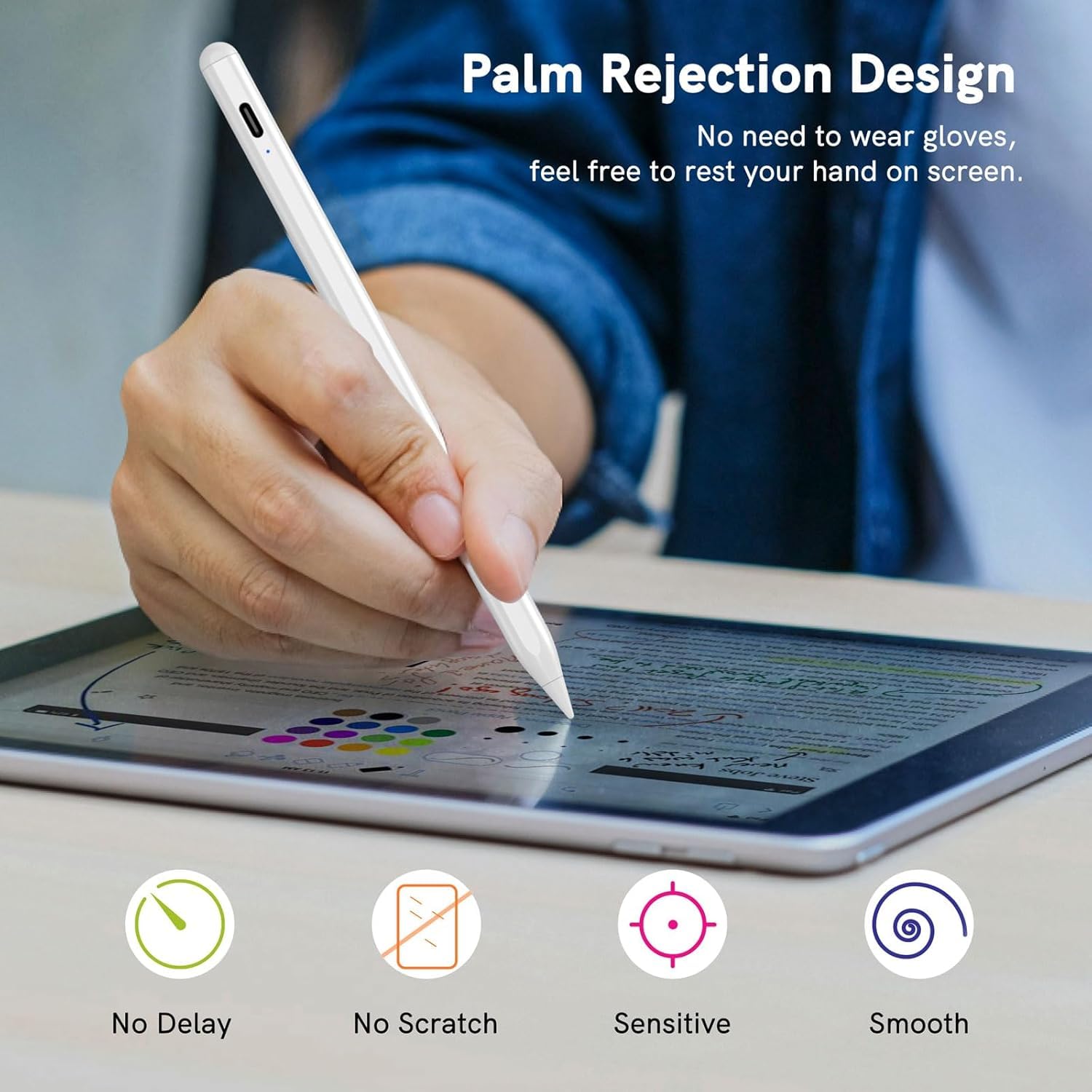
Image: A user's hand is shown resting on an iPad screen while drawing with the stylus, illustrating the palm rejection feature.
4.2 Чутливість до нахилу
The stylus supports tilt sensitivity, enabling you to vary line thickness and shading by tilting the pen, similar to a traditional pencil. This feature enhances the realism of drawing and sketching.

Image: Diagrams showing how different tilt angles (30, 45, and 60 degrees) of the stylus pen can create varying line effects on the screen.
4.3 Магнітна адсорбція
The stylus can magnetically attach to the side of compatible iPad models (e.g., iPad Pro 3rd Gen and later), preventing it from rolling away or getting lost.

Image: The stylus pen is shown magnetically adhering to the side of an iPad, demonstrating its magnetic adsorption feature.
4.4 Функції швидкого доступу
The stylus supports quick shortcut gestures for enhanced productivity:
- Однократне натискання: Поверніться на головний екран.
- Двічі натисніть: Access the app selection page (multitasking view).

Image: Three iPad screens demonstrating the stylus shortcut functions: a single tap to return to the main screen and a double tap to open the app selection page.
5. Технічне обслуговування
5.1 Replacing the Nib
The stylus pen comes with replaceable tips to ensure continuous precision and smooth writing. To replace a worn-out nib:
- Gently twist the old nib counter-clockwise to remove it.
- Align a new nib with the stylus tip and twist it clockwise until securely fastened.
Image: A diagram illustrating the process of twisting off an old stylus tip and twisting on a new replacement tip.
5.2 Очищення
Протріть корпус стилуса м’якою сухою тканиною. Не використовуйте агресивні хімікати або абразивні матеріали.
6. Вирішення проблем
- Stylus not writing or responding:
- Ensure the stylus is powered on (double-tap the top).
- Перевірте рівень заряду акумулятора та за потреби зарядіть його.
- Verify iPad compatibility (models 2018+ and iOS 12.2+).
- Check iPad settings: Go to Settings > Apple Pencil and turn off "Apple Pencil" or "Only draw with Apple Pencil". For Notes app, turn off "Only draw with Apple Pencil".
- Перезавантажте iPad.
- Stylus disconnects frequently:
- Avoid using the stylus while the iPad is charging.
- Переконайтеся, що стилус повністю заряджено.
- Inaccurate or delayed response:
- Ensure the nib is securely attached and not worn out. Replace if needed.
- Consider using a tempered glass screen protector for a better experience.
7. Технічні характеристики
| Особливість | Деталь |
|---|---|
| Бренд | OLV |
| Номер моделі | ID715 |
| Колір | Білий |
| матеріал | пластик |
| Вага товару | 200 г |
| Розміри виробу (ДхШхВ) | 12 х 4 х 2 сантиметрів |
| Тип батареї | 1 батарейка типу ААА (в комплекті) |
| Порт зарядки | USB-C |
| Час зарядки | Приблизно 25 хвилин для повної зарядки |
| Час використання | Up to 10 hours continuous use (after full charge) |
| Автоматичний режим сну | Після 5 хвилин бездіяльності |
8. Гарантія та підтримка
8.1 Інформація про гарантію
The OLV Stylus Pen ID715 comes with a Гарантія 6 місяців з дати покупки. Ця гарантія поширюється на виробничі дефекти та несправності за умов нормального використання. Будь ласка, збережіть чек про покупку для пред'явлення претензій по гарантії.
Примітка: Гарантія не поширюється на пошкодження, спричинені неправильним використанням, аваріями, несанкціонованими модифікаціями або нормальним зносом.
8.2 Підтримка клієнтів
For any questions, technical assistance, or warranty claims, please contact OLV customer support through the retailer where the product was purchased or visit the official OLV brand store online.
Онлайн-магазин: OLV Store on Amazon.in


