вступ
The Logitech Signature M550 L Wireless Mouse is designed for enhanced comfort and productivity, especially for users with larger hands. It features an adaptive SmartWheel for precise or hyper-fast scrolling, SilentTouch technology for quiet clicks, and versatile connectivity options. This manual provides detailed instructions for setup, operation, and maintenance of your device.
Вміст упаковки
- Logitech Signature M550 L Wireless Mouse
- 1 батарейка типу АА (попередньо встановлена або входить до комплекту)
- Logi Bolt USB Receiver (may be stored inside the mouse battery compartment)
- Документація користувача (цей посібник)
Продукт закінченийview
Familiarize yourself with the key components of your Logitech Signature M550 L mouse.

Зображення: Зверху та збоку view of the Logitech Signature M550 L mouse, highlighting its features including the SmartWheel, silent clicking buttons, Bluetooth connectivity, ergonomic shape, and 24-month battery life.
- Ліва/права кнопки миші: Feature SilentTouch technology for reduced clicking noise.
- Розумне колесо: Adaptive scroll wheel for line-by-line precision or super-fast free-spin scrolling.
- Світлодіодний індикатор: Shows battery status and connection mode.
- Вмикання/вимкнення: Розташований на нижній частині миші.
- Батарейний відсік: Houses the AA battery and Logi Bolt USB receiver.
- Ергономічний дизайн: Contoured shape with soft thumb area and rubber side grips for comfort.
Налаштування
1. Встановіть акумулятор
- Відкрийте кришку відсіку для батарейок на нижній стороні миші.
- Вставте батарейку типу АА, що додається, дотримуючись правильної полярності (+/-).
- Close the battery compartment cover. The LED indicator on the mouse may flash briefly.
2. Підключіться до свого пристрою
The Signature M550 L offers two connection methods: Logi Bolt USB Receiver or Bluetooth Low Energy.
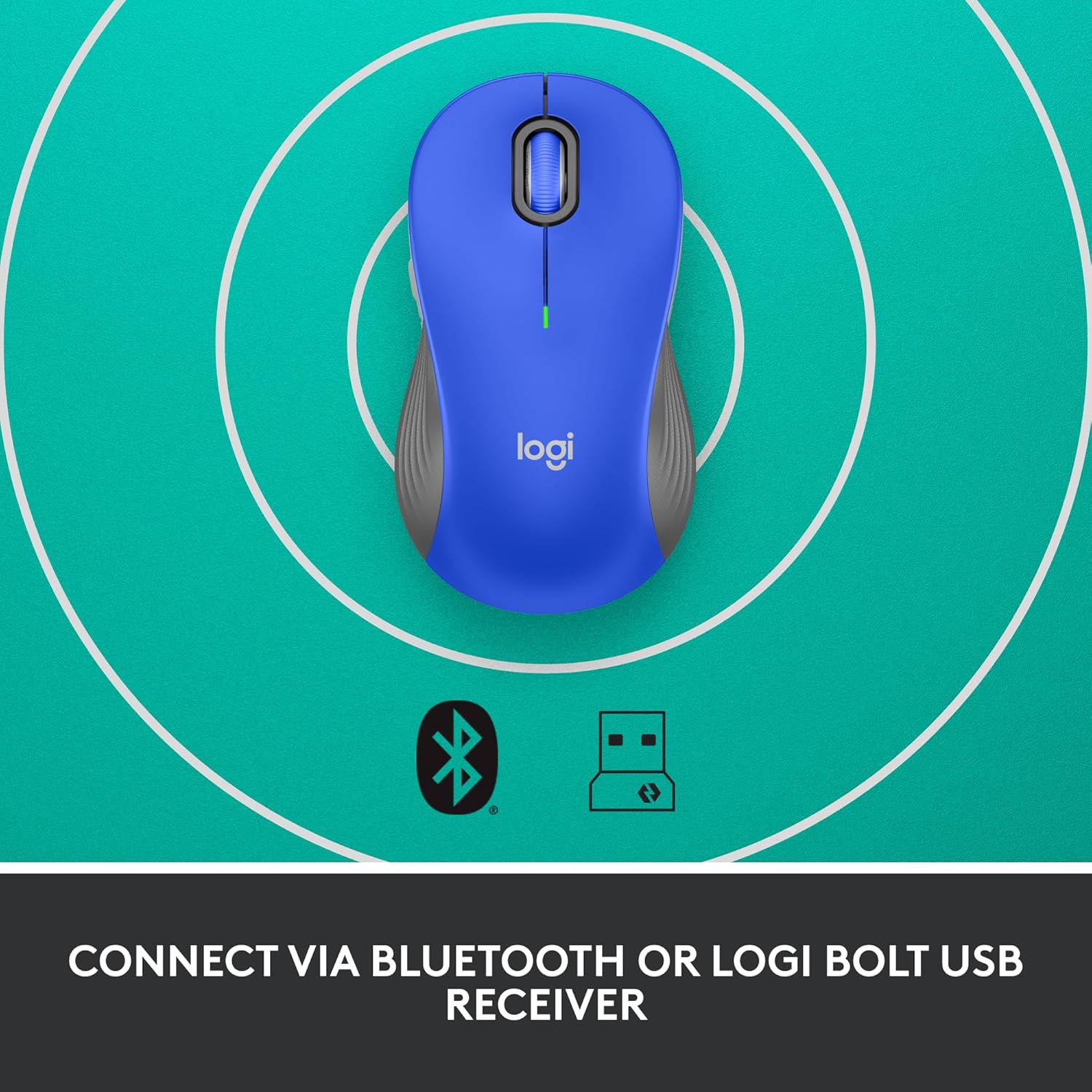
Image: The Logitech Signature M550 L mouse shown with icons representing Bluetooth and Logi Bolt USB receiver connectivity options.
Варіант A: USB-приймач Logi Bolt
- Знайдіть USB-приймач Logi Bolt, який зазвичай зберігається всередині батарейного відсіку миші.
- Підключіть USB-приймач Logi Bolt до вільного USB-порту на вашому комп'ютері.
- Turn on the mouse using the On/Off switch on the bottom. Your computer should automatically detect the mouse.
Варіант B: Bluetooth з низьким енергоспоживанням
- Увімкніть мишу за допомогою перемикача ввімк./вимк. знизу.
- Press and hold the Easy-Switch button (usually on the bottom or side, refer to product diagram if available) for 3 seconds until the LED indicator starts blinking rapidly. This indicates pairing mode.
- На комп’ютері або пристрої відкрийте налаштування Bluetooth.
- Select "Logitech M550 L" from the list of available devices and follow any on-screen prompts to complete pairing.
Миша сумісна з операційними системами Windows, macOS, Linux, Chrome OS, iPadOS та Android.
Інструкція з експлуатації
Прокручування SmartWheel
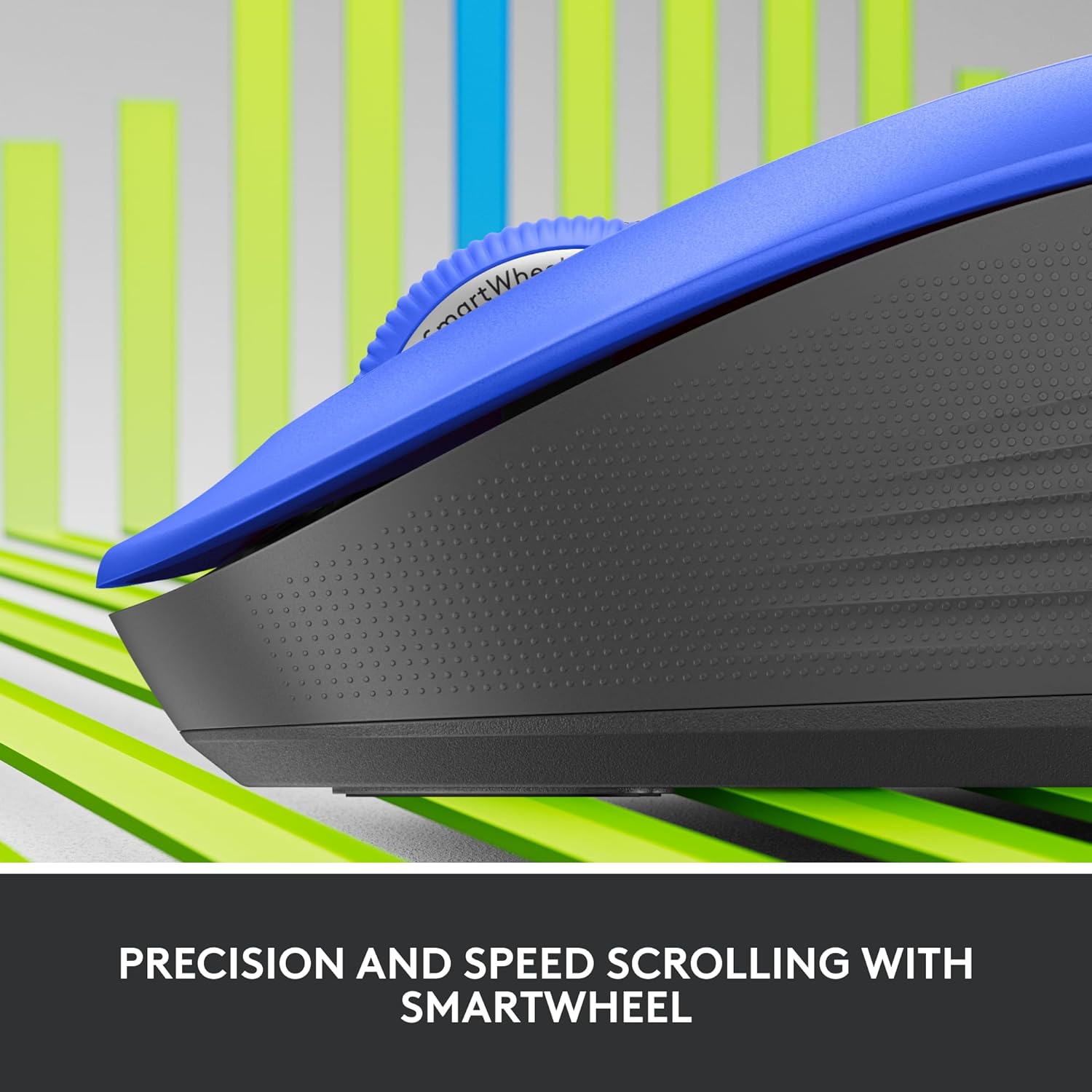
Зображення: Крупний план view of the Logitech SmartWheel, demonstrating its precision and speed scrolling capabilities.
The SmartWheel automatically switches between two modes:
- Line-by-Line Precision: Ideal for detailed work and navigating documents. Scroll slowly for precise control.
- Super-Fast Free-Spin: For quickly navigating long web pages or documents. Flick the wheel to activate.
Тихі кліки

Image: A person using the Logitech Signature M550 L mouse at a desk, illustrating the benefit of 90% less clicking noise for a focused work environment.
The mouse features Logitech's SilentTouch technology, reducing click noise by over 90% compared to traditional mice. This allows for a quieter work environment without compromising click feel.
Сумісність із кількома пристроями
The Signature M550 L can be paired with multiple devices and switched between them using the Easy-Switch button. This feature is ideal for users who work across several computers or tablets.
Технічне обслуговування
Заміна батареї
The mouse operates on a single AA battery, offering up to 24 months of battery life depending on usage. When the battery is low, the LED indicator will turn red. To replace:
- Вимкніть мишку.
- Open the battery compartment cover on the underside.
- Remove the old AA battery and insert a new one, observing correct polarity.
- Close the cover and turn the mouse back on.
прибирання
To clean your mouse, use a soft, lint-free cloth lightly dampened with water or a mild cleaning solution. Avoid harsh chemicals or abrasive materials. Ensure no liquid enters the mouse's openings.
Усунення несправностей
- Миша не реагує:
- Переконайтеся, що миша ввімкнена.
- Перевірте рівень заряду батареї та замініть її, якщо необхідно.
- Якщо ви використовуєте приймач Logi Bolt, спробуйте підключити його до іншого USB-порту або іншого комп’ютера, щоб виключити проблеми з портом.
- If using Bluetooth, ensure Bluetooth is enabled on your device and the mouse is properly paired. Try re-pairing the mouse.
- Move the mouse closer to the receiver or Bluetooth-enabled device to ensure it's within range.
- Нестабільний рух курсора:
- Очистіть оптичний датчик на нижній частині миші.
- Переконайтеся, що ви використовуєте мишу на відповідній поверхні. Уникайте поверхонь із високим рівнем відбиття або прозорих поверхонь.
- Connectivity issues after system update:
- Перезавантажте комп'ютер.
- Check for updated drivers for your mouse or Bluetooth adapter.
Технічні характеристики
| Бренд | Logitech |
| Номер моделі | 910-006794 |
| Технологія підключення | Низькоенергетичний Bluetooth, USB-приймач Logi Bolt |
| Виявлення руху | Оптичний |
| Особливості | Lightweight, Portable, Silent Clicks (SilentTouch), SmartWheel, Wireless |
| Тип батареї | 1 батарея типу АА |
| Термін служби батареї | До 24 місяців (може змінюватися залежно від використання) |
| Сумісність операційної системи | Windows, macOS, Linux, Chrome OS, iPadOS, Android |
| Вага товару | 3.92 унції |
| Колір | Синій (для цього варіанту) |
Інформація про гарантію
Logitech products are manufactured to high quality standards and are covered by a limited hardware warranty. For specific warranty terms and conditions applicable to your region and product, please refer to the official Logitech webсайт або гарантійний талон, що додається до вашої покупки.
Підтримка
For further assistance, technical support, or to download the latest software and drivers for your Logitech Signature M550 L Wireless Mouse, please visit the official Logitech support webсайт:
You can also find FAQs and community forums on the support site.