вступ
Thank you for choosing the Laser TWS Earbuds. These true wireless stereo earbuds are designed to provide a high-fidelity audio experience with convenient features such as an LED battery display, intuitive tap controls, and an ergonomic design for comfortable, extended use. The included rechargeable case ensures your earbuds are always ready for use. This manual will guide you through the setup, operation, and maintenance of your new earbuds.
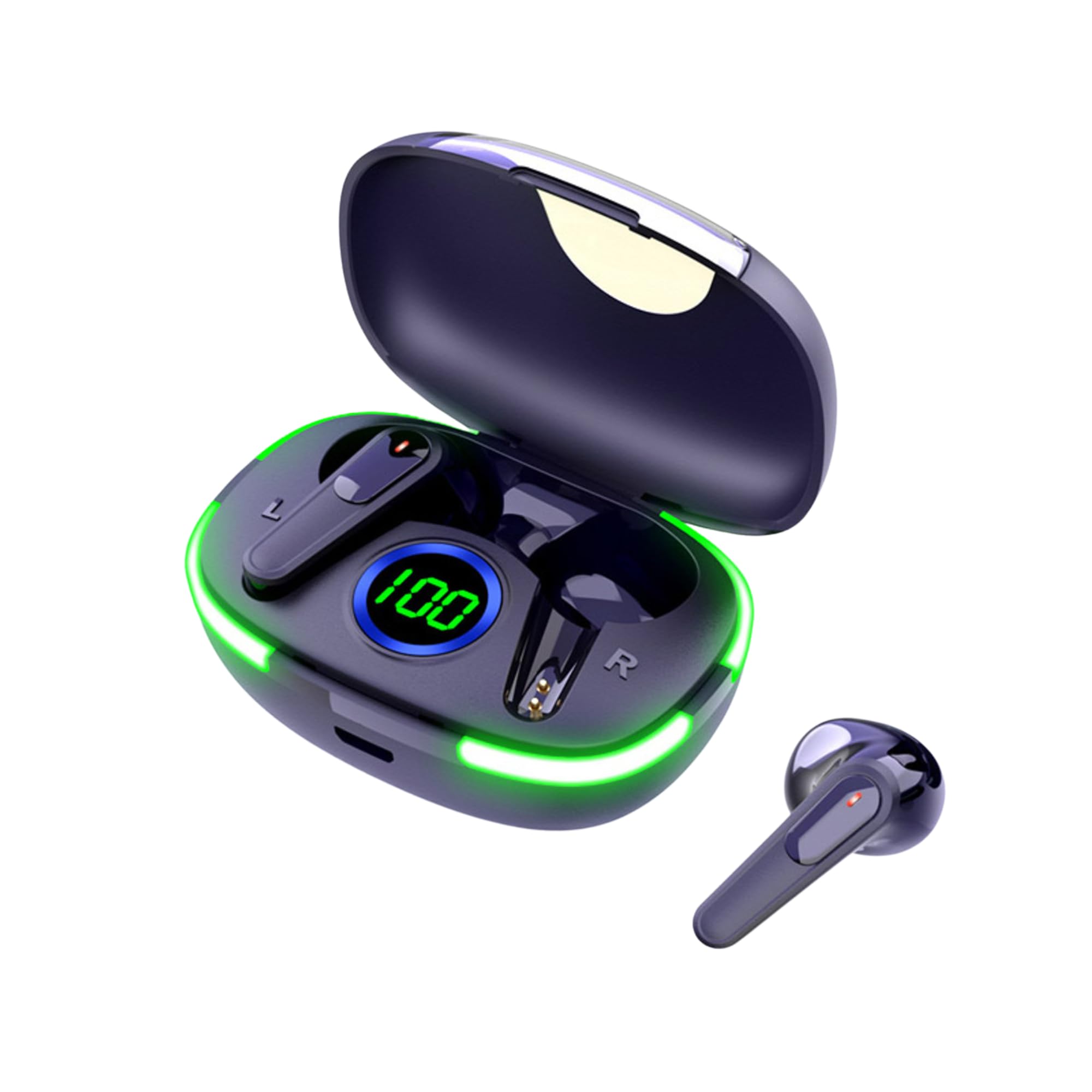
Image: The Laser TWS Earbuds, showcasing the charging case with its LED display and one earbud placed outside the case.
Вміст упаковки
Переконайтеся, що всі предмети присутні в упаковці:
- 1 x Pair of Laser TWS Earbuds
- 1 x Charging Case with Battery Display
- 1 кабель для заряджання Type-C
- 1 х посібник користувача
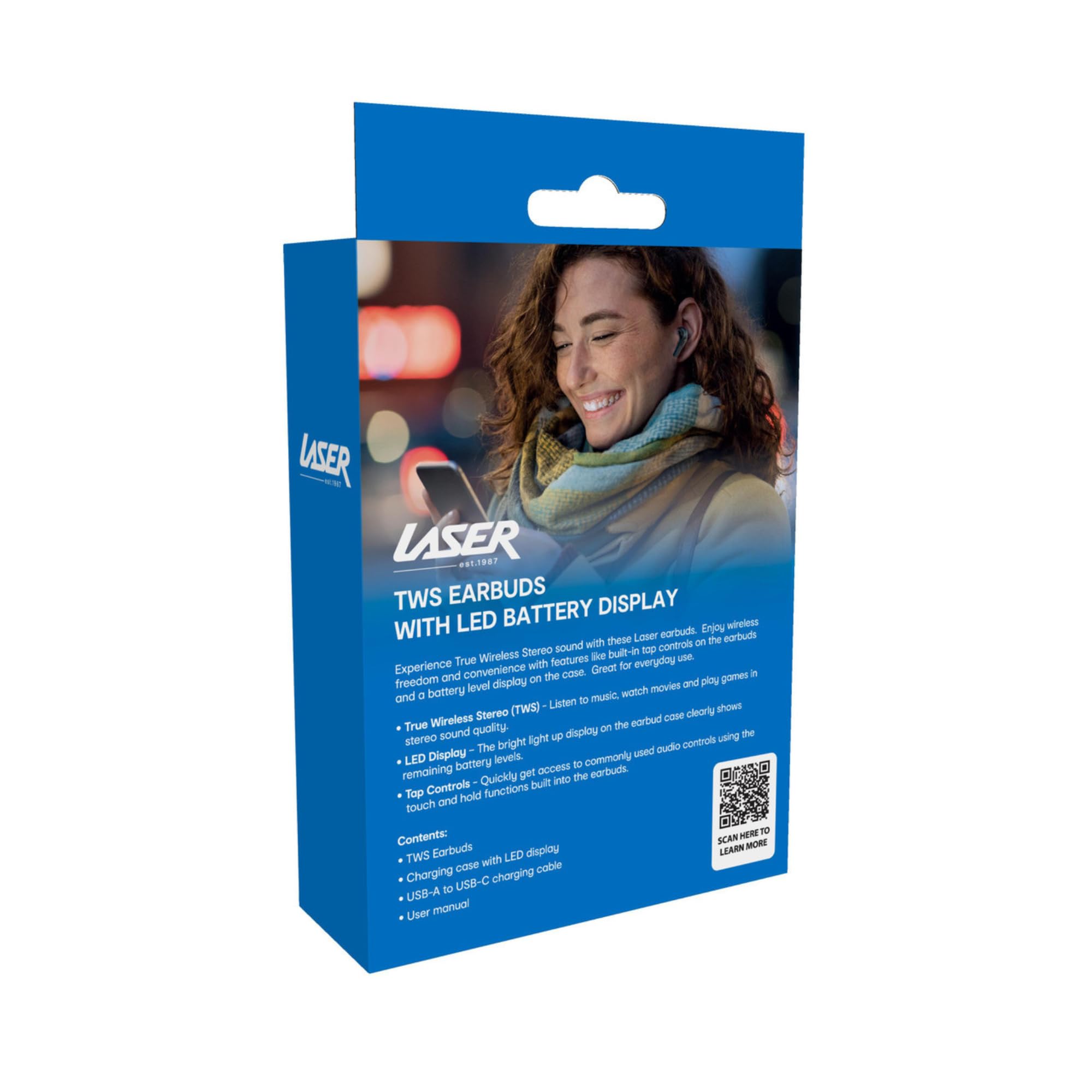
Image: The retail packaging for the Laser TWS Earbuds, indicating contents and features.
Налаштування
1. Заряджання навушників та кейса
Before first use, fully charge the earbuds and the charging case. The LED display on the case indicates the battery level.
- Підключіть наданий зарядний кабель Type-C до зарядного порту на корпусі та джерела живлення USB.
- The LED display will show the charging progress. A full charge takes approximately 1 hour.
- The earbuds charge automatically when placed inside the charging case. The case can recharge the earbuds up to 3 times on a single charge.

Зображення: Крупний план view of the charging case's LED display, showing the battery percentagе, що вказує на рівень заряду.
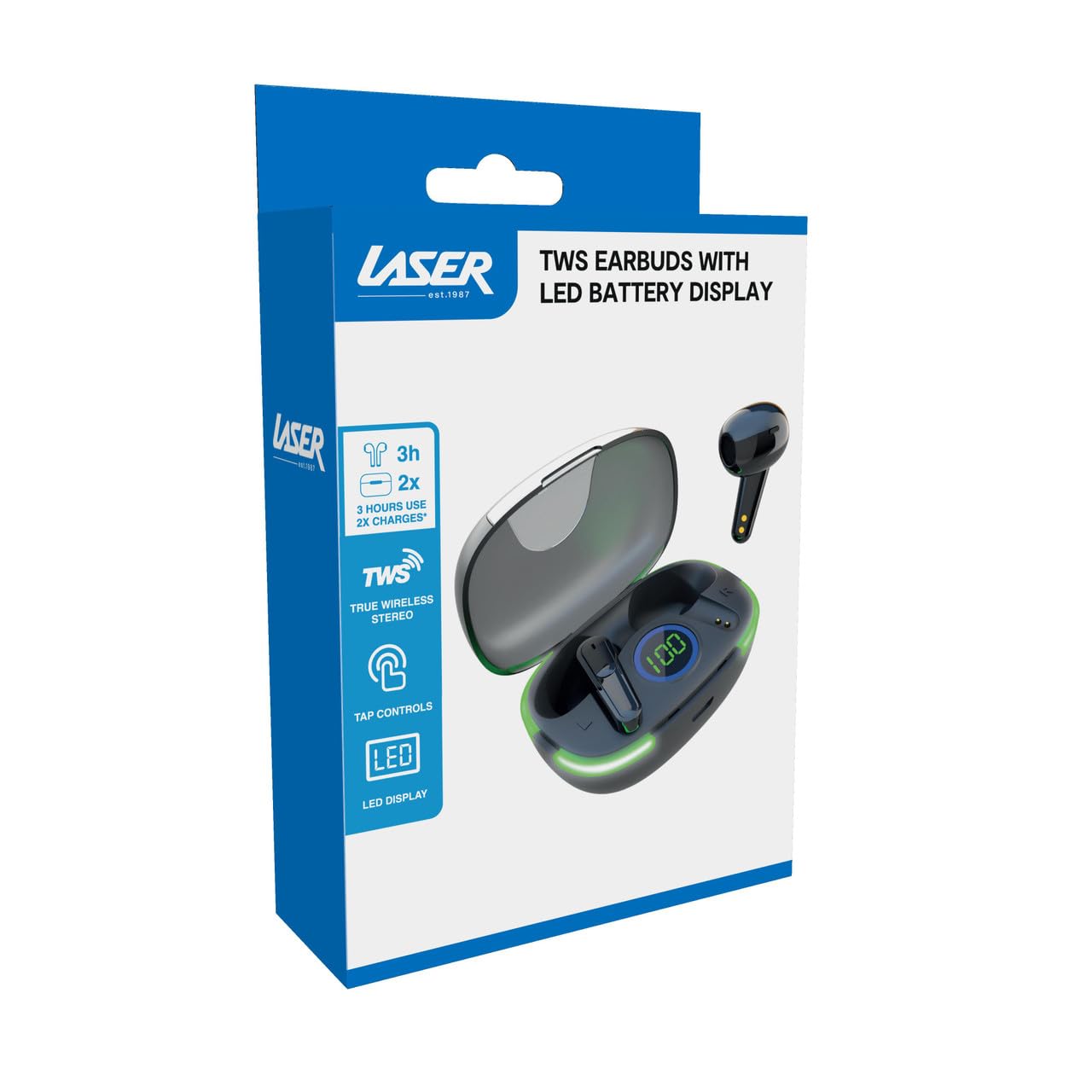
Image: Another close-up of the LED display on the charging case, highlighting the digital battery indicator.
2. Сполучення з пристроєм
The earbuds use Bluetooth for wireless connectivity.
- Відкрийте зарядний футляр. Навушники автоматично перейдуть у режим сполучення.
- На своєму пристрої (смартфоні, планшеті, ноутбуці) увімкніть Bluetooth та почніть пошук нових пристроїв.
- Select "Laser TWS Earbuds" or "EPS-LT10B-128" from the list of available devices.
- Після підключення ви почуєте звуковий сигнал підтвердження, і навушники будуть готові до використання.
- The earbuds support multi-device compatibility, allowing pairing with various devices.
Інструкція з експлуатації
Носіння навушників
The earbuds are designed for ergonomic comfort and a secure fit. Gently insert each earbud into your ear canal and twist slightly to ensure a snug and comfortable position. This helps optimize sound quality and stability.
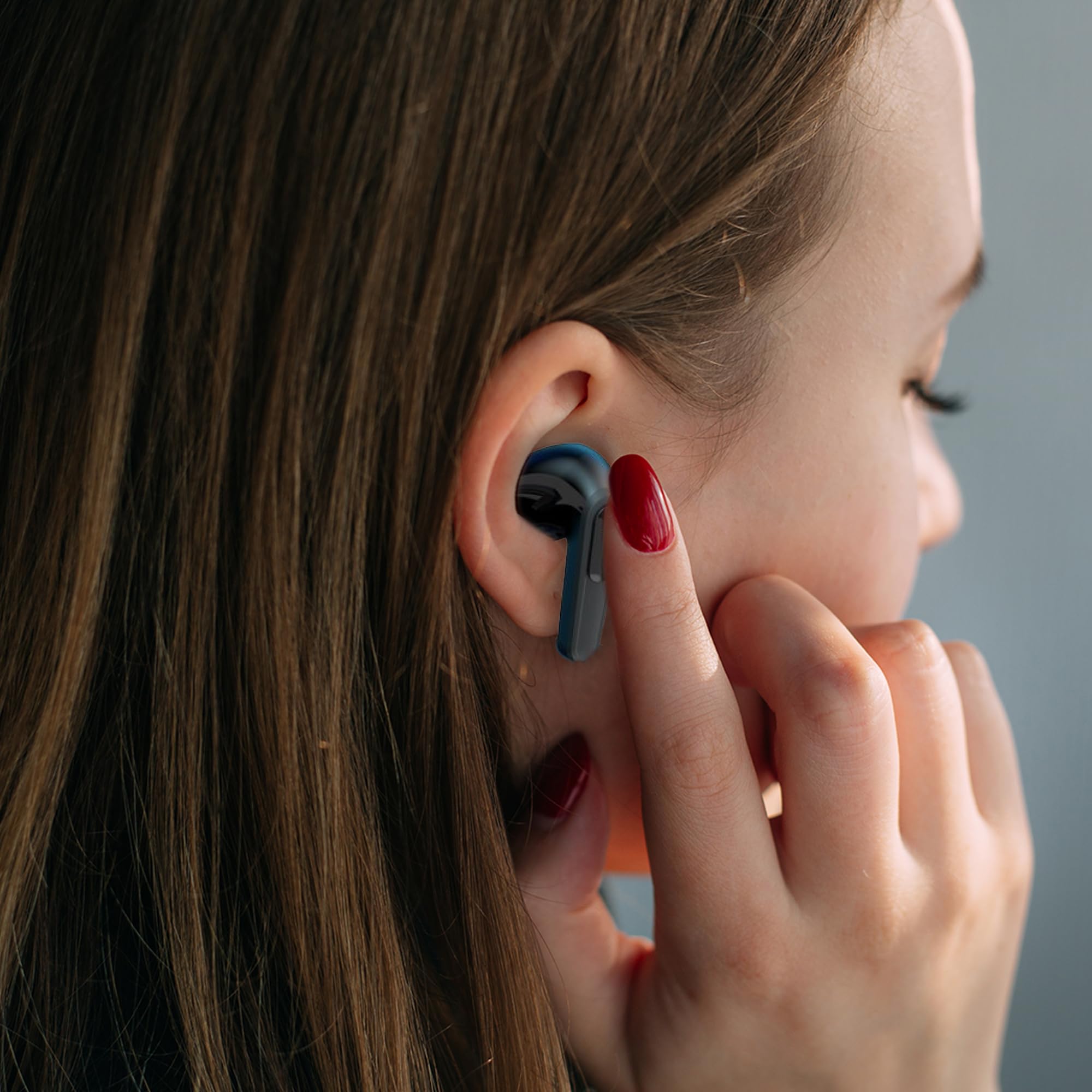
Image: A woman comfortably wearing one of the Laser TWS Earbuds while interacting with her smartphone.
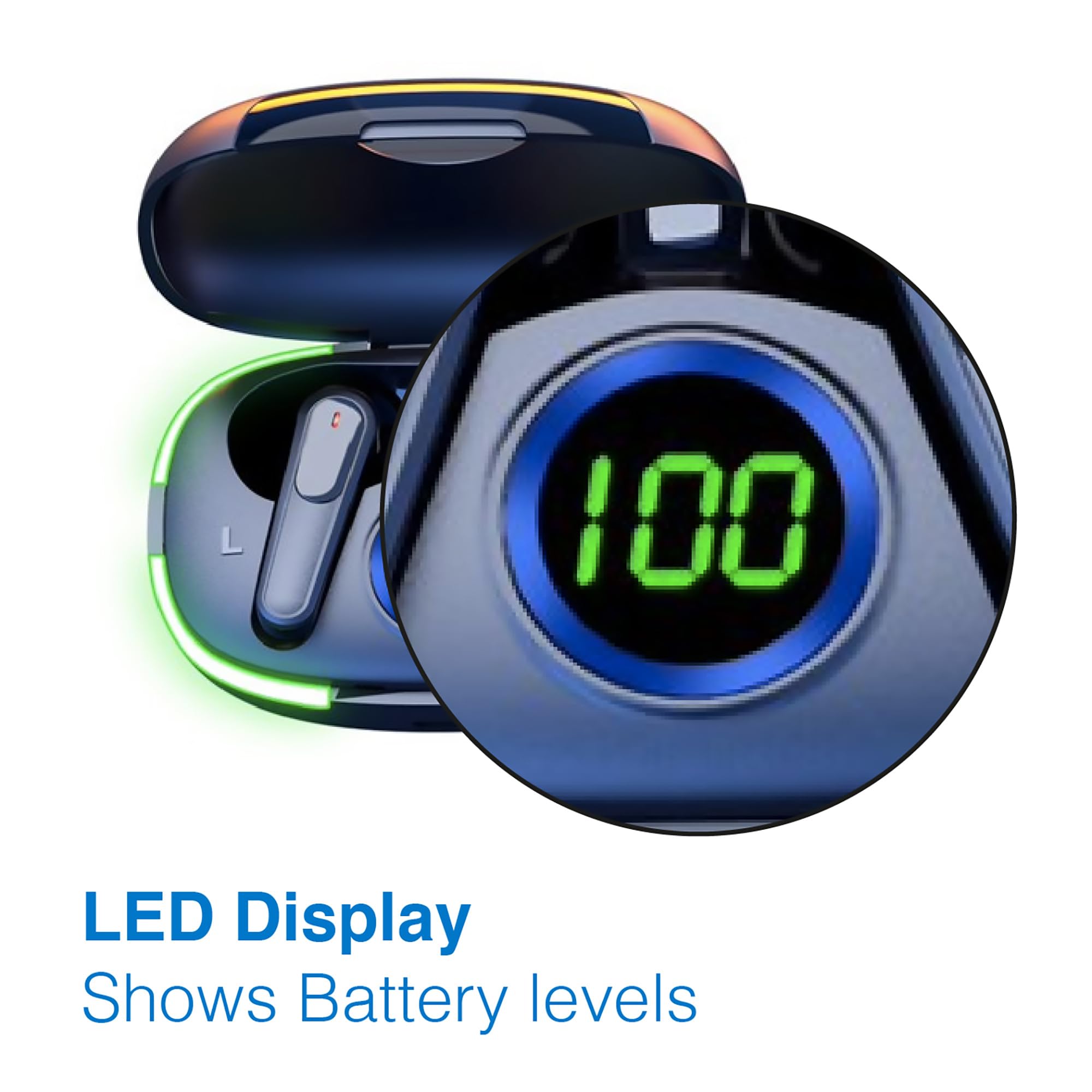
Image: A man walking outdoors, wearing a Laser TWS Earbud, demonstrating the ergonomic design for active use.
True Wireless Stereo Experience
These earbuds provide a true wireless stereo experience, delivering high-fidelity sound with clear channel separation for an immersive audio experience, whether for music, movies, or gaming.
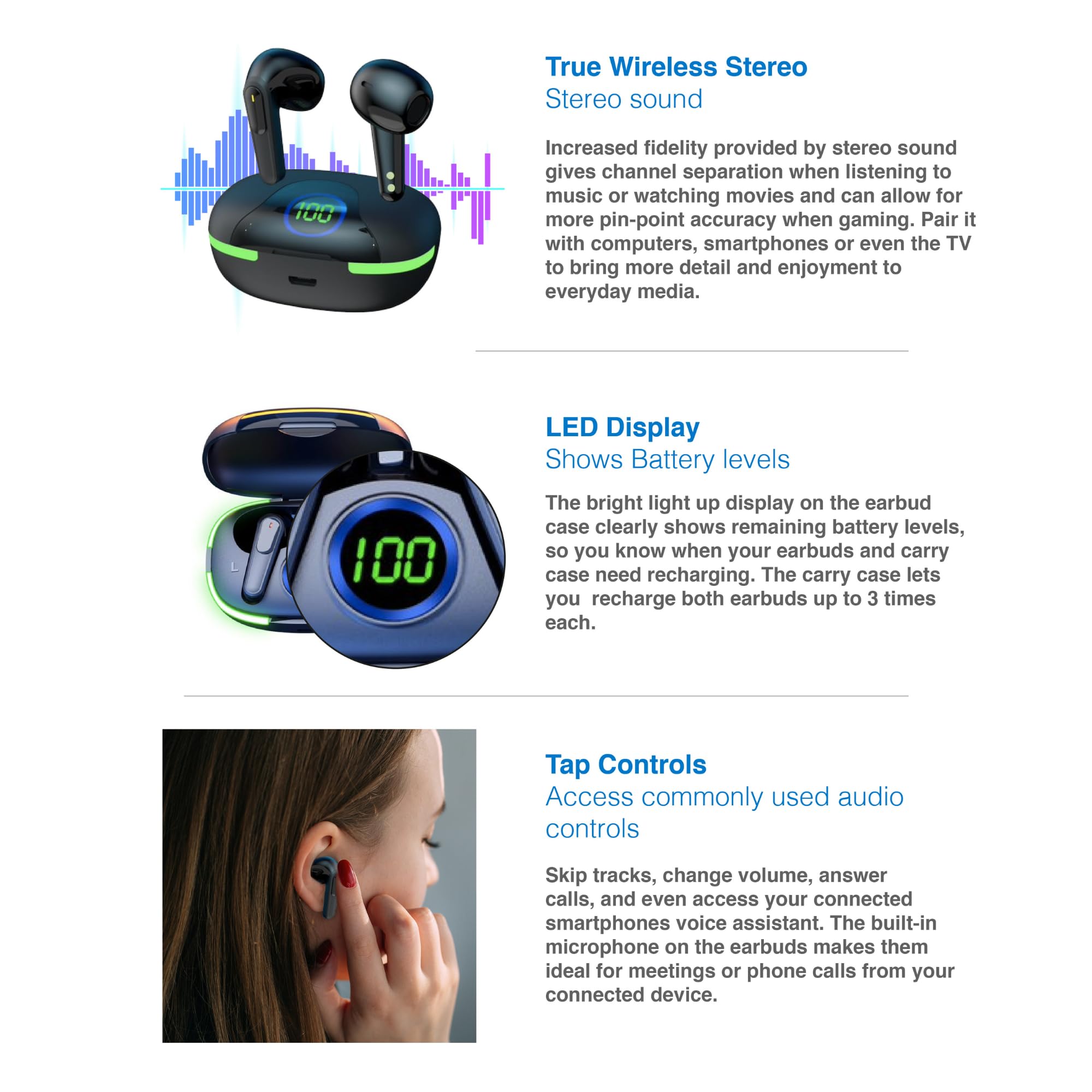
Image: A graphic representation of the True Wireless Stereo feature, showing the earbuds in their case with sound wave visualizations.
Торкніться Елементи керування
The earbuds feature intuitive tap controls for easy management of audio playback and calls without needing to access your connected device.
| Дія | КОНТРОЛЬ |
|---|---|
| Відтворення/призупинення музики | Один раз торкніться будь-якого навушника |
| Наступний трек | Двічі торкніться правого навушника |
| Попередній трек | Двічі торкніться лівого навушника |
| Відповісти/закінчити виклик | Один раз торкніться будь-якого навушника |
| Відхилити виклик | Тривале натискання на будь-який навушник |
| Activate Voice Assistant (Siri, Google Assistant, Alexa) | Потрійне торкання будь-якого навушника |

Image: A person's hand touching an earbud, illustrating the tap control functionality.
Вбудований мікрофон
Each earbud includes a built-in microphone, enabling hands-free calls and meetings without needing to switch to your device.
Технічне обслуговування
- Прибирання: Регулярно протирайте навушники та зарядний футляр м’якою, сухою тканиною без ворсу. Уникайте використання абразивних матеріалів або агресивних хімікатів.
- Зберігання: Коли навушники не використовуються, зберігайте їх у зарядному футлярі, щоб захистити їх та підтримувати зарядженими.
- Догляд за акумулятором: Щоб продовжити термін служби батареї, уникайте частого повного розряджання навушників і кейса. Регулярно заряджайте їх, навіть якщо вони не використовуються постійно.
- Водонепроникність: Ці навушники не є водостійкими. Уникайте контакту з водою, потом або високою вологістю.
Усунення несправностей
| проблема | Рішення |
|---|---|
| Навушники не підключаються | Ensure earbuds are charged. Turn off and on Bluetooth on your device. Forget the device in Bluetooth settings and re-pair. Place earbuds back in case and take them out again. |
| Немає звуку з одного навушника | Check battery level of both earbuds. Re-pair the earbuds. Try resetting the earbuds (refer to manufacturer's webсайт для отримання конкретних інструкцій зі скидання, якщо потрібно). |
| Зарядний футляр не заряджається | Ensure the charging cable is securely connected. Try a different USB power source or cable. |
| Tap controls not responding | Ensure earbuds are properly seated in your ears. Clean the touch sensitive area. Re-pair the earbuds. |
If you encounter persistent issues, please refer to the official Laser support webсайт для подальшої допомоги.
Технічні характеристики
| Особливість | Деталь |
|---|---|
| Модель | EPS-LT10B-128 |
| Технологія підключення | Бездротовий Bluetooth |
| Контроль шуму | Звукоізоляція |
| Термін служби батареї (навушники) | прибл. 3 годин |
| Час зарядки | прибл. 1 година |
| Заряджання зарядного футляра | До 3 разів |
| Максимальна робоча відстань | 10 метрів |
| Тип управління | Сенсорне керування, голосове керування |
| матеріал | пластик |
| Вага товару | 30 грамів |
| Розміри | 62.2 x 42.5 x 32.6 см (Виріб) |
| Рівень водонепроникності | Не водостійкий |
Гарантія та підтримка
The Laser TWS Earbuds come with a Гарантія 1 рік з дати покупки. Будь ласка, збережіть чек про покупку для гарантійного обслуговування.
For further support, troubleshooting, or warranty information, please visit the official Laser webсайт:
You may also contact Laser customer service directly for assistance.


