вступ
Thank you for choosing the Ledvion Smart Dimmable RGB LED Strip. This manual provides essential information for the safe and efficient installation, operation, and maintenance of your new LED strip. Please read this manual thoroughly before use and retain it for future reference.

Image: Ledvion Smart LED Strip 10M with packaging and accessories.
Інформація про безпеку
- Перед встановленням або техобслуговуванням переконайтеся, що джерело живлення відключено.
- This product operates at a safe 24V low voltage, reducing the risk of electric shock.
- For indoor use only. Do not expose to water or high humidity.
- Do not bend the LED strip sharply or apply excessive force, as this may damage the internal circuitry.
- Зберігати в недоступному для дітей та домашніх тварин місці.
- Use only the provided power adapter and remote control.
- Якщо будь-яка частина виробу пошкоджена, негайно припиніть використання та зверніться до служби підтримки клієнтів.

Image: Safety features and components of the Ledvion LED Strip.
Що в коробці
Будь ласка, перевірте вміст вашої упаковки за списком нижче:
- 1x Ledvion Smart LED Strip (10 meters)
- 1x пульт дистанційного керування
- 1x адаптер живлення
- 1x Switch/Controller
- 15x монтажні затискачі
- 1x Посібник користувача

Зображення: Детальне view of all components included in the Ledvion LED Strip package.
Налаштування та встановлення
- Підготуйте поверхню: Ensure the installation surface is clean, dry, and smooth. Dust or moisture can affect the adhesive's effectiveness.
- Вимірювання та вирізання (необов'язково): If a shorter length is required, the LED strip can be cut at designated marks (typically every 16.7 cm). Use sharp scissors for a clean cut.

Image: Instructions for safely cutting the LED strip to adjust its length.
- Прикріплення світлодіодної стрічки: Peel off the protective backing from the 3M double-sided tape on the back of the LED strip. Carefully press the strip onto the desired surface, ensuring firm adhesion. For added security, use the provided mounting clips.
- Підключення компонентів:
- Connect the LED strip to the switch/controller.
- Connect the switch/controller to the power adapter.
- Підключіть адаптер живлення до стандартної електричної розетки.
- Увімкнення: Once all connections are secure, plug the power adapter into a wall socket. The LED strip should illuminate.
Інструкція з експлуатації
1. Операція дистанційного керування
The included remote control allows for basic functions such as turning the strip on/off, adjusting brightness, and changing colors.
- Кнопка живлення: Turns the LED strip on or off.
- Регулювання яскравості: Використовуйте + і - buttons to increase or decrease brightness (10%-100%).
- Вибір кольору: Press the dedicated color buttons (R, G, B, W, etc.) to select a static color.
- Вибір режиму: Cycle through various dynamic lighting modes (e.g., flash, fade, jump) using the mode buttons.
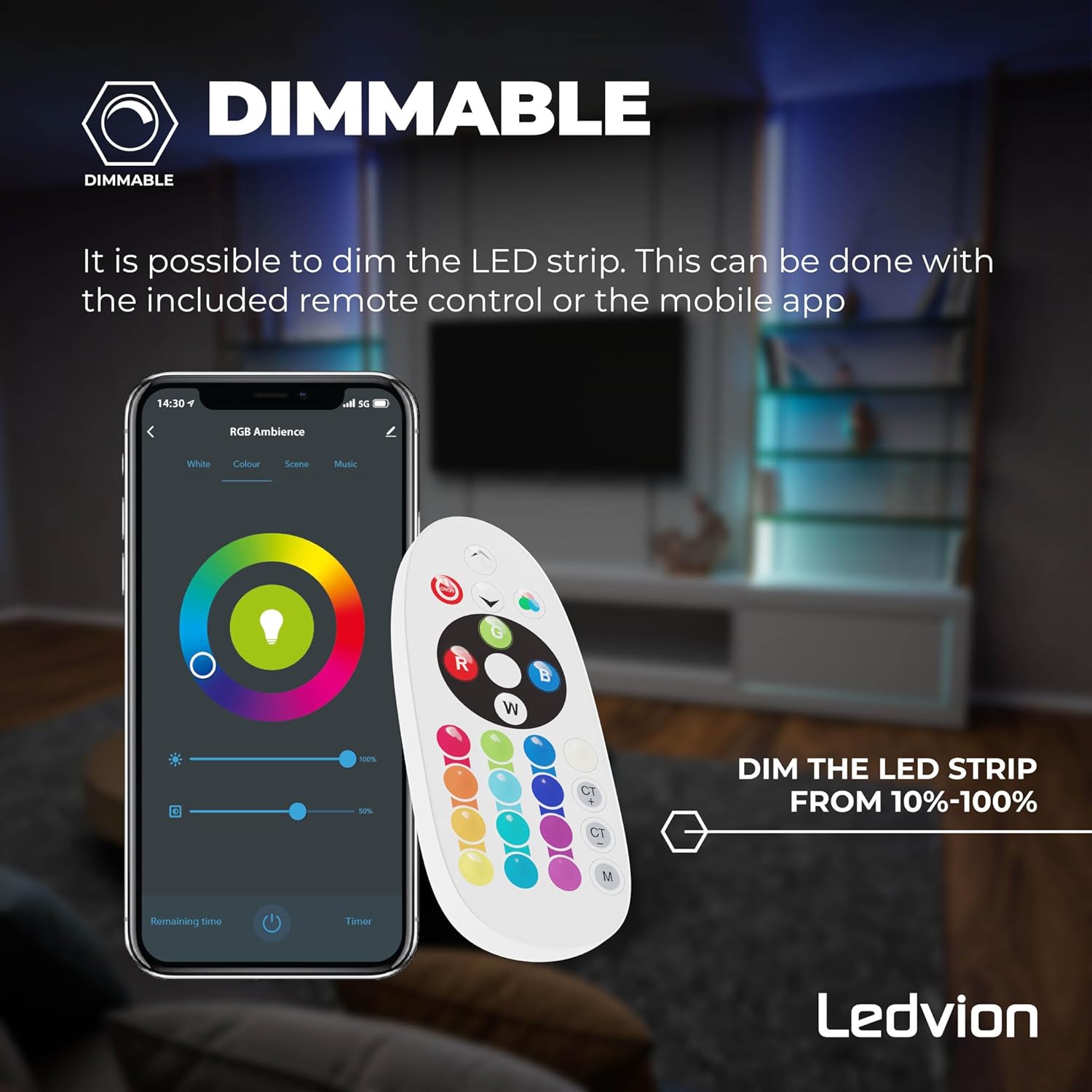
Image: Remote control and app interface for dimming the LED strip.
2. Керування за допомогою застосунку для смартфона
For advanced features and full control, download the compatible smart home app (e.g., Tuya Smart or Smart Life).
- Завантажити додаток: шукати "Tuya Smart" or "Smart Life" in your smartphone's app store and install it.
- Реєстрація/Вхід: Створіть обліковий запис або увійдіть у програму.
- Додати пристрій: Follow the in-app instructions to add a new device. Ensure your phone's Bluetooth and Wi-Fi are enabled. The app will guide you through the pairing process.
- Особливості управління: Після підключення ви можете:
- Select from over 16 million colors (RGB + CCT).
- Adjust brightness and color temperature (3000K-6500K).
- Set custom scenes and dynamic lighting effects.
- Utilize the timer function for scheduled on/off times.
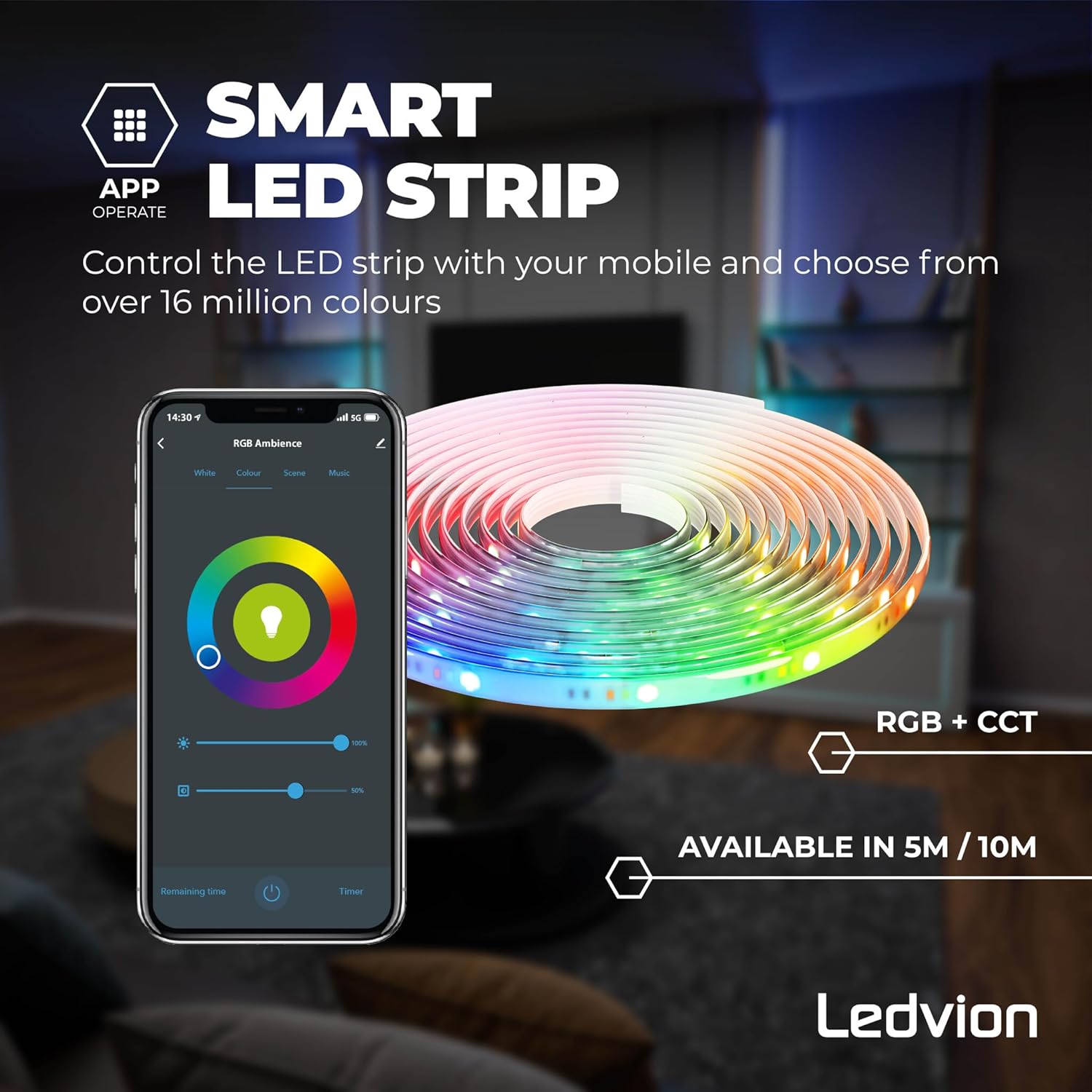
Image: Smartphone app interface for comprehensive control of the LED strip.
3. Сумісність з голосовим помічником
The Ledvion Smart LED Strip is compatible with popular voice assistants like Google Home, Amazon Alexa, and Apple Siri.
- Зв'язати обліковий запис: In your voice assistant's app (e.g., Google Home, Alexa app), link your Tuya Smart/Smart Life account.
- Відкрийте для себе пристрої: Instruct your voice assistant to discover new devices.
- Голосові команди: You can now control your LED strip using voice commands, such as:
- "Hey Google, turn on the LED strip."
- "Alexa, set LED strip to blue."
- "Siri, dim the LED strip to 50%."

Image: Voice assistant compatibility for the Ledvion LED Strip.
4. Функція таймера
The app allows you to set schedules for the LED strip to turn on or off automatically.
- Access Timer: In the smart home app, navigate to the LED strip's control interface and look for the "Timer" or "Schedule" option.
- Створити розклад: Set desired times for the strip to turn on or off, and select specific days if needed.
- зберегти: Confirm and save your schedule.

Image: App interface demonstrating the timer function for scheduling LED strip operation.
Технічне обслуговування
- Прибирання: Ensure the LED strip is powered off and unplugged before cleaning. Gently wipe the strip with a soft, dry cloth. Do not use abrasive cleaners or solvents.
- Зберігання: If storing the LED strip for an extended period, ensure it is clean, dry, and coiled loosely to prevent damage. Store in a cool, dry place.
- Огляд: Periodically check the strip and connections for any signs of wear or damage.
Усунення несправностей
| проблема | Можлива причина | Рішення |
|---|---|---|
| Світлодіодна стрічка не світиться. |
|
|
| Не працює пульт дистанційного керування. |
|
|
| App cannot connect to the strip. |
|
|
| Only part of the strip lights up. |
|
|
Технічні характеристики
| Бренд | Ледвіон |
| Номер моделі | LVS20008 |
| Довжина | 10 метрів |
| LEDs per Meter | 60 |
| томtage | 12V (Strip), 24V (Operating) |
| Споживана потужність | 12W (Strip), 19W (Total) |
| Світловий потік | 1850 лм |
| Колірна температура | 3000K (Warm White) - 6500K (Cool White), RGB |
| Регулюється затемнення | Так (10%-100%) |
| Cuttable Interval | Через кожні 16.7 см |
| матеріал | ABS+PS |
| Використання | закритий |
| Розміри продукту | 18 x 7 x 18 cm (packaging); 630 grams |
Гарантія та підтримка
For warranty information or technical support, please refer to the documentation provided with your purchase or contact Ledvion customer service through their official webсайт. Зберігайте чек про покупку для гарантійних претензій.


