1. Вступ
This manual provides detailed instructions for the MEETION MT-M915 USB Gaming Mouse with Backlight. Please read this guide thoroughly before using the product to ensure correct installation, optimal performance, and to understand its features. This mouse is designed for gaming and general computer use, offering reliable performance and a comfortable design.
2. Вміст упаковки
- MEETION MT-M915 USB Gaming Mouse
- Інструкція з експлуатації (цей документ)
3. Системні вимоги
- Operating System: Windows XP, Linux
- Compatible Devices: Personal Computer, Laptop
- Доступний USB -порт
4. Налаштування
4.1 Підключення миші
- Знайдіть вільний порт USB на комп’ютері чи ноутбуці.
- Plug the USB connector of the MEETION MT-M915 mouse into the USB port.
- The operating system will automatically detect and install the necessary drivers. This is a plug-and-play device, so no additional software installation is typically required.
- The mouse backlight will illuminate upon successful connection.
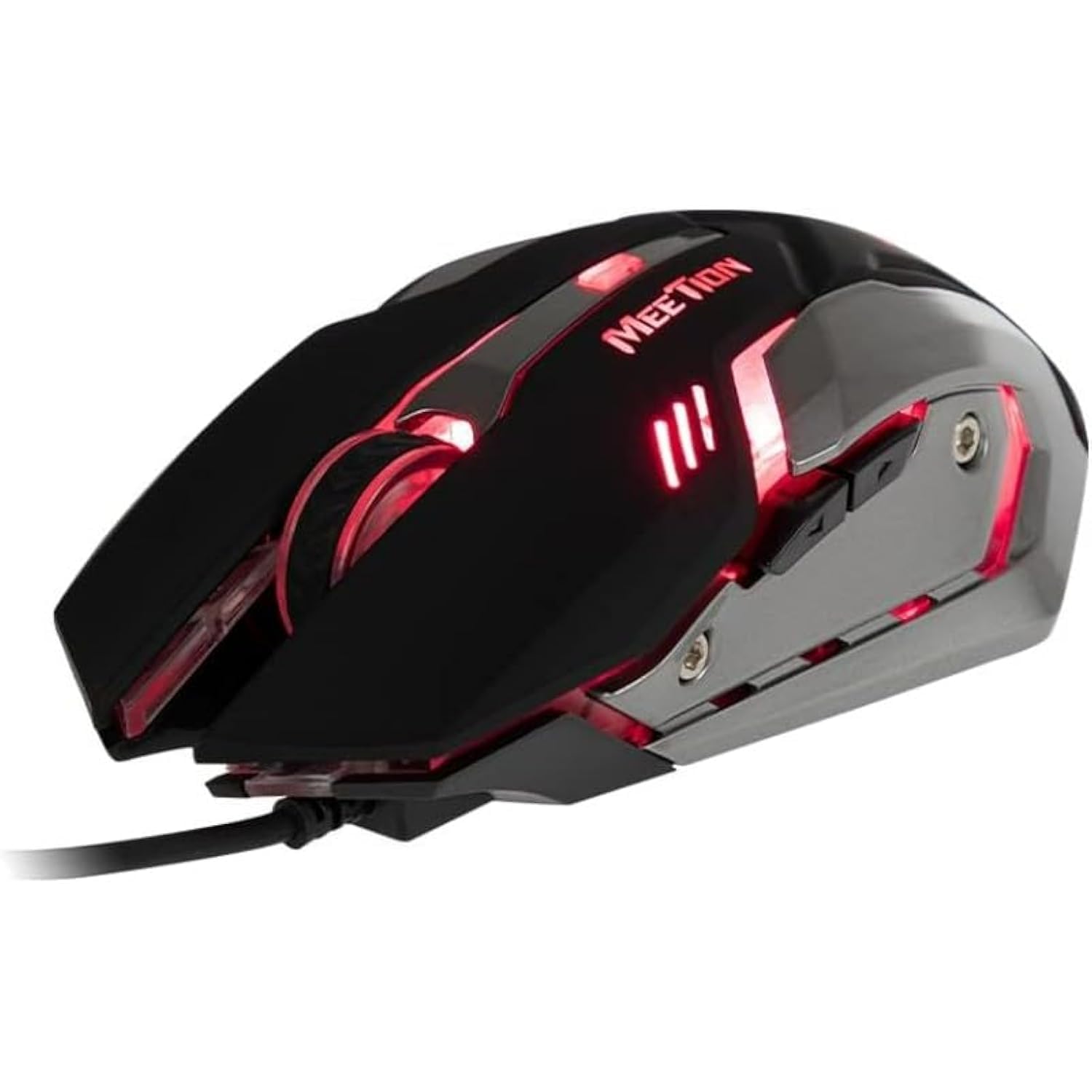
Малюнок 1: Сторона view of the MEETION MT-M915 mouse with red backlight.
5. Керування мишею
5.1 Основні функції
- Клацніть лівою кнопкою миші: Primary action button, typically used for selecting items, opening files, or interacting with software.
- Клацніть правою кнопкою миші: Secondary action button, typically used for opening context menus or accessing additional options.
- Колесо прокрутки: Використовується для прокручування документів та web сторінки. Вона також може функціонувати як кнопка середнього клацання.
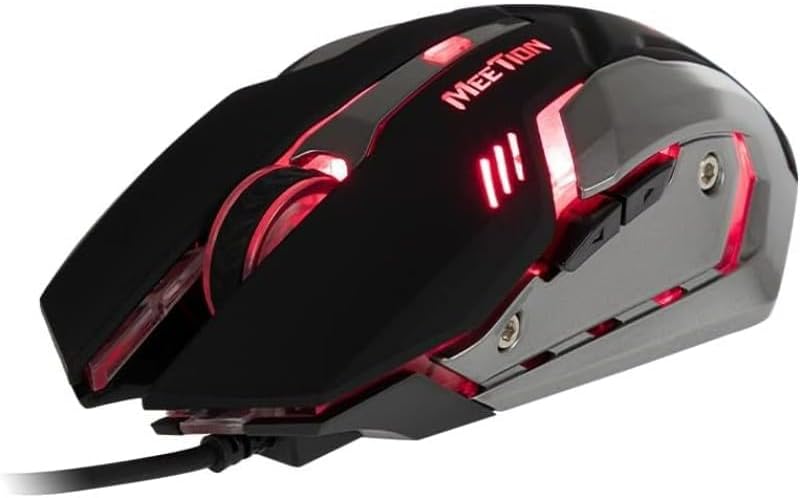
Рисунок 2: Зверху вниз view of the MEETION MT-M915 mouse, showing button layout.
5.2 Робота підсвічування
The MEETION MT-M915 mouse features an integrated backlight. The backlight activates automatically when the mouse is connected to a powered USB port. The color of the backlight may vary or cycle through different colors, as shown in Figure 3.

Малюнок 3: Сторона view of the MEETION MT-M915 mouse with purple backlight.
5.3 Ambidextrous Design
The mouse is designed for ambidextrous use, meaning it can be comfortably used by both left-handed and right-handed individuals.
6. Технічне обслуговування
6.1 Очищення
- Від’єднайте мишу від комп’ютера перед чищенням.
- Використовуйте м’яку, суху тканину для протирання поверхні миші.
- Для стійкого бруду злегкаampПротріть тканину водою або м’яким миючим розчином. Уникайте агресивних хімікатів.
- Do not allow liquids to enter the mouse casing.
6.2 Зберігання
Зберігайте мишу в прохолодному, сухому місці, подалі від прямих сонячних променів та екстремальних температур, якщо вона не використовується протягом тривалого часу.
7. Вирішення проблем
7.1 Миша не реагує
- Переконайтеся, що USB-кабель надійно підключено до робочого USB-порту вашого комп’ютера.
- Спробуйте підключити мишу до іншого USB-порту.
- Перезавантажте комп'ютер.
- Test the mouse on another computer to determine if the issue is with the mouse or your computer's USB ports.
7.2 Підсвічування не працює
- Verify the mouse is properly connected to a powered USB port.
- If the mouse functions but the backlight does not, there might be an internal issue. Contact customer support if the mouse is still under warranty.
7.3 Нестабільний рух курсора
- Ensure the optical sensor on the bottom of the mouse is clean and free from dust or debris.
- Use the mouse on a clean, uniform surface. Avoid highly reflective or transparent surfaces.
- Спробуйте перезавантажити комп'ютер.
8. Технічні характеристики
| Особливість | Деталь |
|---|---|
| Бренд | ЗУСТРІЧ |
| Назва моделі | MT-M915 |
| Номер моделі виробника | CE ELECTRON-559 |
| Технологія підключення | USB |
| Технологія виявлення руху | Оптичний |
| Орієнтація руки | Амбідекстр |
| Особливості | Легкий |
| Рекомендоване використання продукту | Ігри |
| Сумісні пристрої | Персональний комп'ютер, ноутбук |
| Операційна система | Лінукс, Windows XP |
| Вага товару | 50 грами |
| Розміри упаковки | 20.7 х 14.3 х 6.1 см |
| Батарейки в комплекті | немає |
9. Гарантія та підтримка
9.1 Інформація про гарантію
This product is covered by a standard manufacturer's warranty. Please refer to the warranty card included with your purchase or contact your retailer for specific warranty terms and conditions.
9.2 Підтримка клієнтів
For technical assistance, troubleshooting, or warranty claims, please contact the retailer where you purchased the product or visit the official MEETION webсайт для ресурсів підтримки.


