1. Вступ
This manual provides essential instructions for the proper use and care of your Kodak Classic K100 USB 2.0 128GB Flash Drive. Please read this manual thoroughly before using the device to ensure optimal performance and longevity. The Kodak K100 flash drive offers reliable storage for your data, featuring a cap and body design for protection and portability.
2. Інформація про безпеку
- Do not expose the flash drive to extreme temperatures, direct sunlight, or high humidity.
- Уникайте падіння та сильних ударів пристрою.
- Тримайте пристрій подалі від води та інших рідин.
- Do not attempt to disassemble or modify the flash drive. This will void the warranty.
- Ensure proper ejection of the device from your computer before removal to prevent data corruption.
3. Продукт закінчивсяview
The Kodak Classic K100 USB 2.0 Flash Drive is designed for portable data storage. It features a protective cap and a standard USB Type-A connector.

Image 3.1: Kodak K100 USB Flash Drive with its protective cap removed, revealing the USB Type-A connector. The drive body is black with a red stripe and the Kodak logo, and "128GB" printed on it.
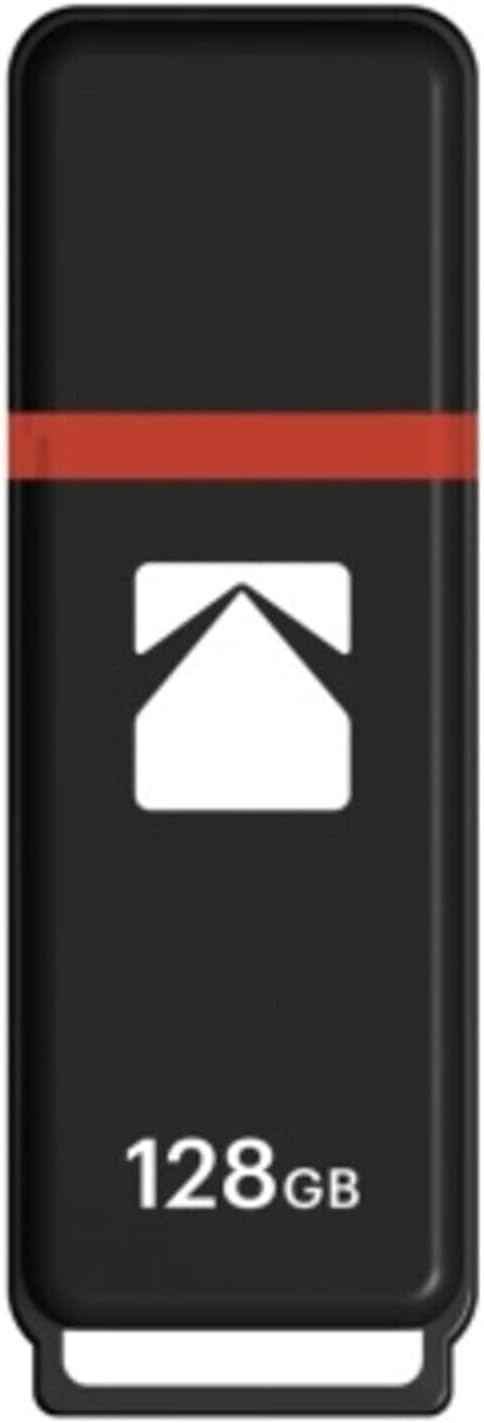
Image 3.2: Kodak K100 USB Flash Drive with its protective cap securely in place. The drive is black with a red stripe and the Kodak logo, and "128GB" printed on it.
Компоненти:
- USB-роз'єм: Standard USB 2.0 Type-A for connecting to computers and compatible devices.
- Захисний ковпачок: Covers the USB connector when not in use, preventing dust and damage. The cap can be securely clipped onto the rear of the drive during use.
- Drive Body: Houses the flash memory and control circuitry.
- Петля для шнурка: Located at the end of the drive for attaching a lanyard or keychain (lanyard not included).
4. Налаштування
The Kodak K100 Flash Drive is a plug-and-play device, requiring no special driver installation for most operating systems.
Підключення до комп'ютера:
- Remove the protective cap from the USB flash drive. You can clip the cap onto the rear of the drive to prevent loss.
- Знайдіть вільний порт USB типу A на вашому комп'ютері.
- Insert the USB connector of the flash drive firmly into the USB port.
- Your computer's operating system will automatically detect the device. A notification may appear indicating that the device is ready for use.
The flash drive will appear as a removable storage device (e.g., "Removable Disk" or "KODAK K100") in your computer's file провідник (Windows) або Finder (macOS).
5. Інструкція з експлуатації
Once connected, the Kodak K100 Flash Drive functions like any other storage device.
Перенесення Files:
- To Copy Fileна флеш-накопичувач: Відкрийте папку, що містить files you wish to transfer. Drag and drop the files or folders into the flash drive's window, or copy them (Ctrl+C/Cmd+C) and paste them (Ctrl+V/Cmd+V) into the flash drive's directory.
- To Copy Fileз флеш-накопичувача: Open the flash drive's window. Drag and drop the files or folders from the flash drive to your desired location on your computer, or copy them (Ctrl+C/Cmd+C) and paste them (Ctrl+V/Cmd+V) to your computer's directory.
Safely Removing the Flash Drive:
It is crucial to safely eject the flash drive before physically removing it to prevent data loss or corruption.
- Windows: Right-click on the flash drive icon in "This PC" or the system tray (bottom right corner), then select "Eject" or "Safely Remove Hardware." Wait for the "Safe to Remove Hardware" message before unplugging.
- macOS: Drag the flash drive icon from your desktop or Finder sidebar to the Trash icon, or right-click (or Control-click) the flash drive icon and select "Eject." Wait for the icon to disappear before unplugging.
- Linux: Right-click the flash drive icon on your desktop or file менеджер і виберіть "Вилучити" або "Розмонтувати".
6. Технічне обслуговування
Правильний догляд забезпечить довговічність та надійність вашої флеш-накопичувач.
- Прибирання: Use a soft, dry, lint-free cloth to clean the exterior of the flash drive. Do not use liquid cleaners or solvents.
- Зберігання: When not in use, keep the protective cap on the USB connector to prevent dust and debris from entering. Store the drive in a cool, dry place, away from magnetic fields.
- Резервне копіювання даних: Regularly back up important data stored on the flash drive to another storage medium (e.g., computer hard drive, cloud storage) to prevent data loss in case of device malfunction or damage.
7. Вирішення проблем
| проблема | Можлива причина | Рішення |
|---|---|---|
| Flash drive not detected by computer. |
|
|
| Не можу писати files to the flash drive. |
|
|
| Data transfer is slow. |
|
|
| Помилка «Диск захищено від запису». |
|
|
8. Технічні характеристики
| Особливість | Деталь |
|---|---|
| Назва моделі | Kodak Classic K100 |
| Номер моделі товару | EKMMD128GK102P10 |
| Ємність | 128 ГБ |
| Інтерфейс | USB 2.0 (USB типу A) |
| Швидкість читання | До 15 XNUMX МБ/с |
| Швидкість запису | До 5 XNUMX МБ/с |
| Сумісність | Windows 10, 8, 7, Vista, XP; Mac OS 10.4 or later; Linux 2.6.31 or higher |
| Колір | Red (as per current product variant) |
| Розміри (ДxШxВ) | 4.6 x 3.6 x 0.6 дюймів |
| вага | 1.92 унції |
| Особливості | Compact, Lightweight, Cap clips onto back |
9. Гарантія та підтримка
For warranty information and technical support regarding your Kodak Classic K100 USB 2.0 Flash Drive, please refer to the official Kodak webсайт або зверніться до їхнього відділу обслуговування клієнтів. Зазвичай детальна інформація надається у ваших документах про покупку або на упаковці продукту.
Інтернет-підтримка: Visit the official KODAK website for FAQs, driver downloads (if applicable), and contact information.
Відновлення даних: While this product is designed for reliability, data loss can occur. Consider purchasing a data recovery plan for critical data, if available from your retailer. Always back up important files.