1. Вступ
This manual provides detailed instructions for the safe and efficient operation of your NexiGo Aurora Pro Ultra Short Throw 4K Tri-Color Laser Projector. Please read this manual thoroughly before using the product and retain it for future reference.
The NexiGo Aurora Pro is designed to deliver a high-quality home cinema experience with its 4K resolution, tri-color laser technology, and ultra-short throw capabilities.
2. Інформація про безпеку
Важливі інструкції з безпеки:
- Do not look directly into the projector lens when the projector is on. The laser light source is powerful and can cause eye damage.
- Забезпечте належну вентиляцію навколо проектора. Не блокуйте вентиляційні отвори.
- Використовуйте лише адаптер живлення, що постачається з проектором.
- Не піддавайте проектор дії дощу або вологи, щоб запобігти займанню або ураженню електричним струмом.
- Тримайте проектор подалі від джерел тепла, таких як радіатори, обігрівачі, печі або інші прилади, що виробляють тепло.
- Від’єднуйте проектор від мережі під час грози або якщо він не використовується протягом тривалого часу.
- Звертайтеся до кваліфікованого сервісного персоналу.
3. Вміст упаковки
Перевірте наявність усіх предметів у вашій упаковці:
- NexiGo Aurora Pro Projector
- Пульт дистанційного керування
- Кабель живлення
- Посібник користувача (цей документ)
- Додатково: 100/120 Fresnel Screen (if purchased as a bundle)
- Додатково: 3D Glasses (if purchased as a bundle)
4. Продукт закінчивсяview
4.1 Компоненти проектора
Familiarize yourself with the main components of your NexiGo Aurora Pro projector.

Зображення 1: Фронт view of the NexiGo Aurora Pro projector, showcasinйого елегантний дизайн та решітка переднього динаміка.

Зображення 2: Задня view of the NexiGo Aurora Pro projector, highlighting the various input and output ports for connectivity.
The projector features multiple connectivity options including HDMI ports, USB ports, and an Ethernet port for network connectivity. One HDMI port supports eARC.
4.2 Пульт дистанційного керування
The included remote control allows for easy navigation and control of the projector's functions. It features backlit keys for use in dark environments.
5. Налаштування
5.1 Розміщення
The Aurora Pro is an Ultra Short Throw (UST) projector, designed to project a large image from a very short distance to the screen or wall. Proper placement is crucial for optimal image quality.

Зображення 3: Diagram illustrating the recommended placement distances for various screen sizes (80-150 inches) for the NexiGo Aurora Pro projector.
Refer to the table below for recommended distances from the screen based on desired image size:
| Розмір екрана (по діагоналі) | A: Screen to Front | B: Screen to Rear | C: Screen to Top | D: Screen to Foot | E: Y+D |
|---|---|---|---|---|---|
| 80" | 20.00 | 3.96 | 6.95 | 11.76 | 50.98 |
| 90" | 21.92 | 5.88 | 7.91 | 12.72 | 56.71 |
| 100" | 23.84 | 7.80 | 8.87 | 13.68 | 62.66 |
| 110" | 25.76 | 9.72 | 9.83 | 14.64 | 68.57 |
| 120" | 27.56 | 11.52 | 10.91 | 15.72 | 74.54 |
| 135" | 30.44 | 14.40 | 12.35 | 17.16 | 83.35 |
| 150" | 33.32 | 17.28 | 13.79 | 18.60 | 92.10 |
Note: The unit for values in the table is inches. Measurements do not include the screen border size.
5.2 Підключення живлення
- Підключіть кабель живлення до вхідного порту живлення проектора.
- Підключіть інший кінець кабелю живлення до заземленої електричної розетки.
5.3 Підключення пристроїв
The Aurora Pro offers various ports for connecting external devices:
- HDMI: Connect Blu-ray players, gaming consoles, streaming devices, or computers. HDMI 1 supports eARC.
- USB: Connect USB drives for media playback or external accessories.
- Оптичний звук: Підключення до зовнішніх аудіосистем.
- Ethernet: Для дротового мережевого підключення.
Ensure all cables are securely connected before powering on the projector.
6. Інструкція з експлуатації
6.1 Увімкнення/вимкнення
- Щоб увімкнути проектор, натисніть кнопку живлення на проекторі або на пульті дистанційного керування.
- To power off, press the power button again. A confirmation prompt may appear.
6.2 Майстер початкового налаштування
Upon first power-on, the projector will guide you through an initial setup wizard to configure language, network settings, and image adjustments.
6.3 Налаштування зображення
The Aurora Pro features automatic screen adoption and dynamic dimming. Manual adjustments can be made via the settings menu.
- Фокус: Adjust the focus using the remote control or on-screen menu to achieve a sharp image.
- Корекція трапецеїдальних спотворень: If the image is not perfectly rectangular, use keystone correction to adjust. Note that excessive keystone correction can reduce image quality.
- Вирівнювання екрана: Fine-tune the image position to fit your screen perfectly.
6.4 Вибір джерела вхідного сигналу
Press the "Input" button on the remote control to select between connected HDMI devices, USB media, or internal smart TV applications.
6.5 Параметри звуку
The projector includes built-in 60W stereo speakers with Dolby Atmos support. You can adjust volume and audio modes through the settings menu. For external audio systems, connect via HDMI eARC or optical audio output.

Зображення 4: Visual representation of the immersive sound experience provided by the projector's 60W speakers, supporting Dolby Atmos and DTS HD.
6.6 Інтелектуальні функції та програми
The projector includes a smart TV interface. Navigate using the remote control to access pre-installed applications or download new ones from the app store.
Примітка: Some streaming applications may require specific external devices for 4K content or may have compatibility limitations.
6.7 Ігровий режим
For an optimized gaming experience, enable Gaming Mode in the settings. This mode reduces input lag to 8ms (tested at 1080p 240Hz) and supports 4K@120Hz input, providing smoother motion.
Зображення 5: A user engaged in gaming on a large projected screen, demonstrating the projector's low latency and 4K 120Hz input capabilities for a smooth gaming experience.
7. Технічне обслуговування
7.1 Очищення проектора
- Зовні: Use a soft, dry cloth to wipe the projector's exterior. Do not use abrasive cleaners or solvents.
- Об'єктив: Gently clean the projector lens with a lens cleaning cloth specifically designed for optical surfaces. Avoid touching the lens directly with your fingers.
7.2 Air Filter (if applicable)
Check the user manual for specific instructions regarding air filter cleaning or replacement, if your model is equipped with one. Regular cleaning ensures optimal performance and prevents overheating.
7.3 оновлень мікропрограми
Periodically check for firmware updates through the projector's settings menu. Updates can improve performance, add features, and resolve issues.
8. Вирішення проблем
Якщо у вас виникли проблеми з проектором, зверніться до наступних поширених проблем та способів їх вирішення:
| проблема | Можлива причина | Рішення |
|---|---|---|
| Не відображається зображення | Power cable loose, incorrect input source, device not connected. | Check power connections. Select correct input source. Ensure source device is on and connected. |
| Зображення розмите | Out of focus, dirty lens, incorrect placement. | Adjust focus. Clean the lens. Verify projector placement according to guidelines. |
| Ні звуку | Volume too low, incorrect audio output setting, external audio system issue. | Increase volume. Check audio output settings on projector and source. Verify external audio system connections. |
| Пульт не працює | Низький заряд батарей, перешкода, пульт не сполучений. | Replace batteries. Remove obstructions. Re-pair remote if necessary (refer to remote control section in full manual). |
| Smart apps not working or slow | Network connectivity issues, outdated app, insufficient memory. | Check Wi-Fi/Ethernet connection. Update the app. Restart the projector. |
For further assistance, please contact NexiGo customer support.
9. Технічні характеристики
| Особливість | Деталь |
|---|---|
| Номер моделі | PJ92 |
| Роздільна здатність дисплея | 3840 x 2160 (4K UHD) |
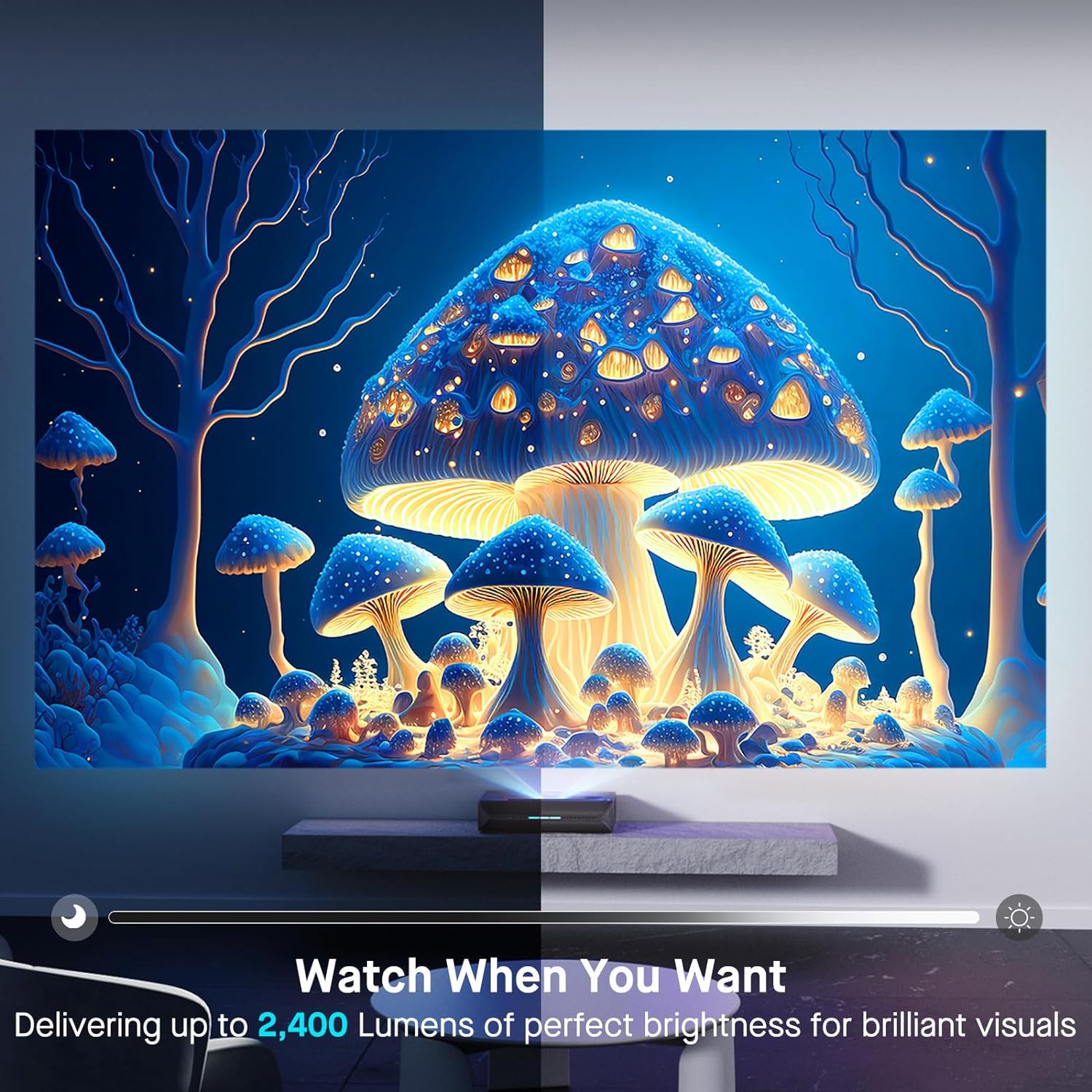
| Яскравість | 2400 люменів |
| Джерело світла | Tri-Color Laser (ALPD 4.0 RGB+) |
| Співвідношення рідної контрастності | 3000:1 |
| Динамічний коефіцієнт контрастності | >6000:1 (with dynamic laser dimming) |
| Колірна гамма | 107% Rec.2020 |
| Підтримка HDR | Dolby Vision, HDR10+, HLG |
| Підтримка 3D | Активне 3D |
| Затримка введення | 8ms (tested at 1080p 240Hz) |
| Max Input Resolution/Refresh Rate | 4K при 120 Гц |
| MEMC | Yes (120Hz) |
| Аудіовихід | 60W Stereo Speakers (2x15W Woofers, 2x15W Tweeters), Dolby Atmos, eARC |
| Підключення | HDMI (3, one with eARC), USB, Optical Audio, Ethernet |
| Розміри продукту | 21.54 x 16.04 x 4.81 дюймів |
| Вага товару | 22 фунта |
| Видима діагональ екрана | 80" - 150" (381 cm max) |
| Laser Lifespan | 25,000 години |
10. Гарантія та підтримка
NexiGo provides customer support and warranty services for its products. For specific warranty terms and conditions, please refer to the warranty card included with your product or visit the official NexiGo webсайт.
Підтримка клієнтів:
- For technical assistance, troubleshooting, or product inquiries, please contact NexiGo customer support.
- Contact information can typically be found on the NexiGo webсайті або на упаковці продукту.
- NexiGo offers 24-hour customer support and lifetime technical support.
Повернення та обмін:
- Refer to your purchase agreement or retailer's policy for details on returns and exchanges. NexiGo typically offers a 30-day return or exchange period.


