1. Вступ
This manual provides essential instructions for the proper use and maintenance of your ShiftCam LensUltra Camera Case for iPhone 14 Pro. This case is designed to enhance your mobile photography experience by providing a secure mount for ShiftCam LensUltra lenses and robust protection for your device.

Image 1.1: The ShiftCam LensUltra Camera Case for iPhone 14 Pro, featuring its integrated lens mount.
2. Вміст упаковки
Перевірте наявність усіх предметів у вашій упаковці:
- ShiftCam LensUltra Camera Case for iPhone 14 Pro
3. Особливості продукту
- Built-in Aluminum Lens Mount: Provides precise and secure attachment for ShiftCam LensUltra lenses, ensuring optimal alignment without obstruction.
- Premium Vegan Leather: Offers a comfortable grip and a durable, scratch-, stain-, and water-resistant surface.
- Сумісний з MagSafe: Integrated magnets allow for seamless attachment of MagSafe accessories and wireless charging.
- Heavy Duty Protection: Designed to protect your iPhone 14 Pro from daily wear and tear, including drops up to 2 meters.
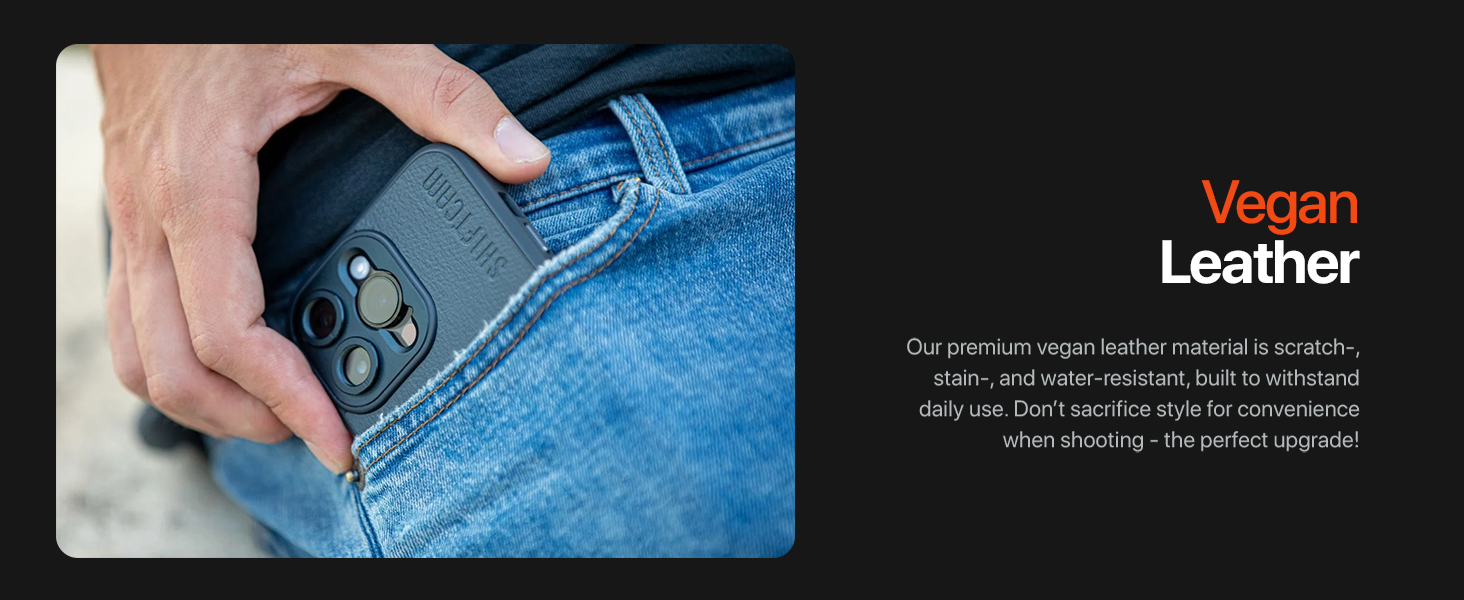
Image 3.1: Detail of the case's vegan leather material and camera module opening.
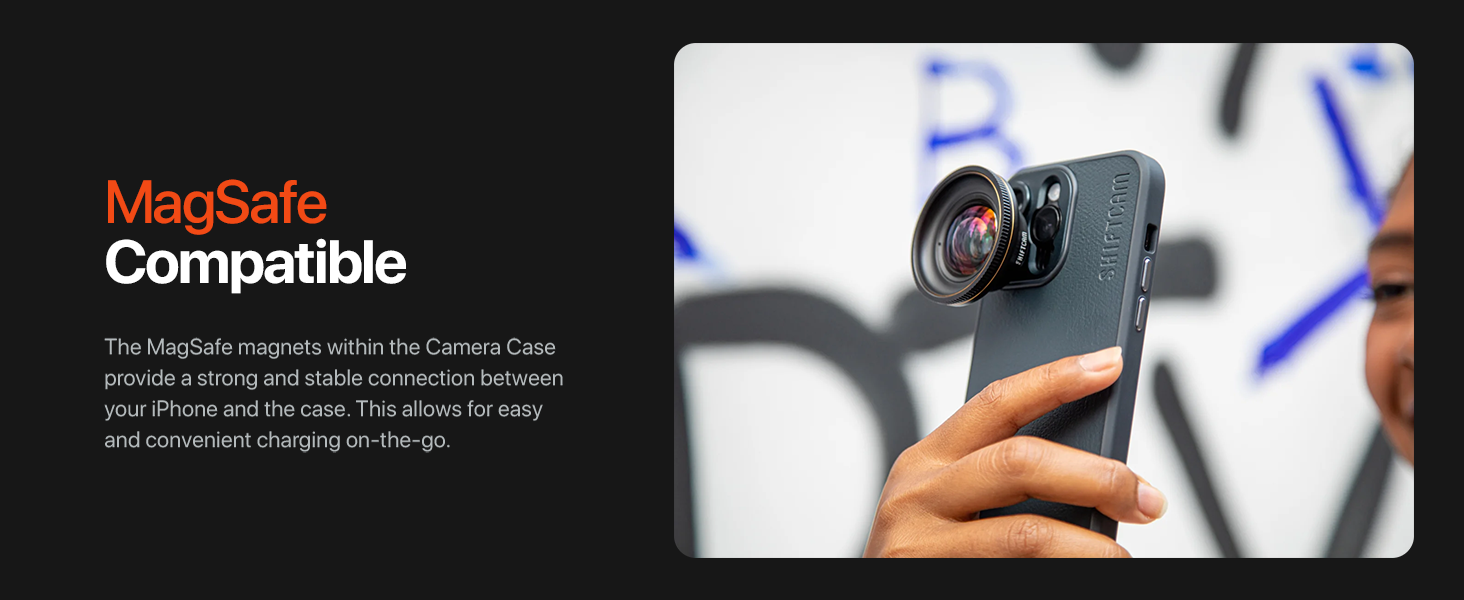
Image 3.2: The case is MagSafe compatible, allowing for easy attachment of accessories and charging.
4. Монтаж
4.1 Installing the Camera Case
- Ensure your iPhone 14 Pro is clean and free of dust or debris.
- Align the iPhone with the case, starting with the top edge (camera side).
- Gently press the iPhone into the case, ensuring all edges and corners are securely seated.
4.2 Attaching ShiftCam LensUltra Lenses
- Identify the desired ShiftCam LensUltra lens.
- Align the lens with the built-in aluminum mount on the camera case. The mount is designed for precise alignment.
- Gently twist the lens clockwise until it clicks securely into place. Do not overtighten.
- To remove, twist the lens counter-clockwise until it detaches.

Image 4.1: A ShiftCam LensUltra lens securely attached to the case's integrated mount.
5. Операція
5.1 Using with ShiftCam LensUltra Lenses
The integrated aluminum lens mount ensures that your ShiftCam LensUltra lenses are perfectly aligned with your iPhone's camera, preventing vignetting or obstruction. Once a lens is attached, open your iPhone's camera application and begin capturing photos or videos. The case provides a stable platform for your lenses, enhancing image quality and creative possibilities.

Image 5.1: The camera case with an attached LensUltra lens, ready for use.
5.2 MagSafe Functionality
The case is fully compatible with MagSafe accessories. Simply align your MagSafe charger or accessory with the back of the case for a secure magnetic connection. This allows for convenient wireless charging and attachment of MagSafe-compatible grips, wallets, or other accessories.
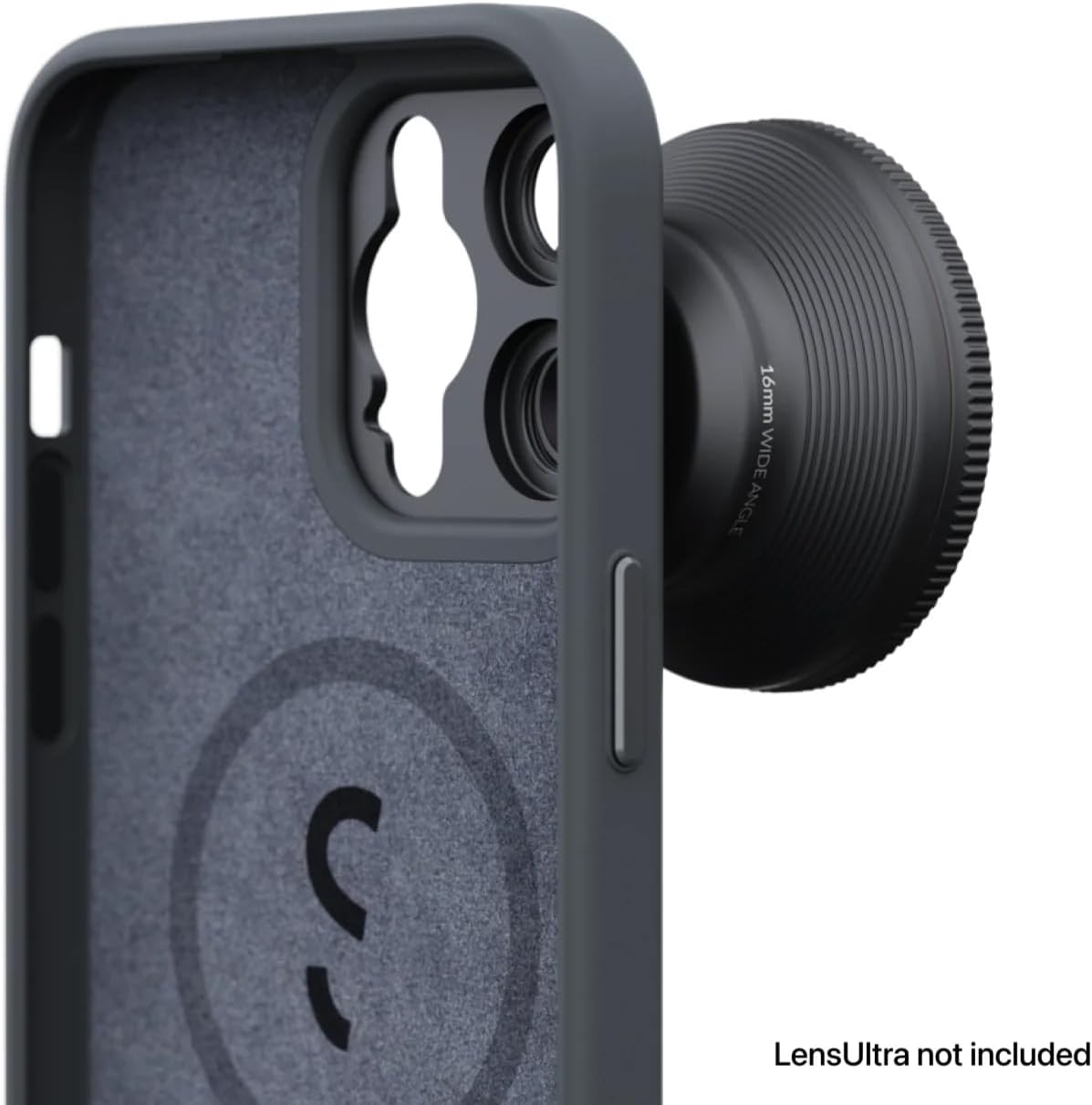
Image 5.2: The internal MagSafe ring ensures strong magnetic attachment for accessories.
6. Догляд і технічне обслуговування
- Прибирання: Протріть корпус м’якою серветкоюamp тканиною для видалення пилу та плям. Уникайте агресивних хімікатів або абразивних матеріалів.
- захист: The vegan leather material is designed to be scratch-, stain-, and water-resistant. While durable, avoid prolonged exposure to extreme conditions or sharp objects to maintain its appearance.
- Зберігання: When not in use, store the case in a clean, dry environment away from direct sunlight.
7. Вирішення проблем
- Case not fitting correctly: Ensure you have the correct model (iPhone 14 Pro) and that no debris is obstructing the fit. Gently re-seat the phone, ensuring all corners are aligned.
- Об'єктив не кріпиться надійно: Verify that the lens is a ShiftCam LensUltra model. Ensure the lens and case mount are clean and free of obstructions. Twist firmly but gently until it locks.
- MagSafe accessories not sticking: Confirm the accessory is MagSafe compatible. Ensure the back of the case and the accessory are clean.
8. Технічні характеристики
| Особливість | Деталь |
|---|---|
| Розміри продукту | 6.53 x 3.26 x 0.51 дюймів |
| Вага товару | 3.52 унції |
| Номер моделі товару | AC-CA-14PR-CH-EF |
| Сумісні моделі телефонів | iPhone 14 Pro |
| матеріал | Веганська шкіра |
| Колір | Деревне вугілля |
| Особливості | Heavy Duty Protection, Built-in Lens Mount, MagSafe Compatible |
9. Гарантія та підтримка
For warranty information and customer support, please refer to the official ShiftCam webсайт або зверніться безпосередньо до служби підтримки клієнтів. Зберігайте чек про покупку для гарантійних претензій.
You can visit the ShiftCam store for more information: ShiftCam Store


