1. Вступ
The ELEGOO Mars Mate Air Purifier is specifically designed for 3D printing environments, particularly for resin-based 3D printers. It effectively purifies the air by absorbing formaldehyde and reducing odors associated with 3D printing, ensuring a cleaner workspace. This manual provides essential information for the safe and efficient use of your Mars Mate Air Purifier.
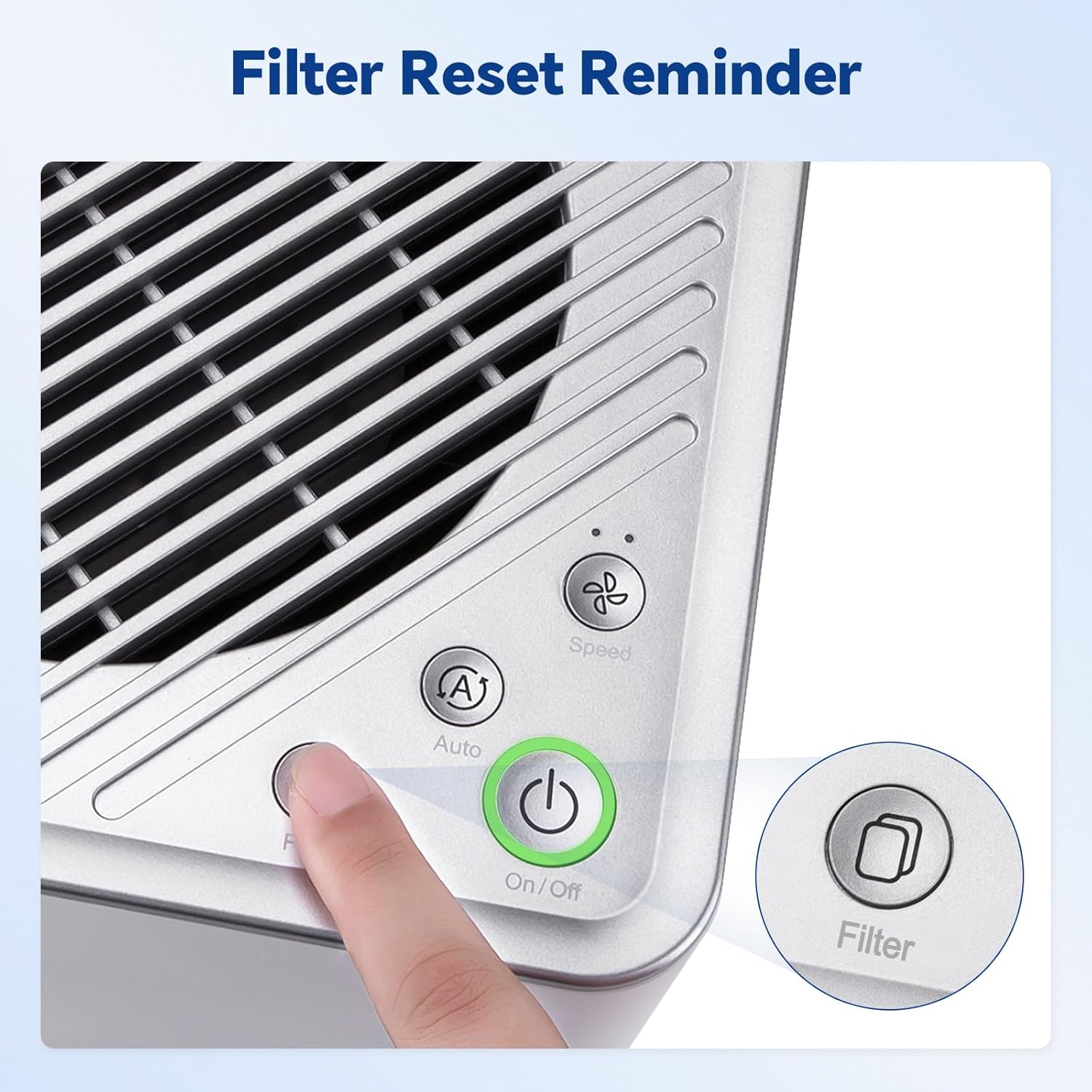
Image 1.1: The Mars Mate Air Purifier is compatible with a wide range of 3D printers, including the Saturn 3 Ultra and Mars 4 Ultra.
2. Інформація про безпеку
Please read all safety instructions before operating the device to prevent injury or damage.
- Do not operate the purifier with a damaged power cord or plug.
- Keep the device away from water or other liquids. Do not immerse the unit.
- Забезпечте належну вентиляцію навколо пристрою; не блокуйте вхідні та вихідні отвори для повітря.
- Не вставляйте предмети в жодні отвори.
- Від’єднайте пристрій від мережі перед чищенням або будь-яким технічним обслуговуванням.
- Цей прилад не призначений для використання особами (включаючи дітей) з обмеженими фізичними, сенсорними чи розумовими здібностями, або з браком досвіду та знань, якщо вони не перебувають під наглядом або не отримали інструкції щодо використання приладу особою, відповідальною за їх безпеку.
3. Налаштування
- Розпакуйте очищувач: Carefully remove the Mars Mate Air Purifier from its packaging. Retain packaging for future transport or storage.
- Розміщення: Place the purifier on a stable, flat surface near your 3D printer. Ensure there is adequate space around the unit for proper airflow. The purifier is designed to integrate seamlessly into your 3D printing setup.
- Підключення живлення: Connect the power adapter to the purifier and then plug it into a suitable power outlet.
- Перевірка фільтра: Ensure the activated carbon filter is correctly installed inside the unit. Refer to the Maintenance section for filter installation details if needed.

Image 3.1: The Mars Mate Air Purifier is designed for integration with 3D printers, such as the ELEGOO Saturn 3.
4. Інструкція з експлуатації
The Mars Mate Air Purifier features a simple control panel for easy operation.
- Увімкнення/вимкнення живлення: Натисніть Увімкнення/вимкнення button to turn the purifier on or off. The indicator light will illuminate when the unit is active.
- Вибір режиму: Натисніть Auto/Speed button to cycle through different operating modes. The purifier may offer an automatic mode that adjusts fan speed based on air quality, and manual speed settings.
- Скидання фільтра: Після заміни фільтра натисніть і утримуйте фільтр button for a few seconds to reset the filter life indicator. This ensures accurate tracking of filter usage.

Image 4.1: Control panel of the Mars Mate Air Purifier, highlighting the filter reset button.
5. Технічне обслуговування
Regular maintenance ensures optimal performance and longevity of your Mars Mate Air Purifier.
- Заміна фільтра: The activated carbon filter should be replaced approximately every 2 months, depending on usage and air quality. To replace the filter:
- Unplug the purifier from the power outlet.
- Locate the filter compartment, typically at the base or side of the unit.
- Open the compartment and carefully remove the used filter.
- Insert a new ELEGOO Mars Mate activated carbon filter, ensuring it is seated correctly.
- Close the filter compartment and plug the purifier back in.
- Perform a filter reset as described in the Operating Instructions.
- Очищення пристрою: Wipe the exterior of the purifier with a soft, dry cloth. Do not use abrasive cleaners or solvents. Ensure the unit is unplugged before cleaning.

Image 5.1: The internal activated carbon filter is crucial for efficient purification.
6. Вирішення проблем
If you encounter issues with your Mars Mate Air Purifier, refer to the following common problems and solutions:
| проблема | Можлива причина | Рішення |
|---|---|---|
| Purifier does not turn on | Немає живлення; шнур живлення не підключено належним чином | Перевірте розетку; переконайтеся, що шнур живлення надійно підключений. |
| Poor odor reduction | Filter is old or clogged; Incorrect filter installation | Replace the activated carbon filter; Ensure filter is installed correctly. |
| Незвичайний шум під час роботи | Obstruction in fan; Unit not on a stable surface | Unplug and check for obstructions; Place on a stable, flat surface. |
7. Технічні характеристики
| Особливість | Специфікація |
|---|---|
| Бренд | ELEGOO |
| Номер моделі | US-SO-3D-CP1 |
| Розміри продукту | 33 х 29 х 48 см |
| Вага товару | 6.35 кілограма |
| Потужність / Втtage | 6 Вт |
| Рівень шуму | 35 децибели |
| Тип фільтра | Активоване вугілля |
| Швидкість очищення | Up to 95% (for formaldehyde and odors) |
| матеріал | Anti-oxidation ABS |
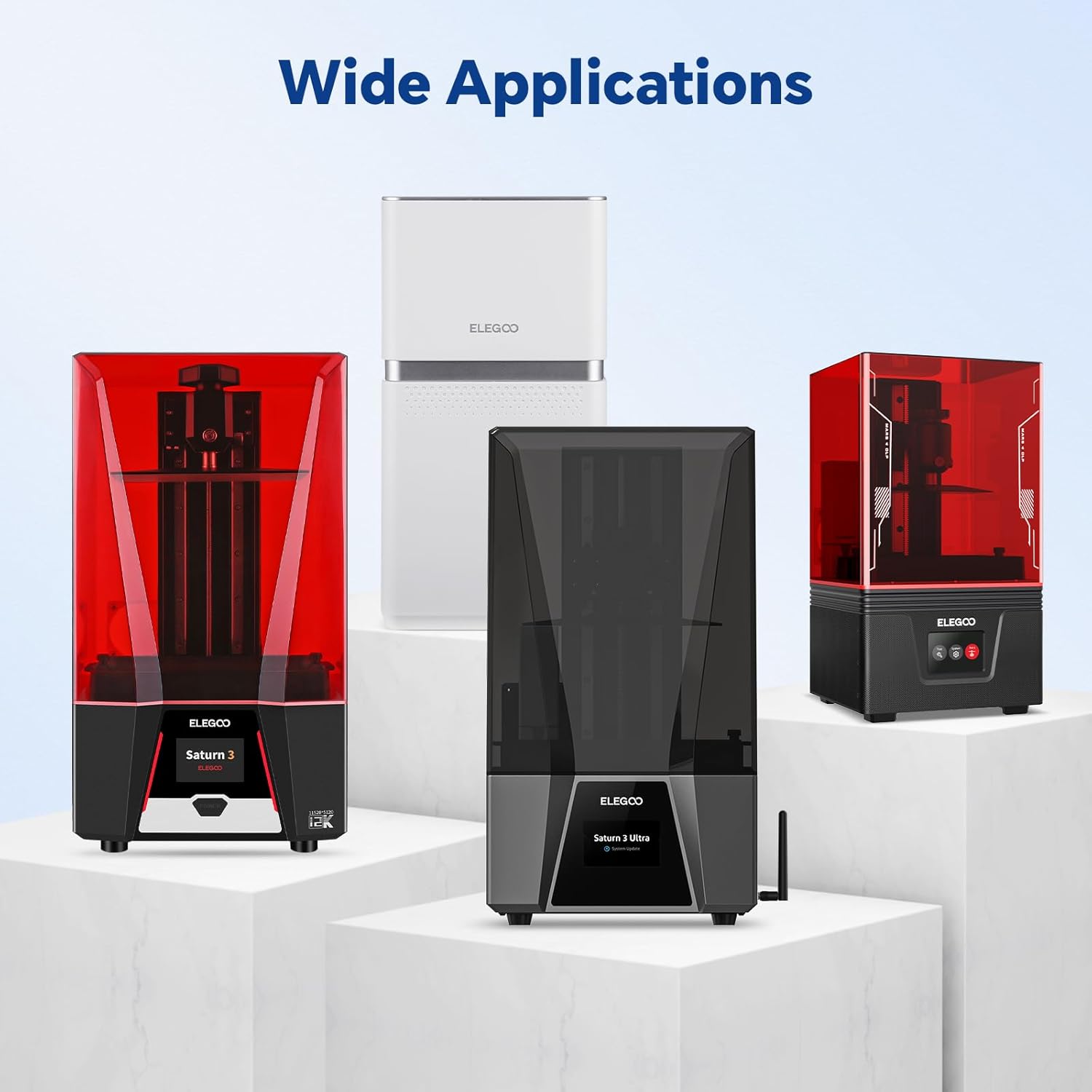
Image 7.1: Physical dimensions of the Mars Mate Air Purifier.
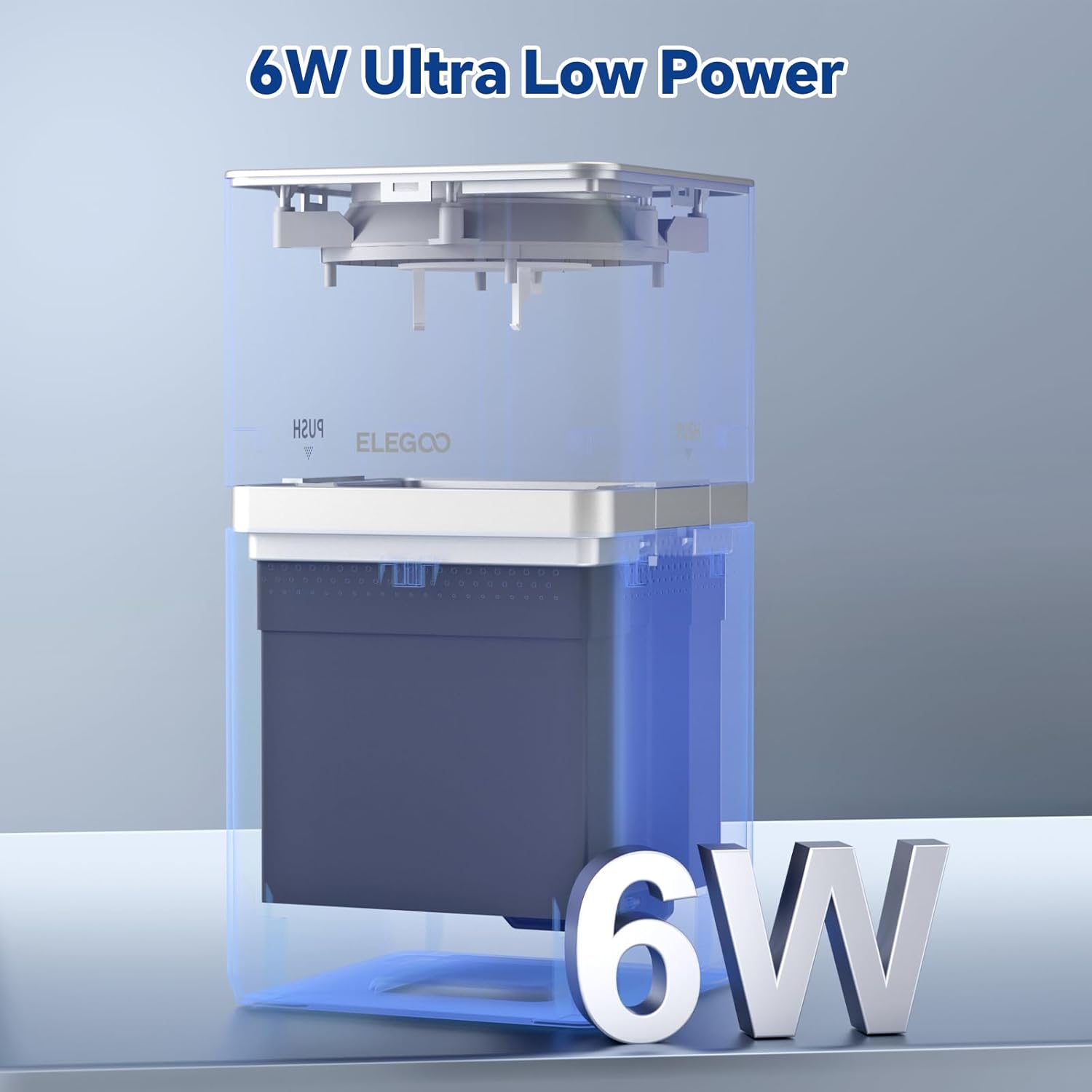
Image 7.2: The Mars Mate Air Purifier operates with ultra-low power consumption of 6 watts.
8. Гарантія та підтримка
Щоб отримати інформацію про гарантію та технічну підтримку, зверніться до офіційного постачальника ELEGOO. website or contact ELEGOO customer service directly. Keep your purchase receipt as proof of purchase for any warranty claims.