вступ
This manual provides detailed instructions for the setup, operation, and maintenance of your VTech CS1550 DECT Cordless Phone with Answering Machine. Please read this manual thoroughly to ensure proper use and to take full advantage усіх функцій.

Image: The VTech CS1550 DECT Cordless Phone, featuring a white handset and black base unit.
Вміст упаковки
Before beginning installation, ensure all items are present in your package:
- Бездротова трубка
- Базовий блок
- Адаптер живлення для базового блоку
- Шнур телефонної лінії
- Rechargeable NiMH Batteries (4x AAA size, typically)
- Посібник користувача (цей документ)
Налаштування
1. Встановлення батареї
- Знайдіть батарейний відсік на задній панелі слухавки.
- Відкрийте кришку батарейного відсіку.
- Insert the supplied NiMH rechargeable batteries, observing the correct polarity (+ і -).
- Надійно закрийте кришку батарейного відсіку.
2. Підключення базового блоку
- Connect the power adapter to the base unit and plug it into a wall outlet.
- Підключіть один кінець телефонного шнура до базової станції, а інший кінець – до телефонної розетки.
- Place the base unit in a central location for optimal signal range.
3. Initial Handset Charging
Place the handset on the base unit to charge. The VTech CS1550 features a dual-charging design, allowing you to place the handset face down or face up. For initial use, charge the handset for at least 16 hours to ensure full battery capacity.
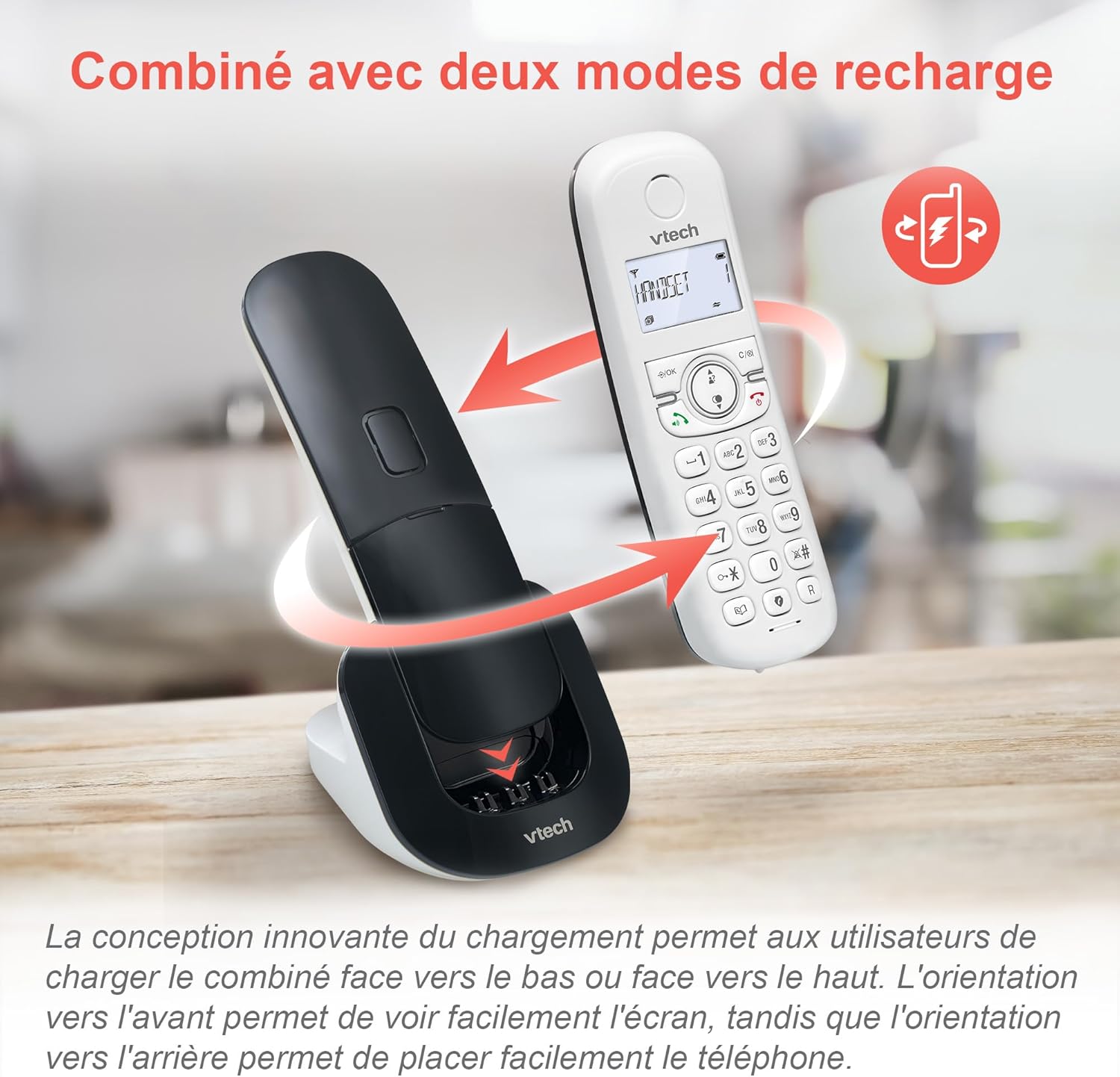
Image: The VTech CS1550 handset can be charged face down or face up on its base unit, offering flexible placement options.
4. Установка дати та часу
After initial charging, the handset will prompt you to set the date and time. Follow the on-screen instructions using the navigation and OK buttons.
Інструкція з експлуатації
Здійснення та отримання дзвінків
- Щоб зателефонувати: Натисніть говорити кнопку, а потім наберіть номер.
- Щоб відповісти на дзвінок: Натисніть говорити кнопку, коли дзвонить телефон.
- Щоб завершити дзвінок: Натисніть Кінець кнопку.
Функція гучного зв'язку
Під час дзвінка натисніть гучний зв'язок button to activate hands-free communication. Press it again to return to handset mode.
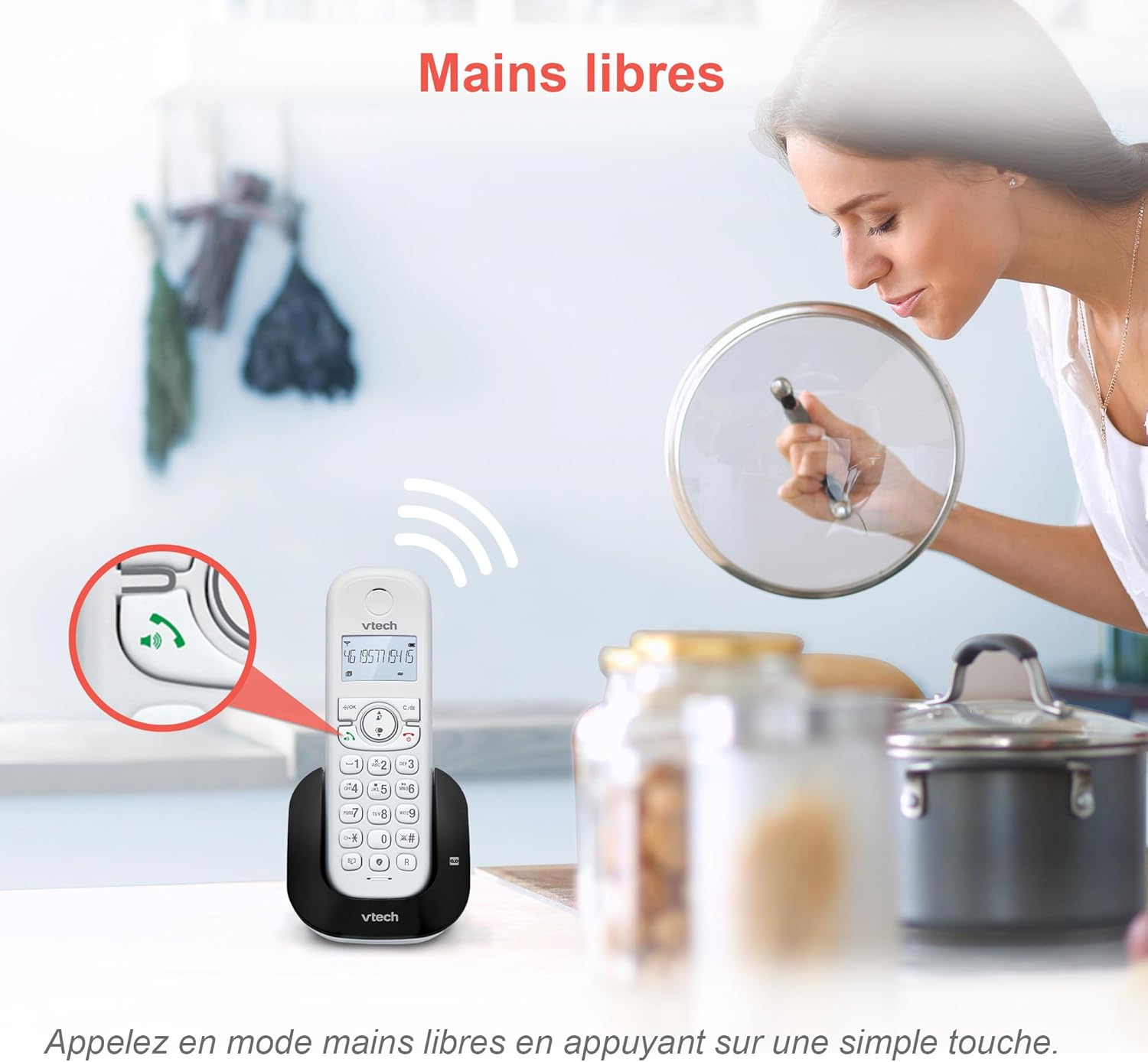
Image: The speakerphone button on the VTech CS1550 handset allows for hands-free calling.
Ідентифікатор абонента та очікування виклику
The phone displays the name, number, time, and date of incoming calls. It stores up to 20 caller ID records. If you have Call Waiting service, the phone will alert you to a second incoming call.

Image: The handset display shows incoming caller ID details, including number, name, time, and date.
Функція повторного набору
To redial one of the last 10 numbers called, press the Повторний набір button and select the desired number from the list.
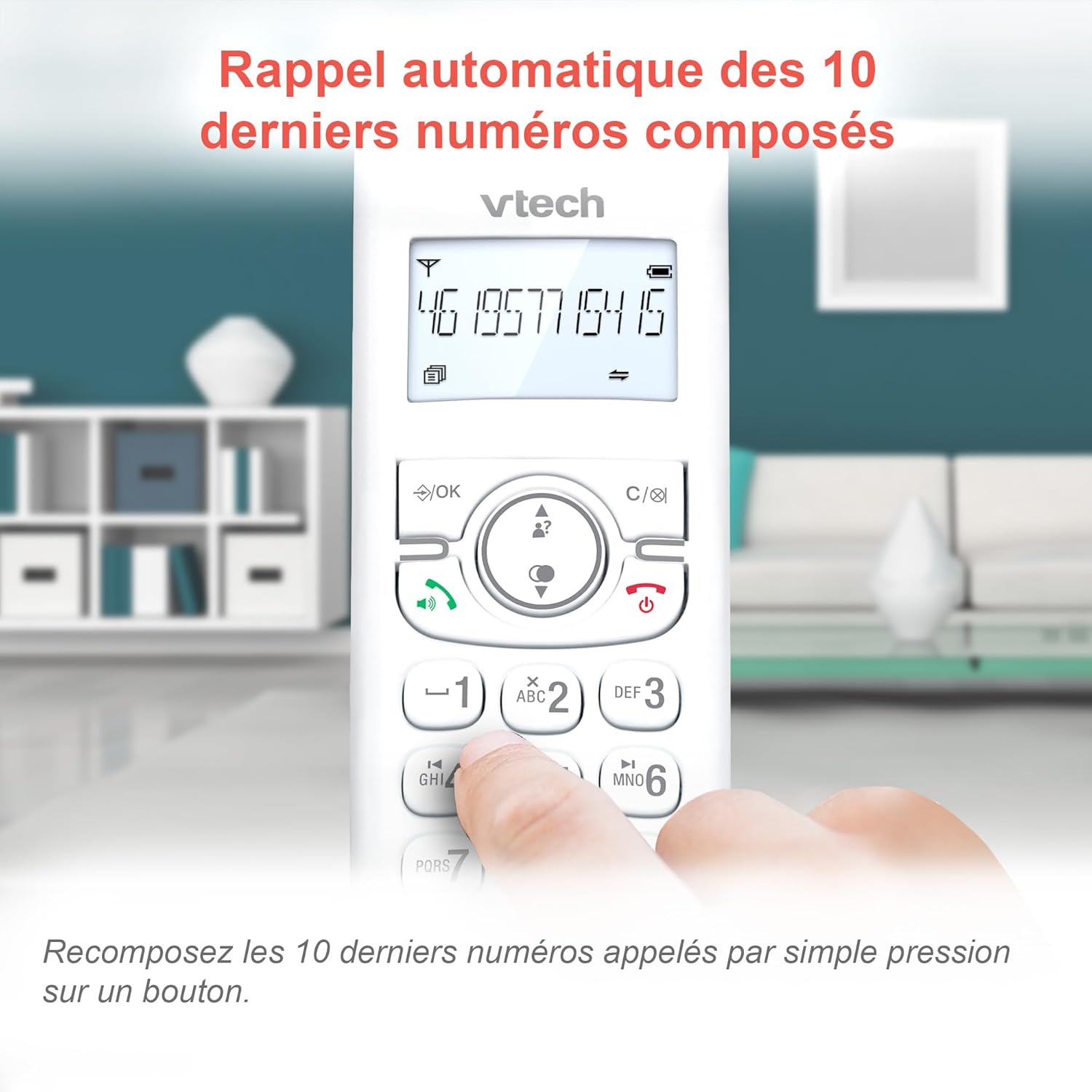
Image: Easily redial the last 10 numbers by pressing the dedicated redial button on the handset.
Телефонна книга
У телефонній книзі може зберігатися до 60 імен та номерів. Зверніться до екранного меню, щоб отримати інструкції щодо додавання, редагування та видалення записів.
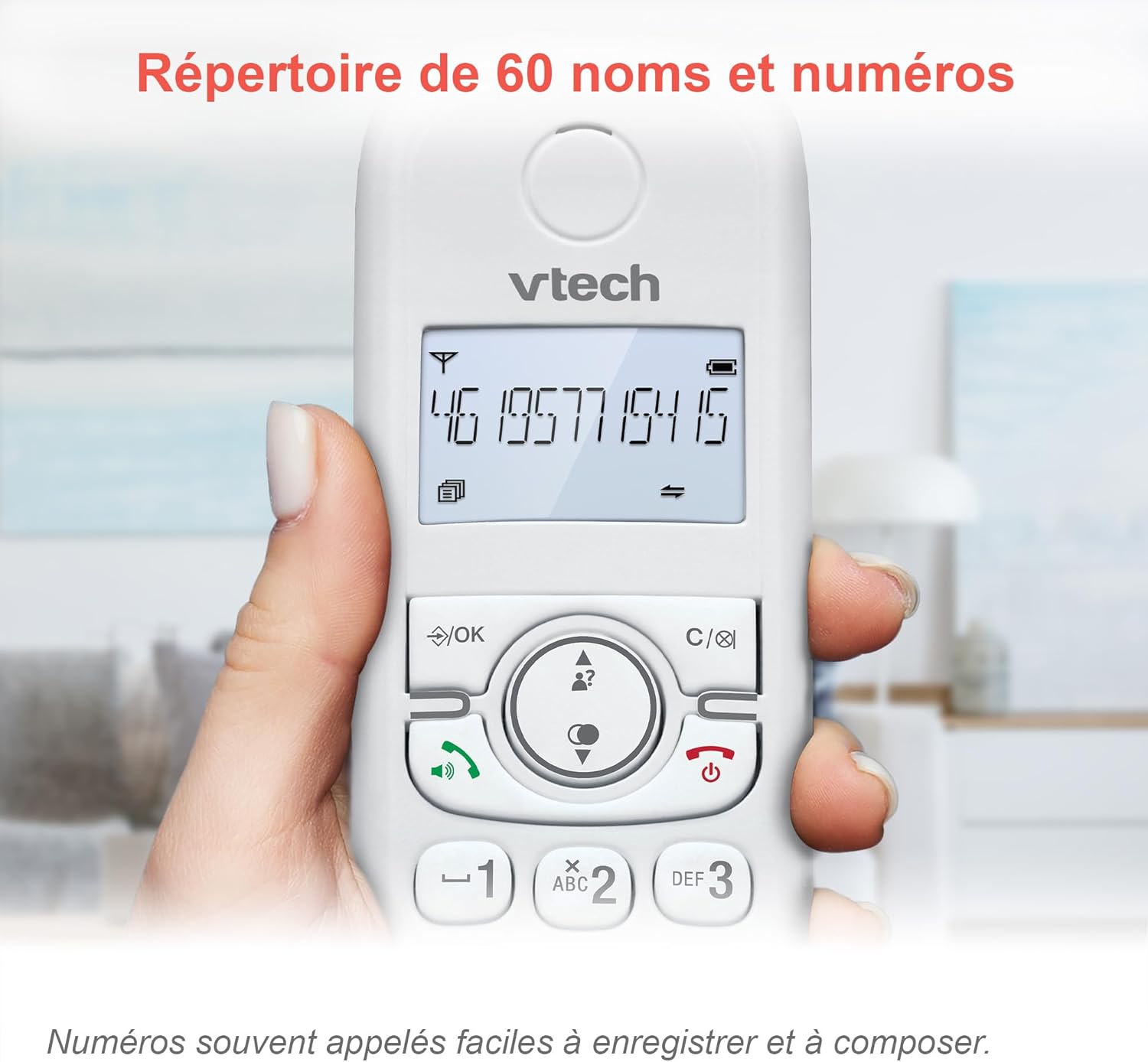
Image: The phonebook allows storage of up to 60 contacts for quick dialing.
Цифровий автовідповідач
The integrated answering machine records messages for up to 15 minutes. You can access messages from the handset or the base unit. Follow the menu prompts to set up your outgoing message and retrieve messages.

Image: The answering machine feature records messages for up to 15 minutes when you are unavailable.
Nuisance Call Blocker
Block unwanted calls by adding up to 60 numbers to the blacklist. This feature prevents blocked numbers from ringing your phone.

Image: The call blocker button allows you to add unwanted numbers to a blacklist, preventing future calls from ringing.
Режим ECO
ECO mode automatically adjusts and minimizes the radio frequency power based on the distance between the handset and the base unit, optimizing energy consumption.
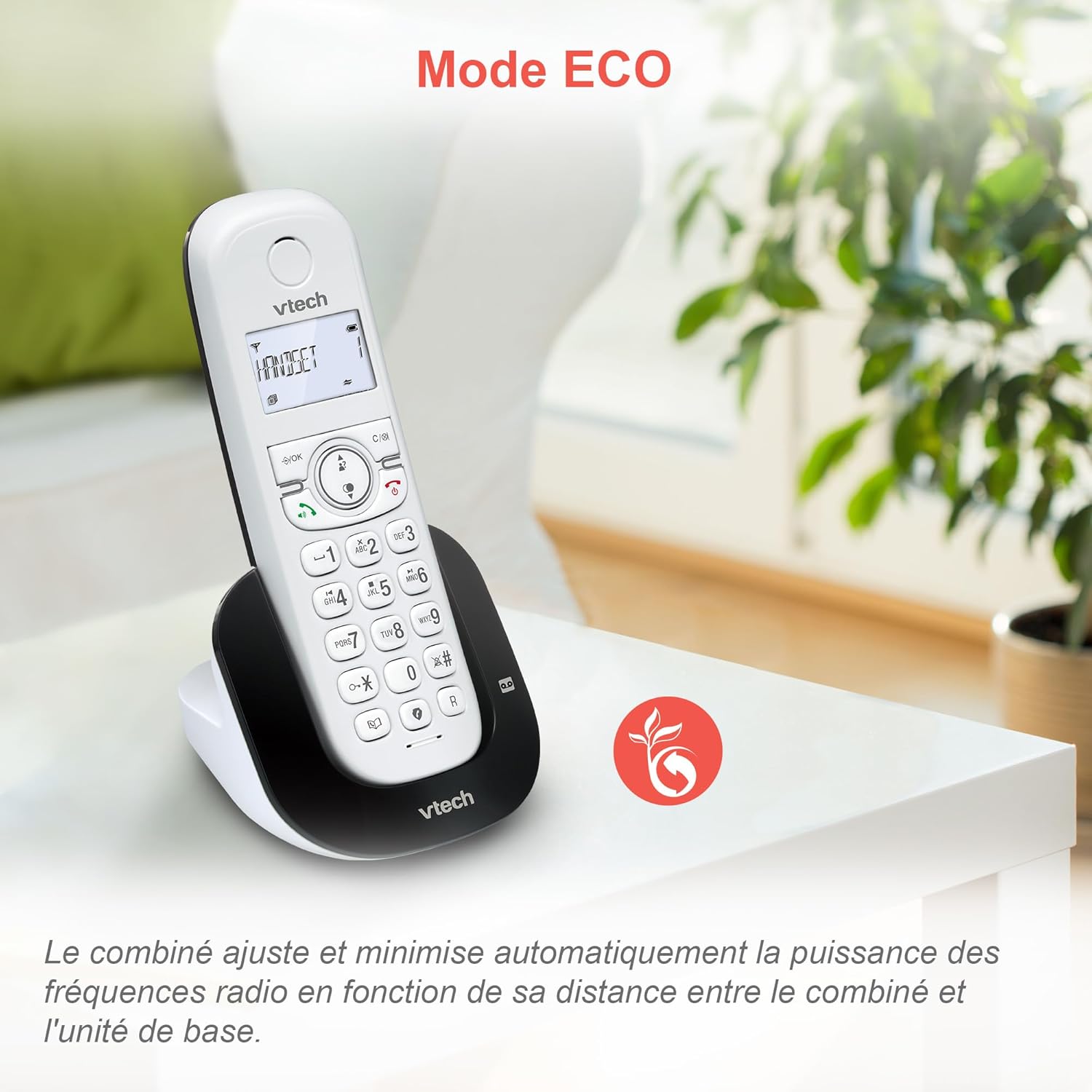
Image: ECO mode automatically reduces power consumption based on handset proximity to the base unit.
Alarm and Mute Functions
Set alarms directly on the handset. During a call, you can mute your microphone for privacy by pressing the mute button.

Image: The phone includes alarm functionality and a mute feature for calls, enhancing user convenience and privacy.
Adjustable Ringer Volume and Melodies
Customize your phone's ringing experience by adjusting the ringer volume and selecting from available melodies through the handset menu.

Image: Adjust the ringer volume and choose from various melodies to personalize your phone's alerts.
Дисплей і клавіатура з підсвічуванням
The handset features a backlit LCD screen and keypad, ensuring clear visibility and ease of use even in low-light conditions.

Image: The backlit display and keypad provide enhanced visibility in dark environments.
Далеке покриття
The DECT technology provides reliable long-range coverage and clear audio quality throughout your home or office.

Image: The phone offers extended range and clear communication across various areas of your property.
Термін служби батареї
The handset provides up to 13 hours of talk time and up to 200 hours of standby time on a full charge.

Image: The VTech CS1550 offers up to 13 hours of continuous talk time.
Технічне обслуговування
Очищення телефону
Протріть телефон і базу м’якою губкоюamp cloth. Do not use cleaning sprays or harsh chemicals, as they may damage the finish or electrical components.
Догляд за акумулятором
Use only the supplied rechargeable NiMH batteries. Do not use alkaline, manganese, or other non-rechargeable batteries. If the phone will not be used for an extended period, remove the batteries to prevent leakage.
Усунення несправностей
If you experience issues with your VTech CS1550, try the following steps:
- Немає тонального сигналу: Переконайтеся, що телефонний шнур надійно підключено як до базової станції, так і до розетки. Перевірте, чи працюють інші телефони на тій самій лінії.
- Не вдається здійснювати/приймати дзвінки: Verify the power adapter is properly connected to the base unit and a working power outlet. Ensure the handset batteries are charged.
- Погана якість звуку: Move the handset closer to the base unit. Check for interference from other electronic devices.
- Телефон не заряджається: Ensure the handset is correctly seated in the charging cradle. Clean the charging contacts on both the handset and base unit with a dry cloth.
- Автовідповідач не записує: Check if the answering machine is turned on. Ensure there is sufficient recording time available.
For further assistance, refer to the detailed troubleshooting section in the full user manual or contact VTech customer support.
Технічні характеристики
| Бренд | VTech |
| Номер моделі | CS1550 |
| Колір | Білий |
| Тип телефону | Бездротовий DECT |
| Сумісні пристрої | Switched telephone network (PSTN), potentially other analog telephone networks |
| Склад батареї | NiMH (4x AAA size included) |
| Час розмови | До 13 годин |
| Час очікування | До 200 годин |
| Час запису автовідповідача | 15 хвилин |
| Ємність телефонної книги | 60 імен і номерів |
| Call Blocker Capacity | До 60 номерів |
| Caller ID Records | 20 записів |
| вага | 275 грамів |
| матеріал | пластик |
Інформація про гарантію
Specific warranty details for the VTech CS1550 DECT Cordless Phone are typically provided with your purchase documentation. Please refer to the warranty card or contact your retailer for information regarding warranty coverage and terms. Information regarding spare parts availability and software updates is not available in the provided product data.
Підтримка клієнтів
For technical assistance, product inquiries, or service, please visit the official VTech website or contact VTech customer support directly. Contact information can usually be found on the VTech webсайті або в пакувальних матеріалах.


