1. Вступ
The APPECK Permanent Outdoor Lights are designed to provide versatile and durable lighting for your home's exterior. These smart RGB LED lights offer a wide spectrum of colors and dynamic scene modes, making them ideal for daily ambiance, holiday decorations, and special events. With robust weather resistance and multiple control options, these lights offer a convenient and long-lasting lighting solution.
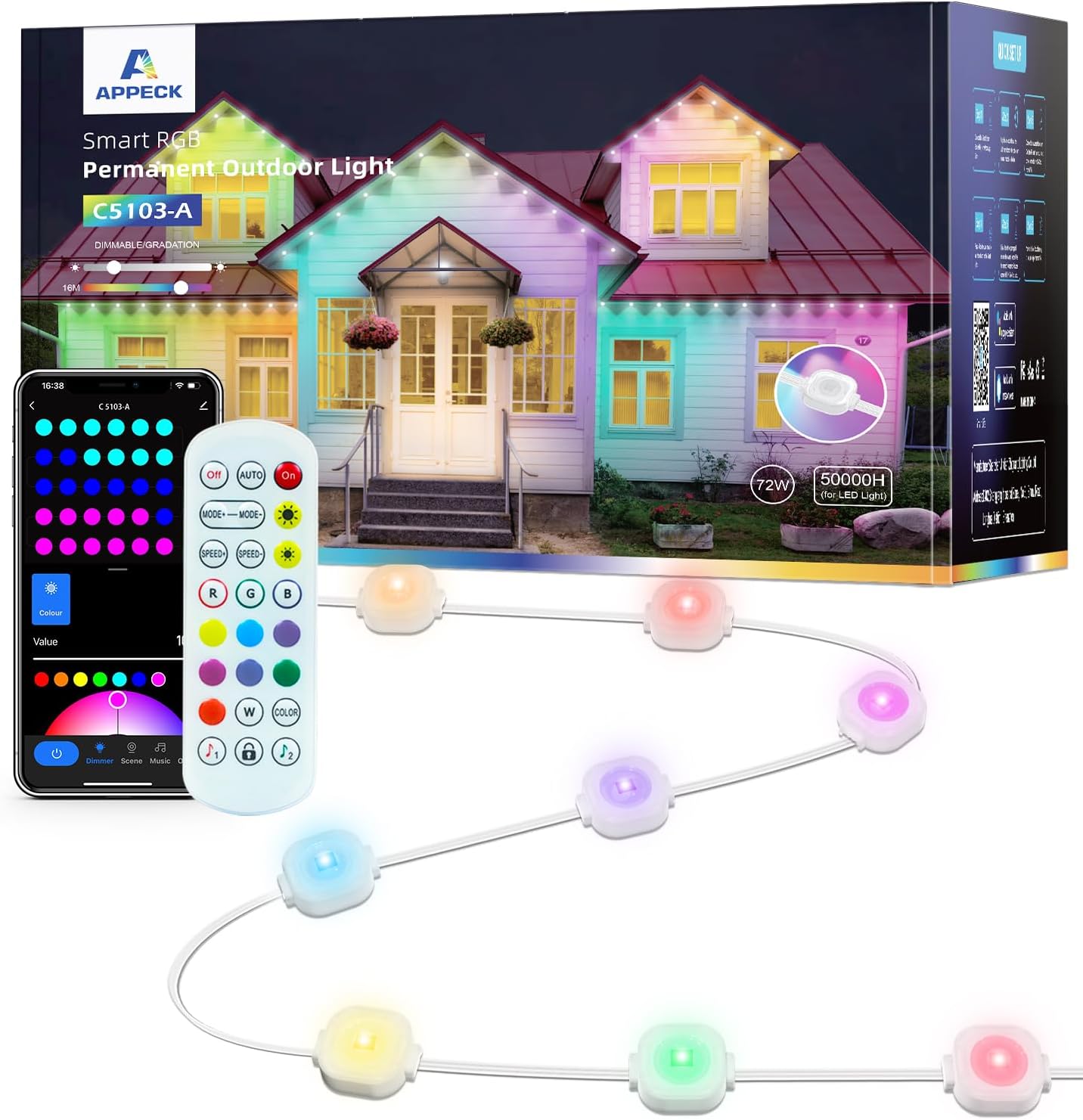
Figure 1: APPECK Permanent Outdoor Lights, showing the lights, remote, and app interface.
2. особливості
- RGB Visual Feast: Offers 16 million colors and 54 scene modes for diverse lighting effects. Unique curved lens design provides a wall washer effect with 16 inches depth. Each light provides 30 lumens of brightness.
- Міцний та стійкий до атмосферних впливів: Constructed with UV-resistant material, ensuring normal operation in temperatures from -4°F to 140°F (-20°C to 60°C). IP65 waterproof rating for the LED light string, control box, and ETL certified adapter.
- Довгий термін служби: Designed for up to 50,000 hours of working time.
- Кілька варіантів керування: Control via the “Smart Life” App, voice control (compatible with Alexa and Google Assistant), or included remote control.
- Режим синхронізації музики: Lights can dance to the rhythm of your music, enhancing party atmospheres.

Figure 2: Lights supporting multiple scene modes.
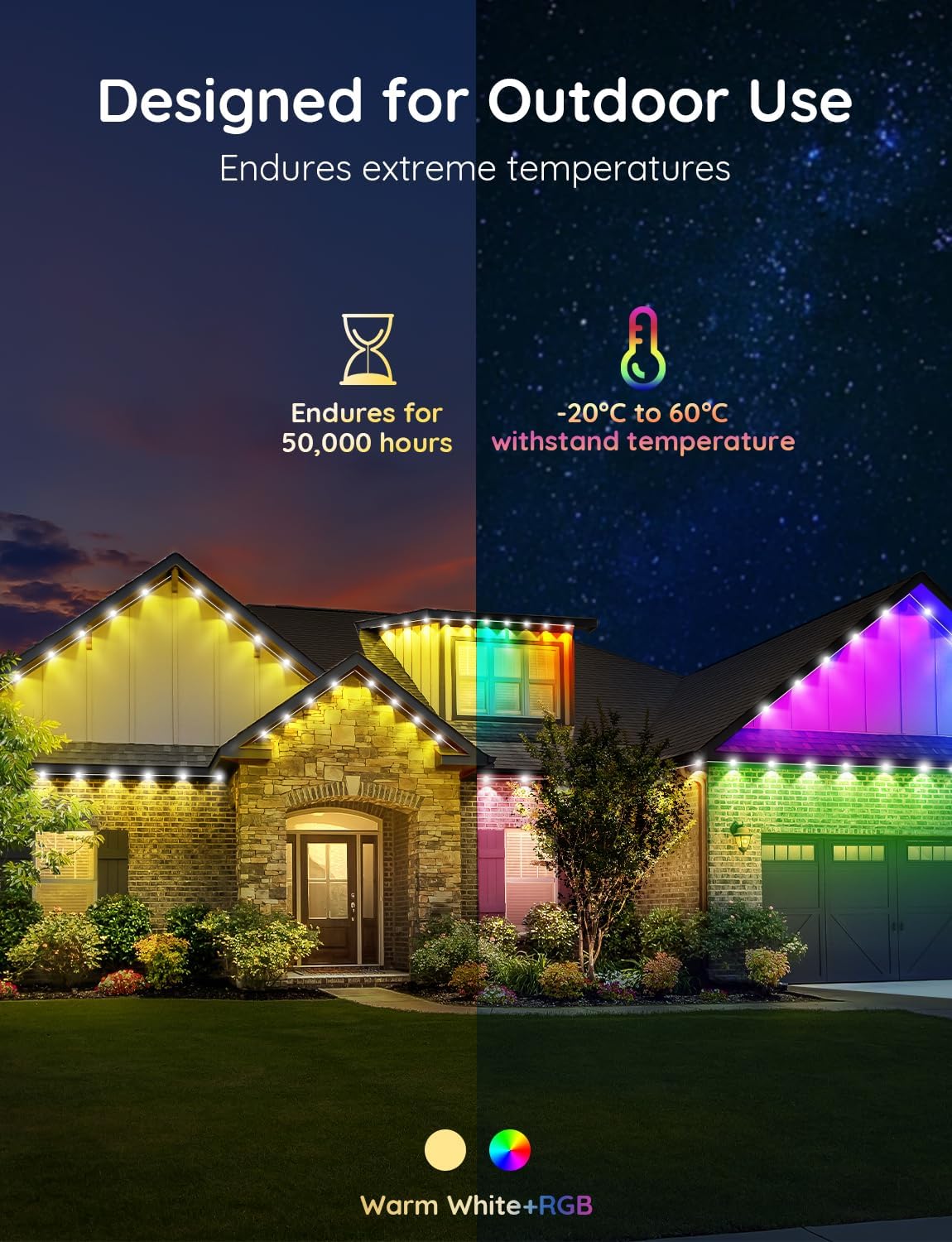
Figure 3: Designed for outdoor use and durability.

Figure 4: IP65 Waterproof design.
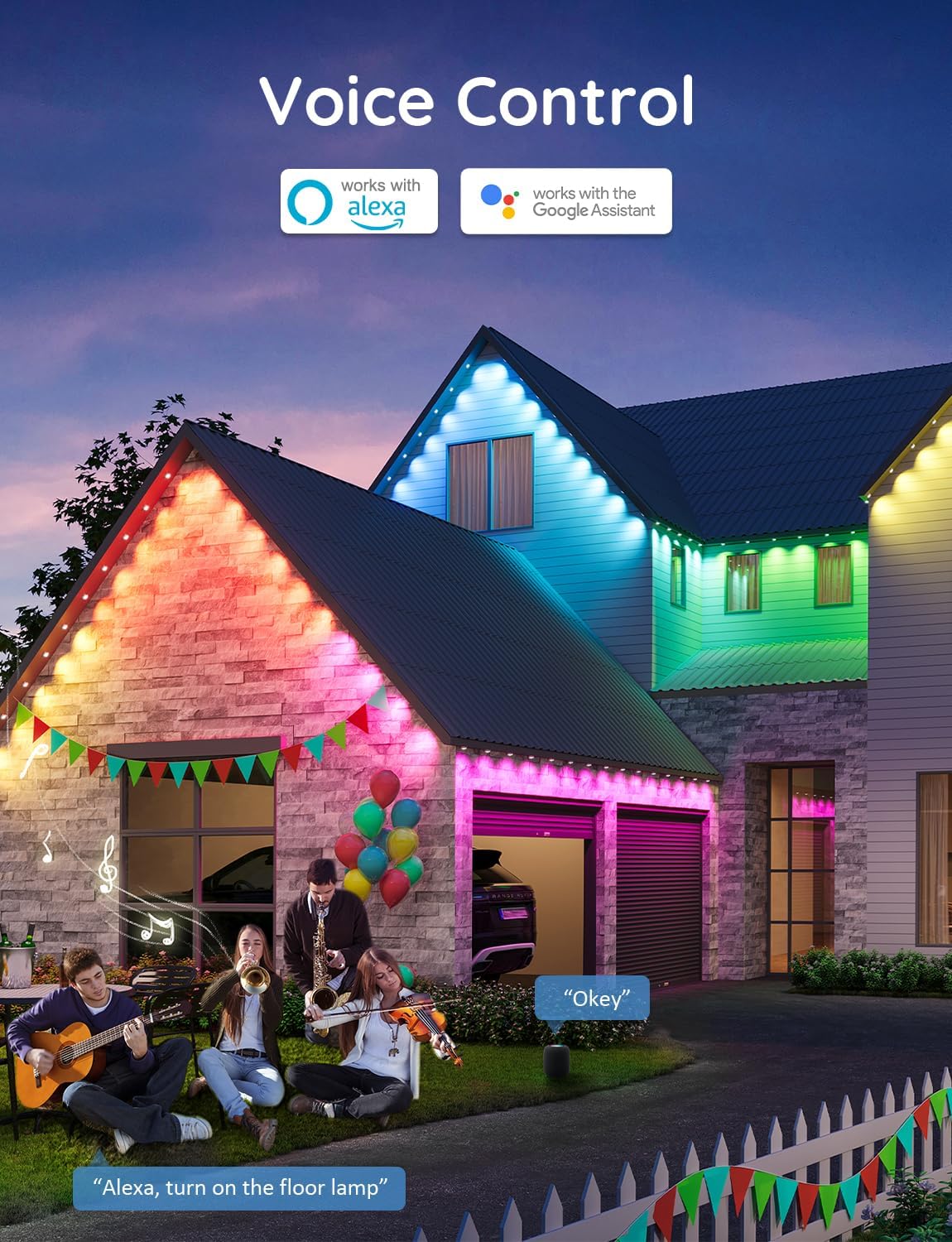
Figure 5: Voice Control compatibility.
3. Налаштування
3.1 Встановлення
Для правильного встановлення виконайте такі дії:
- Clean the dust and debris from the eaves surface with a cloth before installation.
- Peel off the VHB adhesive from the back of each light.
- Press each light firmly against the wall surface for at least 8 seconds.
- For long-term security, use the provided screw clips to fix each light firmly in place.
- Ensure the string lights are installed 5-10 cm away from the wall surface for optimal lighting effect.
- If connecting multiple strings, use the waterproof connectors and screw on the caps securely.

Figure 6: Easy Installation Guide.
3.2 Підключення програми
Download the “Smart Life” App from your device's app store. Connect your phone to a 2.4G WiFi network. Ensure the light string controller is also connected to the same WiFi network. Follow the in-app instructions to pair the device. If prompted for a firmware update, proceed with the update process. The lights will flash once to indicate successful update.

Figure 7: Light Flicker Guide and App Update Process.
4. Операційна
The APPECK Permanent Outdoor Lights offer flexible control options to customize your lighting experience:
- Додаток Smart Life: Use the app to access 16 million colors, 54 preset scene modes, dimming functions, music sync mode, and create custom DIY lighting effects.
- Голосове керування: Integrate with Amazon Alexa or Google Assistant for hands-free control of your lights.
- Пульт дистанційного керування: Utilize the included remote control for basic functions such as on/off, color selection, and scene changes, especially useful when WiFi is unavailable.
Відео 1: Офіційне відеопрезентація продуктуasing APPECK Permanent Holiday Outdoor Lights and their features.
5. Технічне обслуговування
To ensure the longevity and optimal performance of your APPECK Permanent Outdoor Lights, follow these maintenance guidelines:
- Прибирання: Periodically clean the light surfaces and eaves with a soft, damp cloth to remove dust and debris. Avoid abrasive cleaners or harsh chemicals.
- Захист від погодних умов: The lights are designed to withstand various weather conditions (UV-resistant, IP65 waterproof). However, ensure all connections are securely fastened to prevent water ingress.
- Огляд: Regularly inspect the wiring and light units for any signs of damage or wear. Address any issues promptly to prevent further damage.

Figure 8: Outdoor Durability features.
6. Вирішення проблем
- Світло не вмикається: Check power connections and ensure the control box is receiving power. Verify the remote control battery if using it.
- Проблеми з підключенням програми: Ensure your phone and the light controller are connected to the same 2.4GHz WiFi network. Try restarting your router and the light controller. If issues persist, check for app updates or reinstall the app.
- Lights Flickering or Incorrect Colors: This may indicate a firmware issue. Refer to the
Пов'язані документи - C5103-A

C5103-A Посібник користувача постійних зовнішніх світильників
Інструкція користувача для постійного зовнішнього освітлення C5103-A, що охоплює встановлення, керування за допомогою застосунку, усунення несправностей та технічні характеристики. Містить попередження та інформацію про відповідність вимогам FCC.
APPECK RGBCW Permanent Outdoor Lights Pro User Manual - Model C5106-A
Comprehensive user manual for APPECK RGBCW Permanent Outdoor Lights Pro (Model C5106-A). Learn about safety instructions, package contents, product specifications, app connection, troubleshooting, FAQs, and more.
APPECK C5106 RGBCW Permanent Outdoor Lights Pro User Manual
User manual for APPECK C5106 RGBCW Permanent Outdoor Lights Pro. Covers safety, installation, technical specs, Wi-Fi/Bluetooth pairing, and troubleshooting for outdoor lighting.
APPECK LED String Lights Quick Start Guide and Wire Connector Usage
Comprehensive guide for installing APPECK LED string lights, including quick start steps and detailed instructions on using waterproof wire connectors for secure and reliable connections.
APPECK C5103-C Smart LED String Lights User Manual
User guide for the APPECK C5103-C smart LED string lights, detailing setup, app control via Smart Life, technical specifications, troubleshooting, and warranty information.
How to Create Group Control for APPECK Smart Lights using Smart Life App
Step-by-step guide on how to create device groups for APPECK smart lights using the Smart Life App, enabling synchronized control of multiple devices.