вступ
This manual provides detailed instructions for the setup, operation, and maintenance of your VTech CS2000 DECT Cordless Home Phone. Please read this manual thoroughly before using your new phone to ensure proper functionality and to take full advantagе його особливостей.
The VTech CS2000 is designed for home use, offering reliable long-range communication, essential call management features, and user-friendly design.

Figure 1: VTech CS2000 DECT Cordless Home Phone, showing the handset docked in its base unit.
Налаштування
Вміст упаковки
Переконайтеся, що всі предмети присутні у вашій упаковці:
- VTech CS2000 Handset
- VTech CS2000 Base Unit
- Адаптер живлення для базового блоку
- Шнур телефонної лінії
- Rechargeable NiMH Battery (1 included)
Встановлення та зарядка акумулятора
The VTech CS2000 uses a rechargeable NiMH battery. Proper installation and initial charging are crucial for optimal performance.
- Знайдіть батарейний відсік на задній панелі слухавки.
- Insert the supplied NiMH battery, ensuring the polarity matches the diagram inside the compartment.
- Надійно закрийте кришку батарейного відсіку.
- Place the handset on the base unit. The charging indicator on the handset should illuminate.
- Allow the handset to charge for at least 16 hours before initial use, even if the display indicates a full charge sooner. This ensures maximum battery capacity.
Підключення базового блоку
- Connect one end of the telephone line cord to the TEL LINE jack on the back of the base unit.
- Connect the other end of the telephone line cord to a telephone wall jack.
- Підключіть менший кінець адаптера живлення до гнізда POWER на задній панелі базового пристрою.
- Підключіть більший кінець адаптера живлення до стандартної електричної розетки.
- Переконайтеся, що всі з’єднання надійні.
Керування телефоном
Здійснення та отримання дзвінків
Здійснення дзвінка:
- Натисніть ПОГОВОРИТИ button (green receiver icon) or lift the handset from the base.
- Наберіть потрібний номер телефону.
- Натисніть КІНЕЦЬ button (red receiver icon) or place the handset back on the base to end the call.
Отримання дзвінка:
Коли телефон дзвонить, натисніть кнопку ПОГОВОРИТИ button or lift the handset from the base to answer.
Гучний зв'язок Hands-Free
The VTech CS2000 features a hands-free speakerphone function, allowing you to talk without holding the handset.
- Під час дзвінка натисніть СПІКЕР button (speaker icon).
- To switch back to the handset, press the ПОГОВОРИТИ кнопку знову.
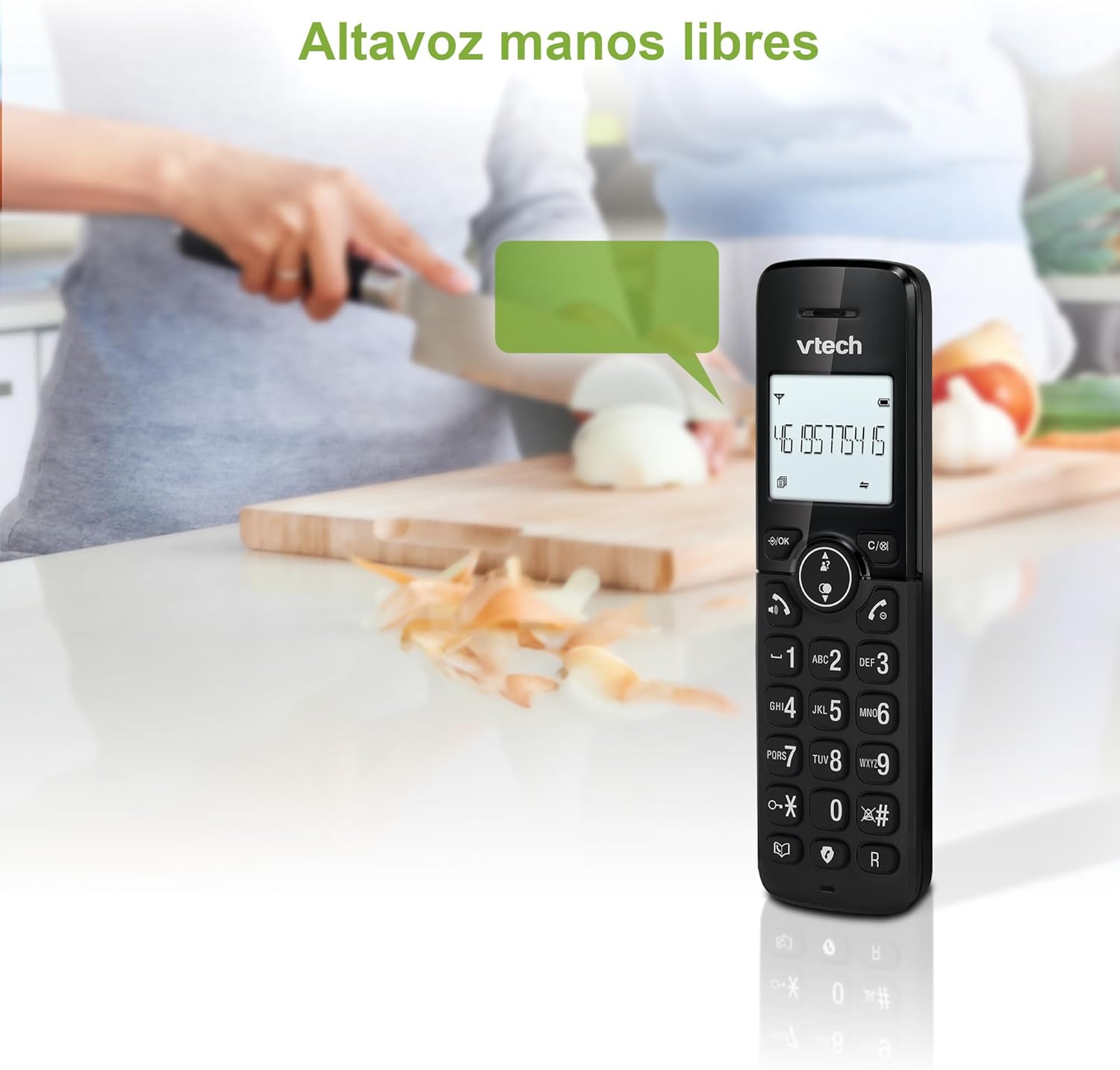
Figure 2: Using the hands-free speakerphone function.
Блокування дзвінка
The call blocking feature allows you to prevent unwanted calls. You can block up to 30 numbers.
- To block a number during a call, press the БЛОК Дзвонення кнопку.
- To add a number to the block list manually, navigate to the Call Block menu in the phone settings.
- Follow the on-screen prompts to add or remove numbers from the block list.
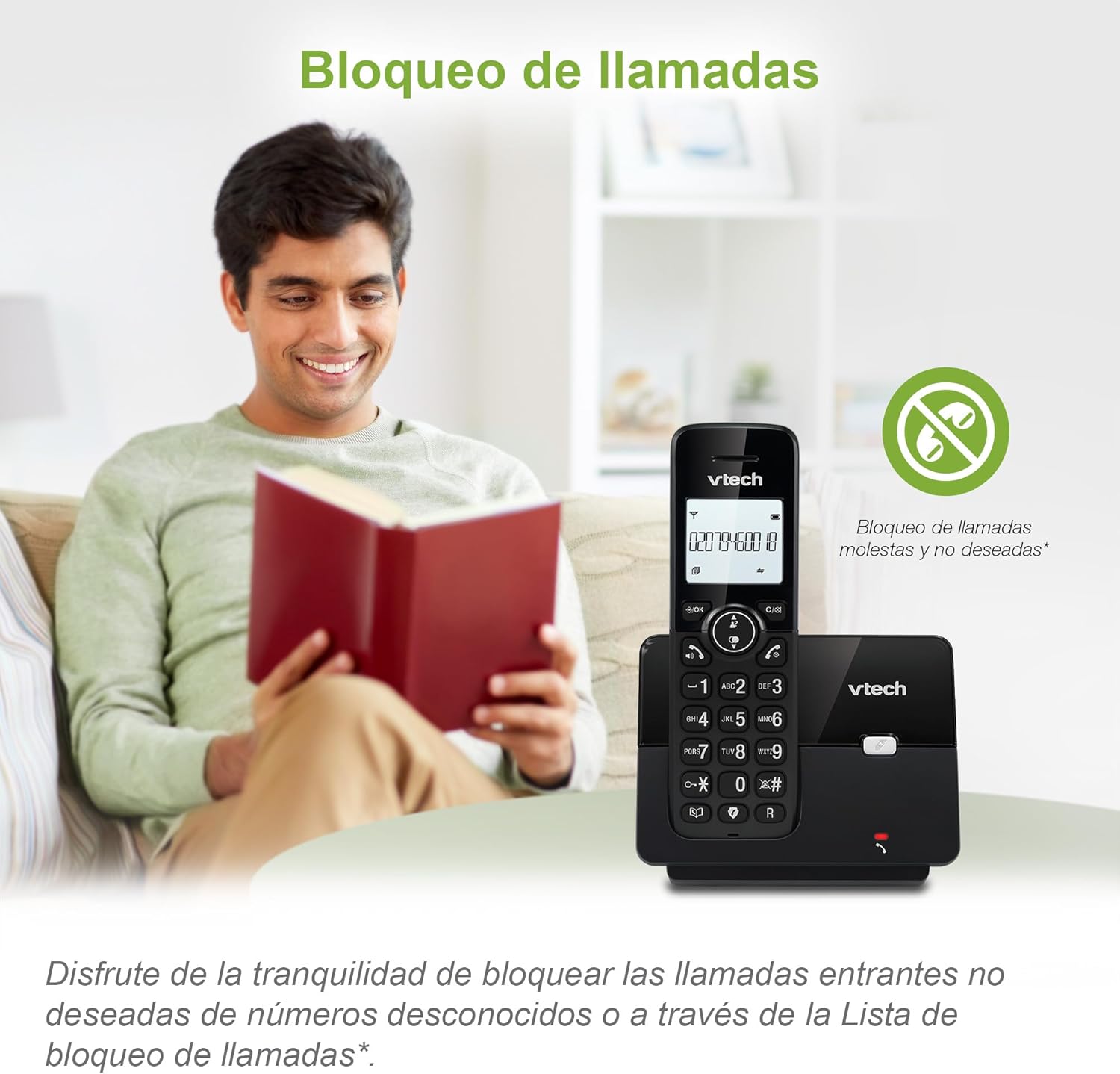
Figure 3: The call blocking feature helps manage unwanted calls.
Phonebook (Directory)
Зберігайте до 30 імен та номерів у телефонній книзі для швидкого набору.
- Натисніть МЕНЮ / Добре кнопку.
- Navigate to the "Phonebook" or "Directory" option.
- Select "Add New Entry" and follow the prompts to enter the name and number.
- To dial from the phonebook, press the ДОВІДНИК button and scroll to the desired entry, then press ПОГОВОРИТИ.

Figure 4: Managing contacts in the phonebook.
Ідентифікатор абонента та очікування виклику
The phone stores up to 20 caller ID records with name and number (service subscription may be required).
When a new call comes in while you are on another call, the call waiting feature alerts you (service subscription may be required).
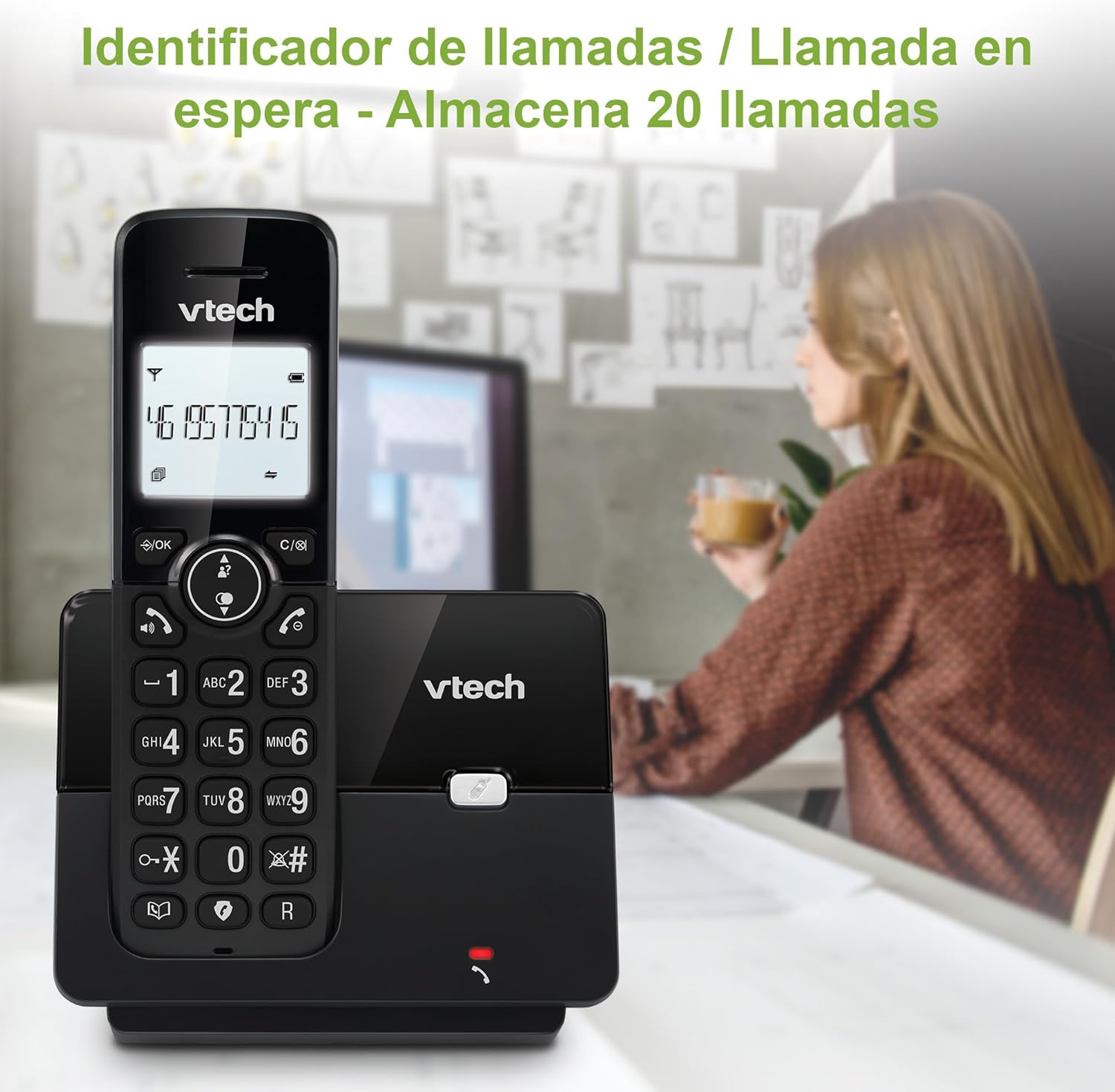
Figure 5: Caller ID display on the handset.
Список повторного набору
The phone stores the last 10 dialed numbers for quick redialing.
- Натисніть ПОВТОРЕНИЙ кнопку.
- Scroll through the list using the navigation keys.
- Прес ПОГОВОРИТИ to redial the selected number.

Figure 6: Accessing the redial list.
Режим ECO
The ECO mode automatically adjusts the radio frequency power based on the distance between the handset and the base unit, helping to conserve energy.
Adjusting Ring Volume and Melody
You can customize the ring volume and melody of your handset.
- Натисніть МЕНЮ / Добре кнопку.
- Navigate to "Settings" or "Ring Settings".
- Select "Ring Volume" or "Ring Melody" and choose your preference.
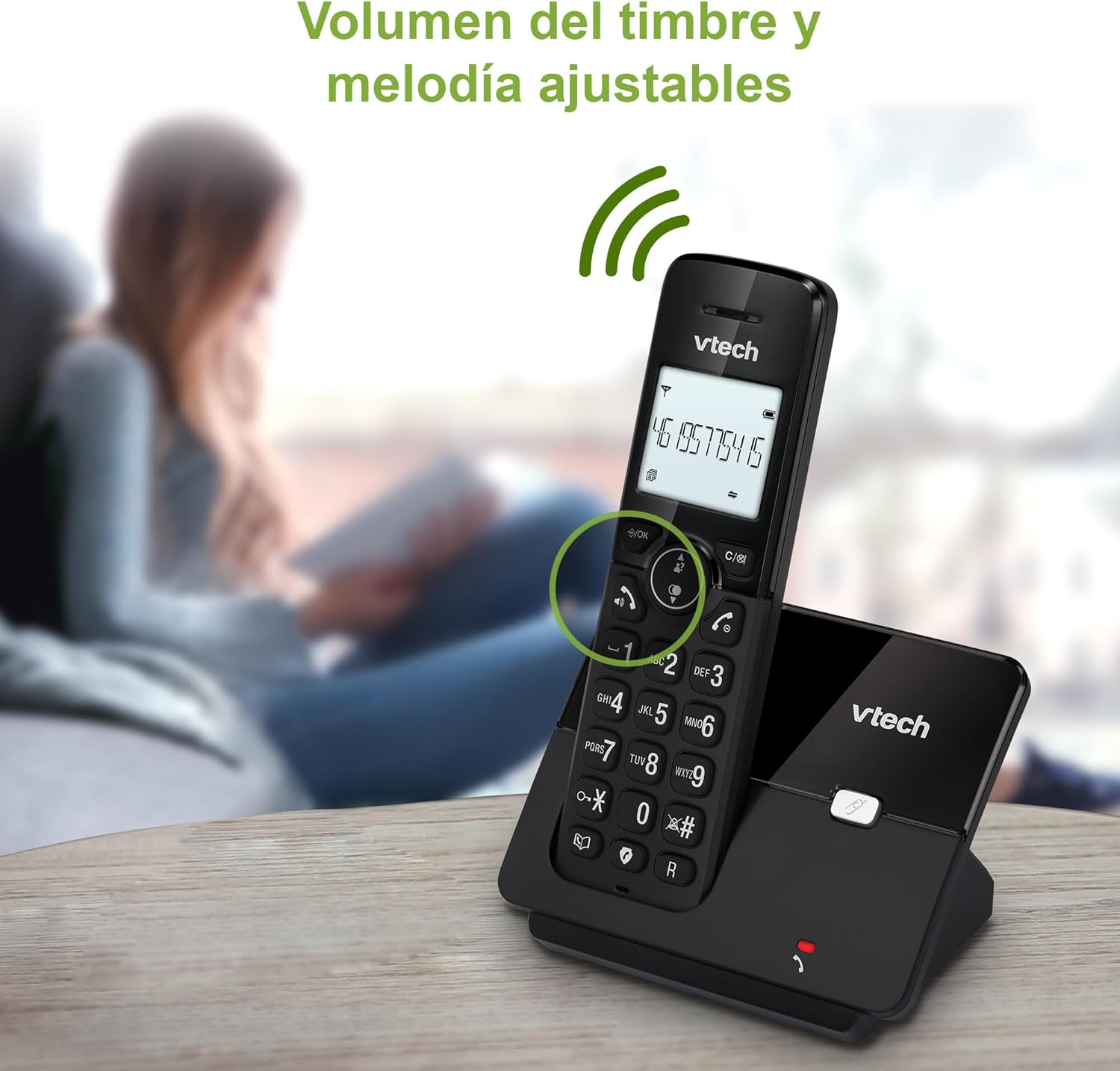
Figure 7: Adjusting ring volume and melody.
Alarm and Silence Function
The phone includes an alarm function and a silence mode for convenience.
- To set an alarm, navigate to the "Alarm" option in the menu and follow the prompts.
- To activate silence mode, typically press and hold the ВИМКНЕНО button or access the "Silence" option in the settings.

Figure 8: Alarm and silence functions.
Підсвічування дисплея
The 1.8-inch backlit display provides clear visibility, especially in low-light conditions.

Figure 9: The 1.8-inch backlit display for clear viewінж.
Long Range Capability
The VTech CS2000 utilizes DECT technology to provide a stable operating range of up to 300 meters outdoors, ensuring clear communication throughout your home and property.

Figure 10: The phone offers reliable long-range coverage.
Технічне обслуговування
прибирання
Протріть телефон і базу м’якою губкоюamp cloth. Do not use cleaning sprays or abrasive cleaners, as they can damage the finish or electrical components.
Догляд за акумулятором
- Only use the supplied rechargeable NiMH battery or an approved replacement.
- Якщо телефон не використовуватиметься протягом тривалого часу, вийміть акумулятор, щоб запобігти витіканню.
- Утилізуйте батарейки відповідально згідно з місцевими правилами.
Усунення несправностей
If you experience issues with your VTech CS2000 phone, try the following solutions:
| проблема | Рішення |
|---|---|
| Немає тону набору. | Ensure the telephone line cord is securely connected to both the base unit and the wall jack. Check if the power adapter is properly connected and plugged into a working outlet. |
| Телефон не заряджається. | Ensure the handset is correctly placed on the base unit. Clean the charging contacts on both the handset and base unit with a dry cloth. Verify the power adapter is connected. |
| Погана якість звуку або статичні перешкоди. | Підійдіть ближче до базової станції. Переконайтеся, що немає великих металевих предметів або інших електронних пристроїв, які б перешкоджали сигналу. Перевірте наявність нещільних з’єднань телефонної лінії. |
| Не вдається здійснювати або приймати дзвінки. | Check if the phone line is active. Ensure the handset is registered to the base unit (refer to the full manual for registration steps if needed). Temporarily unplug the base unit's power adapter, wait a few seconds, then plug it back in. |
| Ідентифікатор абонента не відображається. | Переконайтеся, що ви підписалися на послугу визначення номера у свого оператора телефонного зв'язку. |
Технічні характеристики
| Бренд | VTech |
| Номер моделі | CS2000 |
| Колір | чорний |
| Тип телефону | Бездротовий DECT-телефон |
| Розмір екрана | 1.8 дюймів |
| Склад батареї | NiMH |
| Кількість батарей | 1 (Product Specific - Included) |
| матеріал | пластик |
| Джерело живлення | Працює від батареї |
| Тип дозвону | Одна клавіатура |
| Тип автовідповідача | Бездротові |
| Вага товару | 300 грамів |
| Багатолінійна робота | Однолінійний режим |
| Особливості | Cordless, Call Blocking, Hands-Free Speakerphone, Backlit Display, ECO Mode, Caller ID, Phonebook, Redial |
Гарантія та підтримка
For warranty information and technical support, please refer to the documentation included with your purchase or visit the official VTech webсайт. Зберігайте чек про покупку як підтвердження покупки.
Виробник: VTECH TELECOMMUNICATIONS LTD
Країна походження: Китай