вступ
This manual provides instructions for the Matias Wired USB-C Keyboard for Mac with Numeric Keypad, Model FK316CS. It covers setup, operation, maintenance, troubleshooting, and product specifications to ensure optimal use of your keyboard.
Вміст упаковки
- Matias Wired USB-C Keyboard
Налаштування
The Matias Wired USB-C Keyboard is designed for simple plug-and-play functionality with compatible Mac devices. No additional drivers or software installation is required.
- Locate an available USB-C port on your Mac computer (e.g., MacBook Pro, MacBook Air, iMac).
- Insert the USB-C connector of the keyboard into the USB-C port on your Mac.
- The keyboard should be recognized automatically by your operating system.
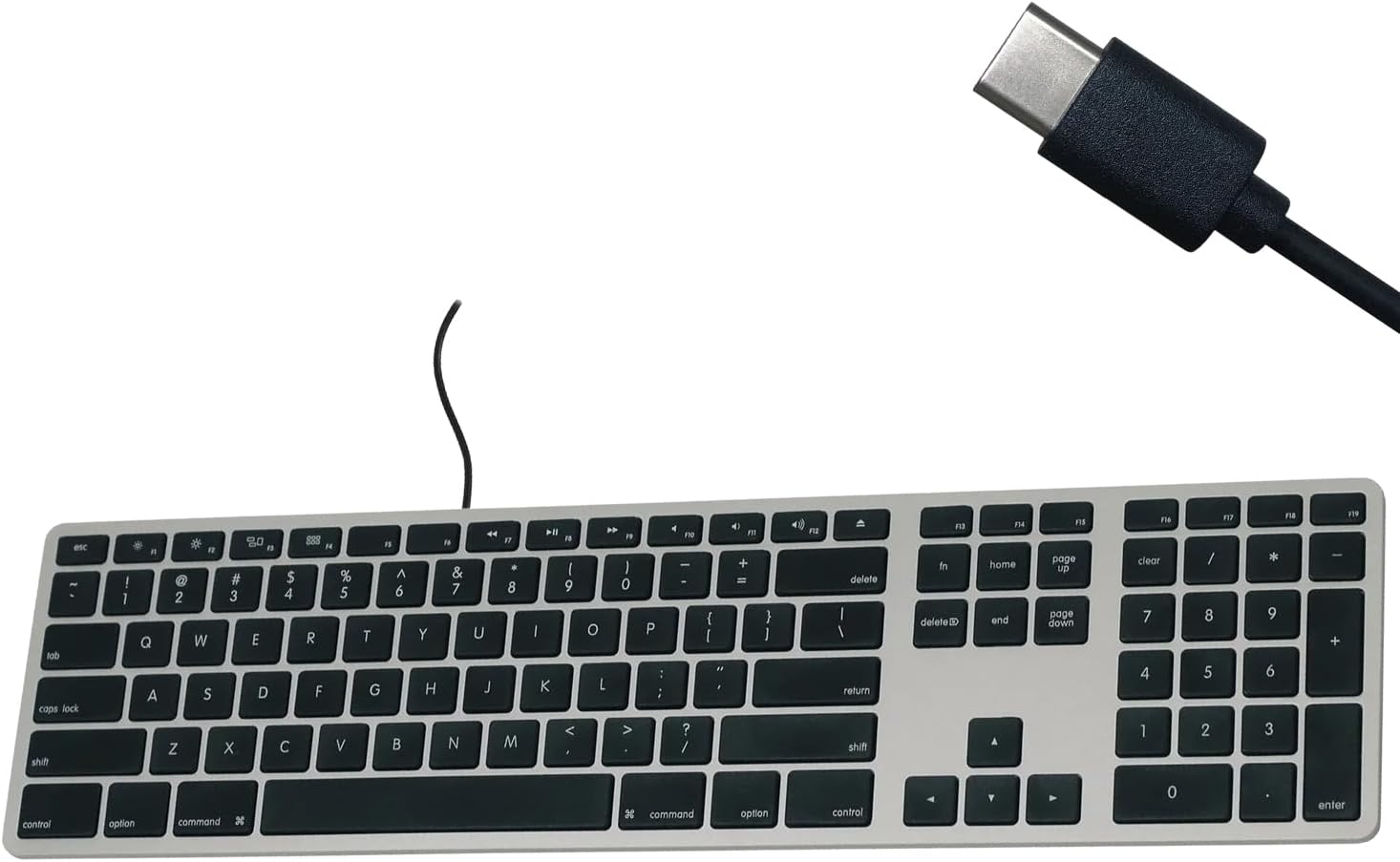
Figure 1: Matias USB-C Keyboard with its USB-C connector, ready for connection.

Figure 2: The keyboard connected to a Mac computer, demonstrating a typical setup.
Інструкція з експлуатації
Базове введення тексту
The keyboard features a standard QWERTY layout with a full numeric keypad. Simply begin typing after connecting the keyboard to your Mac.
Цифрова клавіатура
The integrated numeric keypad allows for efficient data entry and calculations. Ensure the 'Num Lock' function is active if numbers are not registering (though typically not required on Mac keyboards for the numeric pad).
Функціональні клавіші Mac
The top row of keys (F1-F12) provides dedicated Mac-specific functions. These keys allow for quick access to controls such as screen brightness, volume adjustment, media playback, and Mission Control.

Малюнок 3: Збільшений план view of the Mac-specific function keys (F1-F12) on the keyboard.
Технічне обслуговування
To maintain the performance and appearance of your Matias keyboard, follow these guidelines:
- Прибирання: Злегка протріть м’якою тканиною без ворсу dampened with water or a mild, non-abrasive cleaner to wipe the surface of the keyboard. Avoid spraying liquids directly onto the keyboard.
- Видалення пилу: Використовуйте стиснене повітря, щоб видалити пил та сміття між клавішами.
- Зберігання: Зберігайте клавіатуру в чистому, сухому місці, коли вона не використовується.
Усунення несправностей
If you encounter issues with your Matias Wired USB-C Keyboard, consider the following steps:
- Клавіатура не реагує:
- Ensure the USB-C cable is securely connected to both the keyboard and your Mac.
- Try connecting the keyboard to a different USB-C port on your Mac.
- Restart your Mac computer.
- Test the keyboard on another compatible Mac computer, if available, to determine if the issue is with the keyboard or the computer.
- Клавіші не працюють належним чином:
- Перевірте наявність будь-яких фізичних перешкод або сміття під ураженими клавішами.
- Ensure your Mac's operating system is up to date.
Якщо ці кроки не вирішать проблему, зверніться до розділу «Підтримка» для отримання додаткової допомоги.
Технічні характеристики
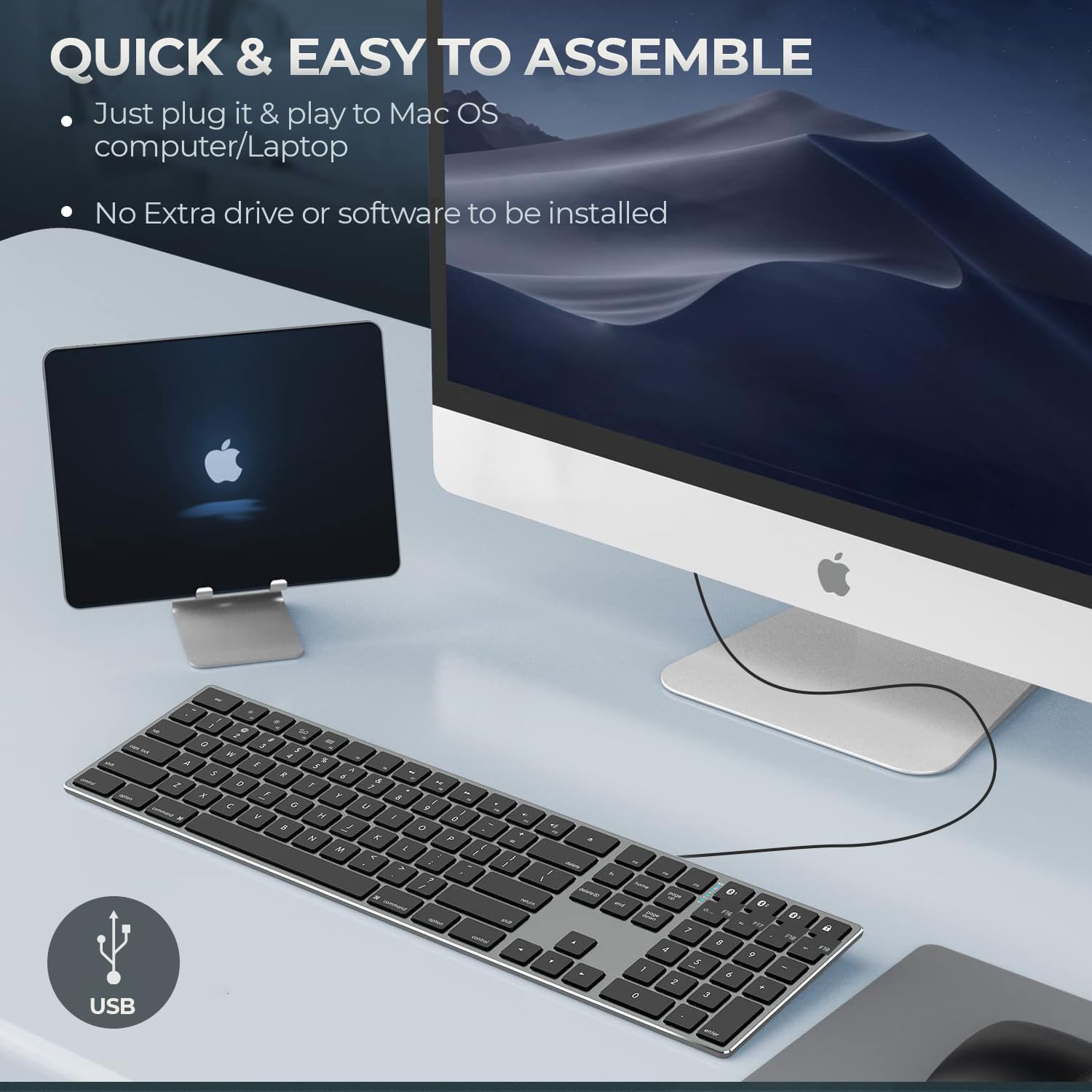
Figure 4: Key specifications of the Matias USB-C Keyboard.
| Особливість | Деталь |
|---|---|
| Номер моделі | FK316CS |
| Технологія підключення | USB-C (дротовий) |
| Сумісні пристрої | MacBook Pro, MacBook Air, iMac, Mac OS X v.10.6.8 and later |
| Розміри продукту | 17.35 x 4.58 x 0.75 дюйми (44.07 x 11.63 x 1.91 см) |
| Вага товару | 1.35 фунта (612 грам) |
| Довжина кабелю | 5 футів (1.5 метрів) |
| матеріал | Plastic keyframe |
| Колір | Космічний сірий |

Figure 5: Keyboard dimensions and ergonomic tilt angle.
Інформація про гарантію
Matias products are covered by a manufacturer's warranty. For specific details regarding the warranty period and terms, please refer to the warranty card included with your product or visit the official Matias webсайт.
Підтримка
For further assistance, technical support, or to inquire about replacement parts, please contact Matias customer service through their official webсайт:
- Matias Official Webсайт: www.matias.ca
Please have your product model number (FK316CS) and purchase information ready when contacting support.


